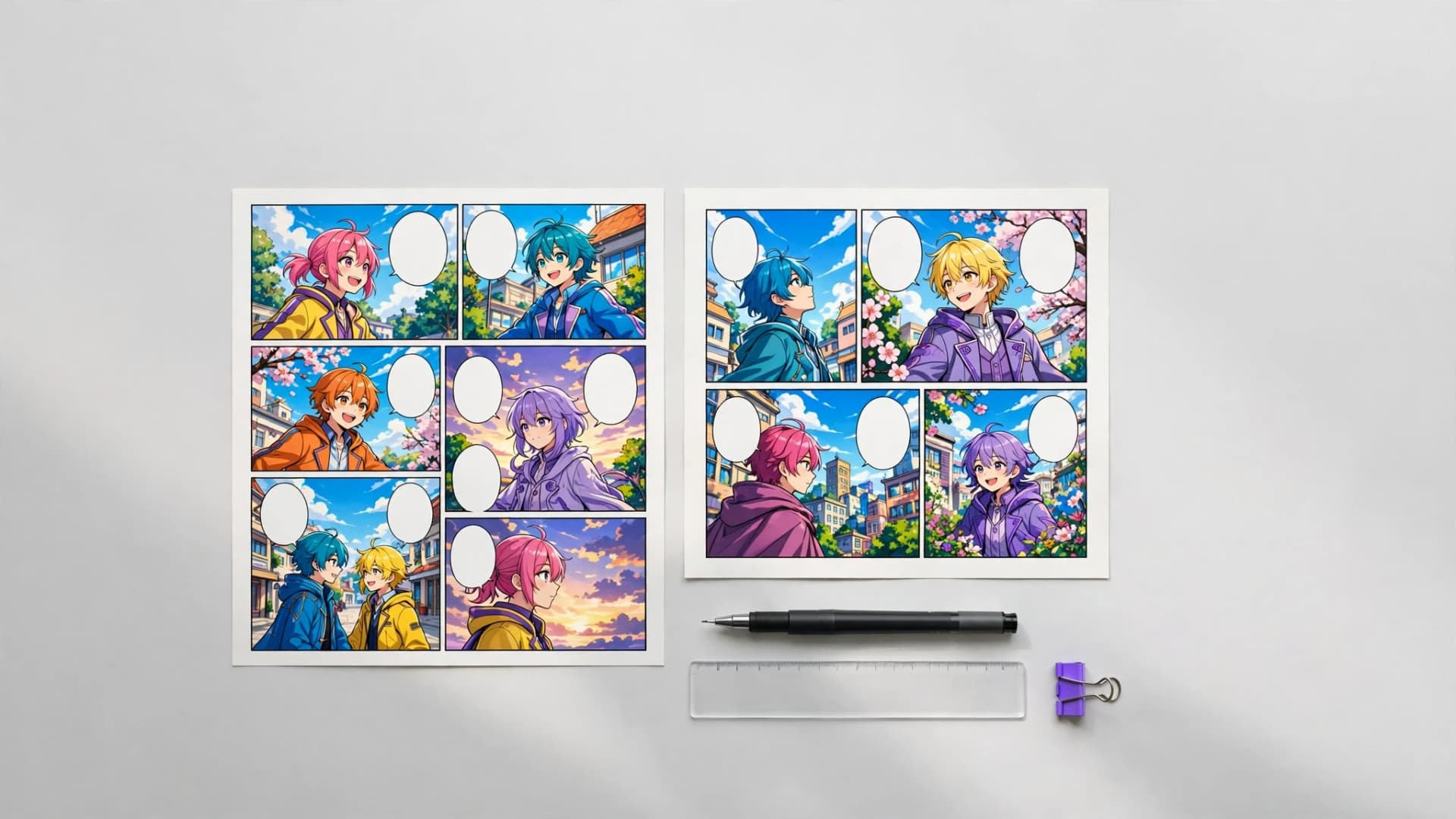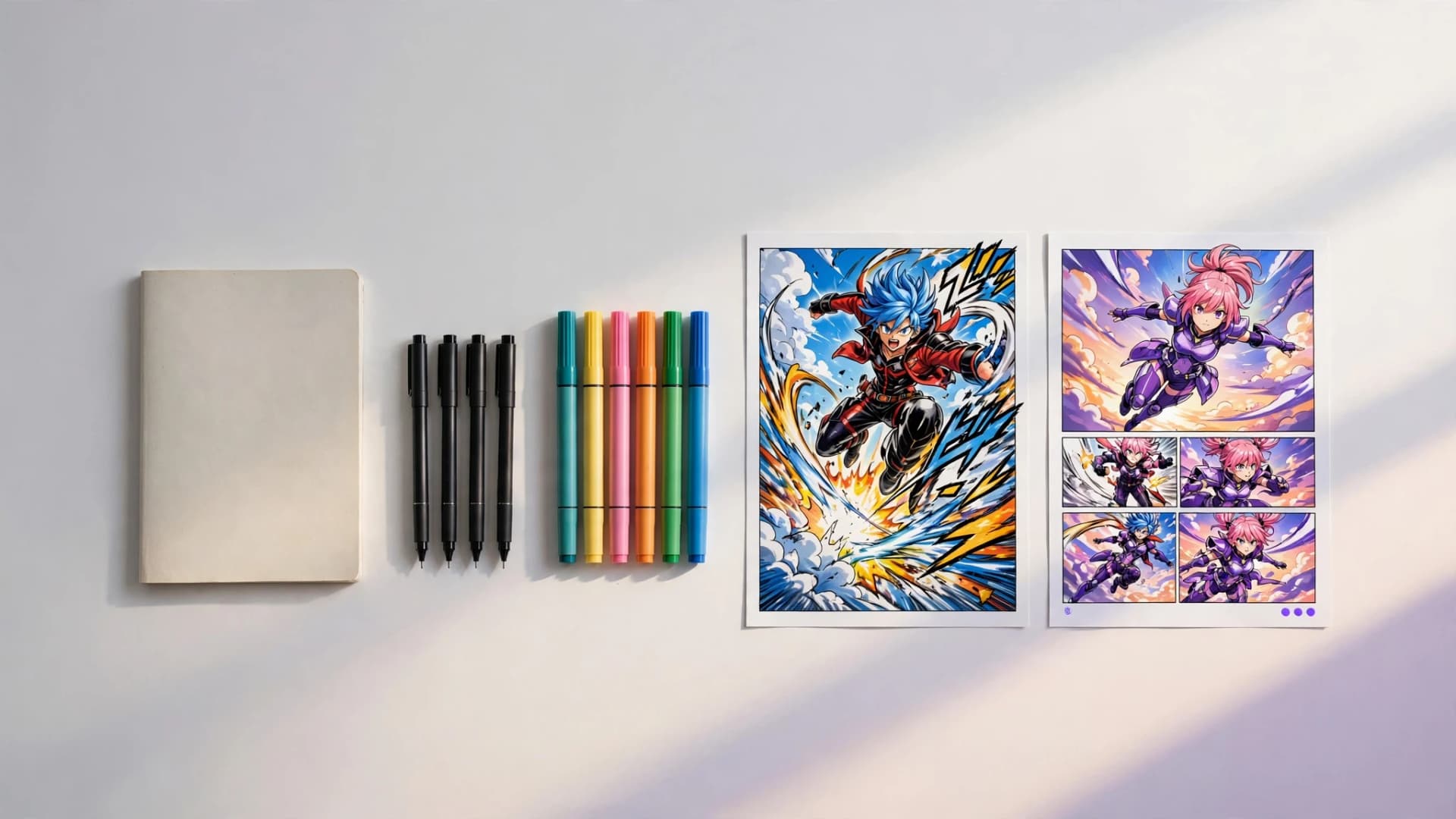

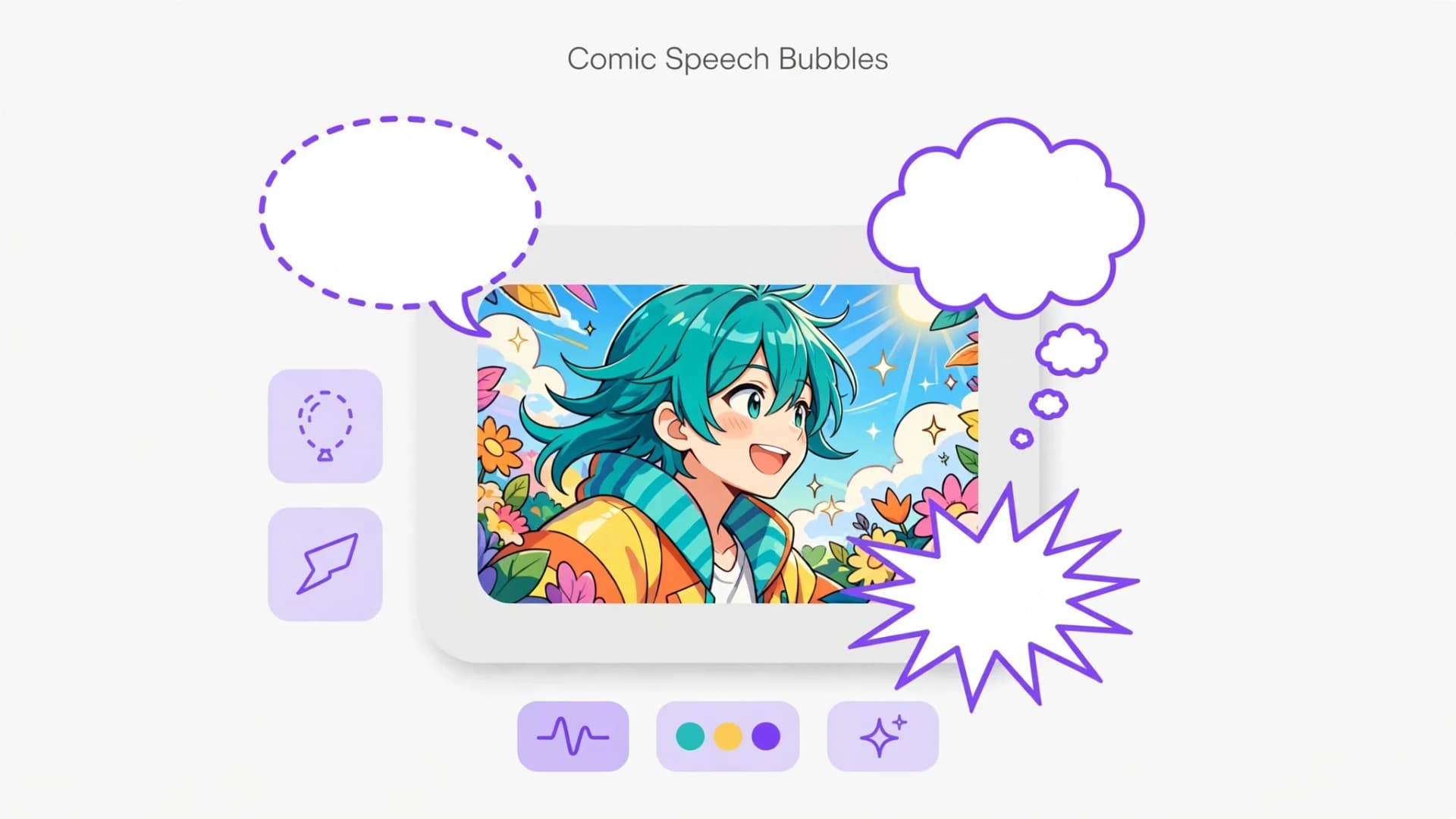
What are comic speech bubbles and why do they shape storytelling?
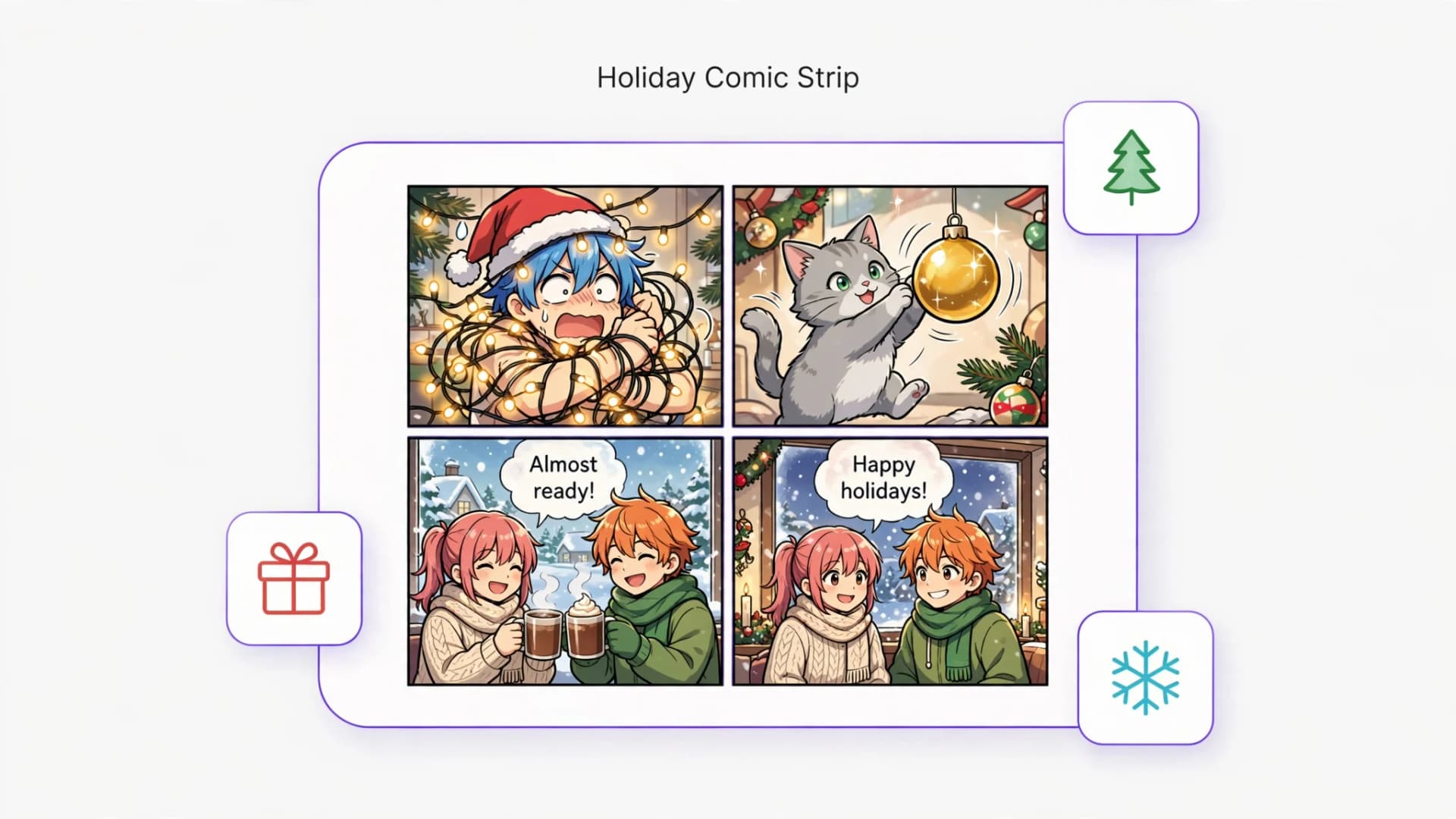
Comic speech bubbles serve as the visual voice of a character on the page, bridging the gap between static art and spoken dialogue. Rather than simply holding words, these graphical containers tell readers who is speaking, how loud they are, and what emotional state they carry.
Historically, comic speech bubbles evolved from medieval scrolls and illustrated broadsheets into standard graphic elements in twentieth-century newspaper strips, and short gag formats still lean on them today (see these comic strip ideas for examples). Today, comic dialogue bubbles establish pacing by guiding the reader's eye across panels in a deliberate sequence before revealing the next visual beat.
When dialogue containers are balanced properly with the artwork, they enhance immersion without hiding important character expressions or background details. Good lettering and intentional bubble choices turn a flat script into an engaging narrative rhythm.
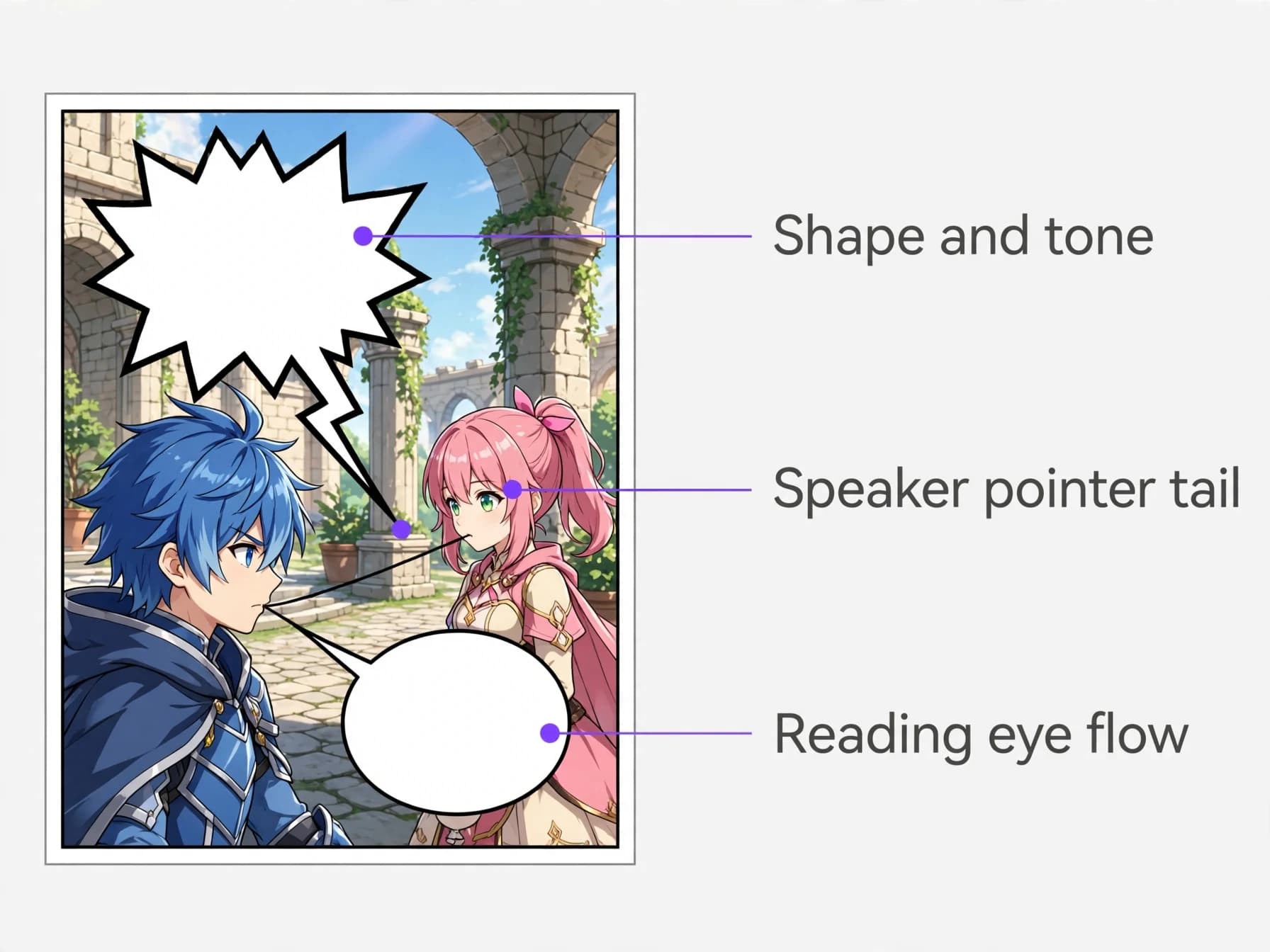
Core types of speech bubbles in comics you need to recognize
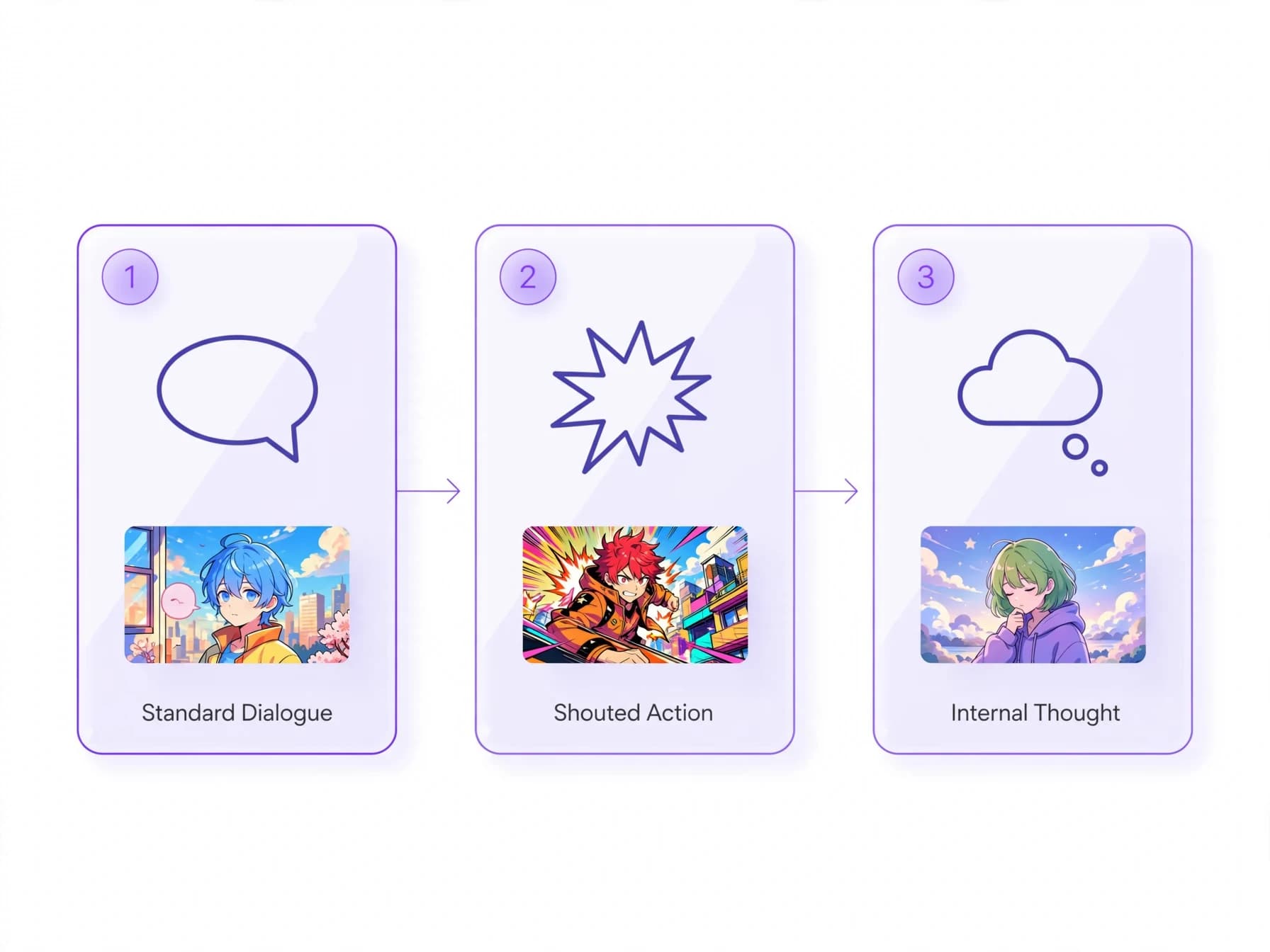
Learning the standard types of speech bubbles in comics helps creators match the right visual tone to every line of dialogue. The most common form is the regular dialogue bubble, typically drawn as a smooth oval with a tapered tail pointing toward the speaker's mouth.
Variations indicate distinct auditory tones, such as jagged burst bubbles for shouting, dotted outlines for whispered secrets, or wavy cloud shapes with floating circles for internal monologues. In manga speech bubbles, rectangular boxes often carry third-person narrative exposition or internal reflections that do not require an active character voice.
Modern digital creators often alternate between these styles to contrast shouted actions during battle scenes with calm conversational beats. Choosing the right bubble contour ensures readers instinctively hear the character's vocal volume.
How to position comic speech bubbles for natural reading flow?
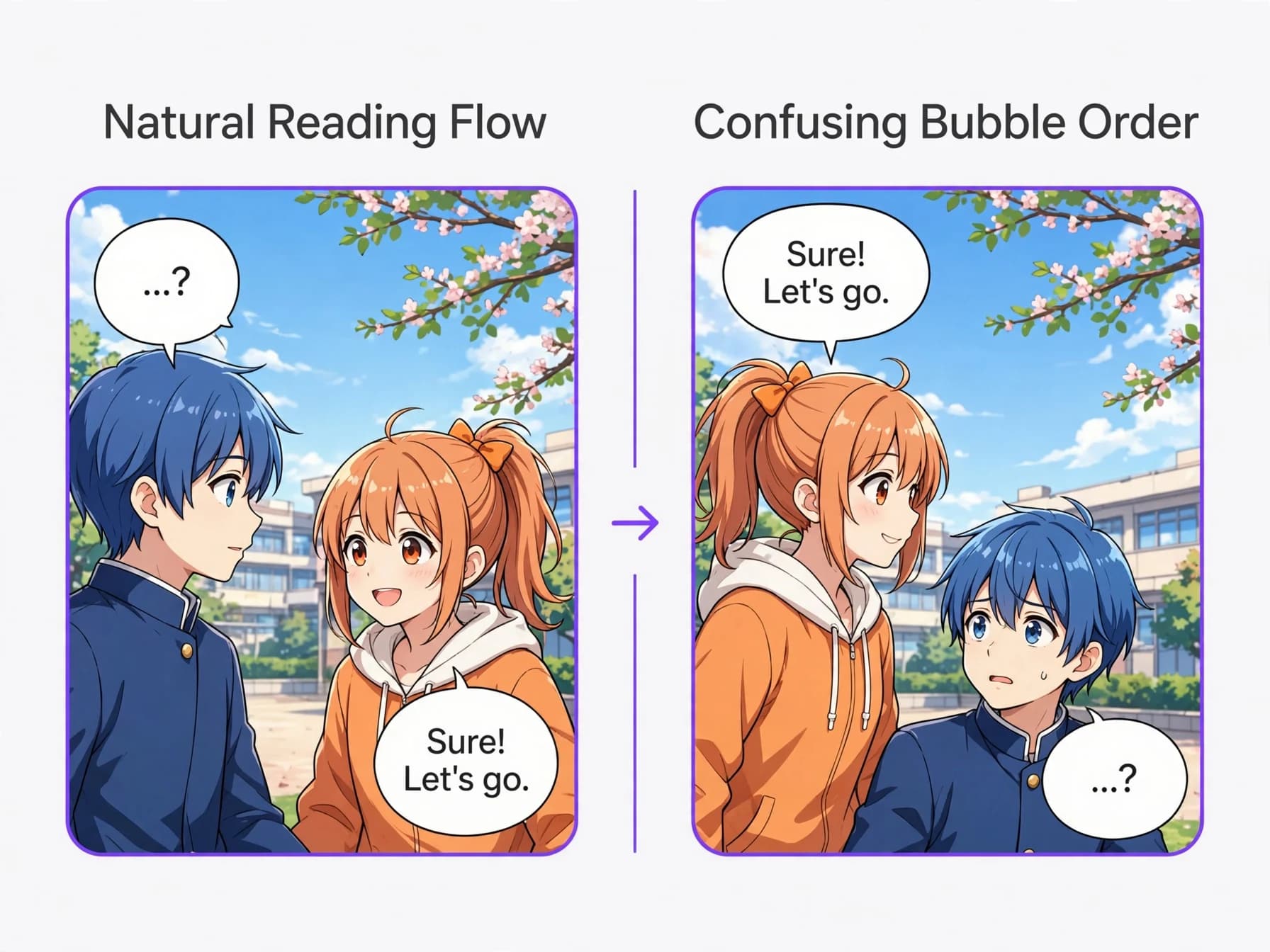
Placing comic speech bubbles requires following clear visual paths so readers never get confused about reading order. In standard Western comics, readers process content from the top left to the bottom right in a gentle Z-pattern across each panel.
If you place the answering character's bubble higher than the speaker asking the question, readers naturally read the response first, ruining the joke or story reveal. Manga reverses this horizontal flow to right-to-left while maintaining the top-to-bottom rule, which demands careful placement of panel borders and dialogue tails. Our guide on how to make a manga covers right-to-left page flow in more detail.
Always leave adequate white space, known as breathing room, between the text boundary and the bubble perimeter. Crowding text against the border makes panels look cramped and reduces overall legibility on smaller mobile screens, which matters most for vertical-scroll formats (see how to make a webtoon).
Styling dialogue text and tails to convey emotion
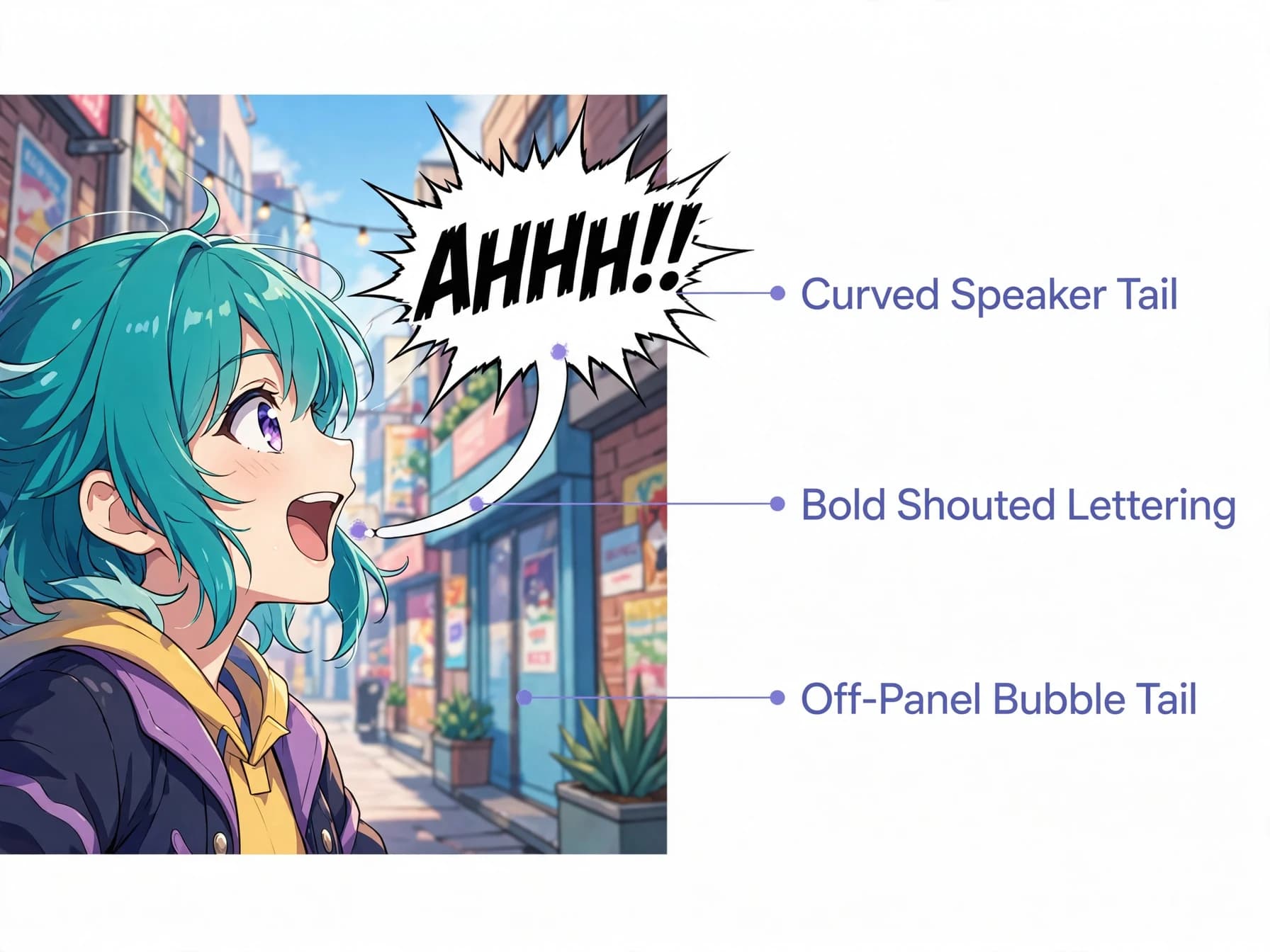
The tail of a bubble is just as expressive as the border surrounding the dialogue. Traditional comic book speech bubbles feature a curved or straight tail pointing directly to the speaker, while mechanical voices often use lightning-bolt zigzags.
Off-panel dialogue is indicated by extending the tail toward the panel border, showing readers that someone outside the immediate frame is talking. Typography also reinforces emotion, with bold uppercase fonts emphasizing screams, shaky hand lettering suggesting fear, and tiny fonts signaling quiet hesitation.
Digital comic creators frequently combine sound effect lettering with specialized bubble shapes to dramatize impactful moments. Keeping tail lengths moderate prevents visual clutter while clearly anchoring dialogue to the correct figure.
Creating your own pages with automated bubble layouts
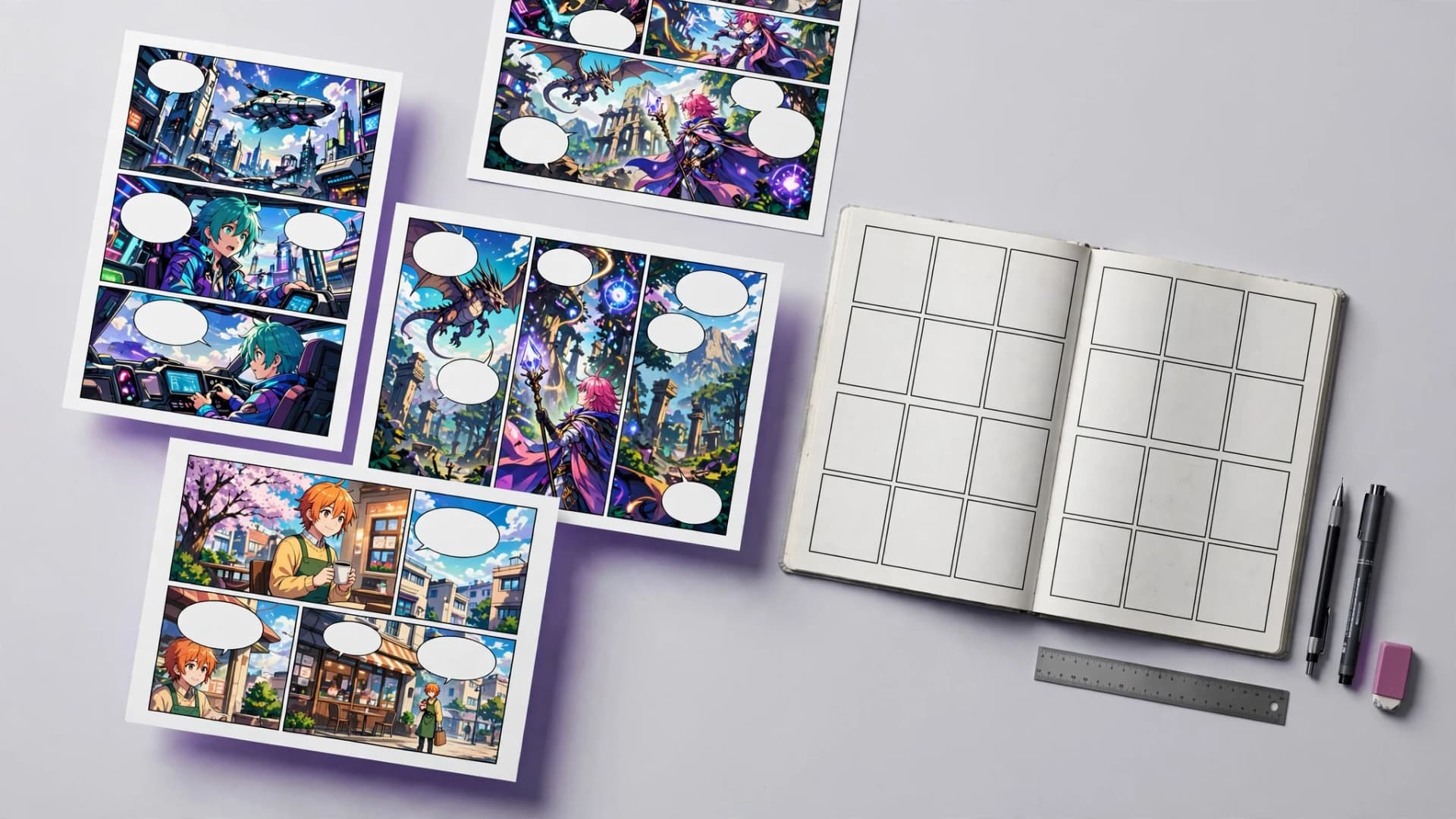
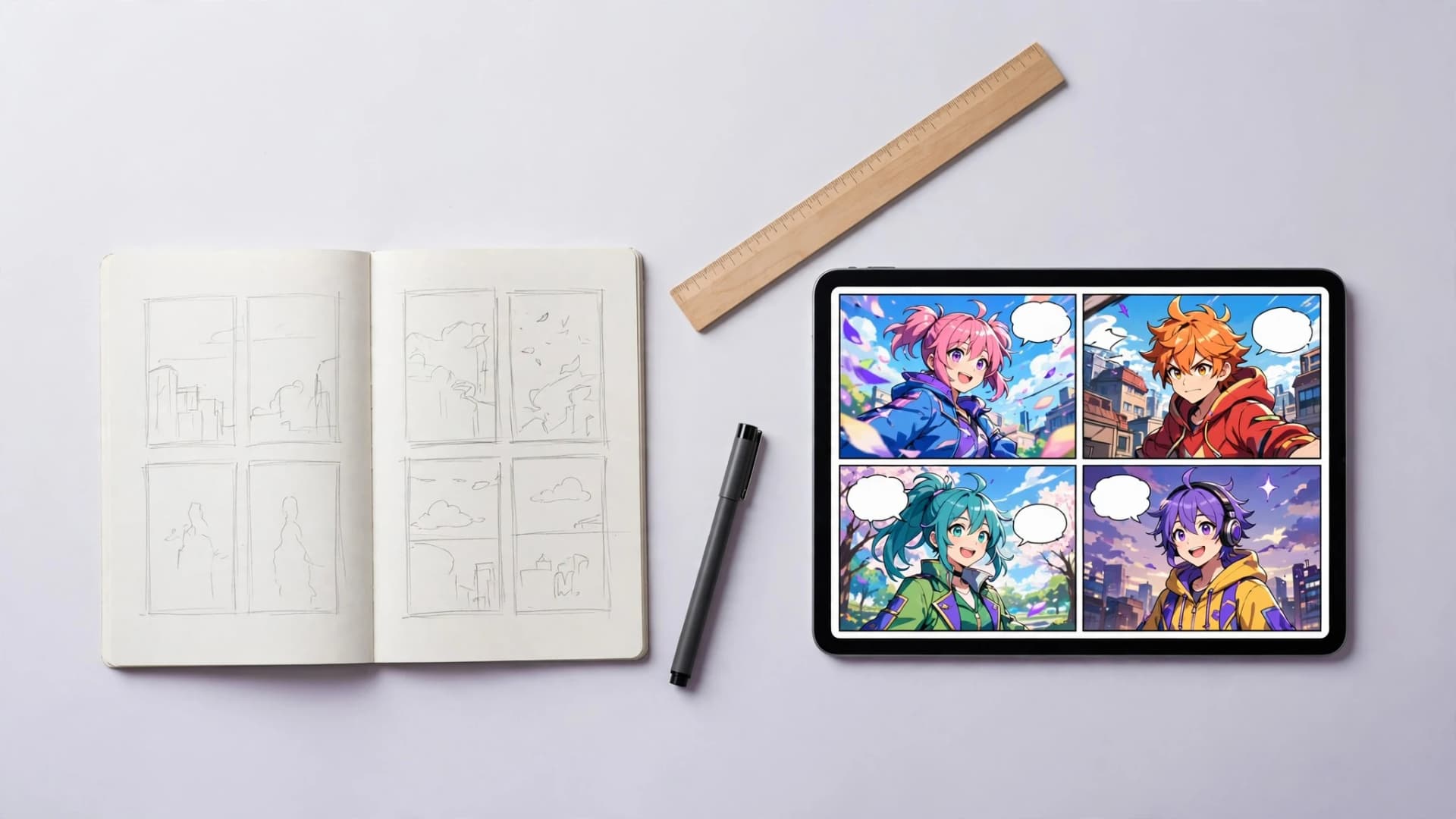
Building comic pages by hand often requires hours of tedious lettering and balloon placement in desktop illustration programs. Creators learning how to make a comic can streamline their initial draft process by generating complete panel layouts with integrated text.
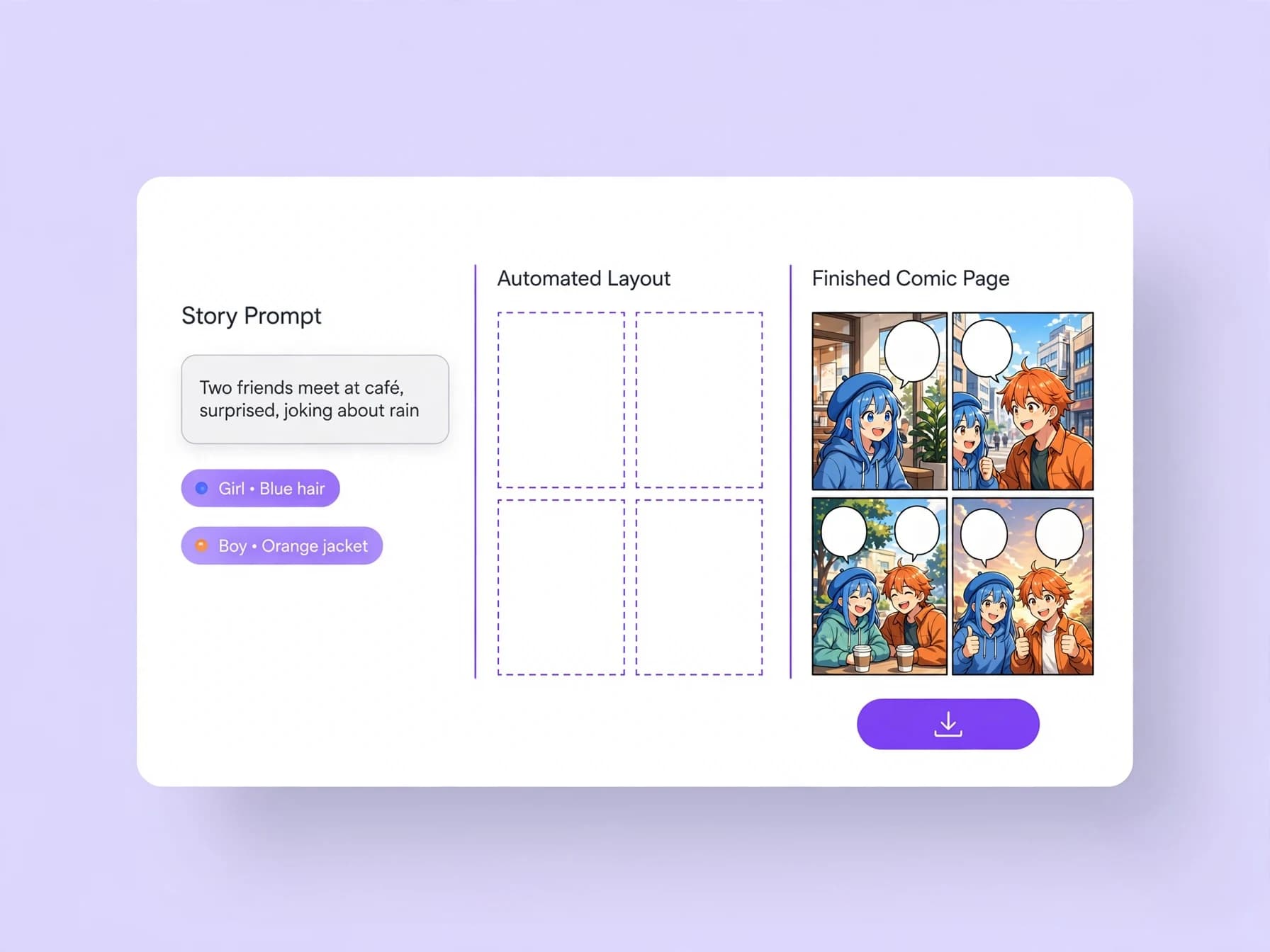
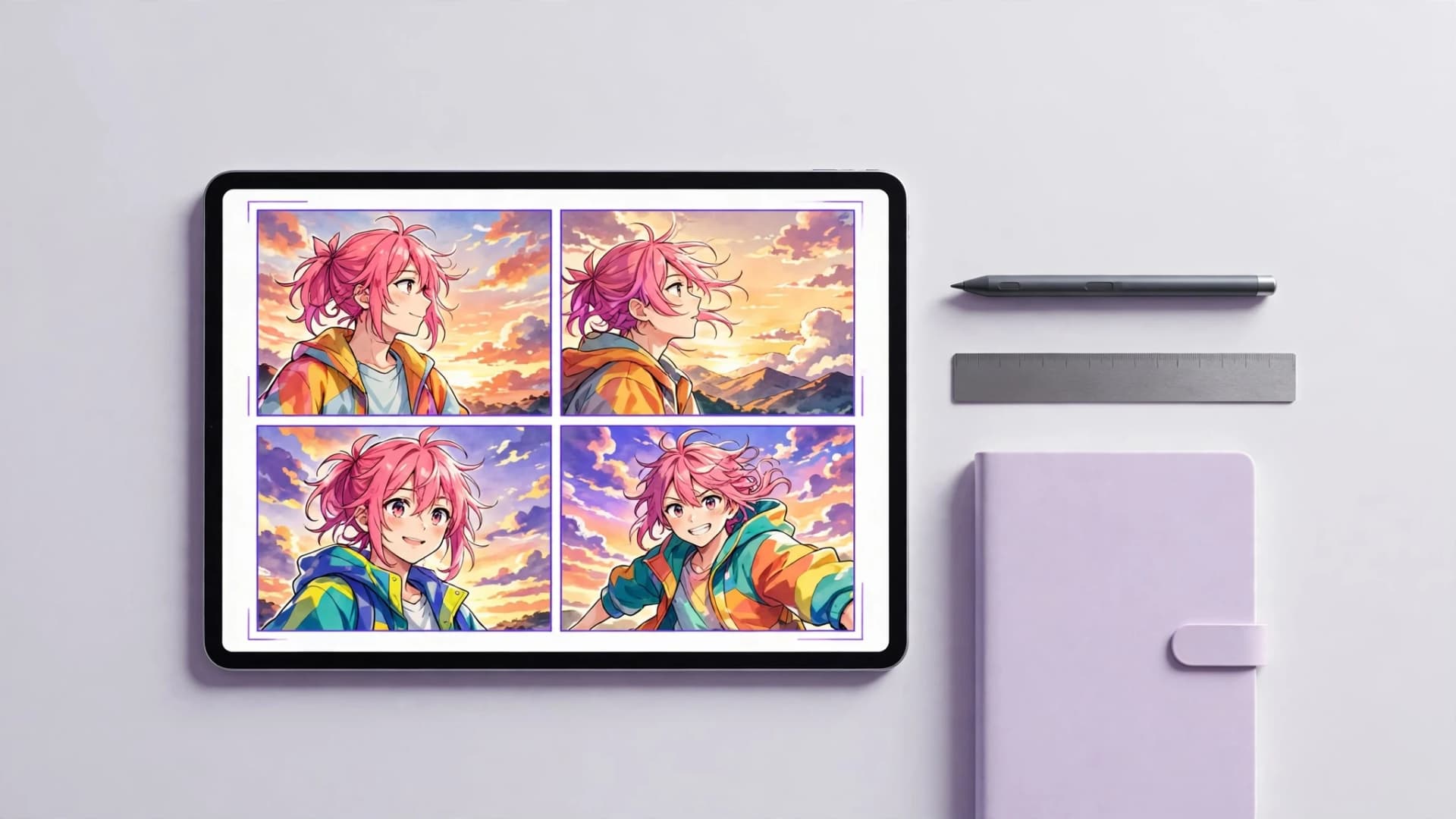
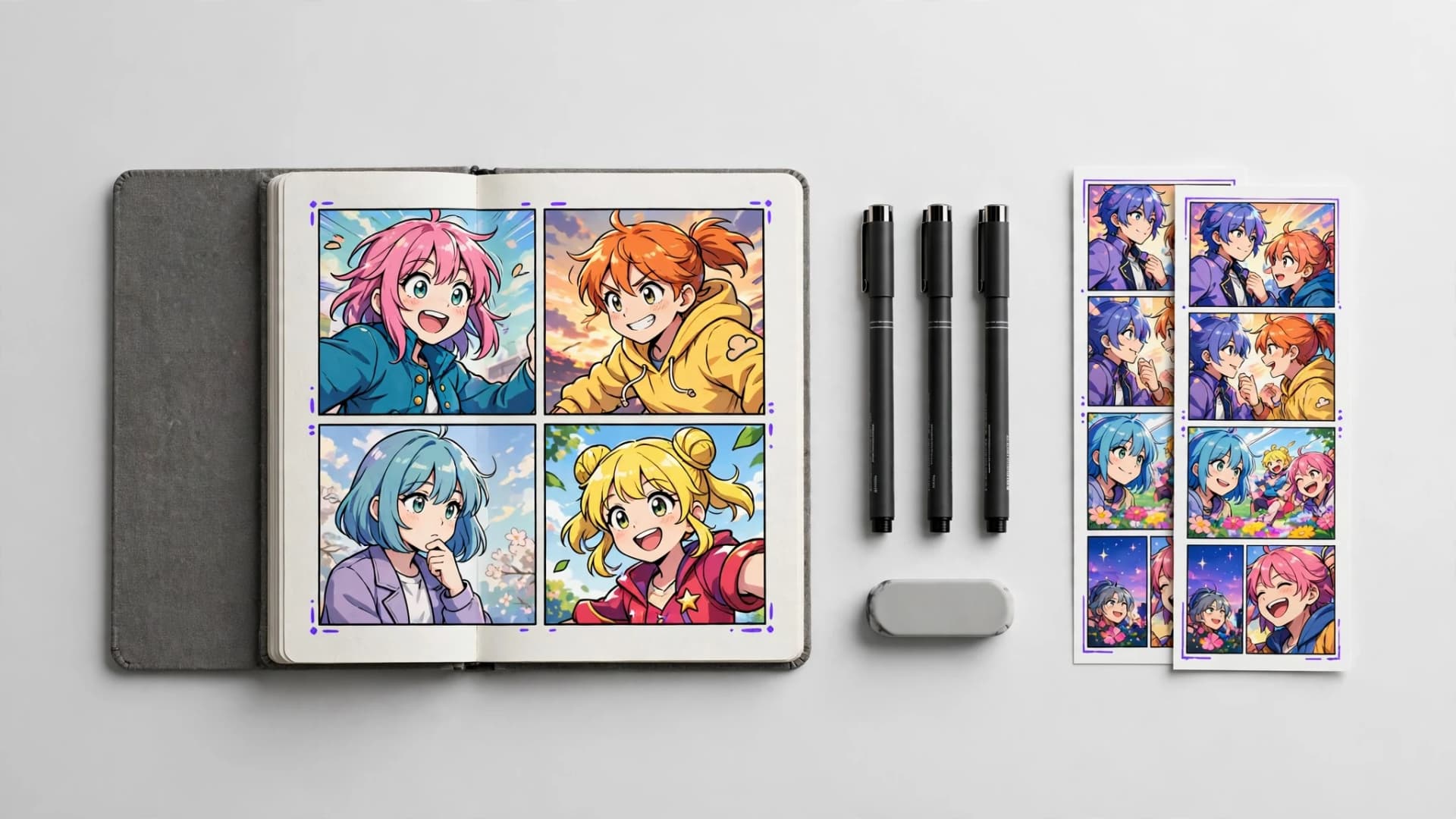
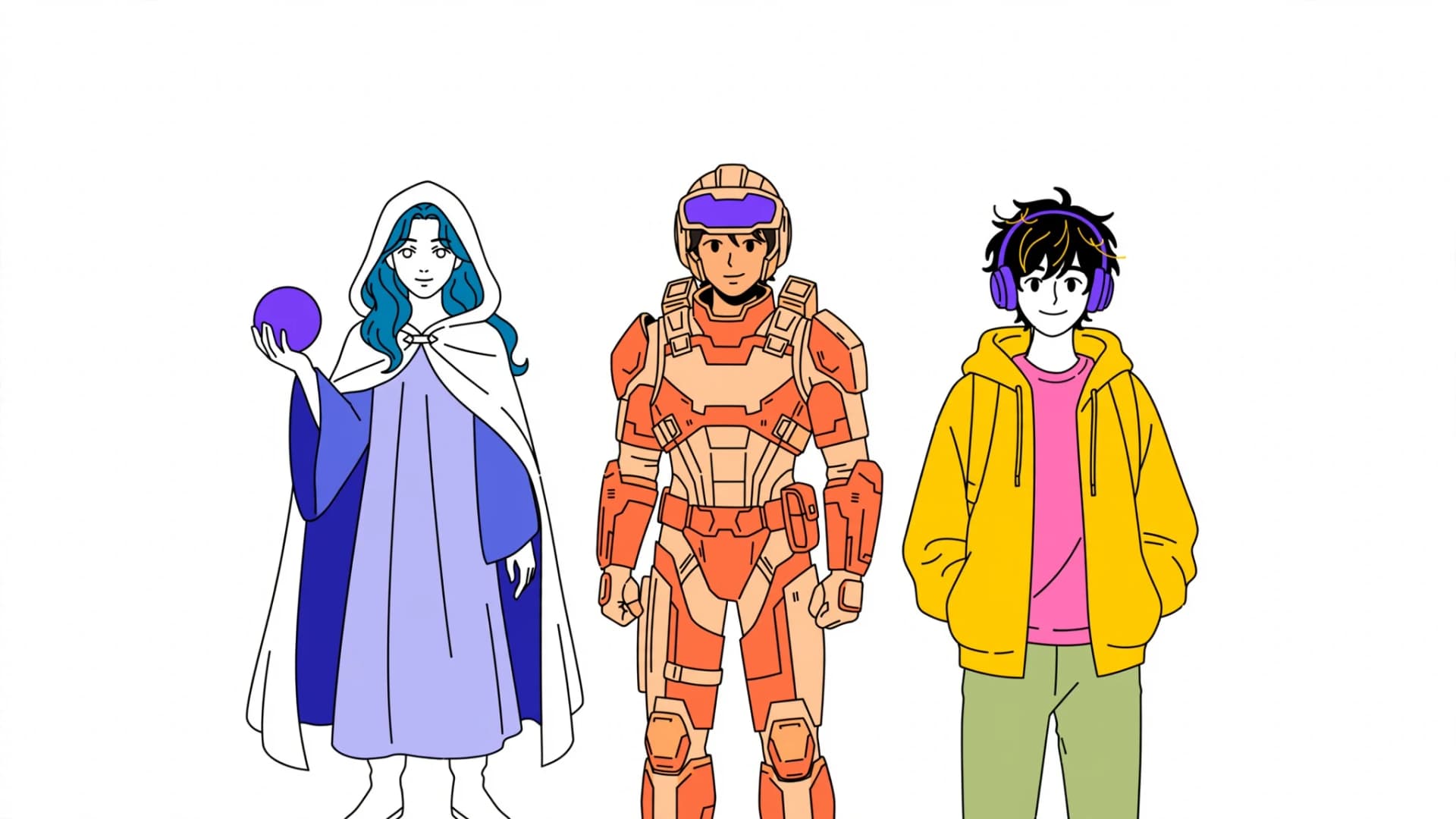
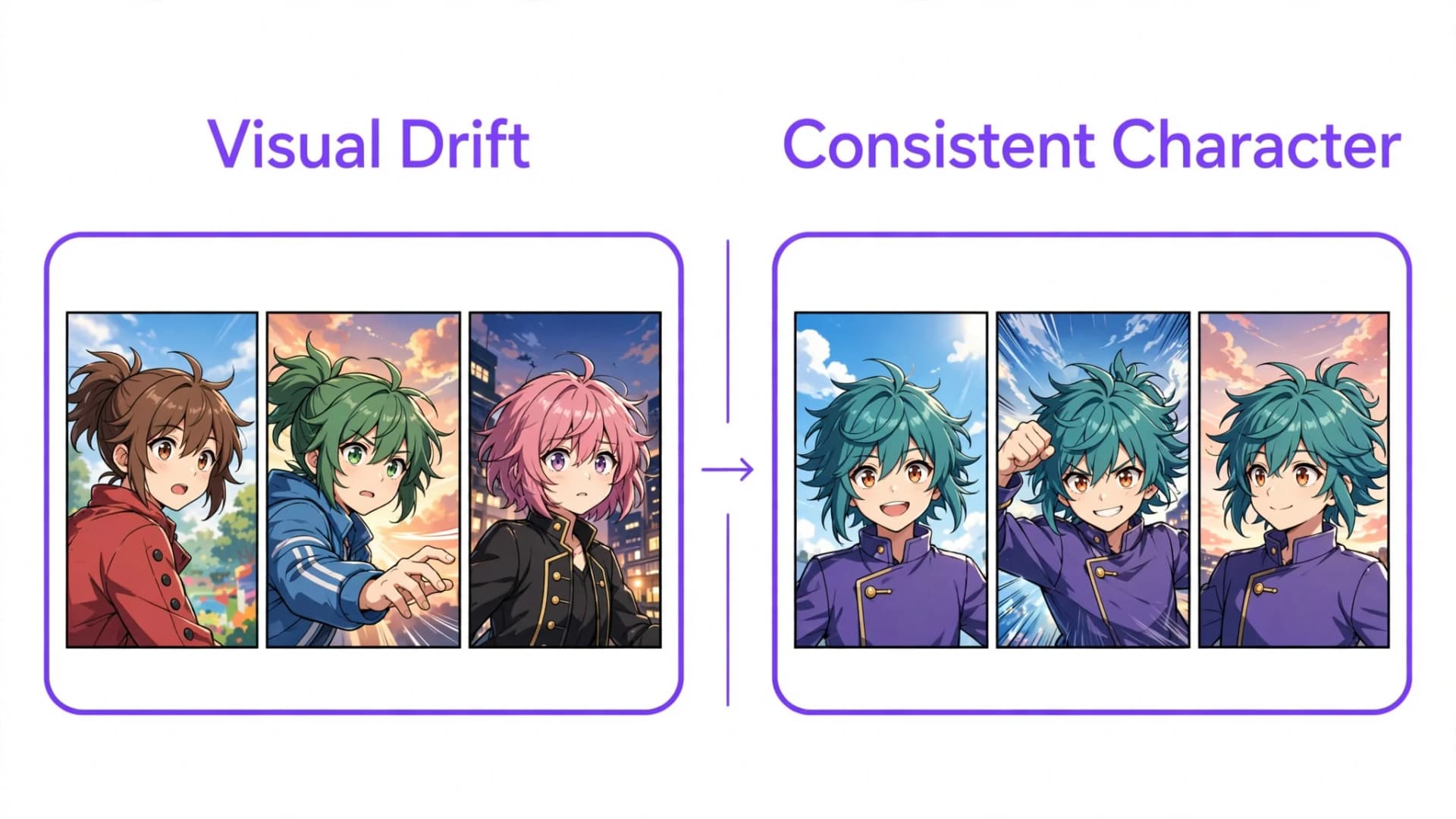
Yume Comic's AI comic generator produces finished multi-panel pages with automatically generated dialogue bubbles directly from your written story prompt. You can choose from dozens of manga and webtoon art styles while keeping up to four saved characters visually consistent across your panels.
For short three- or four-panel gags, the comic strip maker works the same way, and the manga page generator makes full manga pages from a prompt. Once generated, your finished pages download as clean PNG images ready to share with friends or post online. For example, a prompt like "Two friends argue at a bus stop; she shouts that the bus is leaving, he whispers that he forgot his wallet" gives a page where her line sits in a jagged shout bubble and his in a smaller, softer one, placed in reading order. This lets you focus on crafting memorable stories while the layout engine handles panel composition and visual dialogue flow.