AI Chibi Maker

Turn your cute character ideas into expressive comic pages using Yume Comic's AI chibi maker, free to start after you sign up.

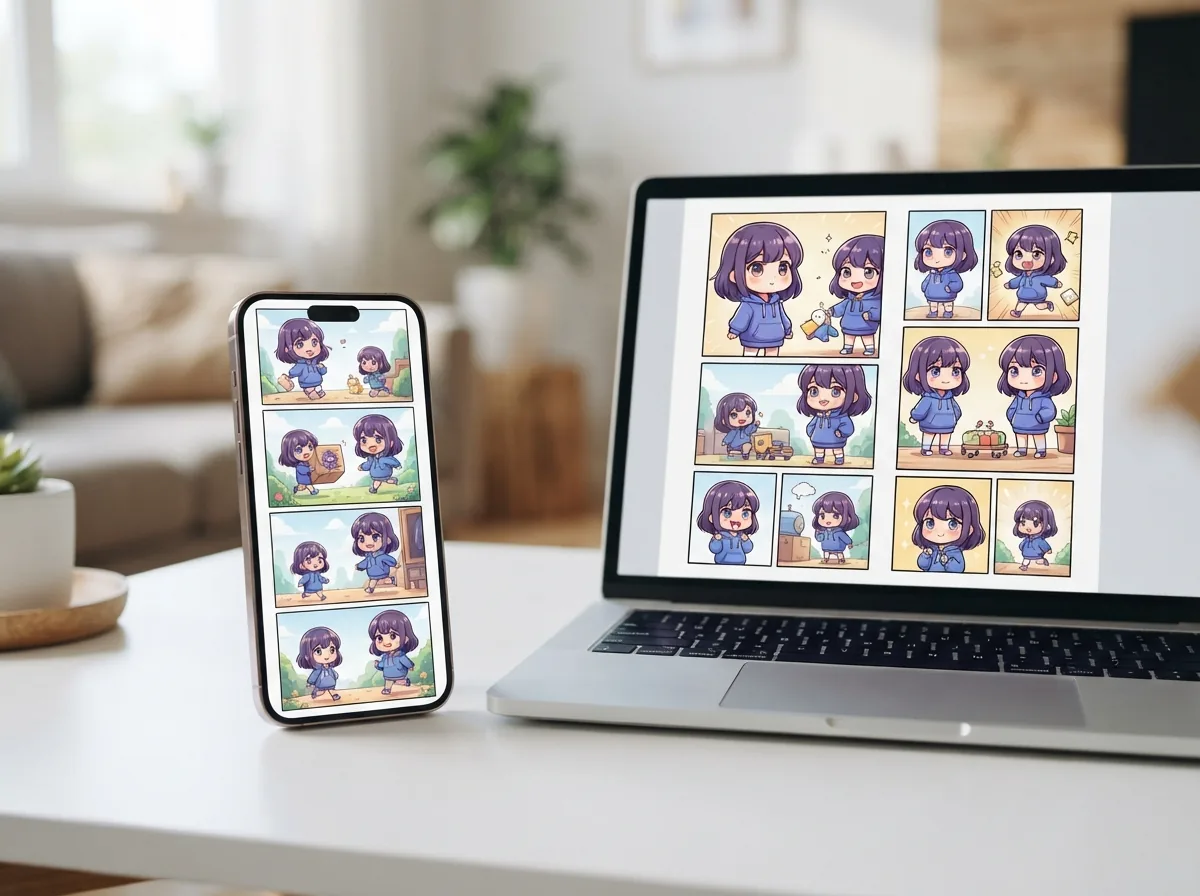
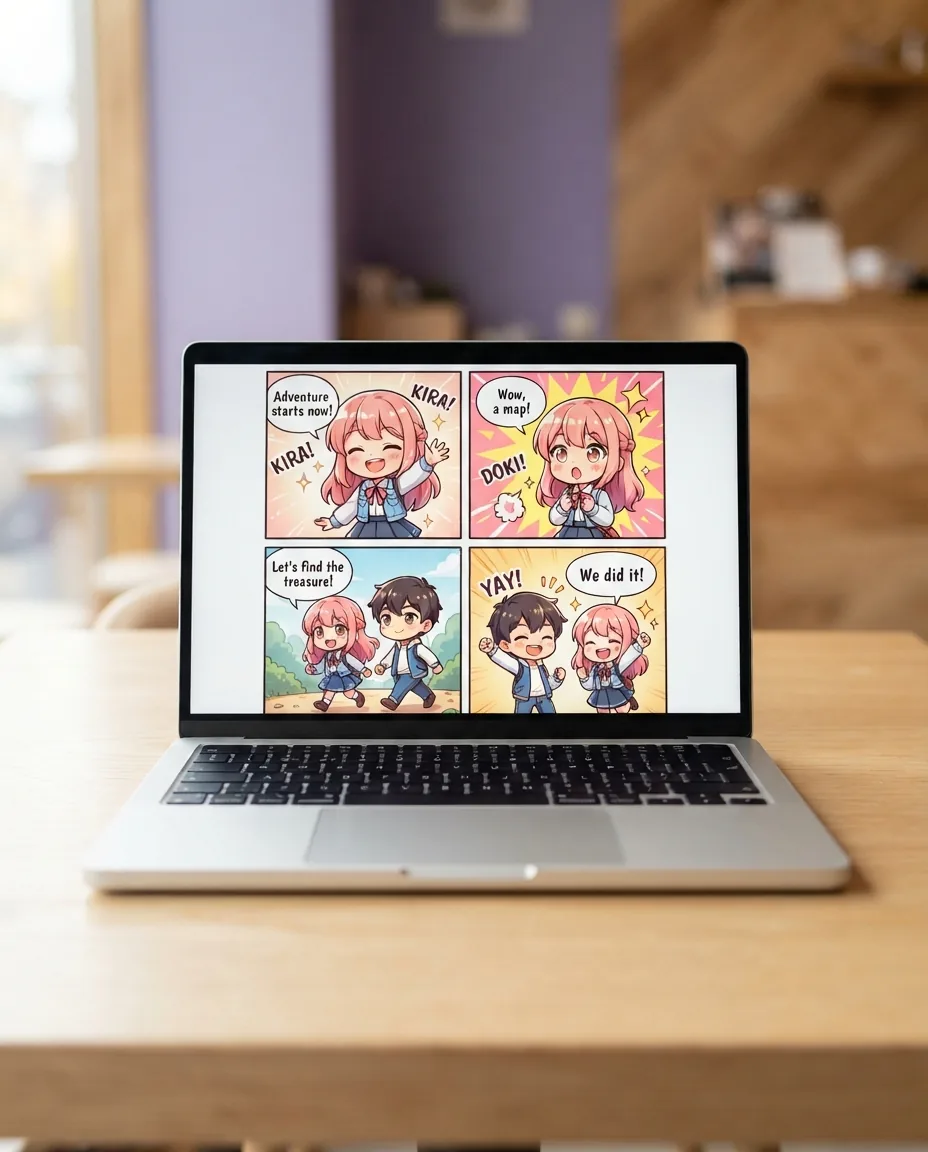
Finished chibi comic page with cute stylized characters displayed on a laptop screen

Why chibi storytelling transforms everyday ideas

Stylized miniature art turns emotional moments into readable humor faster than realistic drawings ever could. An AI chibi maker helps anyone stage punchy visual jokes and charming scenes, and Yume Comic's AI comic maker turns those tiny designs into complete sequential pages with panels and speech bubbles.

Expressive chibi aestheticsConsistent recurring charactersClean PNG page downloads
Features

Make cute multi-panel pages with an AI chibi maker

Yume Comic's AI comic maker generates finished pages with panels and speech bubbles, letting you run an AI chibi maker workflow that keeps your petite characters recognizable across every scene.

Turn your selfie to chibi characters

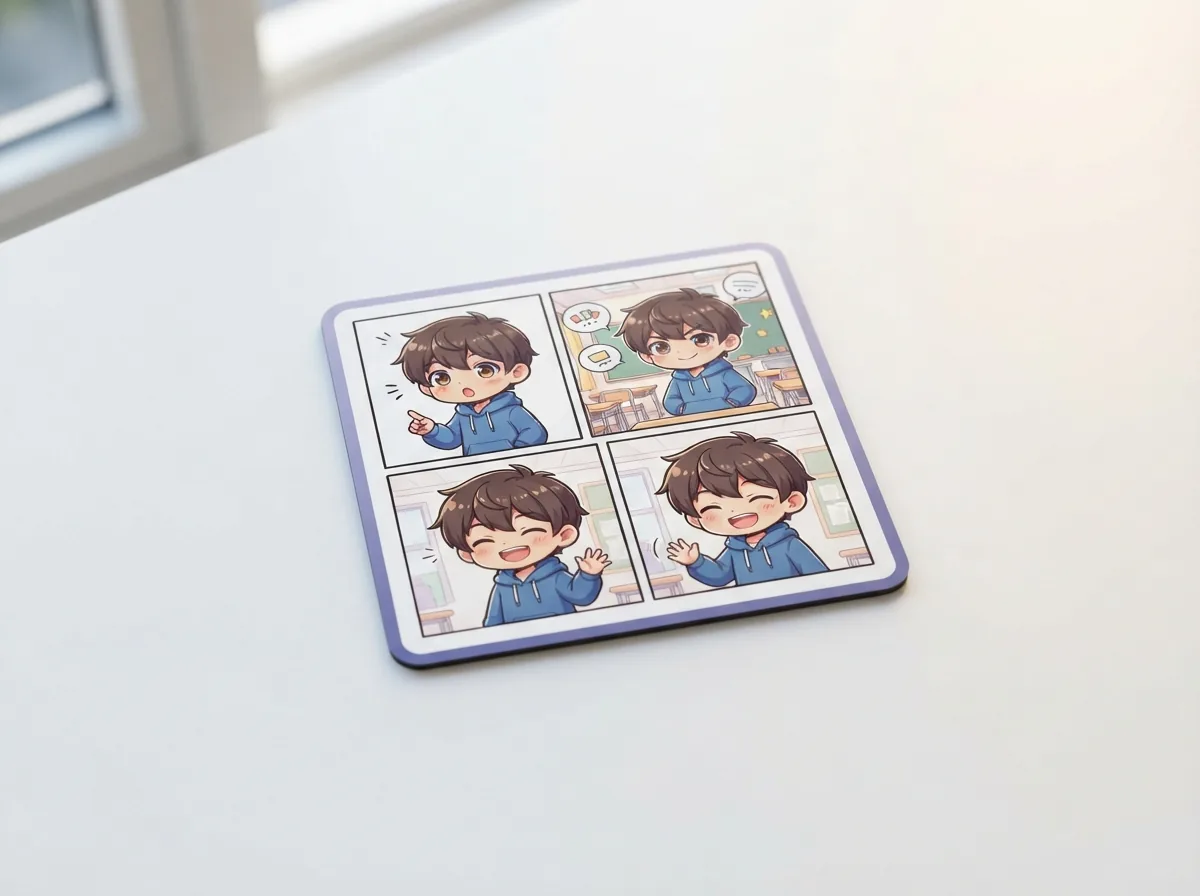
Upload a selfie or portrait as a reference photo in the Characters tab, then pick the Chibi style when you create a comic. Yume Comic draws that likeness as an expressive mini character inside your panels and keeps the saved character consistent across pages. You can weave your chibi self into comedic school slices, fantasy battles, or casual café chats. Your hairstyle, glasses, and color palette carry over onto an adorably proportioned figure, with no drawing experience needed.

Build dynamic chibi comic maker layouts

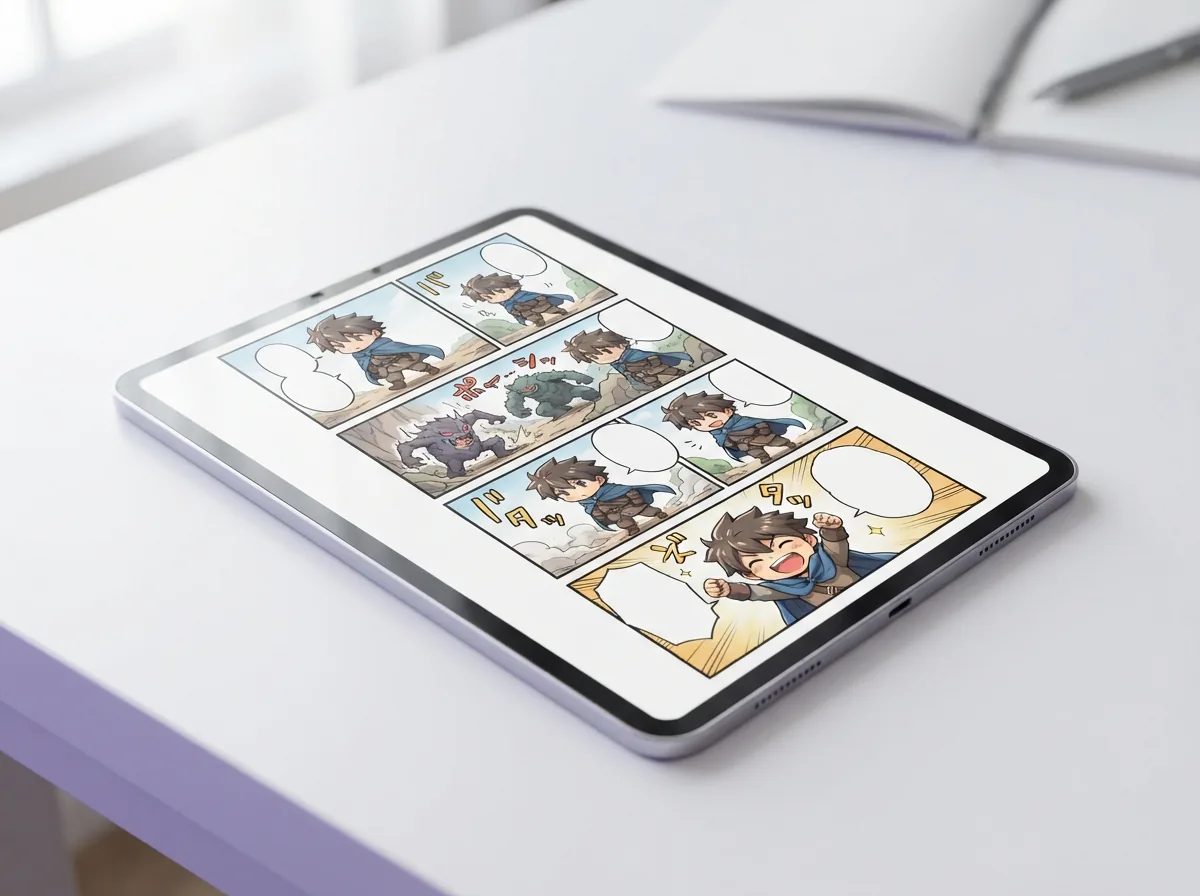
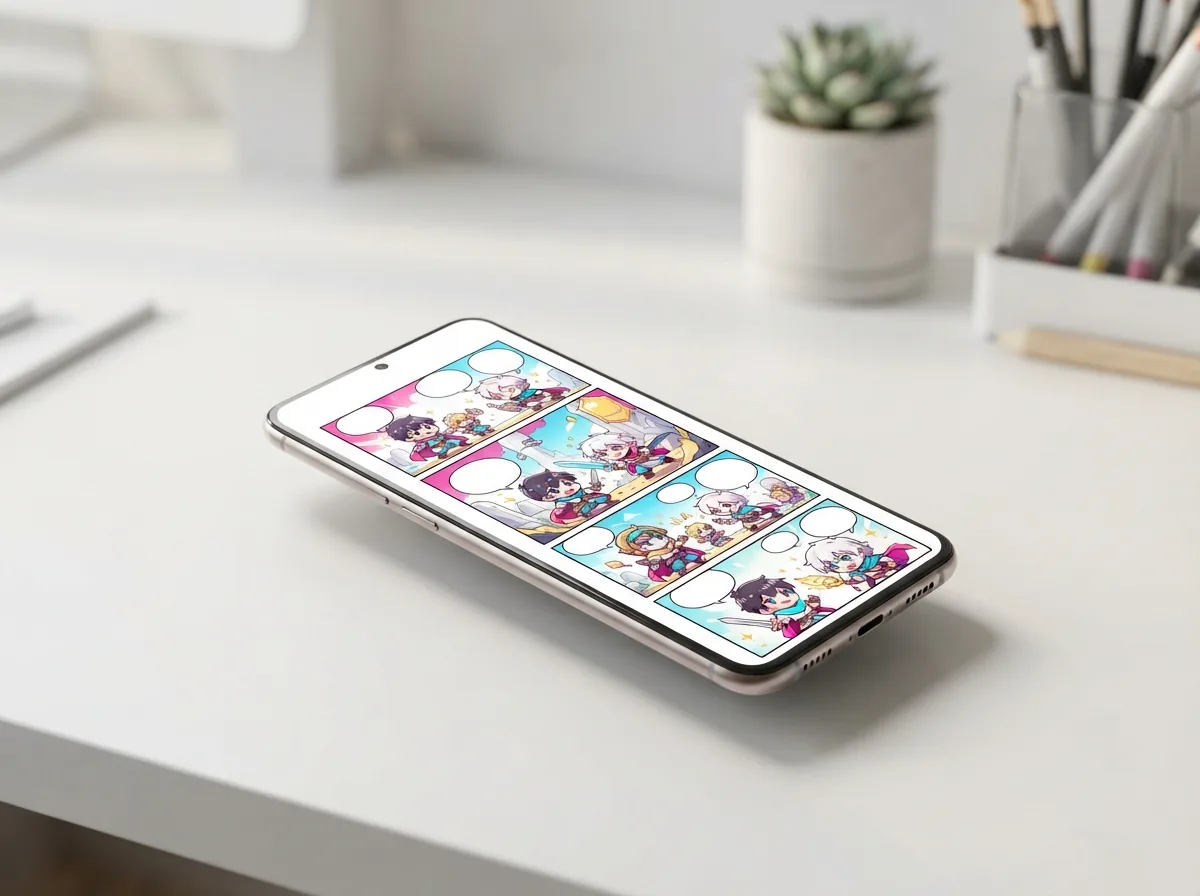
An AI chibi maker shines best when playful characters interact across multi-panel comic spreads. Specify whether your project needs one, two, four, six, or eight panels per page to set up rapid comedic gags or dramatic tiny showdowns. The engine automatically lays out panel borders, dialogue bubbles, and exaggerated mini reactions to fit your story prompt. You receive a complete visual sequence ready for reading rather than a single disconnected sticker.

Generate chibi AI scenes in thirty styles

Explore cute proportions through various manga traditions when you generate chibi AI pages with custom visual aesthetics. Pick between classic shonen ink tones, glossy webtoon coloring, soft pastel manhwa gradients, or retro anime textures to fit your narrative mood. Draft, standard, HD, and ultra render tiers let you quickly test story jokes before finishing detailed presentation pages. Pick the Chibi style for oversized heads, large expressive eyes, and simplified anatomy, or pair cute prompts with any other style to see how your cast looks there.

Save multiple chibi character maker cast members

Keep your entire ensemble recognizable using the built-in chibi character maker tools in your characters tab. Store up to four distinct cast members per project by uploading reference photos or typing detailed visual descriptions of hair, outfits, and accessories. When your script calls for two tiny rivals bickering over a dessert, Yume Comic draws both figures side by side. Your cast keeps their distinct features stable across every page from beginning to end.

Download complete high-resolution comic pages

Export your finished AI chibi maker projects directly to your device as clean, watermark-free PNG page files. The platform formats your entire page into high-resolution multi-panel graphics ready for sharing online or posting to personal webtoon feeds. If you want to share your tiny adventures in motion, the integrated video maker can even transform up to six pages into a narrated sequence. Finished pages come with a personal and commercial use license under the YumeComic Terms of Service.

Use cases

Who creates with an AI chibi maker, and what they make

Writers, streamers, and comic hobbyists turn quick story ideas into expressive mini panels using an AI chibi maker to share memorable moments.

Streamers seeking the best chibi maker app for custom panels

Content creators use Yume Comic as the best chibi maker app alternative to design narrative reaction scenes featuring their channel mascot. You can place your custom avatar into four-panel comic layouts with dialogue bubbles, giving subscribers memorable story moments to share on Discord.

Webtoon writers drafting bonus gag episodes with a chibi comic maker

Indie authors turn serious fantasy plots into lighthearted bonus chapters using Yume Comic's chibi comic maker workflow. By saving up to four cast members in the Characters tab, you preserve distinct hairstyles and costumes across every humorous multi-panel PNG page.

Social storytellers creating mini character adventures with an AI chibi maker

Everyday writers turn short dialogue prompts into colorful miniature comic pages using an AI chibi maker. You receive finished multi-panel layouts with speech bubbles in draft, standard, HD, or ultra quality tiers ready to download as watermark-free PNG files.

The basics

How does an AI chibi maker turn ideas into comic pages?

Explore the core techniques behind stylized proportions, visual storytelling, and prompt phrasing when using an AI chibi maker to produce expressive comic sequences.

How does an AI chibi maker handle reference art?

Turning a personal portrait or reference image into a stylized miniature figure starts in the Characters tab, the photo to chibi AI step of the workflow. You upload a reference photo or describe your protagonist's key traits, like spiky blue hair or oversized round glasses, and save them to your project roster. Creators familiar with a photo to cartoon workflow or tools like photo to anime will recognize how easy it is to import familiar faces into fresh narrative scenes. When you create a comic, pick the Chibi style and Yume Comic's AI comic maker draws that saved character as a chibi figure inside full narrative pages. For example, prompting a scene where a chibi hero drinks boba tea in a sunny park generates a four-panel layout featuring your pint-sized lead reacting with cute expressions. Everything comes together in a few minutes, turning a simple reference snapshot into an expressive sequence with panels and speech bubbles ready to read.

How does an AI chibi maker handle reference art?

Can an AI chibi generator support different visual styles?

A dedicated chibi avatar generator provides plenty of aesthetic variety, but pairing miniature proportions with dynamic panel layouts creates much richer storytelling. If you have ever played around with an ai cartoon generator, you will love seeing those expressive designs framed inside structured graphic layouts. Within Yume Comic, you can explore distinct aesthetics including shonen manga lines, soft webtoon watercolors, and a dedicated Chibi style across draft, standard, HD, and ultra quality settings. Rather than locking you into a single rigid look, the prompt engine lets you test historical fantasy costumes, futuristic cyberpunk gear, or cozy everyday slice-of-life outfits while preserving the oversized head and tiny torso proportions essential to chibi aesthetics. You can switch between about 30 different art styles whenever you want to test whether a lighthearted comedy or an action-packed parody suits your characters best.

Can an AI chibi generator support different visual styles?

Is there a simple way to create cute comic pages online?

Finding a reliable cute character creator online often leaves storytellers frustrated by complicated illustration software or tools that only export disconnected icons. Yume Comic lets you jump in right after you sign up, running directly inside any modern web browser without requiring complex installation or graphic tablets. As an accessible creative tool, the platform translates your short text prompt into complete multi-panel sequences with automated speech bubbles. You can experiment with quick one-page concepts featuring up to four panels on the trial tier before upgrading for longer stories. Simply pick your panel layout—choosing from options like 1, 2, 4, 6, or 8 panels per page—enter your dialogue ideas, and watch your script transform into full graphic pages in a few minutes.

Is there a simple way to create cute comic pages online?

What concrete deliverables do you get from your pages?

Learning how to make a chibi story traditionally meant spending hours sketching miniature proportions, ruling panel borders, and lettering dialogue balloons by hand. With our platform, typing a script generates full comic pages in a few minutes, ready for download as crisp PNG files with no watermark. Each export preserves readable dialogue, distinct panel gutters, and consistent character outfits across one to twelve pages. Creators can easily take these finished graphics to share online with friends, post to social feeds, or crop cute reaction shots for custom stickers and community chat avatars. Because the files save as standard full-page PNG images, you can read through them on any device or compile your favorite episodes without dealing with watermarks or messy page borders.

What concrete deliverables do you get from your pages?

How do you solve character consistency across multiple panels?

A common issue with standard image generators is that miniature figures morph and lose their distinct hairstyle or outfit between sequential shots. While an ai anime character generator might give you a single stylized still, storytelling needs continuity across panel boundaries. Yume Comic solves this by letting you save up to four custom characters per comic using detailed text prompts or uploaded reference portraits. When you generate cute comic panels across a multi-page story, Yume Comic references your saved characters to keep uniforms, hair colors, and signature accessories recognizable in every frame. This reliable tracking lets you focus entirely on funny dialogue, expressive visual gags, and playful pacing, ensuring your cast remains true to your vision from the opening scene to the final panel.

How do you solve character consistency across multiple panels?

Turn your cute story idea into a multi-panel chibi comic page

Type a short prompt to generate stylized mini characters across finished panels and dialogue bubbles using Yume Comic's AI comic maker.

AI chibi maker questions, answered

What does an AI chibi maker produce on Yume Comic?
An AI chibi maker on Yume Comic creates complete multi-panel comic pages featuring stylized, miniature characters. Instead of loose sketches, your prompt turns into full comic layouts with panel borders and speech bubbles, downloadable as clean PNG files without watermarks.
How does an AI chibi maker build a full page from a prompt?
The AI chibi maker reads your story script or scene idea, splits the action across your chosen panel grid, and renders the panels in cute comic styles. You can also pick a quality setting, choose your saved characters, and receive a finished layout in a few minutes.
Can you use photo to chibi AI with reference images?
Yes, you can upload a reference image under the Characters tab to anchor your character design. Yume Comic uses that visual reference alongside your text description to keep up to four saved characters recognizable across every comic panel you generate.
How to make a chibi comic page from scratch?
Sign up on Yume Comic and write a short scenario in the prompt box. Select your panel count, choose the Chibi style, and the generator lays out panels and speech bubbles automatically in a few minutes.
Can a chibi avatar generator export standalone profile icons here?
A dedicated chibi avatar generator that exports solo icon crops is not included, because Yume Comic focuses on full narrative pages. Text-described characters receive placeholder avatars in your dashboard, while finished artwork appears inside multi-panel comic layouts that you download as PNG pages.
What makes a good selfie to chibi reference picture?
A clear selfie to chibi reference features direct lighting, neutral facial expressions, and distinct hair or clothing details. Clear images help the engine capture distinct visual traits so your stylized figure stays recognizable throughout the story.
Is there a free AI chibi maker option available?
Yume Comic provides a trial after signing up that creates one comic page with up to four panels in non-Pro styles, and Chibi is one of those styles. If you want longer stories, Pro weekly and yearly plans offer dedicated generation pools for extra pages.
What is the best option to generate cute character stories?
Yume Comic serves as a great starting choice because its AI chibi maker lets you generate a complete four-panel page without watermarks right from your prompt. It arranges dialogue balloons and panel sequences in one pass without drawing experience.
Which art styles can you pick for cute character pages?
Yume Comic provides about thirty art styles spanning manga, manhwa, webtoon, and comic aesthetics. You can pair cute character prompts with playful pastel palettes, bold webtoon linework, or classic shonen screentones to match your narrative tone.
How do you keep the same character consistent across panels?
You can save up to four characters per comic in the Characters tab using text descriptions or uploaded reference images. Yume Comic's AI comic maker references these saved profiles across panels to maintain stable hair, outfits, and facial features.
Can you customize a comic page after generation?
Yume Comic generates completed pages directly from your prompt rather than offering an in-app canvas editor. To refine dialogue or scenes, simply update your written story prompt, pick your preferred panel count, and generate fresh finished PNG pages.
What file format do you receive when downloading your comic?
Every finished comic page downloads as a whole PNG image without watermarks. Yume Comic focuses purely on complete PNG comic page downloads rather than other formats or individual sliced panel exports.
Can you use generated chibi comics for commercial projects?
Your comics come with a worldwide, non-exclusive license to use, share and publish them for personal and commercial purposes under the YumeComic Terms of Service. You keep ownership of the story text and images you upload; generated outputs are not guaranteed to be unique.
How long does generating a comic page take?
Generating a finished comic page takes a few minutes from the moment you submit your prompt and layout options. The web app processes script lines, panel composition, and dialogue bubbles simultaneously before rendering your PNG page.
What are the main limits of an AI chibi generator workflow?
An AI chibi generator on Yume Comic focuses on whole comic pages rather than standalone character portraits or sliced exports. The workflow directly converts your story prompt into ready-to-read panels and speech bubbles rendered onto finished PNG pages.
Can Yume Comic turn finished comic pages into video clips?
Yes, Yume Comic includes a Comic Video Maker that transforms up to six finished comic pages into a narrated video. It pairs page panels with spoken narration to bring your cute short stories to life for social sharing.
Your first chibi comic is one story prompt away

Bring your cute mini cast to life across full comic panels using Yume Comic's AI chibi maker in just a few minutes.