Free tool
Photo to Comic
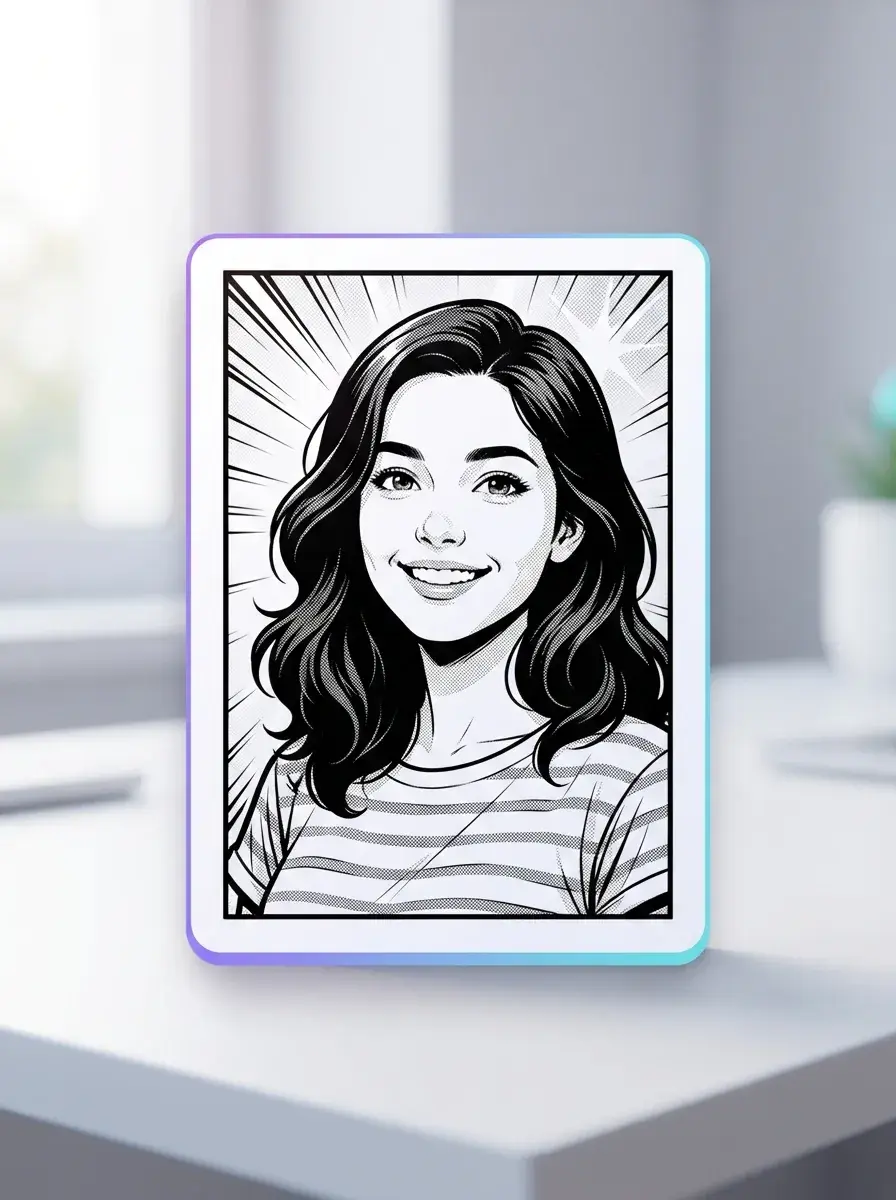
Get a comic-style portrait or scene from your image with Photo to Comic on free-to-start Yume Comic, then tweak the look until it fits.
- Manga
- Manhwa
- Webtoon
- Comic strip
Full comic pages fast
Go from one photo to a styled comic look with clean panels and a finished page you can save.
Characters stay recognizable
Keep the same face, outfit, and vibe across panels so your comic reads like one real scene.
Switch styles in a click
Try manga, manhwa, webtoon, or bold comic art until the page feels right for your story.
Why it matters
Why Photo to Comic matters
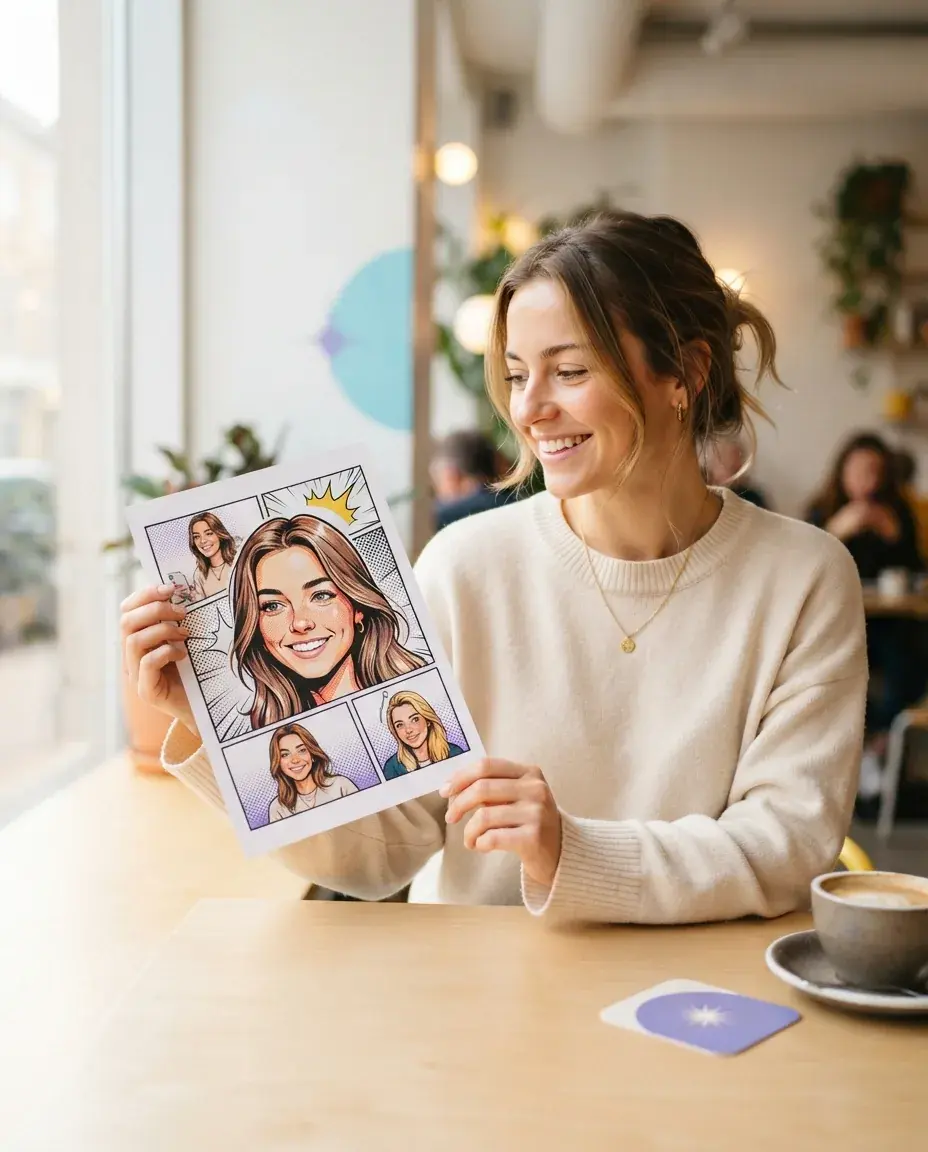
A photo becomes easier to share, remember, and build on when Photo to Comic turns it into a clear visual scene with mood, framing, and character energy. Yume Comic's free AI comic maker helps you move from a single photo to a comic-style result you can keep editing into manga, manhwa, or webtoon pages.
- 1
A single photo becomes a scene with a story
Photo to Comic matters because one ordinary photo can read like a moment from a larger plot. Instead of keeping a memory as a flat snapshot, you can give it pacing, emotion, and panel-style drama that feels closer to a real comic scene.
- 2
You can build characters from real references
A photo into comic workflow gives you a practical starting point when you already know how a person, outfit, or setting should look. Yume Comic's free AI comic maker helps you keep that visual idea intact while shifting the mood into manga, manhwa, or webtoon style.
- 3
Comic styling makes sharing more fun
A comic from photo result is easier to post, send, or show to friends when you want something more playful than the original image. Yume Comic's free AI comic maker turns familiar faces, pets, outfits, and travel shots into pieces that feel made for reactions and conversation.
- 4
It gives non-artists a fast first draft
Picture to comic conversion solves the blank-page problem when you have an idea but no drawing base. Starting from a real photo gives you pose, lighting, and composition right away, so your first draft already looks like something you can refine into a finished comic page.
The basics
How does Photo to Comic work on Yume Comic?
See how a real photo turns into clean comic art, what to expect, and how to make it feel like a true comic panel.
How do you start a Photo to Comic result?
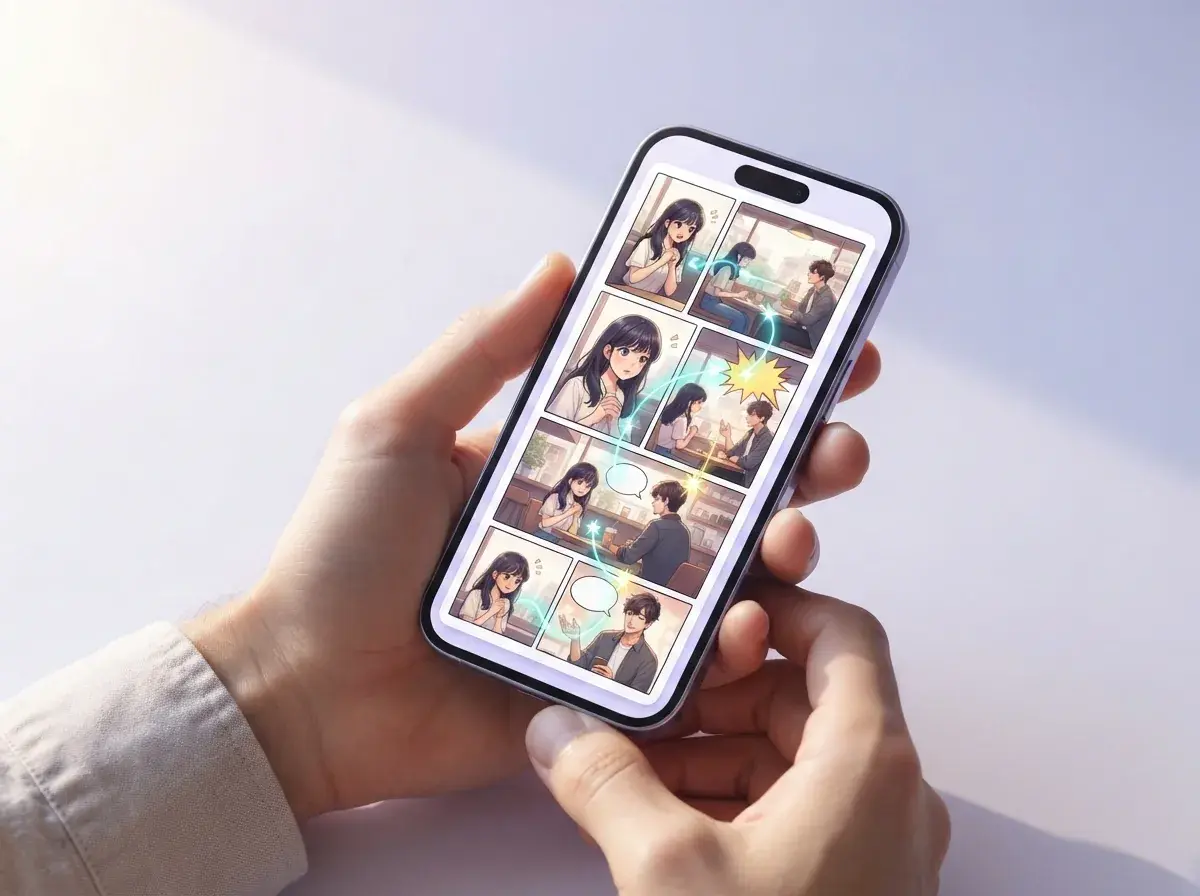
To turn photo into comic, you start with one clear photo and tell the tool what comic look you want. A front-facing portrait, a couple shot, or a pet photo all work better when the subject is easy to see, the lighting is even, and the background is not crowded. The first result is a stylized comic version of that same photo, not a blank page from scratch. If you want stronger line art, moodier shadows, or speech-bubble space later, you can refine the same photo into comic output instead of uploading a new one.
What styles should a Photo to Comic app offer?
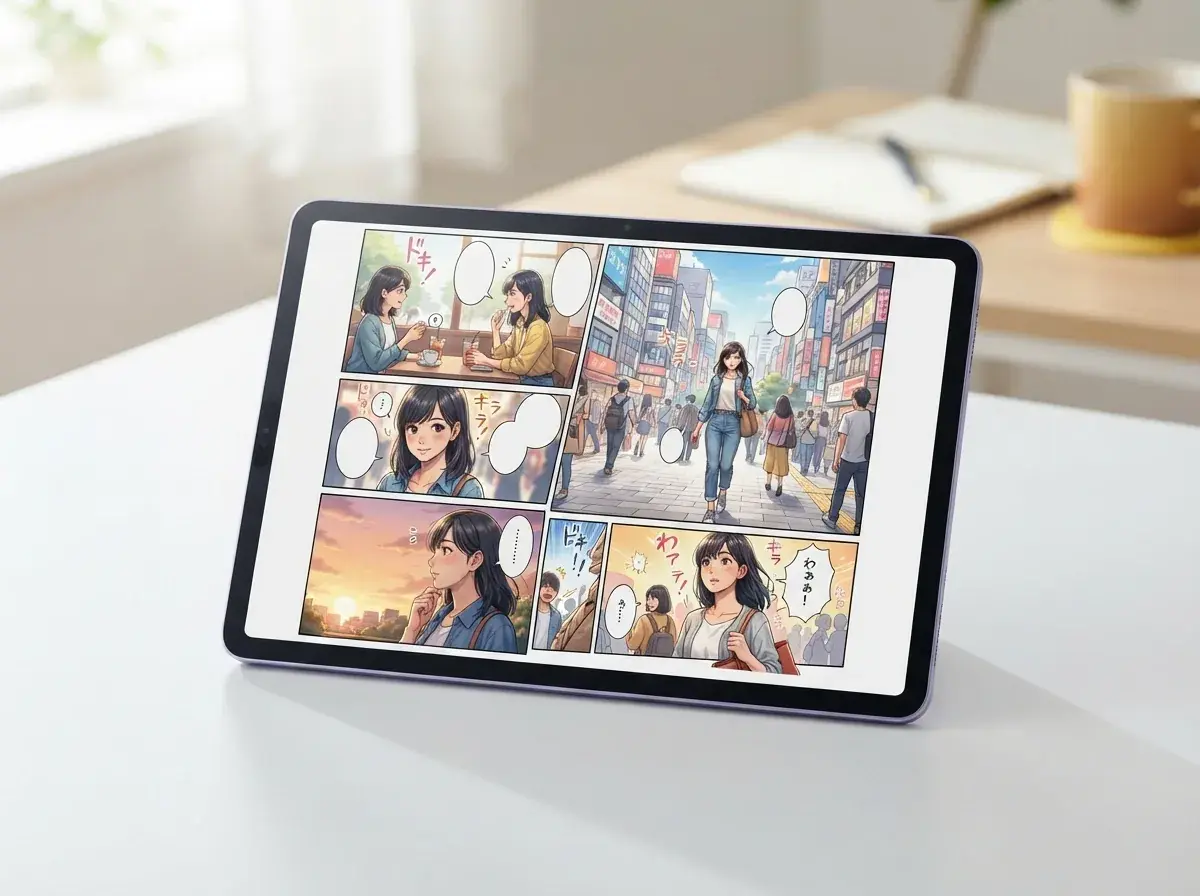
A good Photo to Comic app should let you test different comic looks from the same upload, because style changes the whole feel of the scene. One selfie can become a clean romance panel, a high-contrast action frame, or a soft webtoon look with brighter color and simpler backgrounds. If you want a more Japanese comic look after that, a photo to manga tool is the better next step for screen tones, sharper black lines, and classic page mood. That variety matters because comic from photo results are strongest when the art style matches the story in your head.
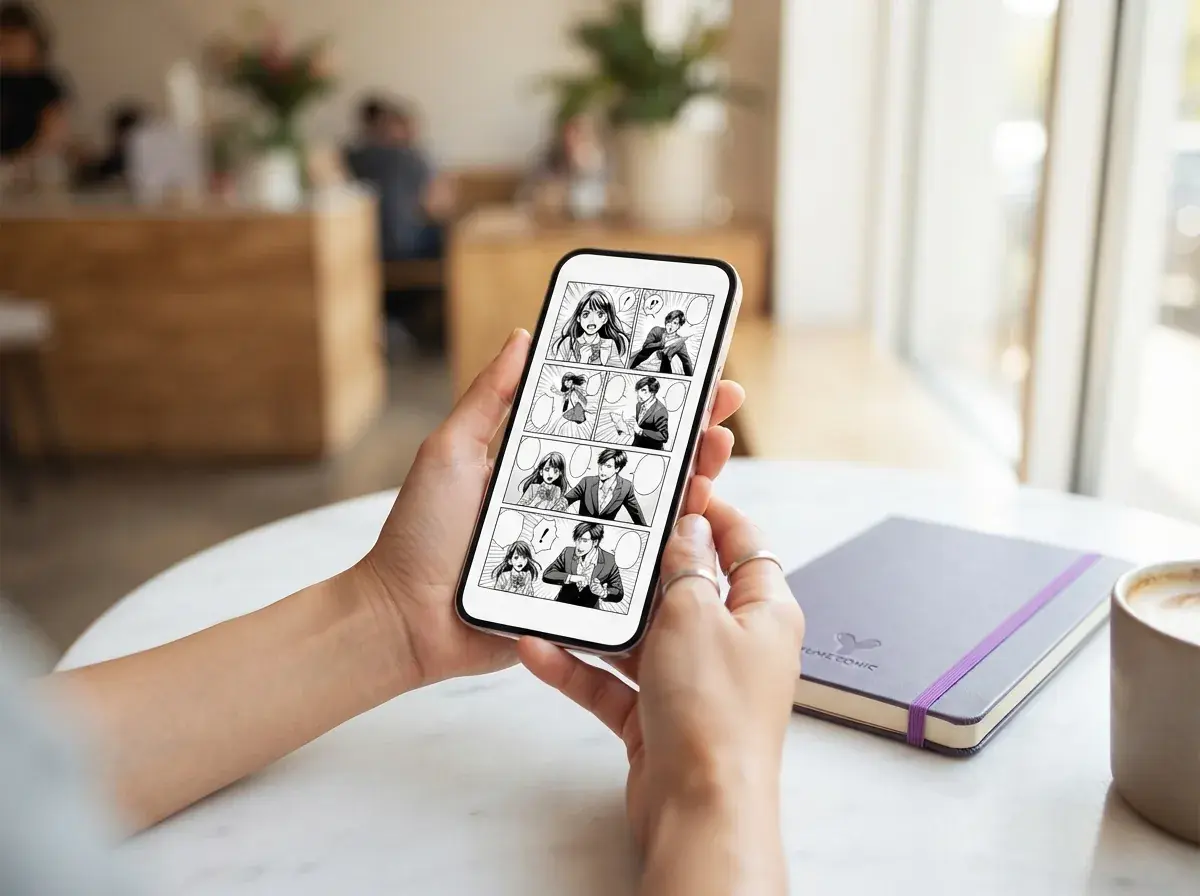
Is Photo to Comic free to try online?
Yes, free Photo to Comic tools let you test the basic workflow online without learning desktop art software first. That matters if you only want a fast visual of your character, outfit, pose, or scene idea, and you do not want to spend an hour masking layers by hand. A browser workflow is also simpler than hunting for a Photo to Comic converter online, a 3D cartoon photo editor online, or a separate photo to cartoon AI app when your real goal is one readable comic-style image. For most casual users, the best first pass is quick upload, style pick, and immediate preview.

What makes top Photo to Comic AI look believable?
Top Photo to Comic AI keeps the subject readable while changing the art style, so the final image still feels like your original photo. The biggest challenge is over-stylizing faces, hands, or clothing until the result stops looking like a comic version of you and starts looking like a random character. A concrete prompt helps: upload a café portrait and ask for “a rainy city romance panel, clean ink lines, soft violet shadows, one speech bubble, half-body framing.” Yume Comic's free Photo to Comic workflow is strongest when the source photo is sharp and the style note is specific, not generic.

What should you try after one comic-style image?
After one strong image to comic result, the next step is deciding whether you want a series, a page, or a vertical story. If you want multiple panels from the same character pose or mood, a comic panel generator helps turn that single visual direction into a more structured comic layout. If your goal is a scroll format for phones, the guide on how to start a webcomic for free is the most useful next read because it covers pacing, format choice, and what to post first. That is where a simple picture to comic experiment becomes a real story project.
How it works
How to turn a photo into comic art
You upload one photo, pick a comic look, and the 3 steps give you a finished comic-style image that shows your original photo re-drawn as a stylized panel.

Upload your photo
Add a clear portrait, selfie, pet photo, or scene from your phone or laptop. The starting image stays visible on screen so you can compare the original photo with the final comic version.

Choose a comic style
Select the look you want, such as bold comic shading, manga linework, or a clean webtoon feel, then run the conversion. Yume Comic's free photo converter redraws the photo with comic-style outlines, tones, and color treatment based on your choice.

Download your comic image
Save the finished result as a comic-style image you can post, send, or use as art reference for a page. You get the before and after moment in one flow: your original photo in, your completed comic from photo out.
Who uses Photo to Comic and what they make
Everyday storytellers, hobby creators, and curious first-timers use a Photo to Comic workflow to turn selfies, character shots, and scene photos into shareable comic art with a clear style and story feel.
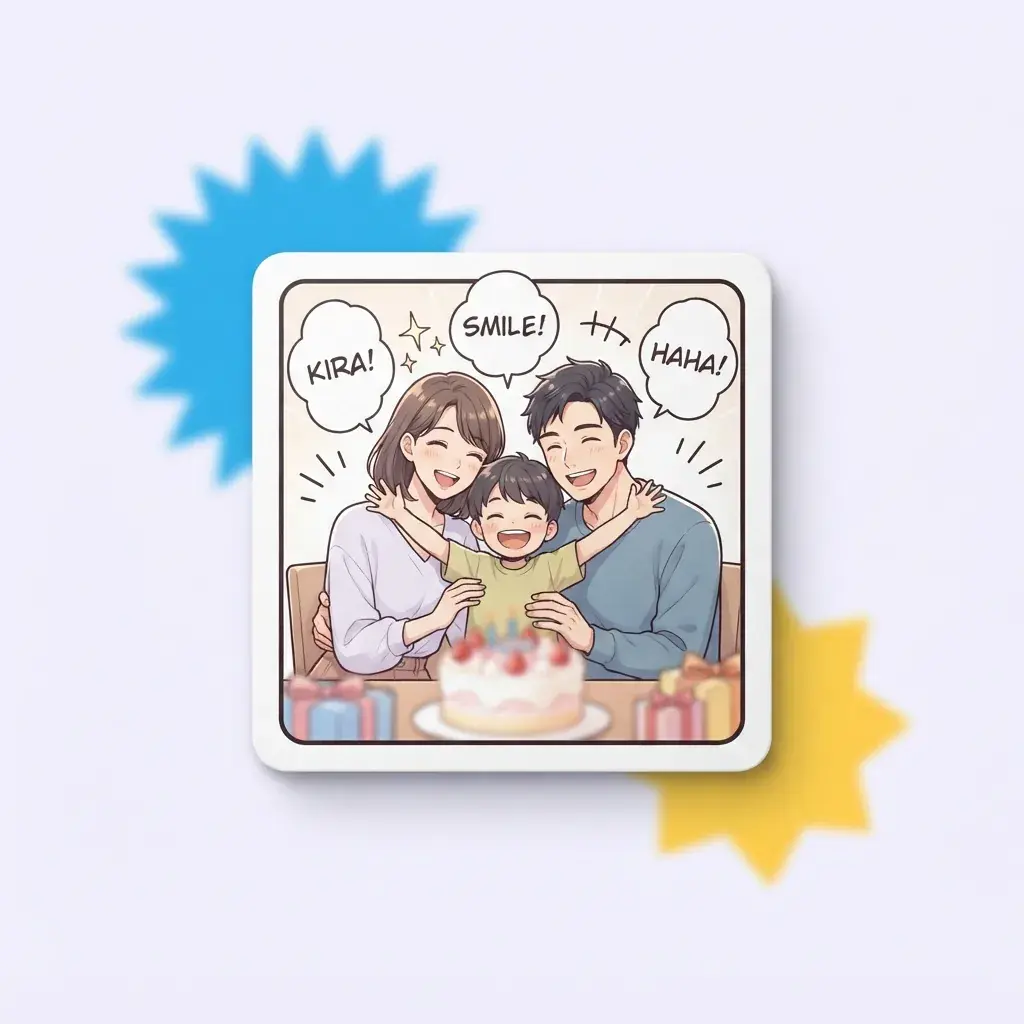
Comic from photo AI for family memory pages
Parents and siblings use Photo to Comic to turn a birthday snapshot, pet photo, or holiday selfie into a short page with captions and speech bubbles. A single group shot can become a comic from photo that reads like a tiny family story instead of a plain album image.
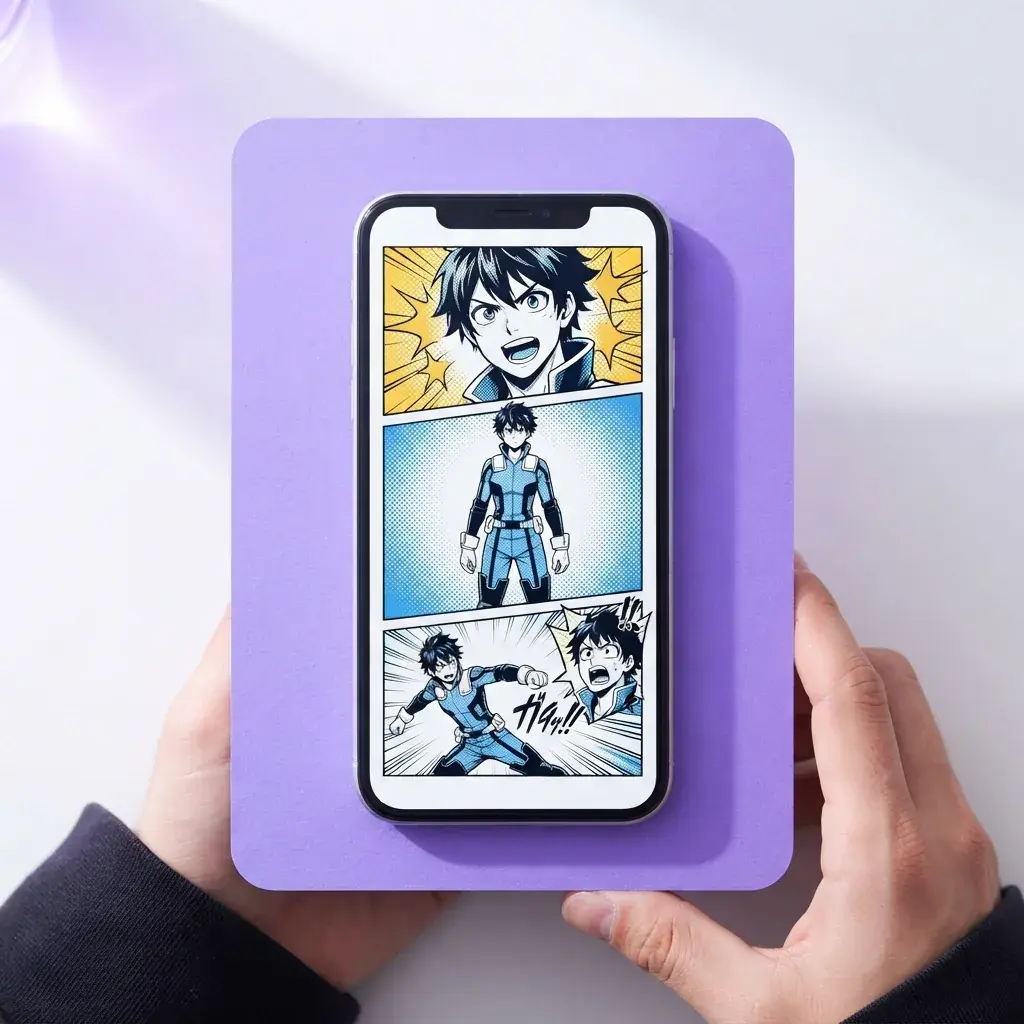
Cosplayers and fan storytellers making character intro panels
Cosplayers use a front-facing portrait or costume Photo to Comic conversion to make dramatic character reveal panels, reaction shots, and cover-style art for posts and zines. The same selfie can shift from picture to comic in a bold shonen look or a cleaner manhwa style, depending on the mood you want.
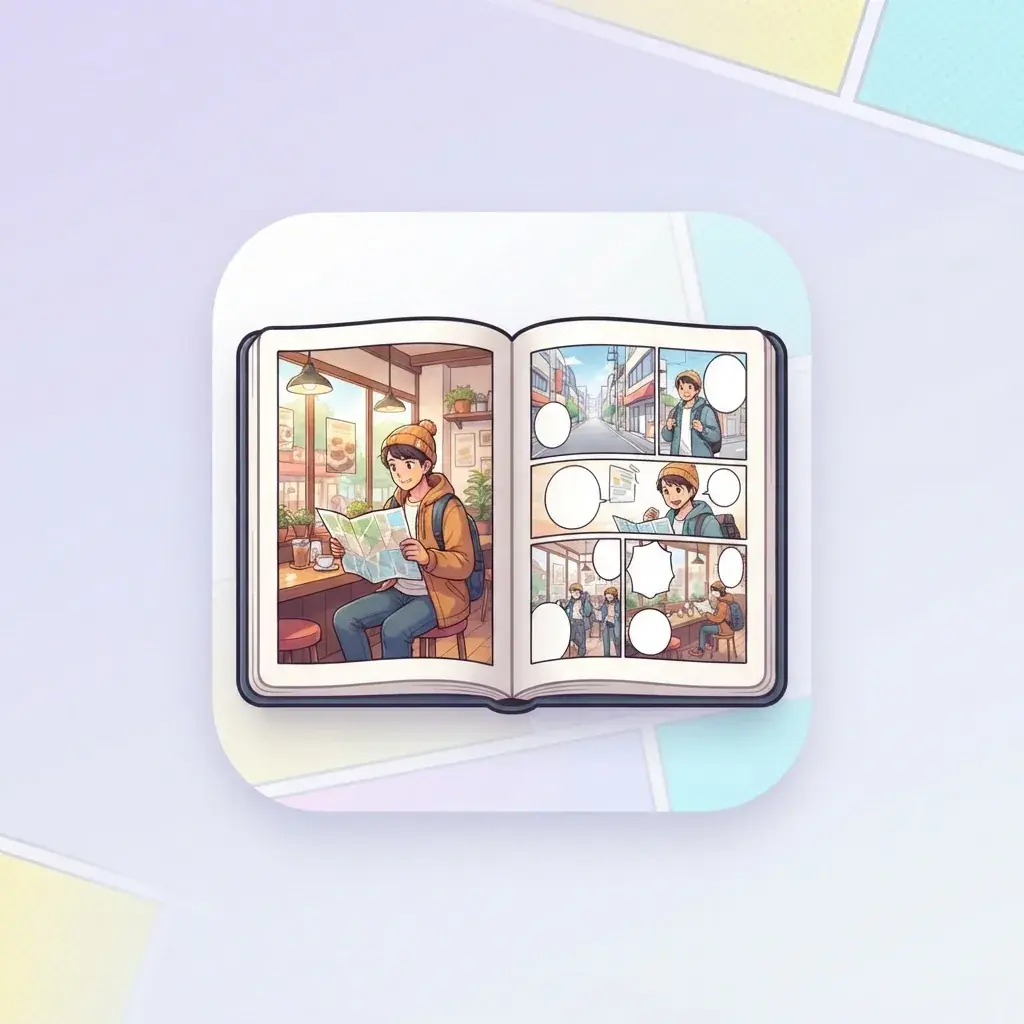
Travel journal makers turning phone photos into diary comics
Travelers use Photo to Comic pages to retell one small moment, like missing the train, finding a ramen shop, or seeing the first snowfall in a new city. A street photo can become an image to comic diary scene with panels, narration, and a clear beginning, middle, and ending.
Features
Turn your photo into comic art with panels, style, and character detail
Yume Comic's free AI comic maker converts a single photo into comic-style art you can shape into manga, manhwa, or webtoon looks. You upload the photo, pick a visual style, and get a clear before-to-after result that is ready to save, share, or build into a fuller page.
Upload one photo, get panels
A single upload becomes a comic page with multiple panels, not just one filtered image. Yume Comic reads the people, pose, and scene in your photo, then lays them out with comic framing and speech-bubble space. This is the fastest answer to how to turn a photo into a comic when you want a real page instead of a plain effect. The finished result is a comic page you can read, save, and share.
Keep faces steady across panels
Photo to Comic results look better when the same person keeps the same features from panel to panel. Yume Comic uses your uploaded photo as the visual anchor, so hair, outfit, and face shape stay closer to the original as the page changes angle or expression. That matters when you want a short scene, reaction sequence, or reveal to feel like one story. The output feels more like a comic from photo than a random batch of unrelated drawings.
Switch your photo into styles
Photo to Comic style controls let you push the same photo toward manga, manhwa, or webtoon looks without starting over. You can test a bold black-and-white page, a cleaner mobile-scroll look, or a softer anime-inspired finish from the same source photo. If you want a more specific look next, try the linked photo to manga or photo to anime tools for style-first versions of the same idea. This makes one picture to comic concept easy to compare across different visual moods.
Turn scenes into webtoon layouts
A photo into comic workflow is especially useful when you want vertical reading on a phone. Yume Comic's free AI comic maker can turn one scene into stacked moments that feel natural in a scrolling format, with room for captions and dialogue. That saves time compared with arranging every beat by hand in design software. Your result is a long, readable comic layout built from the photo you already have.
Build pages from real moments
Photo to Comic creation works well for selfies, cosplay shots, friend photos, pet photos, and travel scenes that already have a clear subject. You upload the photo, guide the mood or story, and turn that real moment into a stylized page with comic structure. If you want a simpler single-image effect after that, the linked photo to cartoon tool is a useful follow-up, and the comic panel generator helps when you want to expand one scene into a larger sequence. The result is an image to comic page that feels personal because it starts from your own photo.
By the numbers
Made by comic fans everywhere comic fans
People use Yume Comic to turn quick ideas, photos, and short scripts into finished pages they can read, save, and share.
1M+
Pages created
Multi-panel pages made in the browser
4.8★
Average rating
Loved for fast results and easy page-making
100+
Art styles
Looks for manga, manhwa, webtoon, and comics
150+
Countries reached
Creators making and sharing comics worldwide
1M+
Pages created
Multi-panel pages made in the browser
4.8★
Average rating
Loved for fast results and easy page-making
100+
Art styles
Looks for manga, manhwa, webtoon, and comics
150+
Countries reached
Creators making and sharing comics worldwide
Turn your photo into a comic with panels and style
Use the same image you just saw in these examples, then turn it into a comic page with speech bubbles, character styling, and a clean layout in Yume Comic.
- Start free in your browser
- Make manga, manhwa, or webtoon looks
- Keep your character design consistent across panels
Photo to Comic questions, answered
What does Photo to Comic mean on Yume Comic?
How does Photo to Comic work?
What inputs does Photo to Comic accept?
Can Photo to Comic use selfies, pets, and group shots?
Is free Photo to Comic available?
How fast can Yume Comic turn a photo into comic art?
What styles can Photo to Comic create?
What is the difference between Photo to Comic and image to cartoon online free tools?
Why does a comic from photo AI result sometimes look wrong?
Does Photo to Comic keep the original background and details?
Does Photo to Comic add audio or voiceover?
What resolution and download does Photo to Comic produce?
What is the difference between Photo to Comic and a full comic page maker?
Who uses Photo to Comic and what do they make with it?
How to turn a photo into a comic that looks better?
What can Photo to Comic not do yet?
Your first comic page from a photo is ready to make
Turn one photo into a styled comic scene with bold lines, clean shading, and a look you can share right away.
- Free to try in your browser
- No drawing skills needed
- Choose manga, manhwa, or webtoon styles