Free tool
AI Webtoon Generator
An AI Webtoon generator is a webtoon maker that turns written story ideas into comic panels, speech bubbles, and vertical scroll episodes.
- Manga
- Manhwa
- Webtoon
- Comic strip
Make full comic pages
Go from one story prompt to panels, dialogue, and a finished page.
Keep characters recognizable
Hold your cast’s look across scenes, panels, and pages.
Switch between comic styles
Create manga pages or tall phone-friendly scrolls in the style that fits your story.

Made with Yume Comic
See story ideas become real comic pages in every style
From shonen action beats to soft romance panels and long vertical scrolls, these finished pages show how the same spark can turn into very different manga, manhwa, and webtoon results.
 Hero training clash
 Rainy confession scene
 Moonlit spell cast
 Cafe study break
 Hallway shadow reveal
 Pet chaos gag
Why this matters
Why making webtoons with AI is worth learning
An AI Webtoon generator matters because it turns a rough story idea into a readable comic format with panels, pacing, and dialogue already in place. That makes webtoon creation practical for people who write more than they draw, and Yume Comic's free AI comic maker gives you a direct way to test scenes, styles, and character beats without a long setup.
- 1
See your story as a real comic page
An AI Webtoon generator turns a sentence or short script into something you can actually read panel by panel. That helps you judge pacing, dialogue, and scene order fast, instead of guessing how the story will feel in your head.
- 2
Keep your characters readable from scene to scene
A strong AI Webtoon maker solves one of the biggest comic problems, character drift across panels. When the same lead keeps the same face, outfit, and mood, your story feels intentional and easier for readers to follow.
- 3
Try formats that match how people read now
Webtoons are not just comics with taller pages. Yume Comic's free AI comic maker helps you test vertical reading flow, phone-friendly spacing, and scroll-based reveals, which are core parts of how modern webtoon scenes land with readers.
- 4
Move from idea to revision instead of getting stuck at sketch one
A good AI Webtoon generator gives you a draft you can react to, rewrite, and remake in a different style. That shifts the hard part from drawing every panel by hand to shaping a story that reads clearly and keeps momentum.
The basics
How does AI Webtoon generator work for creators?
See how an AI Webtoon generator turns your script into clean, phone-friendly panels with steadier characters and better prompts.

Why does an AI Webtoon generator matter for beginners?
An AI Webtoon generator matters because a webtoon maker online removes the two biggest blockers at once: drawing skill and page setup. Instead of sketching every panel by hand, you describe a scene, choose a style, and get a readable comic page with speech bubbles and pacing already in place. That changes the job from technical drawing to story direction. If you want the basics first, start with what is a webtoon so you can match your format to how vertical comics are actually read on phones.
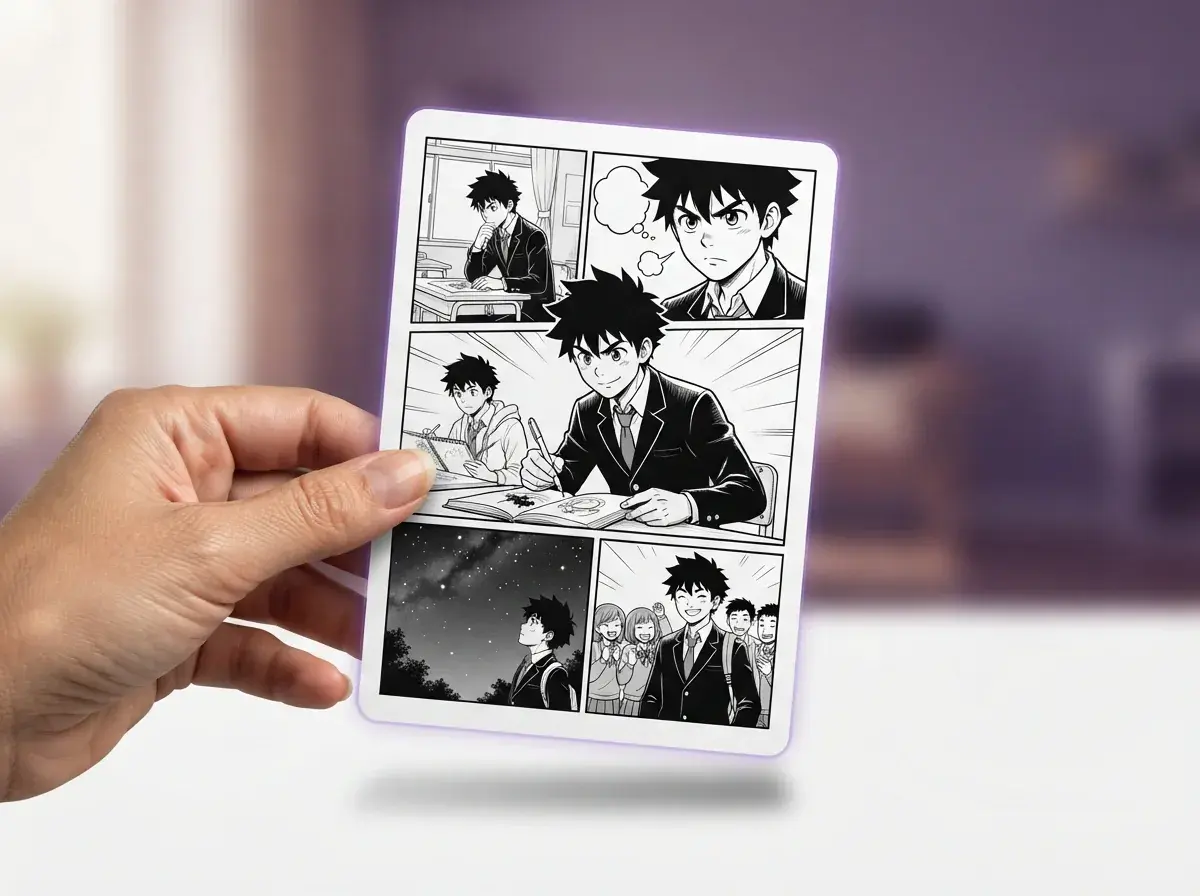
How does an AI Webtoon generator actually work?
An AI Webtoon creator works in four parts: script, character references, panel planning, and final rendering. You give the system a short story beat, define who appears in the scene, and set a style such as romance manhwa or action webtoon. Then the comic engine turns that into sequential panels instead of one isolated image. A prompt like “A shy student finds a glowing cat spirit on a rainy rooftop, 5 vertical panels, soft blue night mood, two speech bubbles” can generate webtoon output that already reads like a scene, not a poster.

What trips people up when choosing a webtoon tool?
The biggest mistake is judging the best webtoon maker app by a pretty sample image instead of page control. Single-image tools often fail when you need panel flow, repeated outfits, readable bubbles, and the same face from scene to scene. Another common miss is choosing a tool built for desktop illustration when your real goal is to make webtoons quickly and publish often. If you plan to release episodes, learn how to publish on WEBTOON early so your canvas size, text size, and update format fit the platform from the start.

Is a free AI Webtoon generator enough to start?
Yes, a free AI Webtoon generator is enough to test your idea, find your cast, and draft your first readable episode. The right starting tool should let you turn a scene prompt into multiple panels, keep your lead character recognizable, and export a vertical page that works on a phone. Yume Comic's free AI Webtoon maker is built for that exact first step, so you can validate a story before spending weeks drawing by hand. If your story starts from a real snapshot, photo to webtoon is a useful shortcut for building scenes around places or poses you already have.
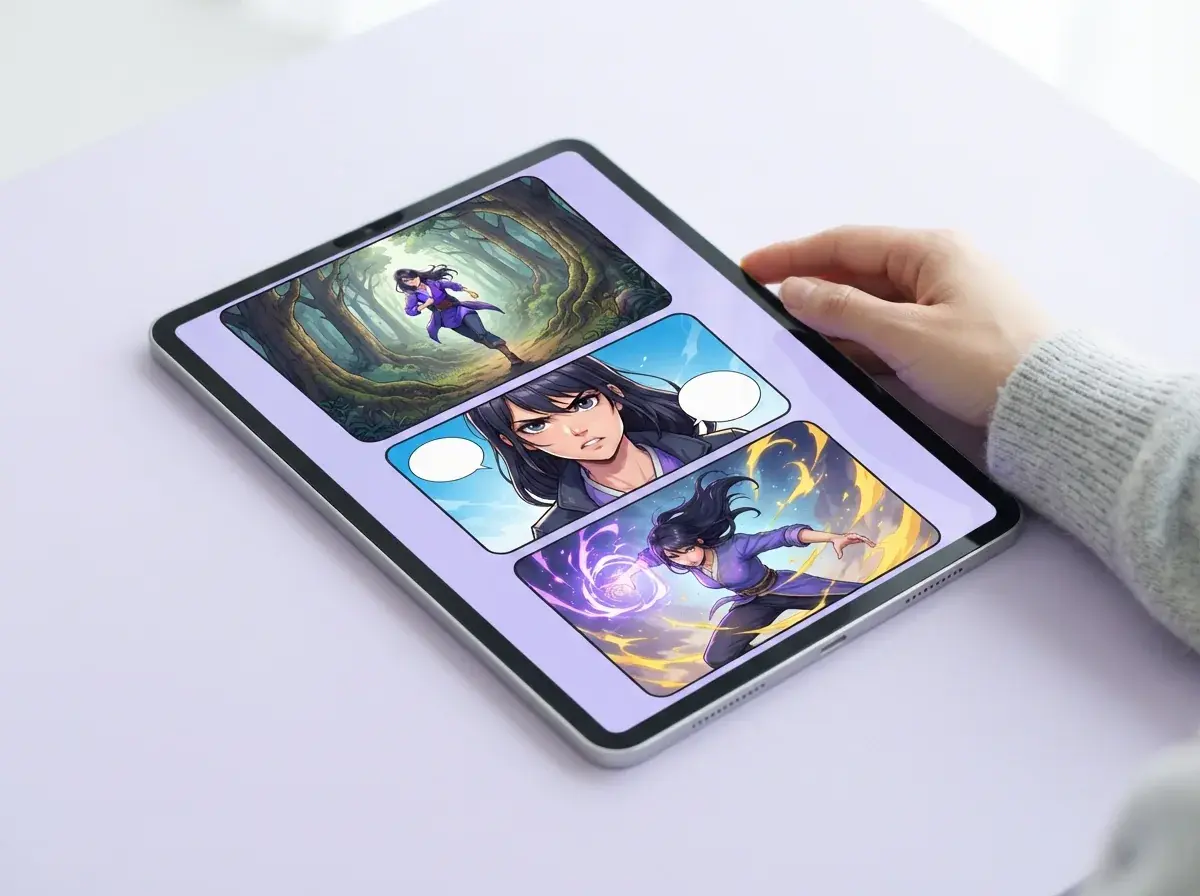
What should a new creator explore next?
A new creator should explore format, writing, and audience growth before worrying about polish. If your goal is becoming a webtoon canvas creator, study episode hooks, scroll pacing, and panel breaks so each update feels easy to binge on a phone. Then tighten your story beats with a webtoon script guide and test a few concepts from webtoon ideas for beginners before committing to a long series. That order helps a webtoon maker feel like a storytelling tool instead of a random image machine.
How it works
How to turn a story prompt into a finished webtoon page
A simple three-step workflow helps you plan the story, shape the panels, and use an AI Webtoon generator to produce a page you can read and share.

Write a short scene prompt
Start with one clear story beat: who is in the scene, where they are, what happens, and the mood. A good prompt gives the comic page enough structure to place characters, reactions, and dialogue in the right order.
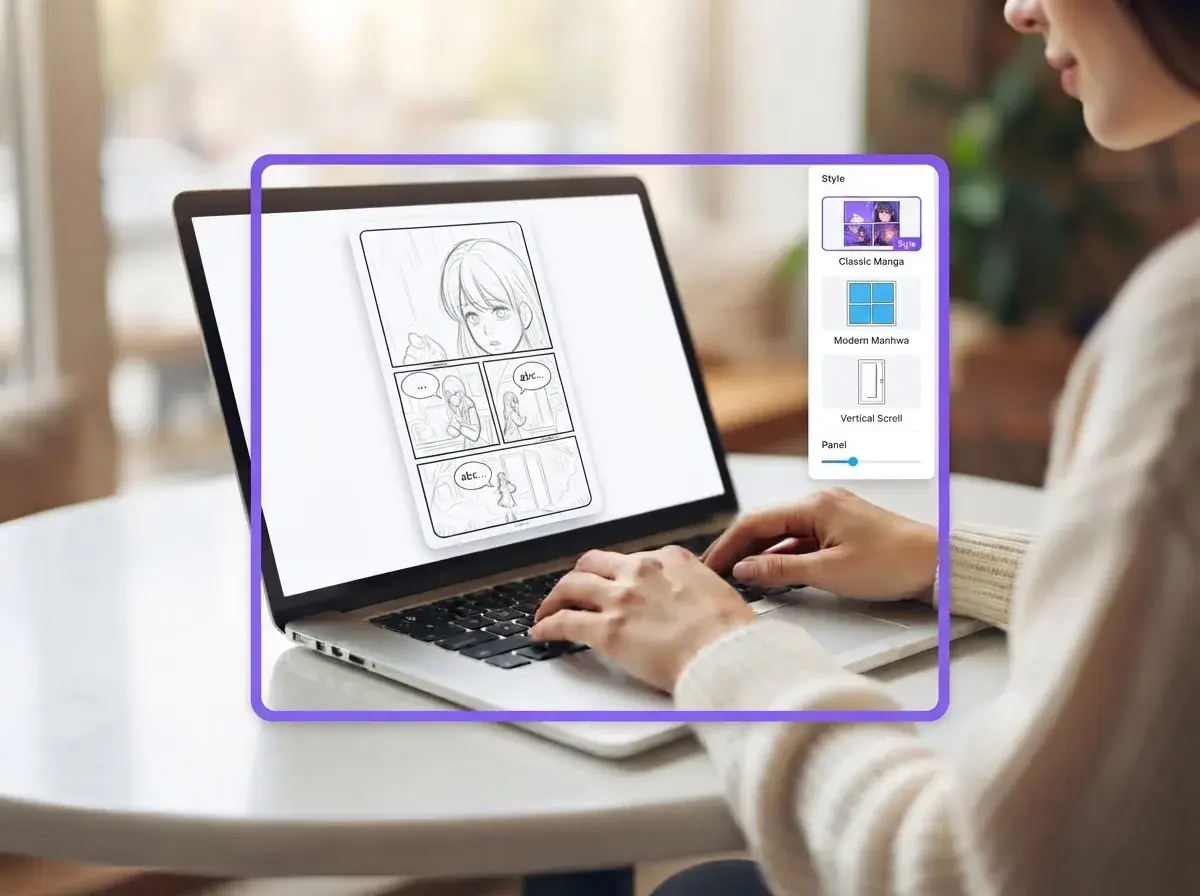
Set the page flow and style
Next, decide how the scene should read: panel count, speech bubbles, character references, and visual style. This step is what turns a loose idea into a readable comic sequence instead of a single standalone image.
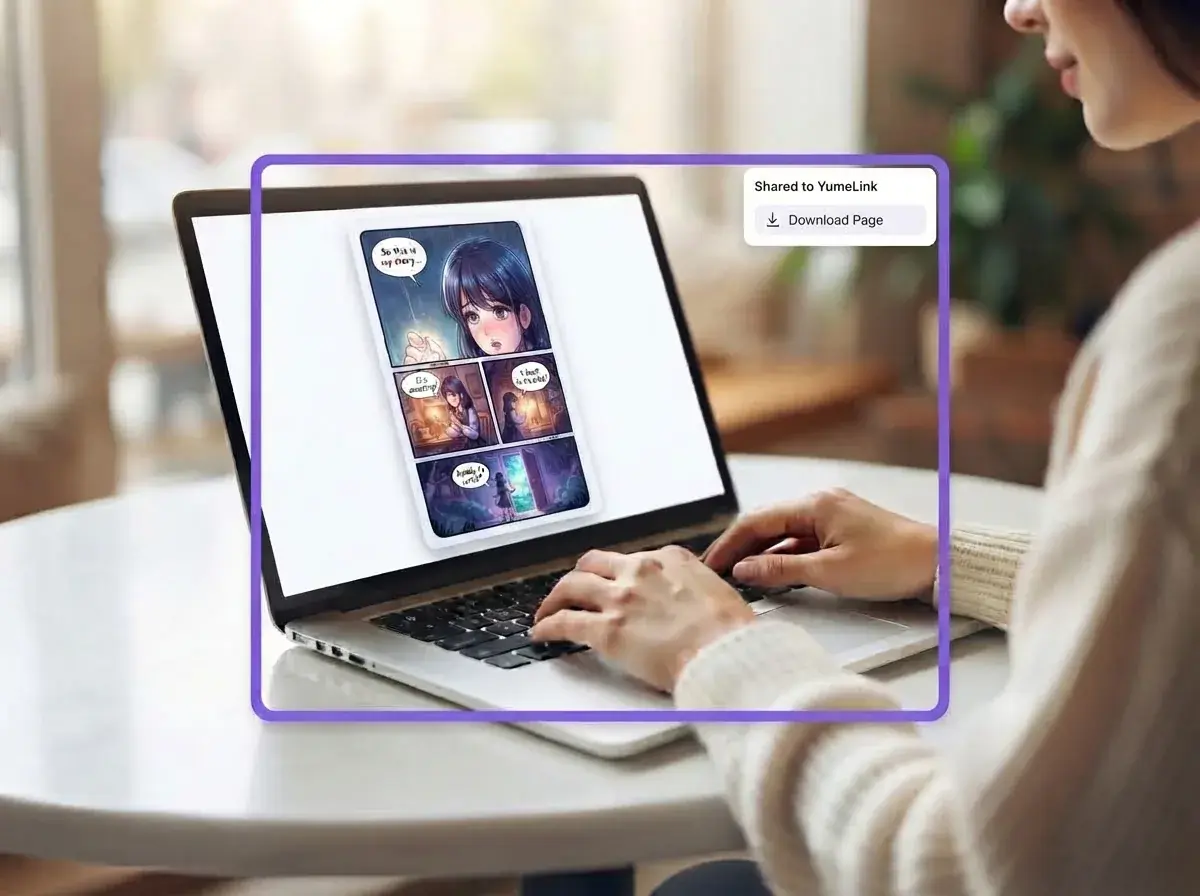
Review and share the finished page
Check that the characters stay consistent across panels and that the dialogue reads in the right order. Once the page looks right, save it as a comic page or a vertical scroll you can send to friends on any phone.
Who makes webtoons with Yume Comic and what they share
Writers, students, hobby creators, and small teams use an AI Webtoon generator to turn short scripts, joke ideas, fan stories, and phone-ready scroll episodes into finished comic pages.
Readers learning how to start a webtoon
People searching how to start a webtoon use an AI Webtoon generator to turn a rough plot, cast list, or first episode script into a real scrolling episode. A webtoon maker helps them test pacing, dialogue, and cliffhanger endings before they spend weeks drawing by hand.

Fan fiction writers making cast-driven episodes
Fan fiction writers use an AI Webtoon generator to turn character banter, romance scenes, and action beats into multi-panel comic pages with speech bubbles. They use Yume Comic's free AI Webtoon maker to keep the same hero, rival, or love interest recognizable across panels while trying different manga and manhwa looks.

Phone-first creators posting vertical story updates
Phone-first creators use an AI Webtoon generator to make webtoons that read smoothly in a vertical scroll, then share each update with friends or followers. They generate webtoon episodes from short prompts such as 'a shy ghost girl opens a midnight ramen cart' and get long-form panels sized for mobile reading.
Features
Make full comic pages with an AI Webtoon generator
You turn a short story prompt into a finished webtoon page with panels, speech bubbles, and matching characters. Yume Comic's free AI comic maker helps you generate webtoon scenes in your browser, then try the same idea in manga or manhwa styles.
Turn one prompt into panels
An AI Webtoon generator turns a short story prompt into a full comic page with multiple panels, dialogue space, and readable flow. You write a scene such as “A shy witch misses the last train and meets a ghost on the platform,” then shape it into a page instead of a single image. This matters when you want pacing, not just a poster. The result is a webtoon page you can read, edit, and share.
Keep characters steady across pages
An AI Webtoon generator works better when your lead looks the same from panel to panel, and Yume Comic's free AI comic maker is built for that job. You can reuse character references so hair, outfit, and face stay recognizable as the scene changes. This matters for longer stories, because readers notice when a hero changes design halfway through an episode. The concrete outcome is a webtoon that feels like one story world, not a stack of unrelated images.
Switch manga and webtoon styles
An AI Webtoon maker should let you test the same scene in different comic looks without rewriting the whole idea. You can try a shonen-inspired action page, a soft romance look, or a clean vertical scroll style for phone reading. This matters when the tone of the story changes more than the plot itself. The outcome is faster style picking before you commit to a full chapter.
Export vertical scroll episodes
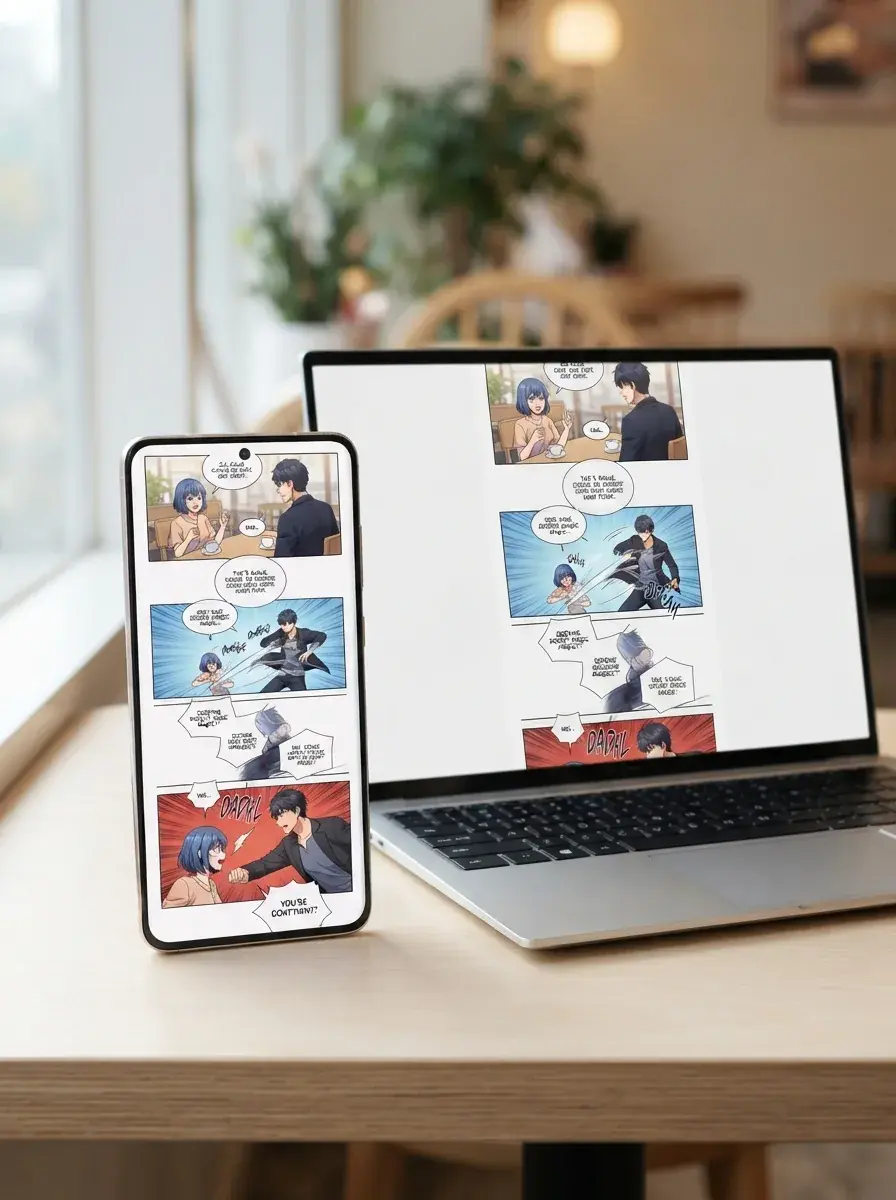
An AI Webtoon generator is most useful when the finished page reads well on a phone, not only on a desktop canvas. Vertical export helps you stack scenes in a scroll format that suits webtoon reading habits and quick sharing. This matters for creators posting episode updates, teasers, or short one-shots. If you want tighter pacing between beats, an AI Webtoon panel generator can help you plan panel rhythm before export.
Start from text or photos
A webtoon maker can begin with a written scene or with reference images you already have. You can turn a selfie or character sketch into comic art with photo to webtoon tools, then fold that look into a larger page. This matters when you already know how a character should appear but do not want to draw every panel by hand. If your story includes multiple languages, a manga translator can help adapt dialogue for readers after the page is made.
By the numbers
Loved by comic makers everywhere comic makers
People use Yume Comic to turn short story ideas into finished pages they can read, tweak, and share fast.
1M+
Pages made
Comic pages generated from prompts, scripts, and story ideas
4.8★
Average rating
Readers and creators praise the speed, style range, and page results
50+
Art styles
Style options for manga, manhwa, and vertical comic looks
150+
Countries reached
Creators make and share comics from browsers around the world
1M+
Pages made
Comic pages generated from prompts, scripts, and story ideas
4.8★
Average rating
Readers and creators praise the speed, style range, and page results
50+
Art styles
Style options for manga, manhwa, and vertical comic looks
150+
Countries reached
Creators make and share comics from browsers around the world
Turn your script into a finished webtoon page
Use what you just learned about prompts, panels, and pacing to make your own webtoon page with characters, speech bubbles, and a scroll-friendly layout.
- Make manga, manhwa, and webtoon pages in your browser
- Keep your main character consistent across panels
- Export a vertical scroll page that reads well on phones
AI Webtoon generator questions, answered
What does AI Webtoon generator mean?
How does AI Webtoon generator work?
What inputs can an AI Webtoon generator use?
Can AI Webtoon generator make long episodes or only one page?
Does AI Webtoon generator export high-quality files, and are there watermarks?
Can AI Webtoon generator add audio or voiceover?
What styles can an AI Webtoon generator create?
Why do AI Webtoon generator results sometimes look wrong?
How is an AI Webtoon generator different from single-image AI art?
Is a free AI Webtoon generator good enough for beginners?
Can webtoon maker online tools help people who cannot draw?
What should an AI Webtoon creator prompt include for better results?
What is the best webtoon maker app?
Can a webtoon canvas creator use AI-generated comics?
How do I use AI Webtoon generator if I am learning how to start a webtoon?
What can an AI Webtoon generator not do yet?
Your first webtoon page is one prompt away
Turn a short story idea into a finished scroll comic with panels, speech bubbles, and characters that stay recognizable from scene to scene.
- Start free in your browser
- No drawing skills needed
- Make manga, manhwa, and webtoon pages in one place
Popular
Popular AI Webtoon generator styles to start from
Pick a popular format or look, then use an AI Webtoon generator to turn your story into a finished page faster.
- AI manga generator
- AI manhwa generator
- Webtoon panel generator
- Photo to webtoon
- How to publish on Webtoon
- Webtoon panel layout tips