Free tool
AI Comic Generator
Type a story idea and get a finished comic page with panels and speech bubbles in about a minute.
Pick from 31 art styles, keep up to 4 characters consistent, and start free with no card.
- Manga
- Manhwa
- Webtoon
- Comic strip
Story to Panel
Turn your ideas into finished pages in minutes.
Consistent Characters
Keep your hero looking the same across every scene.
Zero Drawing Required
Make professional manga right in your browser.
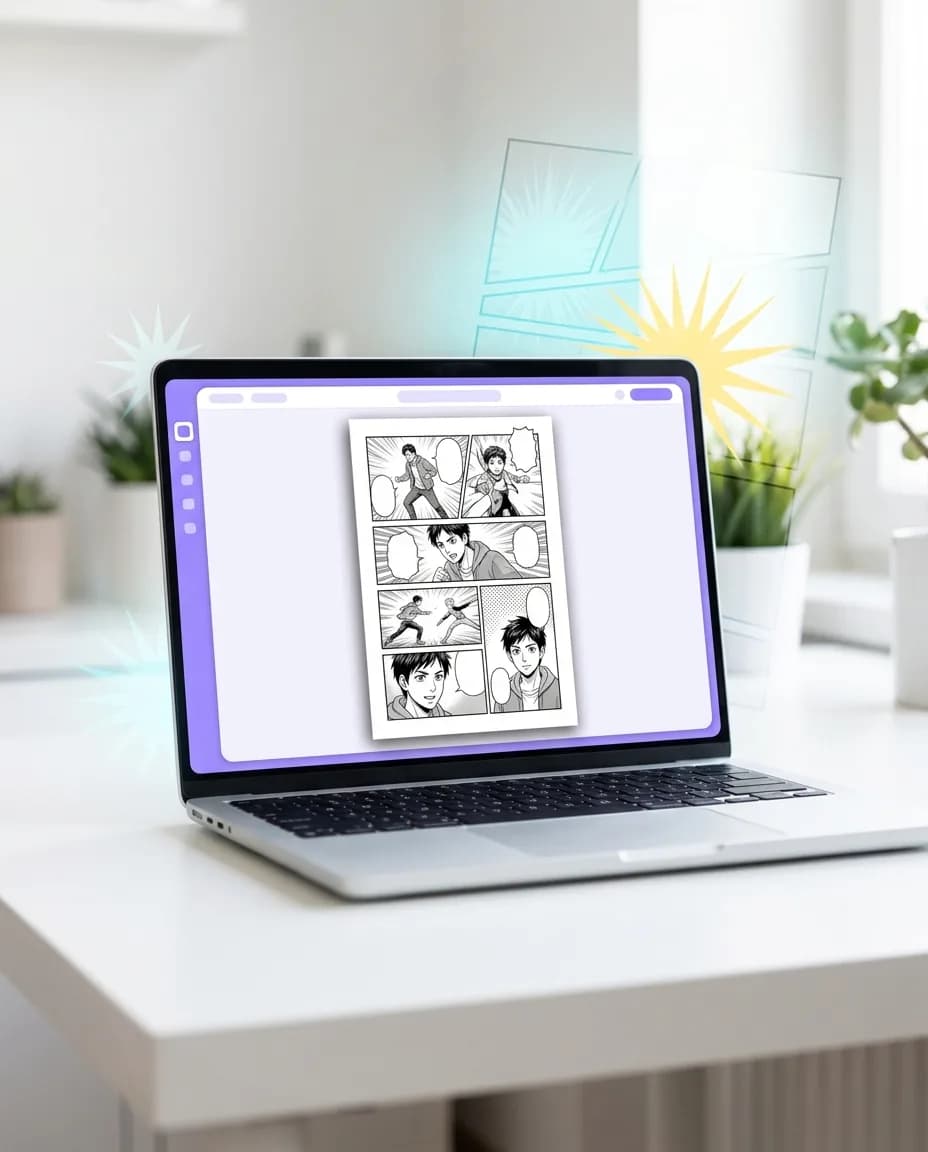


Yume Comic at a glance
Yume Comic is an AI comic maker for the web and Android. You type a story, pick an art style, and it draws finished manga, manhwa, webtoon or comic pages with panels and speech bubbles. No drawing skills needed.
What you get
- Finished comic pages with panels, speech bubbles and captions, drawn from your text
- The same characters on every page, built from a description or a reference photo
- PNG downloads with no watermark, ready to share or publish
- Speech bubbles written in any of 30 languages
- Price
- Free to start: 1 page with up to 4 panels, no card needed. Pro from $4.99 a week or $9.99 a month.
- Art styles
- 31 styles, 20 of them free (manga, anime, cartoon, chibi and more)
- Comic length
- Up to 12 pages per comic and up to 8 panels per page
- Characters
- Up to 4 consistent characters per comic
- Text languages
- 30 languages for dialogue and captions
- Download
- PNG, portrait 3:4 page, no watermark
- Speed
- About a minute for a one-page comic
- Usage rights
- Personal and commercial use, under our Terms of Service
- Platforms
- Web browser and Android app
Made with Yume Comic
From a quick prompt to finished pages
See how everyday storytellers are turning their ideas into professional-looking manga and webtoons in every style imaginable.
 Epic Battle Scene
 Soft Romance Scroll
 Gritty Mystery Noir
 Sparkly School Life
 Fantasy Level-Up
 Cozy Café Vibes
The Yume Way
Your imagination, now in ink
An AI comic generator turns a story idea into finished comic pages. Write the plot or add a reference photo for your main character, pick a style (manga, webtoon, superhero, noir and more), and Yume Comic draws the panels with the same characters on every page, with no drawing skills needed.
- 1
From script to panel in minutes
Remember that story you’ve been sitting on for months? You don't need to spend years learning anatomy or perspective to see it come to life. Just type out what’s happening in your scene, and watch as the panels arrange themselves. It’s like having a professional artist friend who works at the speed of thought, letting you focus on the drama and the dialogue while we handle the heavy lifting.
- 2
Characters that stay true
One of the hardest parts of making a comic is keeping your hero looking like themselves from page one to page fifty. Our engine remembers your character's unique features, from their messy hair to their favorite jacket. This means you can build a real series with a cast that feels alive and recognizable in every single panel, making your world feel solid and professional without the manual rework.
- 3
Every style under the sun
Whether you’re dreaming of a classic black-and-white shonen battle or a vibrant, vertical-scroll romance manhwa, the choice is yours. You can experiment with different aesthetics until you find the one that perfectly captures the mood of your tale. Switch from gritty noir to soft watercolor with a few clicks. It’s your story, so you get to decide exactly how the world looks and feels to your readers.
- 4
Made for modern readers
Most people read comics on their phones, so we made sure your creations look amazing on every screen. Export your work as a seamless vertical scroll or a traditional page layout ready for social media. Sharing your vision with friends or a global audience is instant and easy. You’ve got the ideas, and now you have a way to put them in front of the world without any technical hurdles.
The Details
Everything you need to know
Bringing your stories to life with an ai comic maker online
Most of us have amazing stories tucked away in our heads but lack the years of drawing practice to get them on paper. Using an ai comic maker online lets you skip the steep learning curve of professional art software. You can focus entirely on your plot and characters while the tool handles the heavy lifting of sketching and ink work. Check out our ai comic generator for beginners guide to start your journey.
Info: Got a cool scene stuck in your head? Just type a quick sentence about your hero and watch the panels appear. You don't need to pick up a pencil to see your story come to life in beautiful shonen or shojo styles in just a few seconds.
Understanding what is an ai comic generator exactly
At its heart, this technology is a creative partner that understands visual storytelling. It takes your written descriptions and translates them into stylized panels, complete with consistent characters and dynamic layouts. Unlike basic image tools, it builds a cohesive narrative flow across multiple frames. If you want to learn more, read about how to use ai comic generator to see how the magic happens.
Moving from simple text to comic ai layouts
A common hurdle for creators is turning a single prompt into a full page that actually makes sense. Many tools struggle with keeping characters looking the same or placing speech bubbles correctly. Successful text to comic ai workflows require a system that remembers your character's face and style from the first panel to the last. It is about building a consistent world rather than just generating a single random picture.
Tip: Try adding a mood to your prompt to make your webtoon look even better. Words like 'golden hour' or 'rainy night' help the AI set the perfect scene for your characters instantly.
Getting started with a free ai comic generator
You do not need a massive budget or a studio to start your own webtoon series today. A free ai comic generator like Yume Comic lets you experiment with shonen, manhwa, or classic styles directly in your browser. It simplifies the process so you can export vertical scrolls for your friends to read on their phones. For the best results, try using our best prompts for ai comic generator to get the look you want. For quick gag or newspaper-style comics, try the comic strip maker, or turn a photo into a comic.
How it works
From your brain to the finished page
Making a comic is as easy as telling a story to a friend.
Tell your story
Type a few lines about your characters and what they're doing. You don't need a full script to get started.
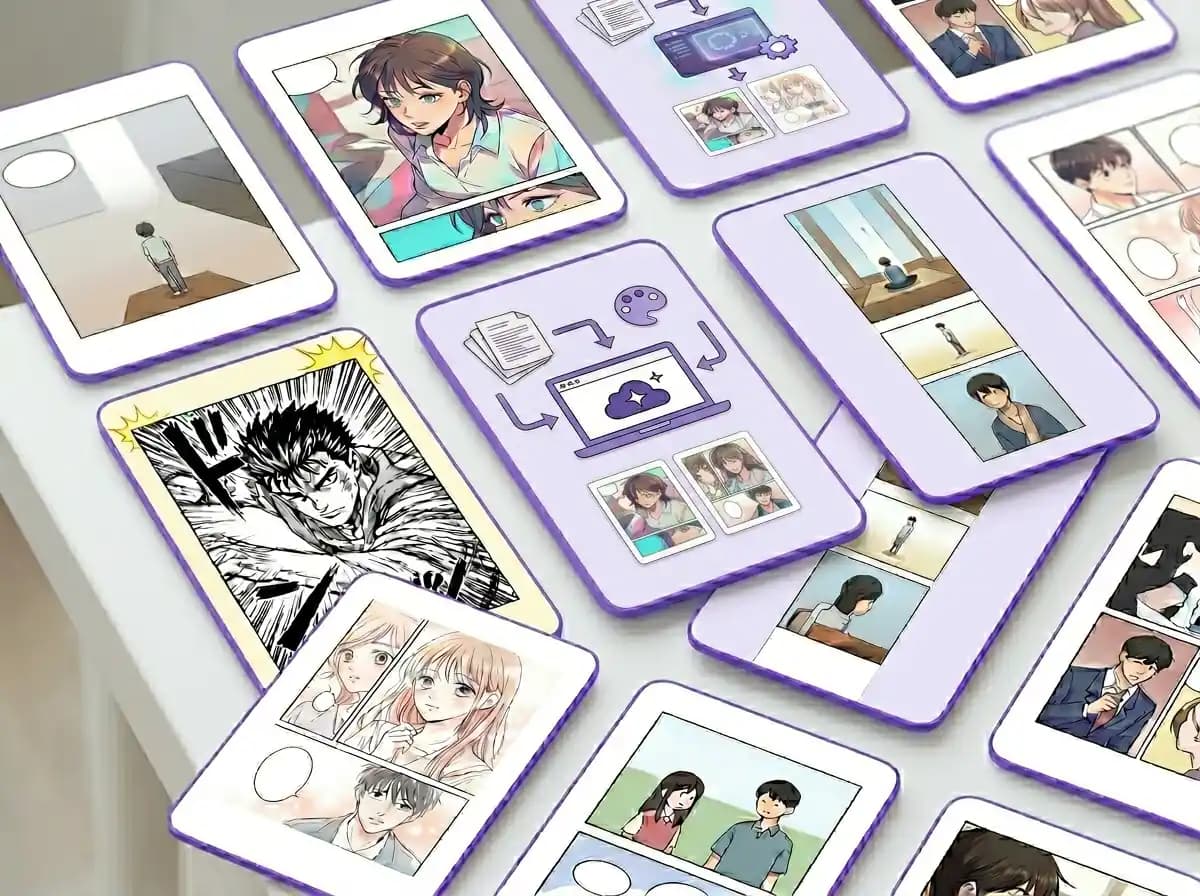
Pick your favorite look
Choose from classic shonen manga, colorful manhwa, or vertical webtoon styles. The AI handles all the panels and layouts.
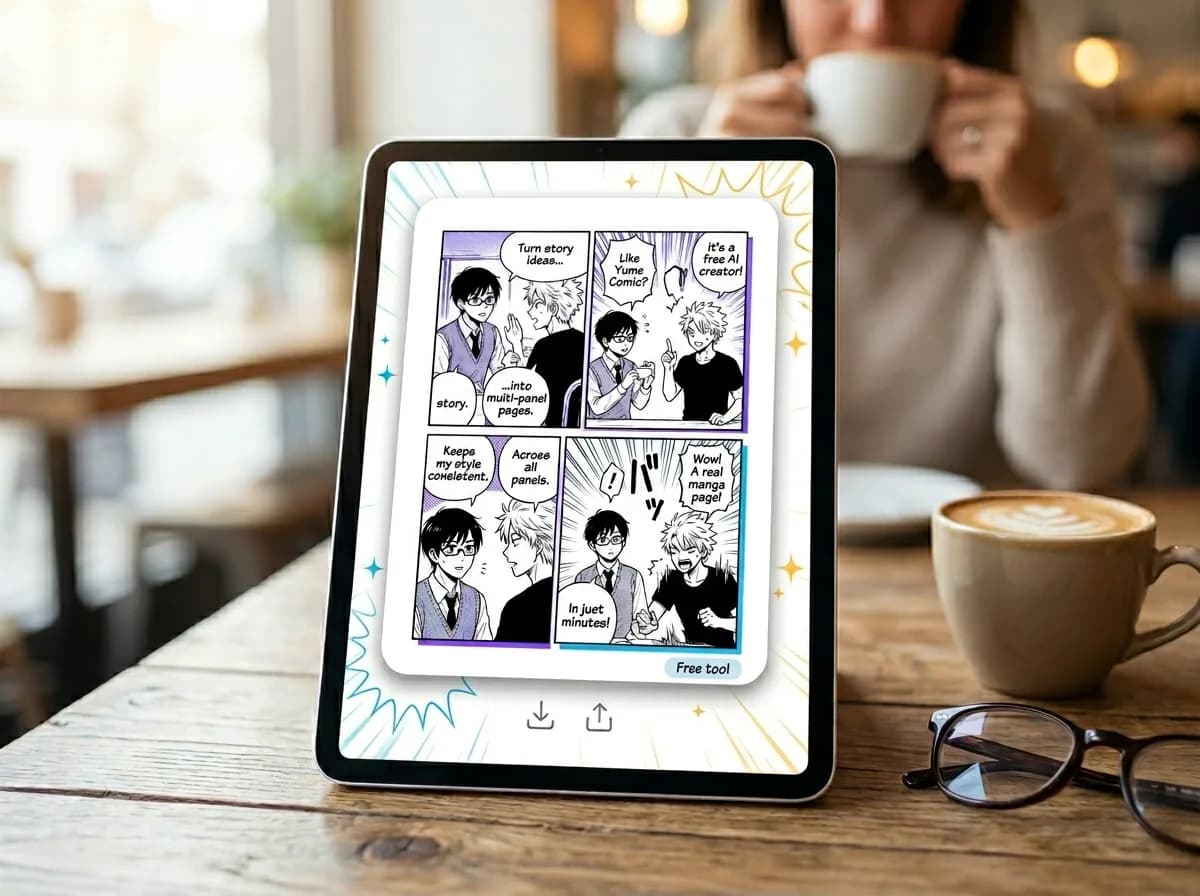
See it come to life
In seconds, your story becomes a full page with consistent characters and speech bubbles ready to share with friends.
Comics for every story
Whether you're a writer with a script or a fan with a wild idea, see how you can bring your world to life.

Writers with a Vision
You have the script and the characters ready in your head. Now, see them come to life on the page without needing to pick up a pen.

Digital Scroll Creators
Build vertical manhwa stories that look perfect on phones. It is the best ai comic generator 2026 for making shareable webtoons in minutes.

Roleplayers and Worldbuilders
Turn your latest fantasy session or fanfic chapter into a multi-panel comic. Keep your heroes looking the same from the first panel to the last.

Social Media Storytellers
Make quick, funny, or dramatic comic strips to share with your friends. No more single images—give your followers a full story to read.
Features
Everything you need to tell your story
Skip the drawing board and go straight to the fun part with tools built for making comics.
Instant Story-to-Panel Layouts
Our engine reads your story and automatically sketches out a full panel layout with speech bubbles. It's the fastest way to see your script come to life without touching a pen.
Smart Character Locking
Keep your hero's look the same from the first page to the last. Our /tools/ai-character-generator tech remembers your character's face and clothes so they stay consistent across every panel.
Multi-Style Art Engine
Switch between classic shonen manga or modern manhwa looks with one click. Use the /tools/ai-manga-generator settings to find the perfect vibe for your specific story.
AI Comic Generator No Signup Access
Start making your first page immediately in your browser. We made this as an ai comic generator no signup tool so you can test your ideas and see results before ever creating an account.
Vertical Scroll Optimization
Perfect for mobile readers, our tool formats your panels into a seamless vertical webtoon scroll. It saves you hours of manual resizing and stitching images together by hand.
Real-Life Image Reference
Use our /tools/photo-to-comic feature to turn your own selfies or room photos into professional background art. It helps you build a realistic world for your characters to live in.
The Yume Community
Powering a new wave of digital storytellers
Join a global community of creators turning their wildest dreams into finished pages every single day.
500K+
Comics Created
Stories brought to life from simple text prompts.
50+
Art Styles
From classic shonen to modern vertical webtoon scrolls.
4.9★
User Rating
Loved by aspiring artists and storytellers everywhere.
120+
Countries
A diverse community of creators sharing their local stories.
500K+
Comics Created
Stories brought to life from simple text prompts.
50+
Art Styles
From classic shonen to modern vertical webtoon scrolls.
4.9★
User Rating
Loved by aspiring artists and storytellers everywhere.
120+
Countries
A diverse community of creators sharing their local stories.
Got a few questions?
Is it really free to start making my own comics?
It's free to start after you sign up: your first comic page (up to 4 panels, non-Pro styles) is on us. You do need an account first, so it isn't a no-sign-up tool, and longer comics (up to 12 pages) need a Pro plan. If you are new to this, our guide on how to make a comic walks you through your first page. See current plans for what is included after you start free.
Do I need to know how to draw to use this tool?
Not at all! Yume Comic is built for people who have great stories but might not have the art skills to draw them by hand. You just type in your scene or story idea, and the AI handles the panels, characters, and backgrounds for you. It is like having an artist friend who draws your script for you; a page usually takes a few minutes. If you start from a rough doodle, sketch to art finishes it and the line art colorizer adds color.
Will my characters look the same on every page?
That is one of the best parts about using our tool. We use a consistency engine that remembers your character's features, so they do not change their hair or face between panels. This keeps your story feeling professional and easy for your readers to follow from start to finish. You can design them first with the AI character generator.
Can I make vertical webtoons for phone reading?
Definitely. You can choose between classic manga layouts or the vertical scroll style used in popular manhwa. Once your page is ready, you download it as a PNG image with no watermark, ready to share with friends and family. The AI webtoon generator is set up specifically for vertical-scroll episodes. For manga-style pages, start with the manga maker.
How do I write the best descriptions for my panels?
Think of it like describing a movie scene to a friend. Be specific about the action and the mood, but do not feel like you need to use technical art terms. If you need a story to start from, browse our comic ideas.
What is the fastest way to turn my script into a finished page?
Paste your story or script into the prompt box, pick an art style and the number of pages and panels per page, and the AI draws the panels and writes the speech bubbles for you. If you want a different look, run the same story again in another style. Our guide on how to make a manga covers the full workflow from script to page. Paste it into the text to manga generator; for black-and-white manga, our manga creator covers the full process.
Can I try different art styles for the same story?
You sure can. You might want a dark, gritty look for a mystery or a bright, bubbly style for a romance. You can swap between dozens of manga and manhwa styles with a single click to see which one fits the vibe of your story best. Compare the AI manga generator with the American comic generator to see the same story in both looks.
Do I have to install any heavy software on my computer?
No installation is needed. Everything happens right in your web browser, so you can make comics on a laptop, tablet, or even your phone while you are at a café. It is designed to be lightweight and fast so you can focus on your storytelling.
Popular
Choose your favorite style
Pick a look you love and see how your characters look in different manga and webtoon formats.