Free tool
AI Manga Generator
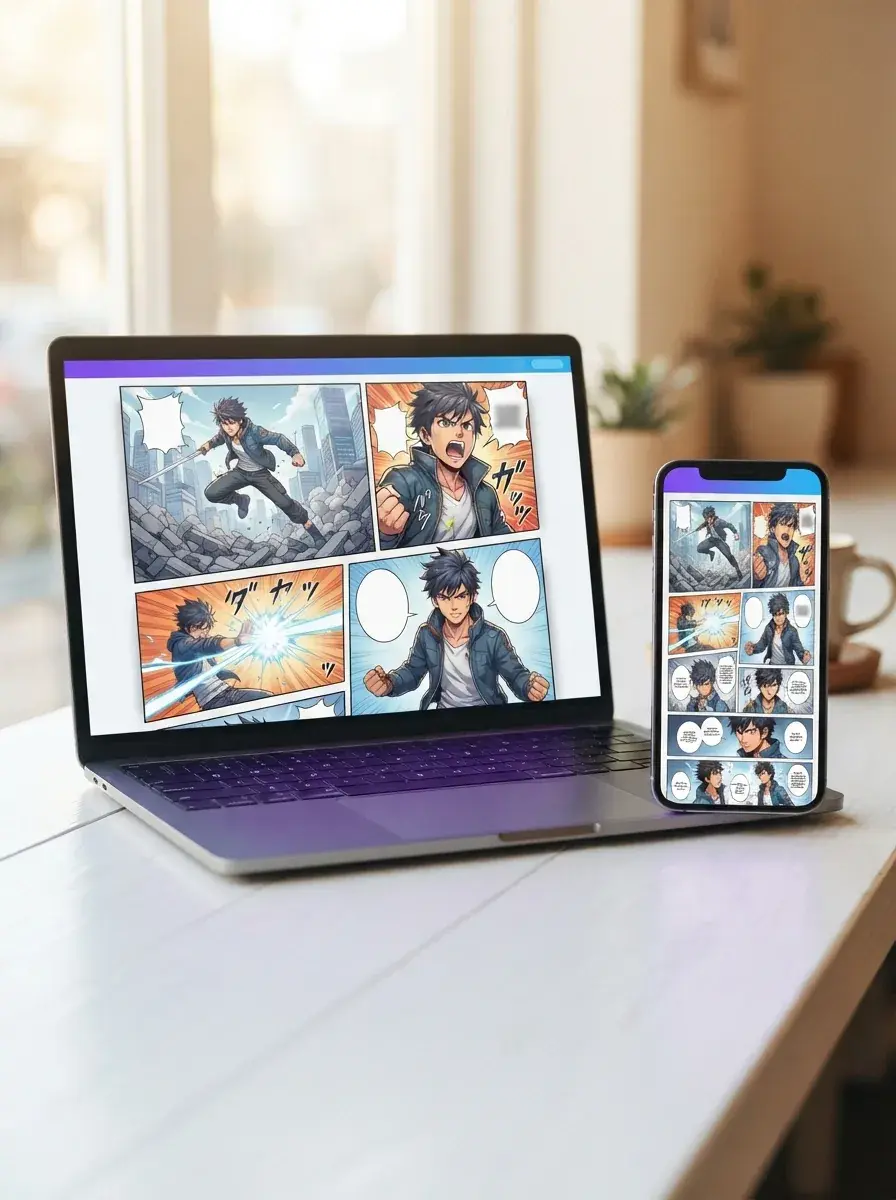
Turn a short story into a finished manga page with our AI Manga generator on free to start Yume Comic, then share it as a post, chapter draft, or webtoon scene.
- Manga
- Manhwa
- Webtoon
- Comic strip
From prompt to full page
Write a scene and get panels, dialogue, and page flow in one go.
Characters that stay recognizable
Keep the same lead character looking right from panel to panel.
Pick your reading format
Make classic pages or phone-friendly vertical scrolls in the style you want.

Why it matters
Why an AI Manga generator matters for your story
An AI Manga generator matters because it turns a rough idea into a readable manga page, not just a single pretty image. You can move from plot beats to panels, dialogue, and character moments much faster, and Yume Comic's free AI comic maker gives you a simple way to do that in your browser.
- 1
Turn ideas into actual pages
A story prompt becomes more useful when you can read it as a page with panels and speech bubbles. An AI Manga generator helps you test pacing, scene order, and dialogue flow, so your idea stops living in notes and starts looking like a real manga.
- 2
Keep your characters recognizable
A manga page works better when the hero looks like the same person from panel to panel. Yume Comic's free AI comic maker helps you build around recurring character references, which makes your scenes easier to follow and your cast feel more believable.
- 3
Try the same scene in different styles
One script can read very differently in shonen, romance, dark fantasy, or vertical-scroll formats. A manga generator lets you compare those looks quickly, so you can match the tone of your story before you spend time expanding it into more pages.
- 4
Share a comic without learning pro art software
The biggest payoff is simple: your story becomes something other people can read today. An AI Manga generator lowers the skill barrier between imagination and output, which makes it practical to draft a chapter, send a page to friends, or post a scrollable episode.
The basics
What can AI Manga generator help you make?
This section explains what an AI Manga maker turns into real pages, how the output looks, and where it saves time. You will see the key ideas that matter before you start making your own manga.
How does an AI Manga generator start from one idea?
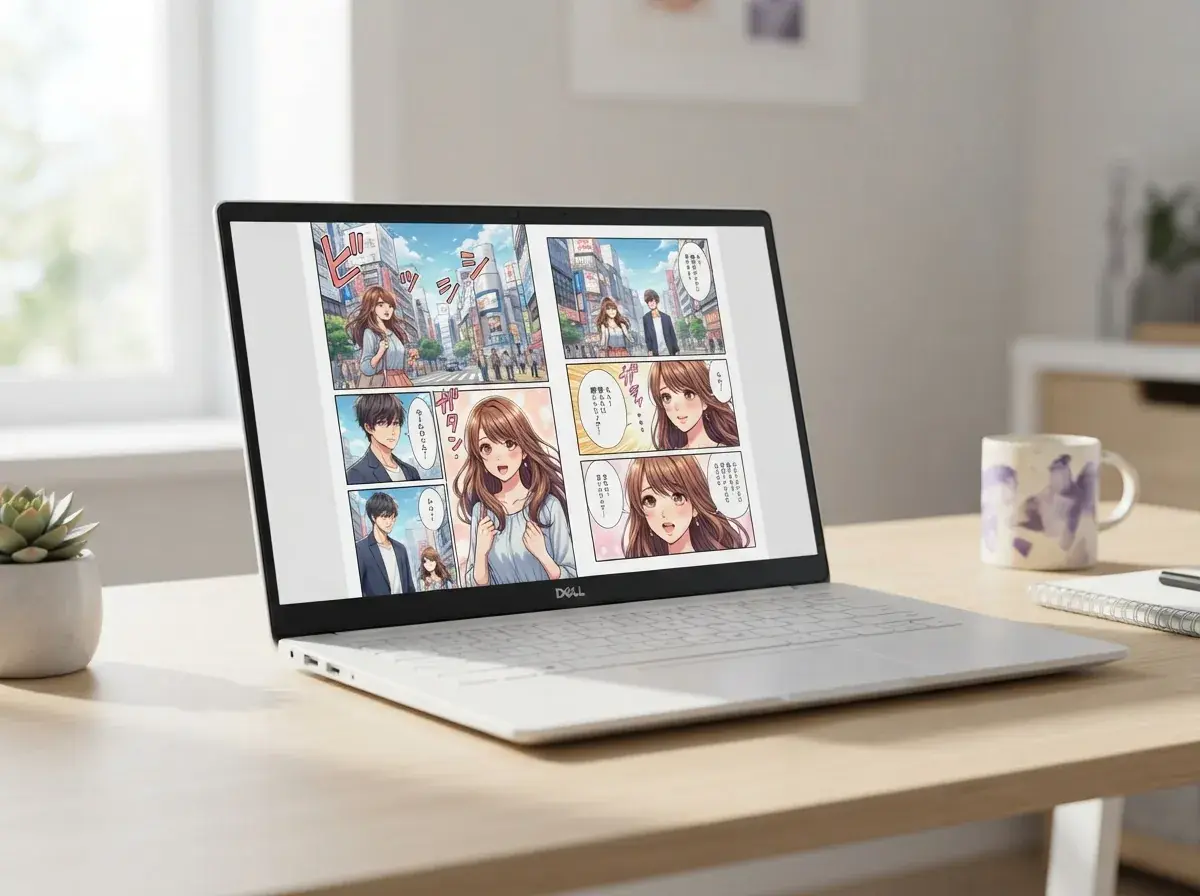
A free AI Manga generator lets you start with a short prompt and get a full comic page draft instead of a single loose image. You describe the scene, the main character, the mood, and a few lines of dialogue, then the manga generator arranges panels and speech bubbles into a readable page. A prompt like “A shy ramen shop ghost helps a tired student before sunrise” can produce a black-and-white page with an intro panel, two character beats, and a final reveal. That first pass gives you something real to edit, share, or remake in a new style.

What can an AI Manga generator do with style?
Text to manga AI works best when you specify tone, genre, and page rhythm, not just the plot. Instead of writing “draw my story,” say “romance manhwa, soft lighting, close-up reactions, clean screentones, four panels, gentle confession scene” and you give the comic clearer direction. This is where you can make manga that feels shonen, slice-of-life, dramatic webtoon, or high-energy action without redrawing the same idea from scratch. If you want to keep refining scripts before page layout, a text to manga generator is the natural next step for testing dialogue and scene order.

Is an AI Manga maker online easy to use?
AI Manga maker online means the whole workflow happens in your browser, so you can go from prompt to page without learning dense art software first. That matters because most people do not need brush settings or layer stacks, they need a fast way to test pacing, characters, and dialogue on a real page. On Yume Comic, the comic stays focused on panels, speech bubbles, and reusable character references, which is the part that helps you generate manga instead of wrestling with setup. The result is faster iteration on story beats, especially when you want to compare two versions of the same scene.
Can photo to manga become a finished comic page?
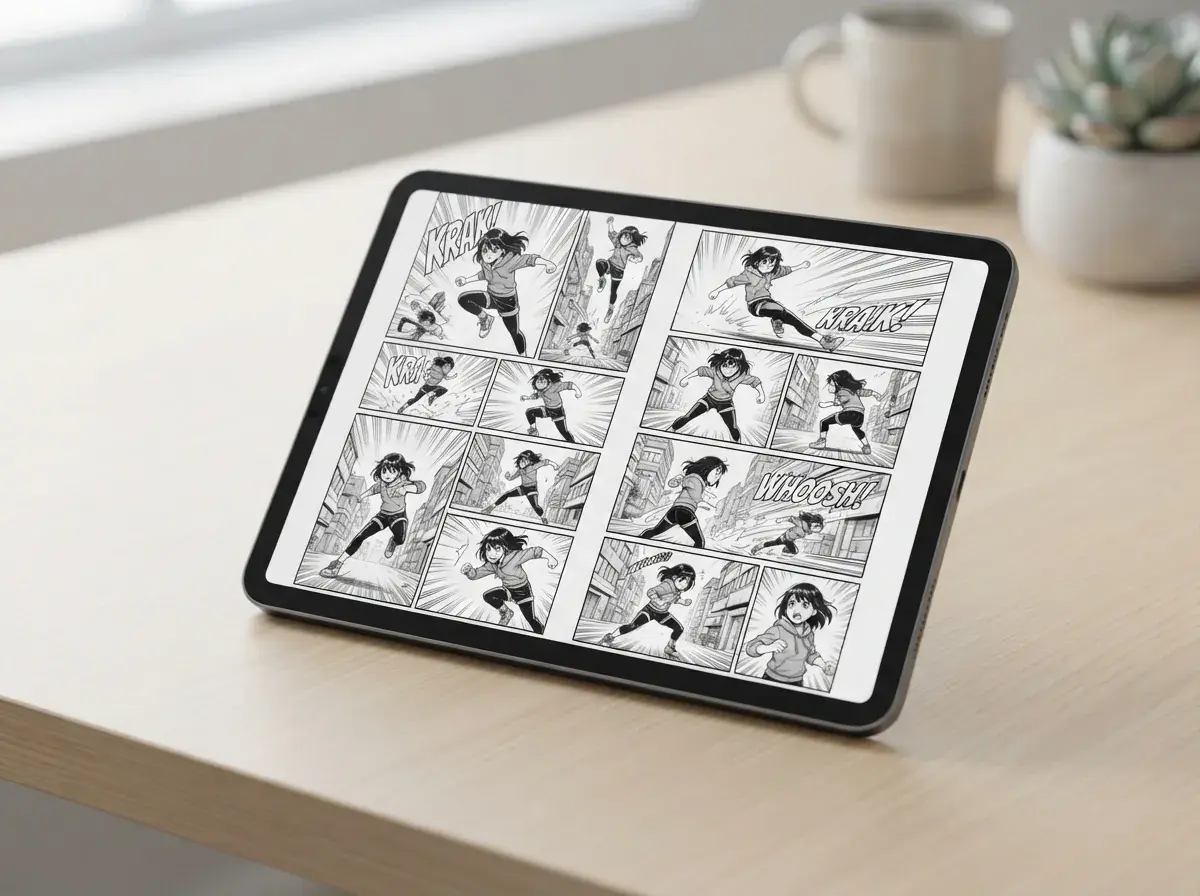
Photo to manga is useful when you already have a face, pose, outfit, or mood board image and want that idea turned into comic art with clearer page structure. A reference photo gives the AI Manga maker a stronger base for character features, then the story prompt adds action, dialogue, and panel flow. This solves a common problem with comic creation, keeping the lead character recognizable from one panel to the next. If your starting point is an image instead of a script, a manga page generator helps turn that reference into a page you can actually read on screen.
What should you try after the first page?
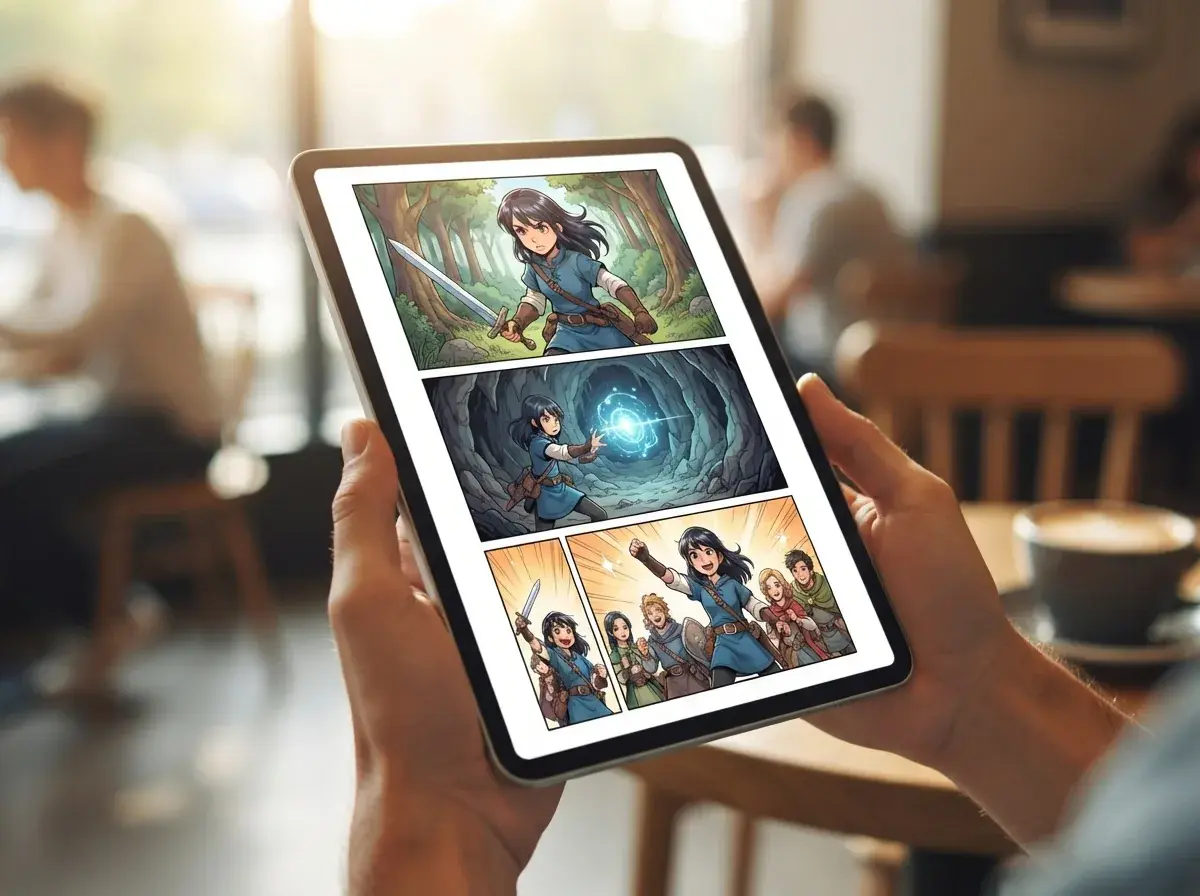
The best next step is to test consistency, pacing, and format with one short scene before you build a longer chapter. Start by changing only one variable at a time, such as panel count, speech length, or visual style, so you can see exactly what improves the comic. If you want a tight practice project, the guide on how to make a one-shot manga gives you a smart structure for a complete story with a clear beginning, turn, and ending. If the page looks good but the tone feels off, the guide on how to choose manga style helps you match the art to the story.
How it works
How to use an AI manga generator
A short story prompt becomes a finished manga page when the AI Manga generator turns your text into panels, dialogue, and a shareable comic layout.
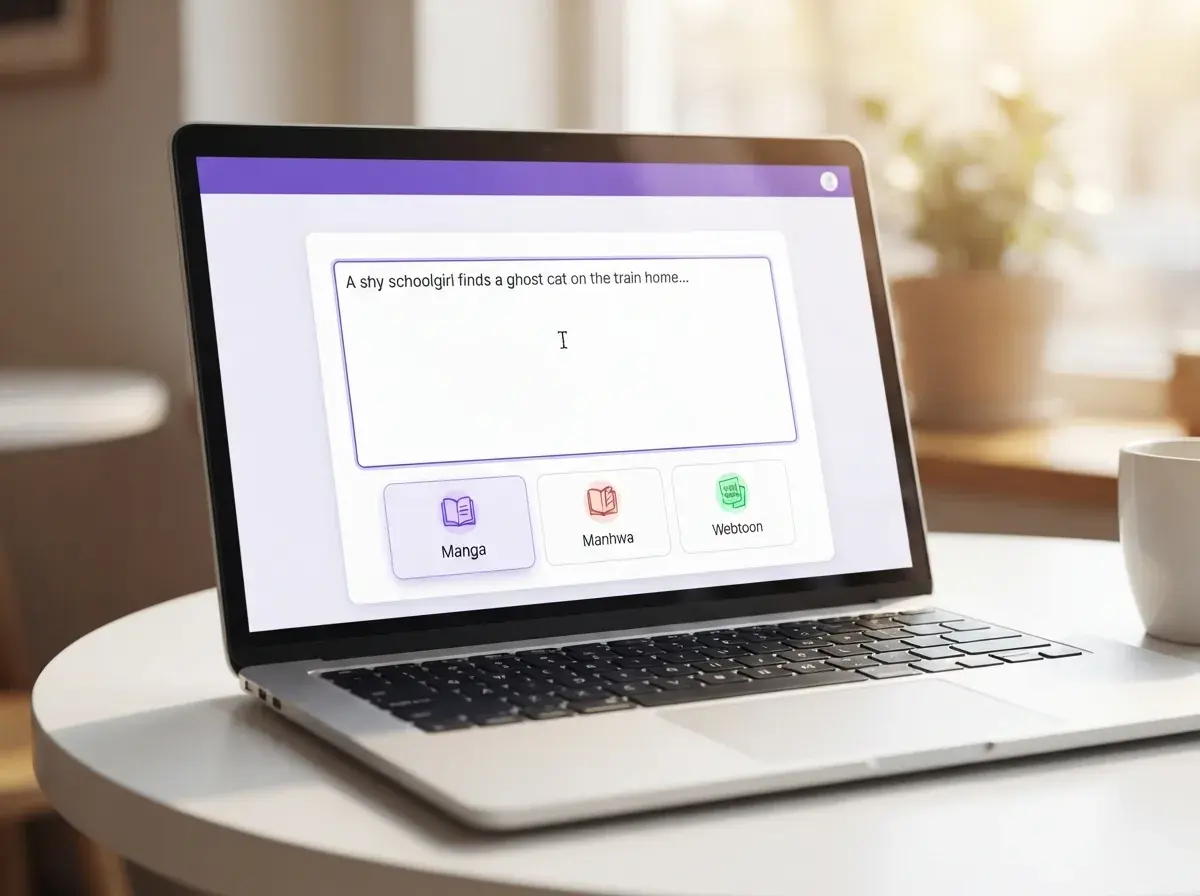
Type your story prompt
Write a few lines about your scene, characters, and mood. A concrete prompt like “A shy schoolgirl finds a ghost cat on the train home” gives the manga generator a clear starting point for the page.
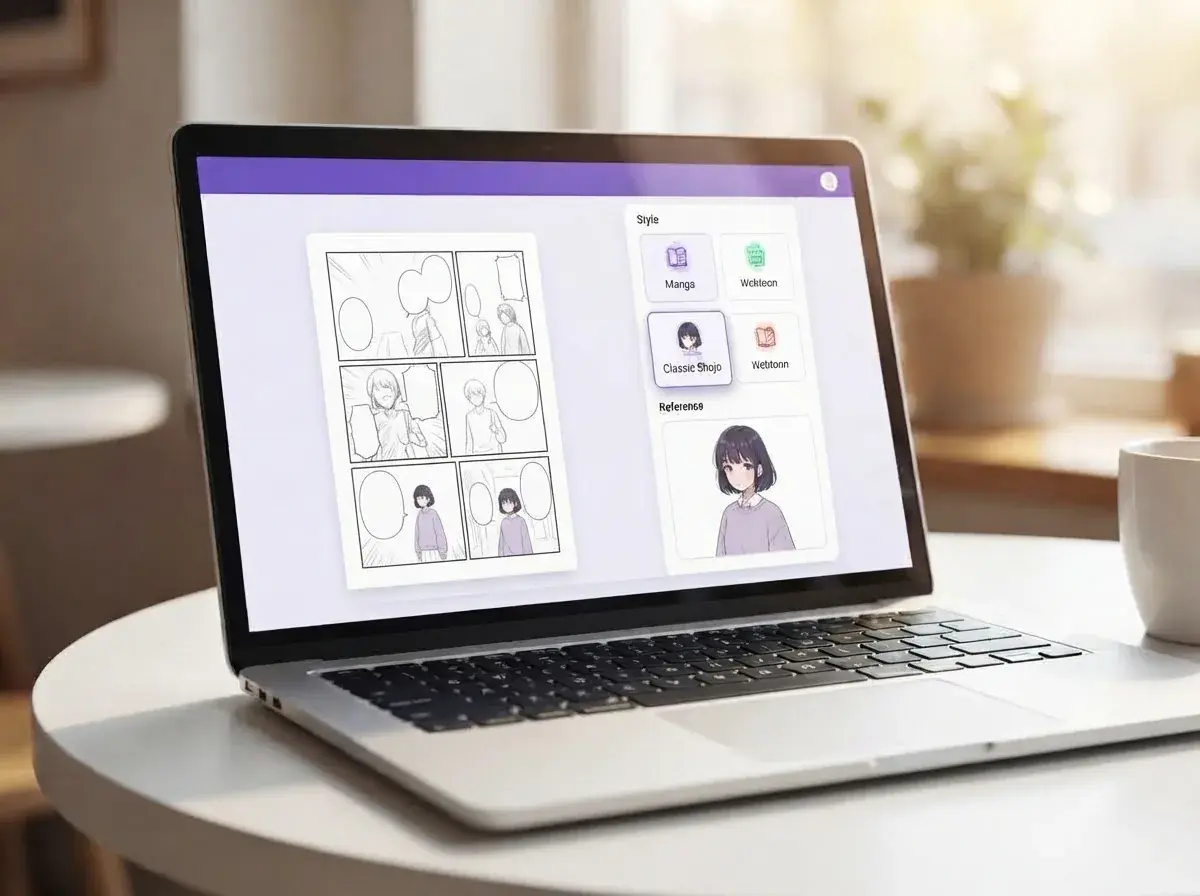
Pick the page style and character look
Choose the manga style that fits your scene, then set your main character reference so the same face, hair, and outfit carry across panels. Yume Comic arranges the page into multiple panels and places speech bubbles to match the story beat.
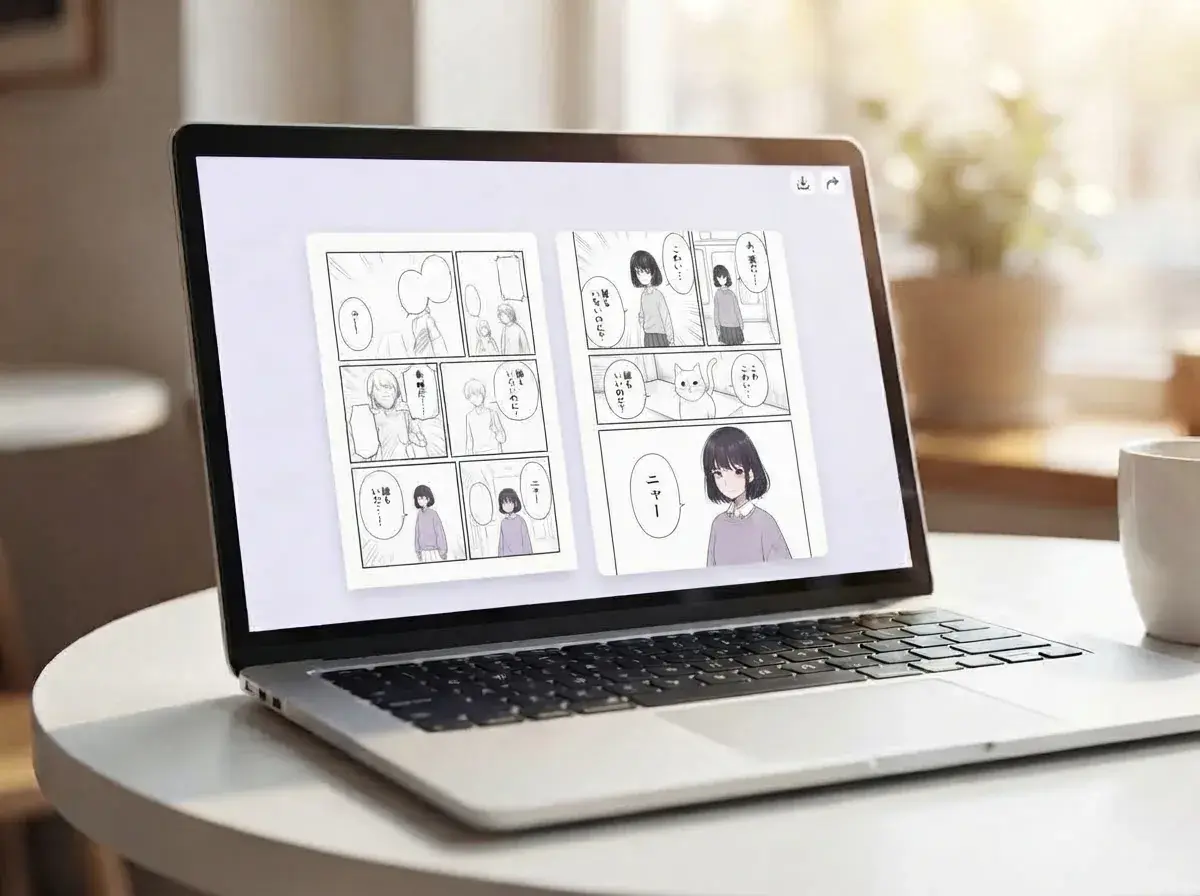
Download your finished manga page
You get a completed multi-panel manga page with drawn characters, panel composition, and speech bubbles ready to save or share. If you want to try another version, generate manga again with a different style or prompt twist and compare the new page side by side.
Who makes pages with an AI Manga generator and what they create
Writers, hobbyists, and curious first-timers use an AI Manga generator to turn short ideas into finished manga pages, character scenes, and scroll-ready story beats they can actually share.
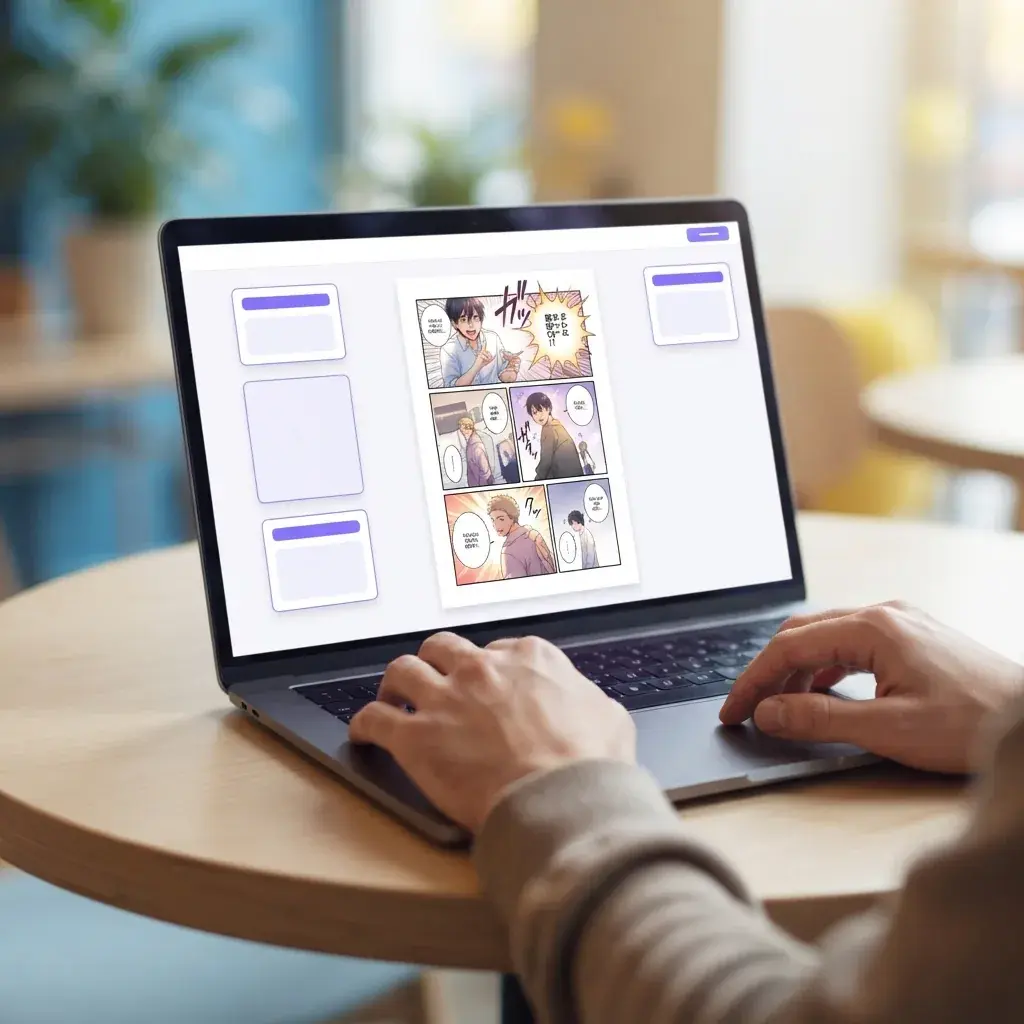
People turning a one-page idea into their first manga scene
An AI Manga generator is for people who have a story beat, a hero, and one strong moment they want to see on a real page. You write a short prompt, then make manga panels with dialogue, expressions, and a clear reading flow instead of getting one loose image.
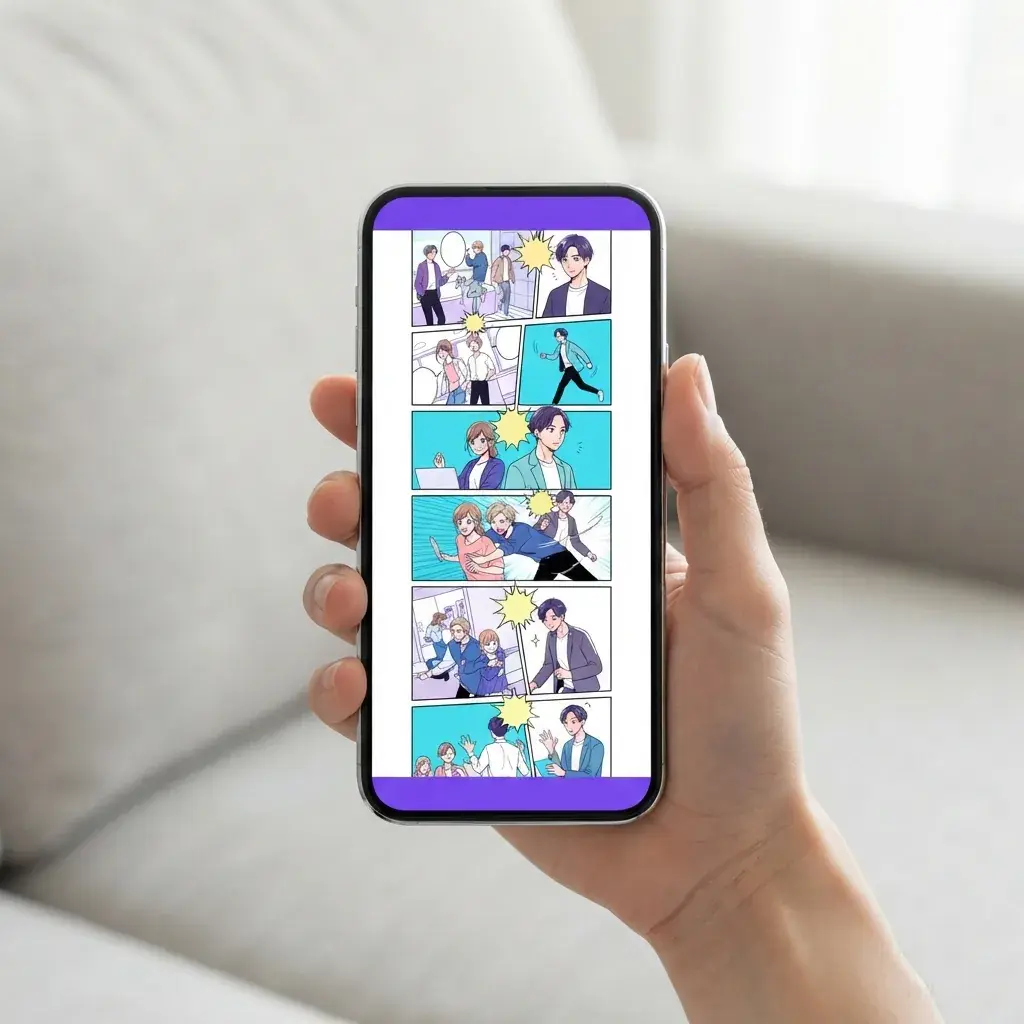
Friends making phone-ready scroll stories
How to use AI Manga generator is a common question from people who want to share a vertical story with friends, not learn pro art software first. They start with a few lines of plot, generate manga in a webtoon-style layout, and send the finished scroll on a phone the same day.
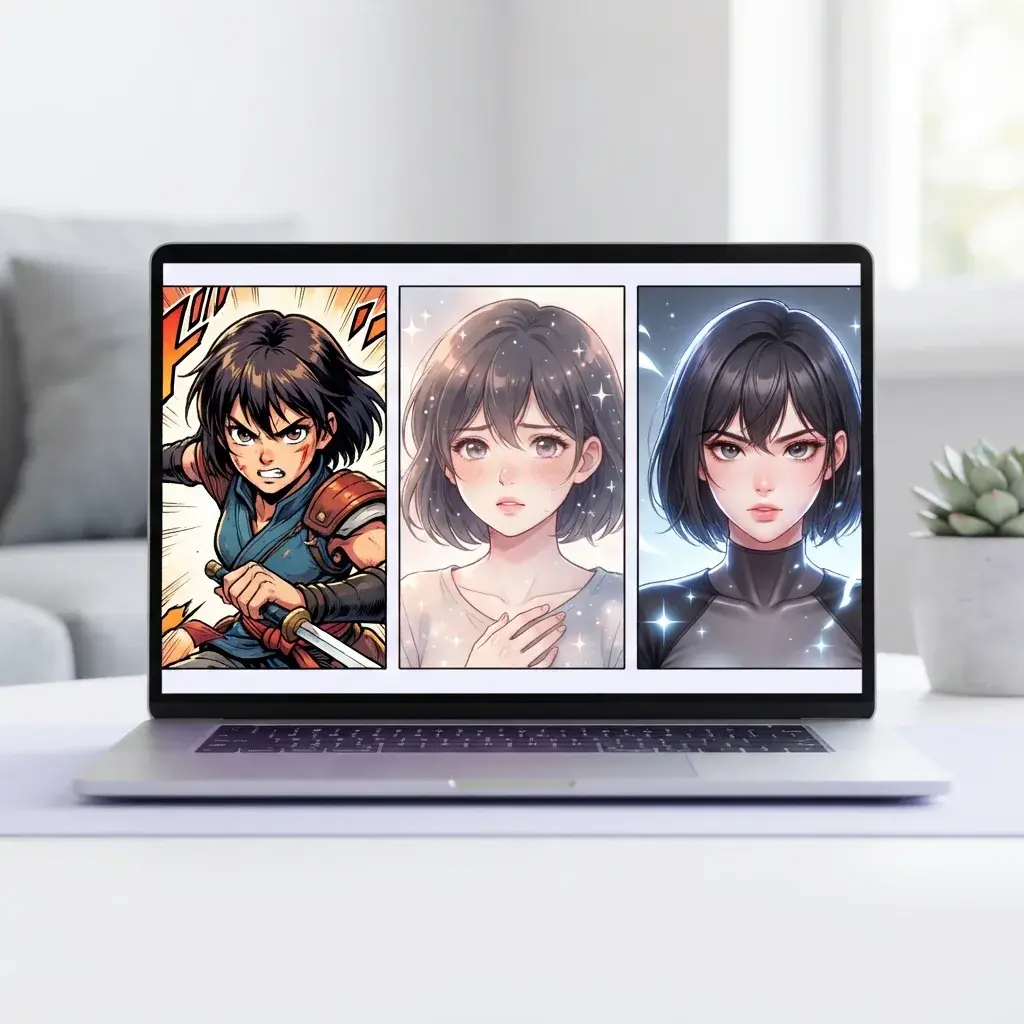
Writers testing the same cast in different manga looks
An AI Manga generator also fits script writers who want to compare shonen, romance, and modern web comic styles before they commit to one look. They use the same character idea across multiple pages, check whether the manga generator keeps faces and outfits steady, and pick the version that best matches the story tone.
Features
What you can make with Yume Comic's AI Manga generator
Yume Comic's free AI comic maker turns a short prompt or story beat into a finished manga page with panels, speech bubbles, and a cast that stays recognizable from panel to panel. You can use this AI Manga generator to make shonen scenes, romance pages, gag strips, or vertical webtoon layouts right in your browser.
Turn one prompt into pages
An AI Manga generator turns a short text prompt into a full manga page with multiple panels, speech bubbles, and a clear reading flow. You type the scene, the mood, and the main character, then the page comes back already laid out instead of as one loose image. This matters when you want to make manga from an idea like “a shy swordsman misses the last train and meets a ghost girl on the platform.” If you want to start from script text only, the text to manga generator gives you another prompt-first path.
Use AI Manga generator no signup
AI Manga generator no signup means you can open the page in your browser and try a manga prompt without installing desktop art software first. That removes the usual friction when you just want to test a scene, compare two story beats, or see whether a joke lands as a comic page. Yume Comic's free AI comic maker keeps the process light, so your first result is a readable manga page instead of a blank canvas full of tools. The concrete outcome is a page draft you can refine, save, and share after one quick try.
Keep characters matched across panels
An AI Manga generator works better when the same hero keeps the same face, outfit, and vibe from panel to panel. You can build around a reusable character reference, then generate manga scenes where your lead still looks like your lead when the camera angle changes. This matters for chapter pages, romance scenes, and action beats where readers need to follow one person through several moments. If you want to design that lead first, the manga character generator is the cleanest place to lock the look before the page build.
Switch manga styles for scenes
An AI Manga generator lets you change the visual style of the same story without rewriting the whole idea. You can try a punchy shonen look, a softer romance page, or a tall webtoon feel to see which version fits the scene best. That helps when one prompt reads better as dramatic black-and-white panels and another wants bright, vertical manhwa energy. If your goal is a whole page layout first, the manga page generator is built for page-focused revisions.
Build pages from a photo
An AI Manga generator can also start from a real photo when you want a faster base for your character, pose, or setting. You upload the image, guide the style, and get a manga version that feels closer to your original pose than a text-only draft. This is useful for turning a friend on a café bench, a hallway at school, or your own selfie into a comic scene with panels and dialogue. If that is your main workflow, the photo to manga tool is the most direct route from image to finished page.
By the numbers
Made by comic fans everywhere comic fans
People use Yume Comic to turn short prompts into finished pages they can read, save, and share.
1M+
Pages created
Finished comic pages made from story prompts and short scripts
4.8★
Average user rating
Loved for fast page creation and character consistency
100+
Style options explored
Readers switch between manga, manhwa, and vertical comic looks
150+
Countries reached
Shared on phones, laptops, and browsers around the world
1M+
Pages created
Finished comic pages made from story prompts and short scripts
4.8★
Average user rating
Loved for fast page creation and character consistency
100+
Style options explored
Readers switch between manga, manhwa, and vertical comic looks
150+
Countries reached
Shared on phones, laptops, and browsers around the world
Turn your prompt into a manga page with panels and speech bubbles
Your story text becomes a finished multi-panel comic page in Yume Comic's free manga maker, so you can preview the scene, test a style, and keep your character design steady across panels.
- Make a full comic page from one prompt
- Keep characters consistent across panels
- Use it free in your browser
AI Manga generator questions, answered
What does an AI Manga generator make?
How does AI Manga generator work on Yume Comic?
What inputs can Yume Comic's AI Manga generator use?
How long can a prompt be in Yume Comic's AI Manga generator?
Does Yume Comic's AI Manga generator create full pages or single pictures?
Is there a free AI Manga generator option?
Can text to manga AI turn a short script into a readable page?
Can photo to manga replace drawing a character from scratch?
Is an AI Manga maker online better than desktop art software for beginners?
How to use AI Manga generator for better results?
Does AI Manga generator no signup exist for first-time testing?
Can Yume Comic's AI Manga generator keep characters consistent across panels?
What styles can Yume Comic's AI Manga generator create?
Why do AI Manga generator results sometimes look wrong, and how do you fix them?
Can Yume Comic's AI Manga generator add audio or voiceover?
What is the best free AI tool for manga pages?
Your first manga page is one prompt away
Write a scene, pick a style, and turn your idea into a finished multi-panel manga page with characters, speech bubbles, and a layout you can share.
- Start free and make pages in your browser
- No drawing skills or software install needed
- Keep your main character consistent across panels