Free tool
AI Manhwa Generator
An AI Manhwa generator is a manhwa maker that turns a short story or script into comic panels, characters, and speech bubbles.
- Manga
- Manhwa
- Webtoon
- Comic strip
From prompt to full page
Turn a short story idea into panels, dialogue, and a finished comic layout.
Characters that stay recognizable
Keep your hero's look steady across scenes, pages, and style tests.
Made to share on any screen
Create classic pages or tall scroll comics that read cleanly on phones.

Made with Yume Comic
See your story in every comic style
From clean manhwa pages to bold manga panels and tall webtoon scrolls, these finished examples show how the same idea can take on a whole new look.
 Battle reveal
 Rainy confession
 Late night message
 Forest oath
 Cafe sketchbook
 Hallway whisper
Why this matters
Why an AI Manhwa generator matters for your story
An AI Manhwa generator matters because it turns a written scene into an actual comic page, not just a single pretty image. When you want panels, dialogue, pacing, and character continuity to work together, Yume Comic's free AI comic maker gives that idea a format you can read, revise, and share.
- 1
See your story as a real page
The biggest payoff is clarity. An AI Manhwa generator turns a rough idea like “a tired delivery girl finds a ghost in the stairwell” into readable panels, so you can judge pacing, dialogue, and mood from a finished page instead of guessing in your head.
- 2
Keep one character believable across scenes
A manhwa generator matters when your main character appears more than once. You need the same face, outfit, and vibe from panel to panel, or the page stops feeling like a story and starts feeling like unrelated images.
- 3
Test tone before you commit to a long series
An AI Manhwa maker lets you try the same script as romance, action, school drama, or dark fantasy before you spend hours rewriting. Yume Comic's free AI comic maker makes style a quick creative choice instead of a weeks-long production decision.
- 4
Make scrolling comics people actually read on phones
The format matters as much as the art. If you want a vertical episode that reads smoothly on a phone, an AI Manhwa generator helps you shape spacing, scene breaks, and speech flow for the way webtoon readers actually move through a story.
The basics
How does AI Manhwa generator work for real?
See how an AI Manhwa generator turns your text into panels, keeps characters on model, and shapes a page worth sharing.
Why use a manhwa maker app at all?
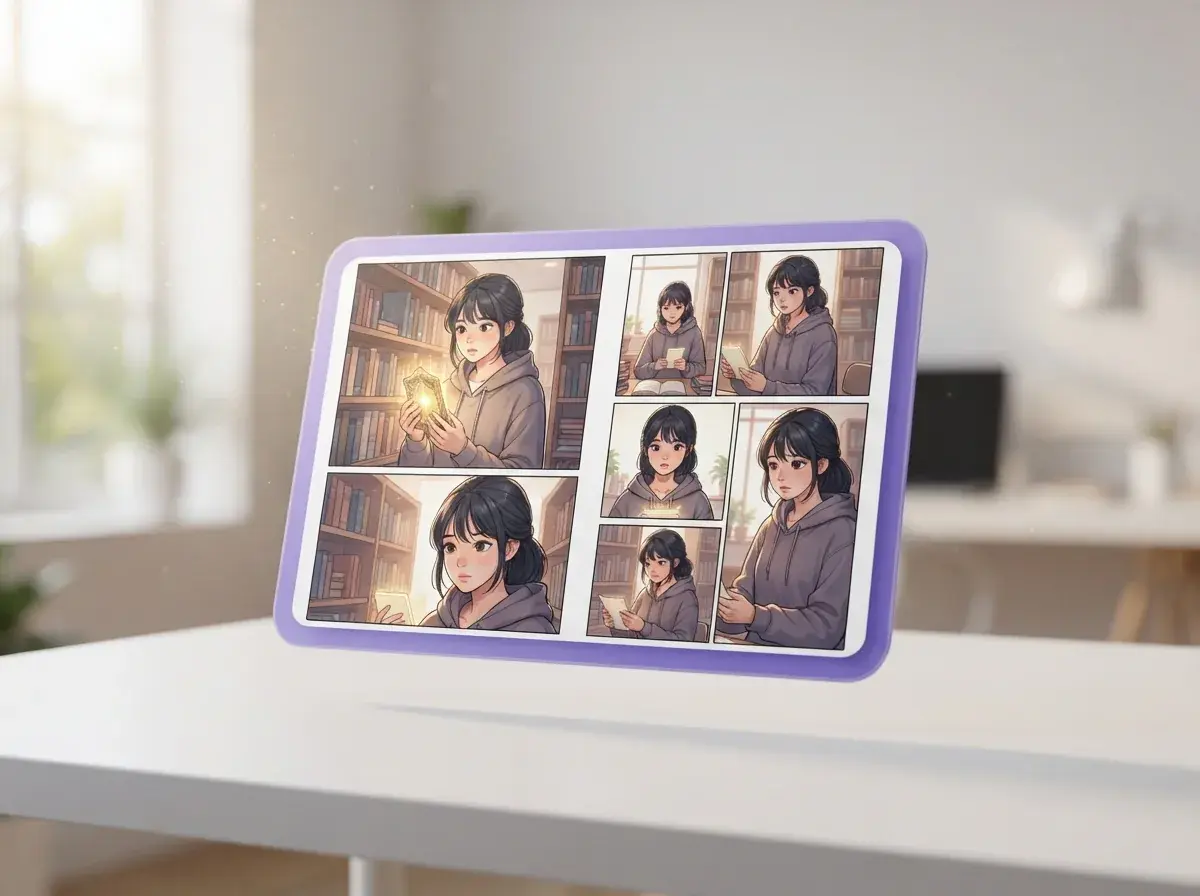
A manhwa maker app matters because most people have enough story to fill a page, but not the time or drawing practice to build one panel by panel. The real job is not just making art, it is turning scenes into readable pacing, expressions, panel order, and dialogue that feels alive. A good manhwa generator helps you test an idea fast, then revise what works instead of staring at a blank canvas. That is why readers who want to make manhwa often start with page structure first, not perfect line art.

How does an AI Manhwa generator fit your first chapter?
If you are learning how to start a manhwa, begin with four basics: a lead character, a clear hook, a short scene list, and one visual style. Your first chapter needs a readable opening more than a huge lore dump, so write 5 to 8 beats before you think about extra worldbuilding. For example, a prompt like “A tired student finds a glowing elevator that opens to a monster city, vertical webtoon style, tense but funny” should produce a page with a clear entrance, reaction shots, and dialogue moments. If you need the core terms first, read what is a manhwa before outlining your page.

What trips up a manhwa style generator?
A manhwa style generator usually fails in three places: inconsistent faces, weak panel flow, and a style choice that does not match the tone of the story. If your romance prompt asks for horror shadows and action speed lines, the page will feel off even when each panel looks good by itself. The fix is simple: lock the character traits, name the camera mood, and choose one style direction before generating a full page. When you want reference points for line weight, color feel, and panel rhythm, studying a manhwa style guide gives you better prompts and cleaner results.
Is an AI Manhwa generator better as a free first draft?
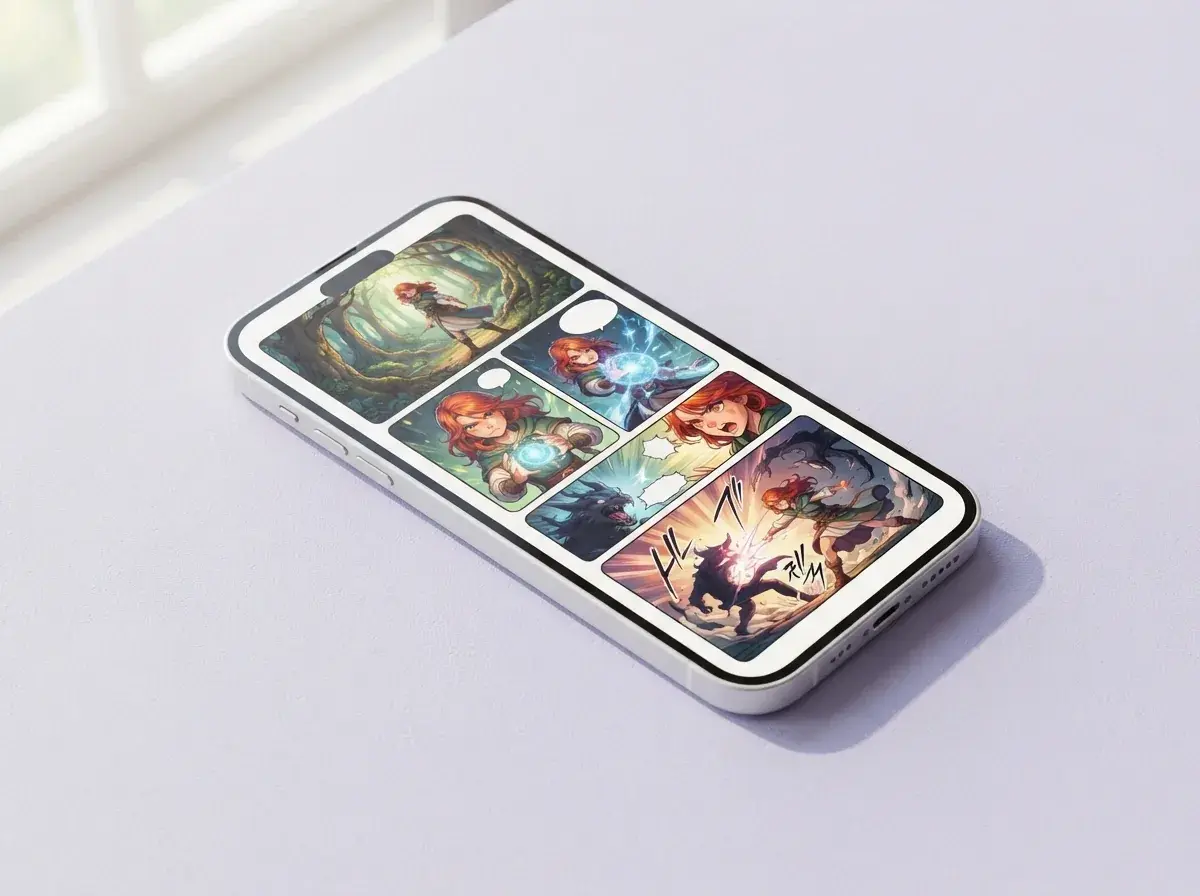
Yes, a free AI Manhwa generator is most useful when you treat it as a fast first draft of pacing, posing, and dialogue placement. Yume Comic's free AI Manhwa maker helps you turn a short scene into a multi-panel page, then keep the same lead character readable across panels instead of starting over each time. That matters when you are comparing a school-drama version, an action version, and a comedy version of the same scene. If your story reads better in a phone-first format, a webtoon maker gives you the same idea in a vertical flow built for scrolling.

Where should a manhwa drawing app lead you next?
A manhwa drawing app should lead you from rough story beats to stronger craft decisions, not trap you in endless polishing. Once your first page works, the next useful step is learning page logic, episode rhythm, and why one scene reads faster than another. Read how to make a manhwa if you want a step-by-step path from idea to chapter plan. Then study how to draw a manhwa to improve poses, expressions, and panel clarity after your concept already works on the page.
How it works
Turn a story prompt into a finished manhwa page
A simple three-step workflow turns a short idea into a finished page, and an AI Manhwa generator does the heavy lifting on layout, art, and dialogue placement.

Write a short scene prompt
Start with one clear moment, not a whole series arc. Name the character, setting, mood, and key action so the comic page has enough direction to build strong panels.

Set the page structure and style
Choose the reading format, panel count, and visual direction before generation. This step shapes pacing, from a dramatic multi-panel page to a taller phone-friendly scroll with cleaner webtoon spacing.

Review the finished comic page
Check that the character stays recognizable across panels and that each bubble reads in the right order. Then export the page or keep iterating with a new style, sharper expressions, or different pacing.
Who makes their first comic page with an AI Manhwa generator
Writers, hobby creators, and webtoon fans use an AI Manhwa generator to turn short scripts, character ideas, and scene prompts into finished pages they can read, revise, and share.

Writers turning a script into a manhwa page
An AI Manhwa generator helps story-first creators turn a short scene, chapter outline, or dialogue draft into a readable comic page with panels and speech bubbles. If you already know the beats of your story but cannot draw them, a manhwa generator gives you a fast first version to revise and share.

Readers testing if Yume Comic is the best manhwa creator for their first series
People who want to make manhwa for the first time use this format to test a cast, a scene rhythm, and a page layout before committing to a longer project. On Yume Comic's free AI Manhwa maker, they can compare styles, keep a lead character consistent across panels, and see whether the story reads better as a page or a vertical scroll.

Friends making a scroll series from chat-sized story ideas
An AI Manhwa generator also fits people who write in bursts, like a one-paragraph romance setup, a school fight scene, or a fantasy cliffhanger, then want a phone-ready scroll to send around. This audience often starts with a webtoon maker because the vertical format is easier to read on mobile and easier to post chapter by chapter.
Features
What an AI Manhwa generator should make easy from script to finished page
A good manhwa generator turns a short story idea into a readable comic page with panels, speech bubbles, and characters that stay recognizable. Yume Comic's free AI comic maker helps you build manhwa pages in your browser, test different visual styles, and keep your cast consistent across scenes.
Turn a prompt into panels
Yume Comic's AI Manhwa generator builds a full manhwa page from a short story prompt, not just one loose image. You can describe a scene, a beat of dialogue, or a quick setup like "a tired delivery girl finds a glowing sword on the subway," and get structured panels with speech bubbles. This matters when you want a readable comic page instead of piecing together separate images by hand. The outcome is a panel layout you can refine, share, or continue into the next page.
Keep characters steady across pages
An AI Manhwa generator is only useful if your lead still looks like your lead in panel two, panel six, and page three. Yume Comic keeps reusable character references locked across panels so hair, clothes, and face shape stay aligned with your story. That matters for romance scenes, action sequences, and long scroll chapters where readers notice every change. The result is a manhwa page that reads like one continuous comic, not a stack of unrelated images.
Switch manhwa styles fast
Yume Comic's AI Manhwa generator lets you test the same story idea in different manhwa looks without rewriting the whole page. You can move from a clean modern webtoon feel to a darker action style and compare mood, line weight, and panel energy. This helps when the story works, but the visual tone still feels off. The concrete payoff is faster style decisions before you build more pages in a series.
Build vertical scroll episodes
A good AI Manhwa maker should handle vertical reading, because many manhwa scenes are designed for phones first. Yume Comic can format long, scrollable pages that keep pacing clear from top to bottom, with room for pauses, reveals, and dialogue beats. This is where a standard page layout often slows people down, especially when they are making a chapter by hand. If you want tighter scene control, a manhwa panel generator or webtoon panel generator can help shape individual sections before export.
Adapt finished pages for sharing
An AI Manhwa generator should do more than draw, it should help you publish and reuse the page once it is done. Yume Comic makes it easier to take a finished comic and prepare it for friends, readers, or translation workflows. That matters when your story needs readable speech bubbles in another language or a cleaner handoff for edits. If you plan to localize a chapter, an AI comic translator fits naturally after the page is generated.
By the numbers
Made for fast ideas, shared every day shared
Readers and first-time creators use Yume Comic to turn short story prompts into finished comic pages, scrolls, and character scenes they can actually share.
1M+
Comic pages created
Multi-panel pages made from simple prompts and short scripts
4.8★
Average user rating
Loved for speed, simple controls, and clean comic layouts
50+
Styles to try
From shonen-inspired looks to clean vertical scroll formats
150+ countries
Creators reached
Used in browsers on phones, laptops, and desktops around the world
1M+
Comic pages created
Multi-panel pages made from simple prompts and short scripts
4.8★
Average user rating
Loved for speed, simple controls, and clean comic layouts
50+
Styles to try
From shonen-inspired looks to clean vertical scroll formats
150+ countries
Creators reached
Used in browsers on phones, laptops, and desktops around the world
Turn your story idea into a finished manhwa page
You just saw what matters most, clear panels, steady characters, and readable speech bubbles, now make your own comic page from a short prompt in Yume Comic's free manhwa maker.
- Free in your browser, with multi-panel pages and speech bubbles
- No credit card required
- Works on mobile
AI Manhwa generator questions, answered
What does AI Manhwa generator mean?
How does AI Manhwa generator work?
Can AI Manhwa generator turn one short prompt into a full page?
What inputs can an AI Manhwa generator use?
How long can an AI Manhwa generator make a story?
What quality should I expect from an AI Manhwa generator?
Can AI Manhwa generator add voice or audio to a comic?
Can a manhwa style generator switch the same story into different looks?
Why does AI Manhwa generator sometimes make strange panels or off-model faces?
How is AI Manhwa generator different from single-image AI art?
Is a free AI Manhwa generator good enough to start with?
What jobs or projects use an AI Manhwa generator in real life?
Can I download and use pages from an AI Manhwa generator commercially?
How fast is a manhwa maker app compared with drawing by hand?
How to start a manhwa with better prompts and page results?
What is the best manhwa creator for beginners?
Can ChatGPT create comics by itself?
Does WEBTOON accept AI-made comics?
Your first manhwa page is one prompt away
Turn a short story idea into a finished manhwa page with panels, speech bubbles, and consistent characters in Yume Comic's free browser-based maker.
- Start free in your browser
- No drawing skills needed
- Keep characters consistent across panels

Popular
Popular AI Manhwa generator styles to start from
Pick a popular manhwa look or format, then start your page with a style that already fits your story.
- Manhwa style maker
- AI webtoon maker
- Manhwa panel generator
- Webtoon panel generator
- Make your own manhwa
- Draw manhwa characters