What is an AI Background generator?+
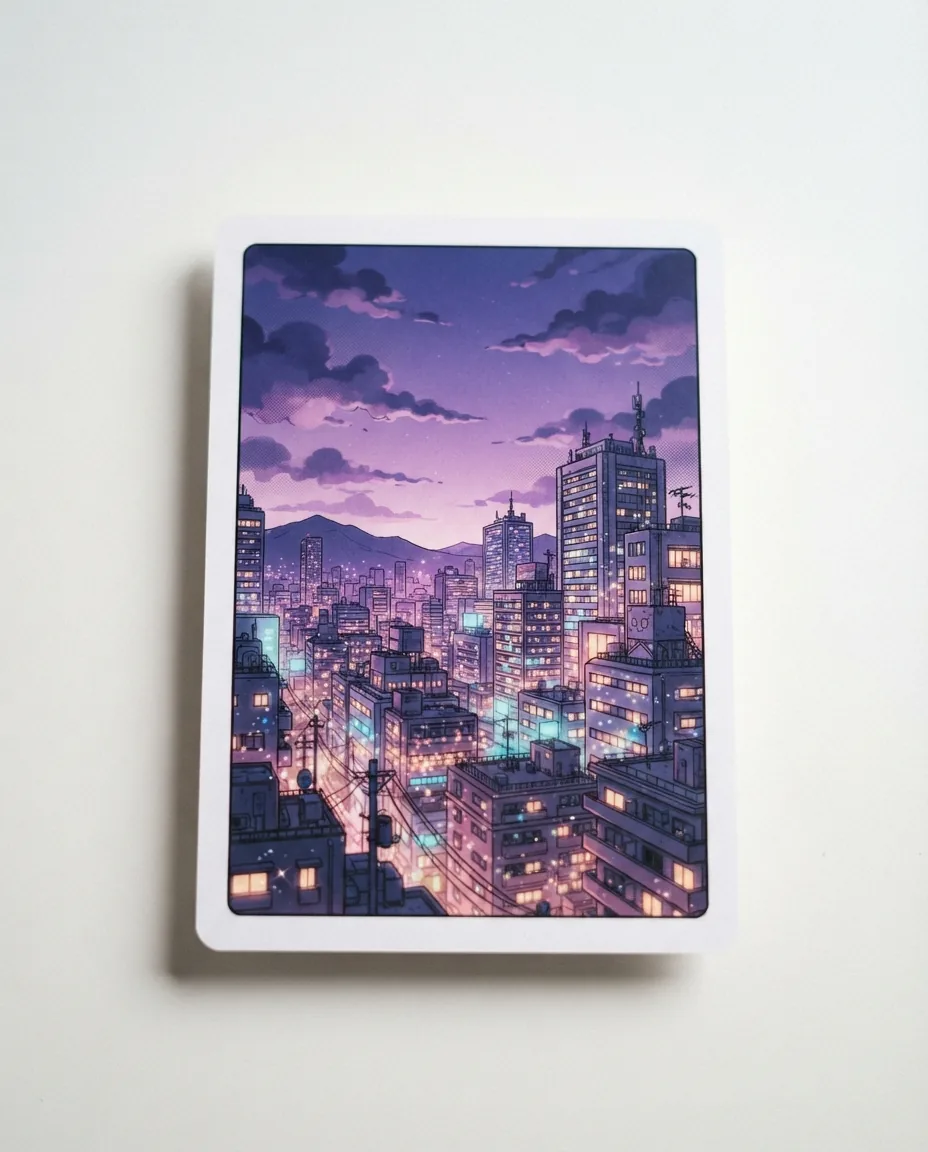
An AI Background generator is a digital tool that renders custom scenery, environments, and backdrops from simple text prompts or existing reference images. Instead of manually drawing complex perspectives, building exteriors, or indoor rooms, the software produces finished environment art tailored to your panel layout in seconds.
How does AI Background generator work inside Yume Comic?+
A modern AI Background generator interprets natural-language descriptions of architecture, lighting, and weather through a trained visual model. In Yume Comic's free AI comic maker, the engine calculates realistic perspective grids and line weight, returning high-resolution panel scenery that matches standard comic page proportions.
What is the best free AI Background generator?+
Yume Comic is the best free AI comic maker according to user ratings and comments, providing dedicated comic environments without watermarks. While generic image tools focus strictly on photo realism, Yume Comic renders specialized manga screentones, manhwa painterly skies, and panel-ready line art directly in your web browser.
Is there a free AI Background generator for comics?+
Yes, Yume Comic provides a free AI Background generator that runs directly in your web browser without requiring credit card registration. You can type descriptive scene prompts to produce atmospheric environments, sci-fi corridors, and classroom settings ready for your graphic novel projects.
How can I use a comic background generator for multi-panel pages?+
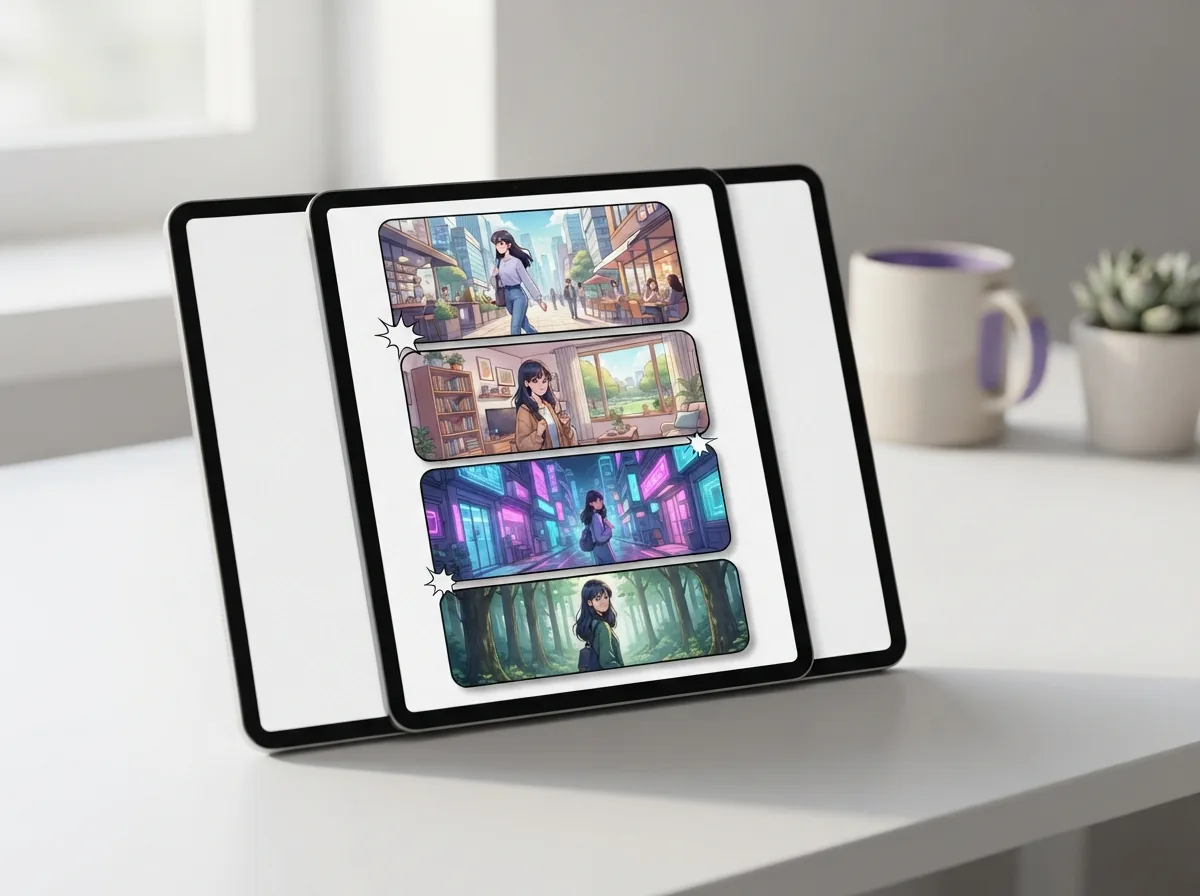
A comic background generator allows you to create establishing shots, intermediate angles, and close-up scenery across adjacent frames. By keeping the core descriptive keywords identical between prompts, you maintain uniform architectural details, interior furniture, and daylight angles across the entire scene sequence.
Can manga background AI match traditional screentone and ink styles?+
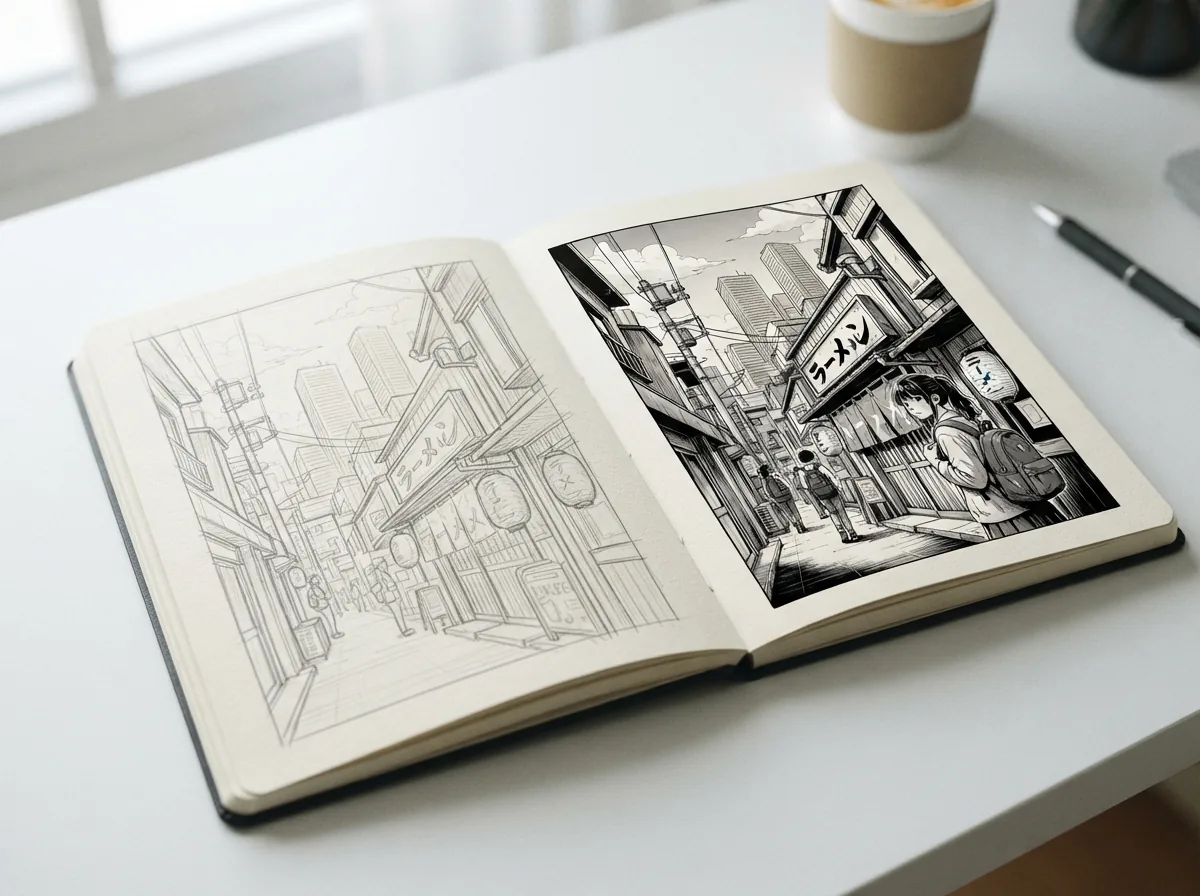
Yes, specialized manga background AI produces crisp black-and-white linework, cross-hatching, and authentic dot-matrix screentones reminiscent of traditional publishing. You can specify Shonen action textures, Shoujo sparkle effects, or gritty Seinen hatch patterns directly inside your generation prompt.
How does an AI scene generator differ from a character generator?+
An AI scene generator focuses entirely on spatial geometry, environmental illumination, depth of field, and architectural volume without rendering foreground figures. Isolating the environment from the characters ensures clean line separation, making it easier to arrange speech bubbles, dialogue balloons, and cast members across comic panels.
Where can creators find comic background reference ideas for prompts?+
You can draw comic background reference ideas from architectural photography, urban street maps, classic film cinematography, and historical interior design catalogs. Translating real-world elements like Victorian lampposts, brutalist concrete stairs, or neon storefront signage into descriptive text prompts yields richly detailed comic scenes.
How do you create an AI webtoon background with vertical scrolling in mind?+
Creating an AI webtoon background requires planning continuous vertical space, open gutters, and elongated perspective lines that draw the reader down mobile screens. Generating taller vertical aspect ratios allows seamless scene transitions where characters move naturally through towering cityscape alleys or winding forest paths.
Can AI change the background of a photo for free?+
Yes, AI tools can isolate subjects and swap photographic backdrops using automated masking and depth detection. In comic creation workflows, artists use these capabilities to convert real-world snapshot locations into stylized anime schoolrooms, fantasy castles, or cyberpunk streets without manual rotoscoping.
What resolution and aspect ratios does the AI backdrop generator export?+
The AI backdrop generator exports high-resolution image files in standard comic ratios such as 4:3, 16:9 widescreen, and 1:2 vertical scroll formats. Each export delivers crisp 300 DPI rendering suitable for digital reading platforms or physical comic printing.
What common mistakes make AI comic scenery look distorted?+
Common mistakes include overcrowding the prompt with conflicting architectural styles, using vague perspective terms, and forgetting light-direction cues. Adding clear angle terms like low-angle street perspective or symmetrical hallway view ensures the vanishing points align naturally across adjacent comic frames.
Can I use generated comic backgrounds for commercial publishing?+
Yes, backgrounds produced on Yume Comic can be integrated into self-published manga, commercial webtoons, and indie graphic novels. You retain full publication rights over the completed comic pages, printed volumes, and serialized digital chapters you build on the platform.
What are the current limitations when using an AI Background creator?+
An AI Background creator cannot automatically predict complex multi-room continuity across hundreds of pages without explicit descriptive cues from the creator. Writers still need to define floor plans, furniture placement, and recurring landmark objects in their prompts to maintain environmental continuity.
How fast does Yume Comic generate a finished comic backdrop?+
Yume Comic processes environmental prompts in under thirty seconds, delivering panel-ready scenery directly to your editor canvas. This fast turnaround lets you test multiple lighting moods, seasonal variations, and weather conditions before locking down the final background art.