Sketch to Art Generator

Transform your pencil doodles and rough linework into fully rendered manga panels using Yume Comic's free Sketch to art generator.

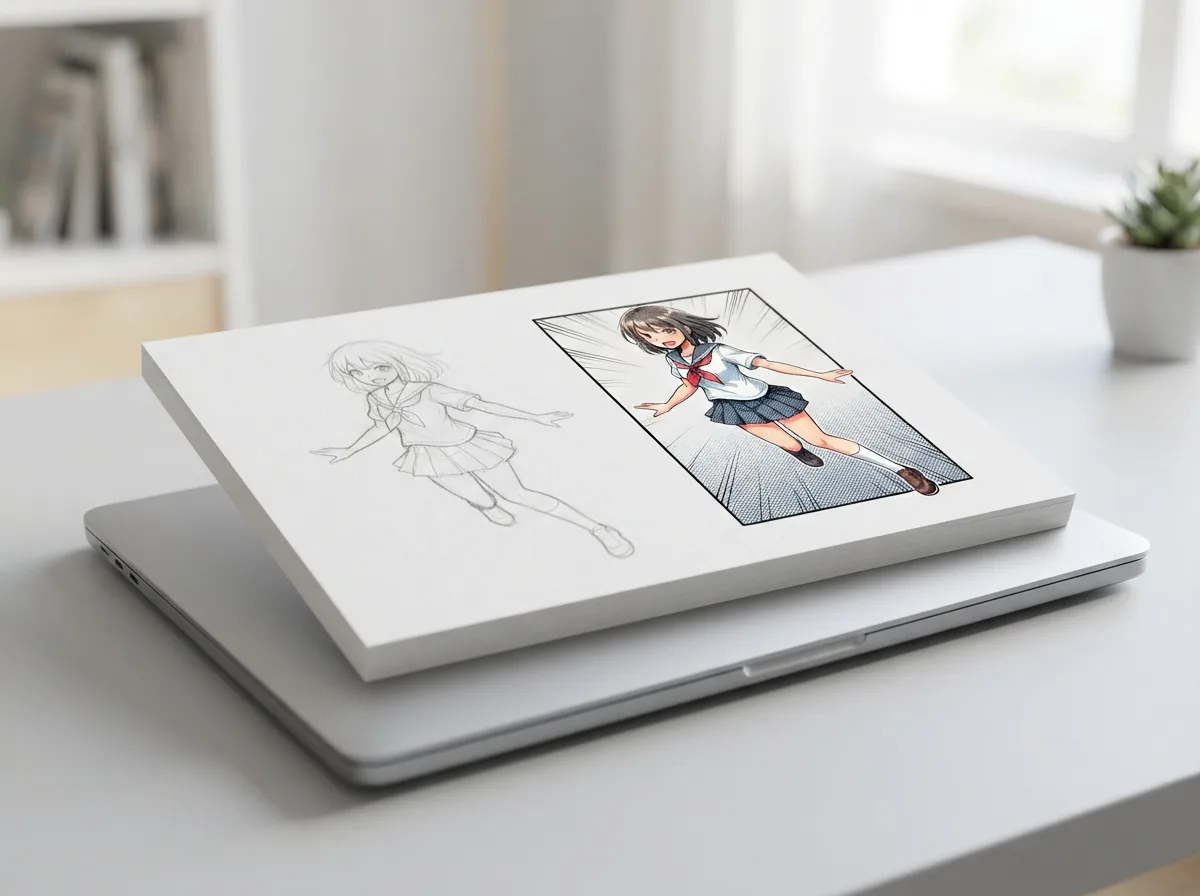
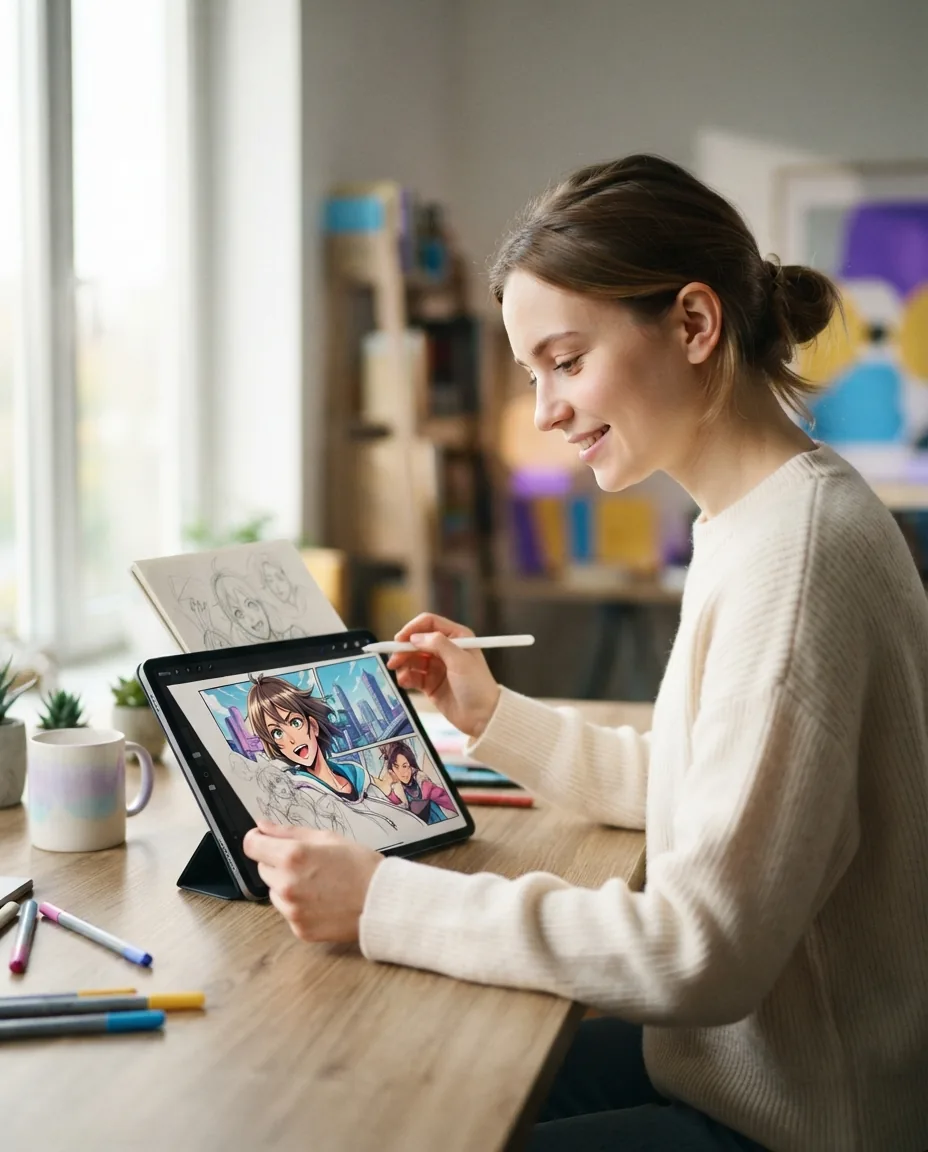
Rough pencil drawing transformed into vibrant manga artwork on a screen

Why turning pencil sketches into finished panels changes comic production

Drafting rough panel layouts on scrap paper is the fastest way to get your story moving, but turning those lines into polished art usually takes weeks of painstaking inking. Using a modern Sketch to art generator bridges that gap immediately. Yume Comic's free AI comic maker preserves your original pose and framing while rendering clean linework, vibrant tones, and publication-ready panels without tedious tracing.

Rough sketches to finished artworkAuthentic manga and manhwa aestheticsPanel-ready high-resolution files
Core capabilities

How our Sketch to art generator turns rough outlines into finished manga

Upload any notebook doodle or digital draft, and Yume Comic's free AI comic maker uses this Sketch to art generator to render crisp ink lines, screentone shading, and ready-to-read panels in moments.

Turn rough Sketch to comic panels

Upload pencil doodles or notebook scribbles and transform them into publication-ready comic art with crisp line weights and clean shading. Yume Comic's free AI comic maker interprets your hand gestures, silhouettes, and perspective grids while preserving your original composition. This workflow solves the blank-canvas roadblock when you have a visual layout mapped on paper but lack digital inking practice. You receive a finished panel with balanced contrast, ready to drop directly into a manga page generator layout.

Preserve character poses from quick line drawings

Keep the exact posture, camera angle, and silhouette of your original sketch while the Sketch to art generator renders clean anatomical details and facial features. You simply sketch simple stick figures or basic gesture drawings, then specify your character hair, wardrobe, and expression in text. This precision helps storyboard artists test dynamic action cuts without spending hours redrawing anatomy. The engine outputs a high-resolution character illustration aligned with your initial thumbnail lines.

Convert loose sketches into authentic manga screentones

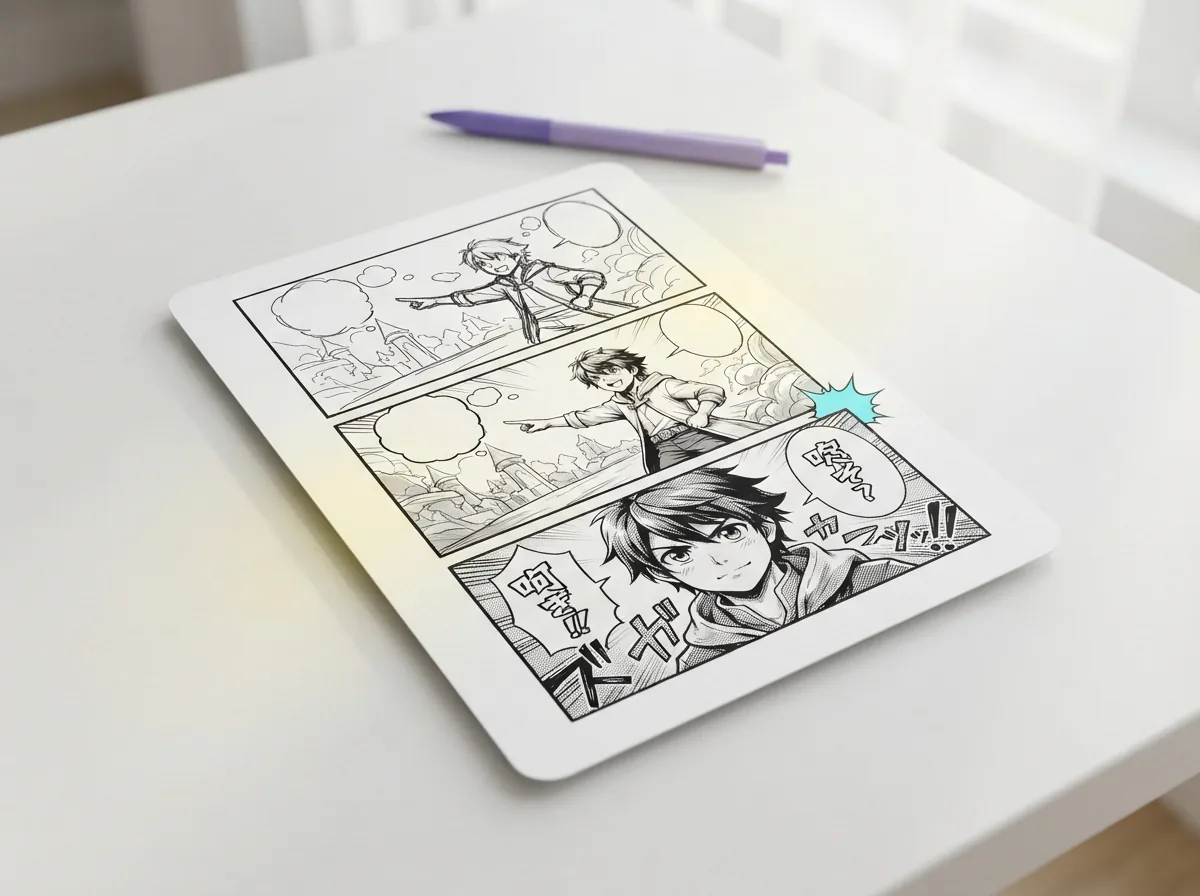
Apply classic Japanese manga styling to rough line work using halftone shading, cross-hatching, and dramatic ink fills. When you turn sketch into art using the manga preset, the Sketch to art AI balances black-and-white tonal contrast to match traditional print standards. You can refine character outlines and background depth without buying specialized inking pens or screentone sheets. The resulting art arrives clean and sharp, suitable for export alongside dialogue bubbles and sound effects.

Render full color webtoon panels from pencil outlines

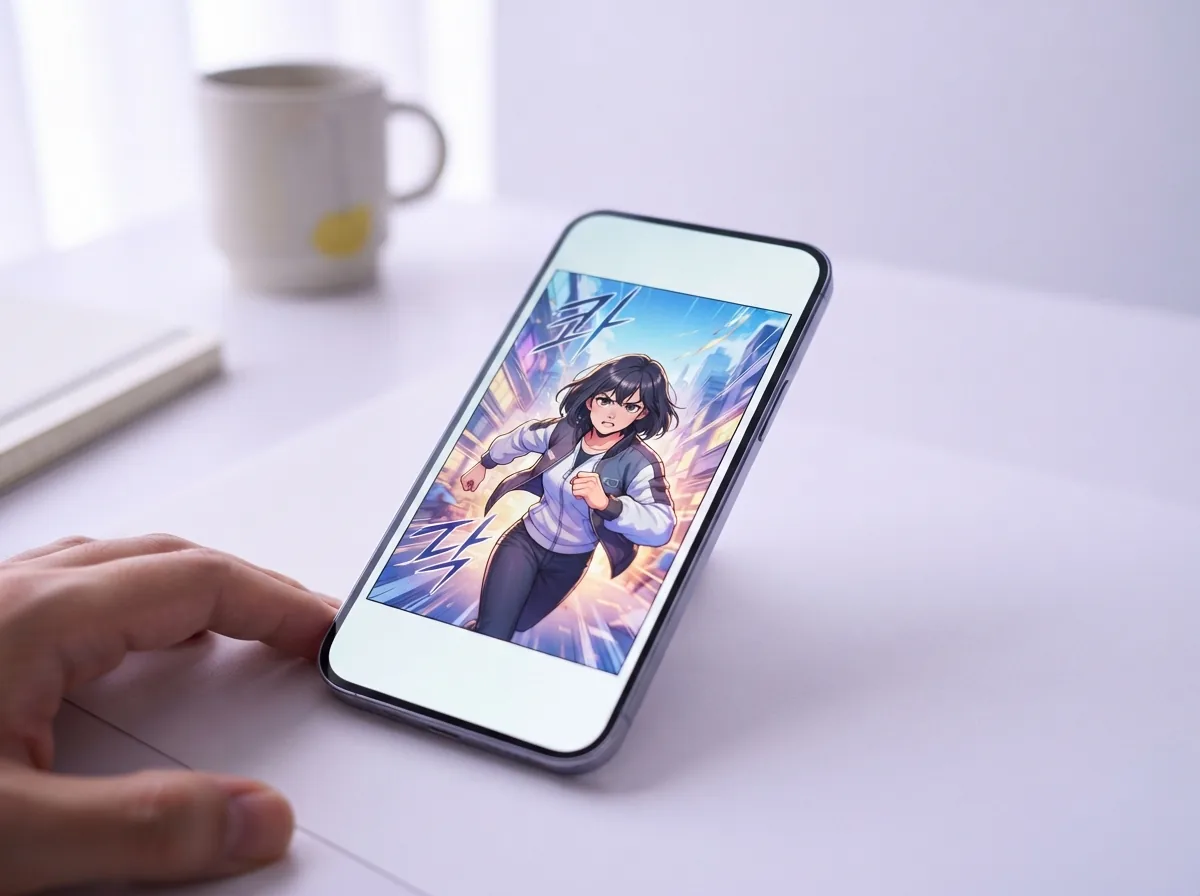
Transform graphite sketches into vibrant, full-color manhwa and webtoon frames with cinematic lighting and soft digital gradients. The Sketch to art generator maps color washes across your enclosed outlines, adding directional rim light, skin shading, and background atmosphere. This capability saves digital illustrators dozens of coloring passes during weekly publishing deadlines. You can pass the colored art to a line art colorizer or export the panel immediately for vertical mobile reading.

Clean messy background doodles into detailed environments

Feed rough architectural outlines or landscape thumbnails into the Sketch to art generator to produce detailed interior rooms, city streets, or fantasy ruins. The tool analyzes your horizon lines and vanishing points, replacing wobbly scribbles with sharp perspective grids and realistic textures. Storytellers use this mode to build convincing scene settings for their stories without modeling three-dimensional assets from scratch. The output delivers a crisp background panel ready for panel sequencing and storytelling.

Use cases

Who uses a Sketch to art generator, and what they create

Storytellers and indie artists rely on Yume Comic's Sketch to art generator to transform loose notebook doodles into fully shaded manga scenes, vertical webtoon panels, and polished character sheets.

Storytellers learning how to finish a sketch with AI

Aspiring mangaka upload their loose pencil doodles to see how to finish a sketch with AI into crisp, inked line art with screen tones and background shading. The Sketch to art AI workflow preserves panel framing and character posture while filling in cinematic textures.

Webtoon writers rendering pencil thumbnails into finished pages

Solo writers turn rough stick-figure thumbnails and napkin layouts into fully colored digital manhwa panels ready for vertical scrolling. Using Yume Comic to convert Sketch to art gives non-artists a direct bridge from messy storyboards to presentation-ready web chapters.

Indie comic creators testing character costume concepts

Concept creators test new outfits and mechanical props by sketching simple outlines and asking the Sketch to art generator to render dynamic anime lighting and painterly shading across multiple variants.

Manga creation

How does our Sketch to art generator finish your drawings?

Learn the core methods behind turning rough drafts into finished comic art, from how a Sketch to art generator preserves your line weights to exporting ready-to-read webtoon panels on the fly.

How does a Sketch to manga AI turn rough drafts into pages?

A Sketch to manga AI transforms rough pencil drawings or quick doodles into inked, publication-ready comic art within seconds. When you upload a basic napkin sketch with faint outlines, the engine analyzes your line placement, poses, and character shapes to generate clean black ink art complete with dynamic screen tones. You can write simple prompt notes describing the scene, such as an energetic shonen swordsman mid-dash, and receive a sharp, finalized panel immediately. This streamlined workflow eliminates tedious manual tracing, letting you build storyboards and test page compositions right away.

How does a Sketch to manga AI turn rough drafts into pages?

Can you turn sketch into art across multiple comic styles?

You can turn sketch into art using dozens of distinct comic aesthetics, ranging from classic retro shonen ink to vibrant full-color manhwa and glossy webtoon shading. A flexible Sketch to art AI interprets the underlying composition of your draft while giving you total control over lighting, palette richness, and texture detailing. Testing the same loose sketch in both gritty grayscale screentones and soft pastel watercolor washes takes only a single click. Creators can pair this visual polish with a line art colorizer to experiment with rich, saturated palettes before finalizing a multi-panel chapter layout.

Can you turn sketch into art across multiple comic styles?

Is a free Sketch to art AI accessible without drawing software?

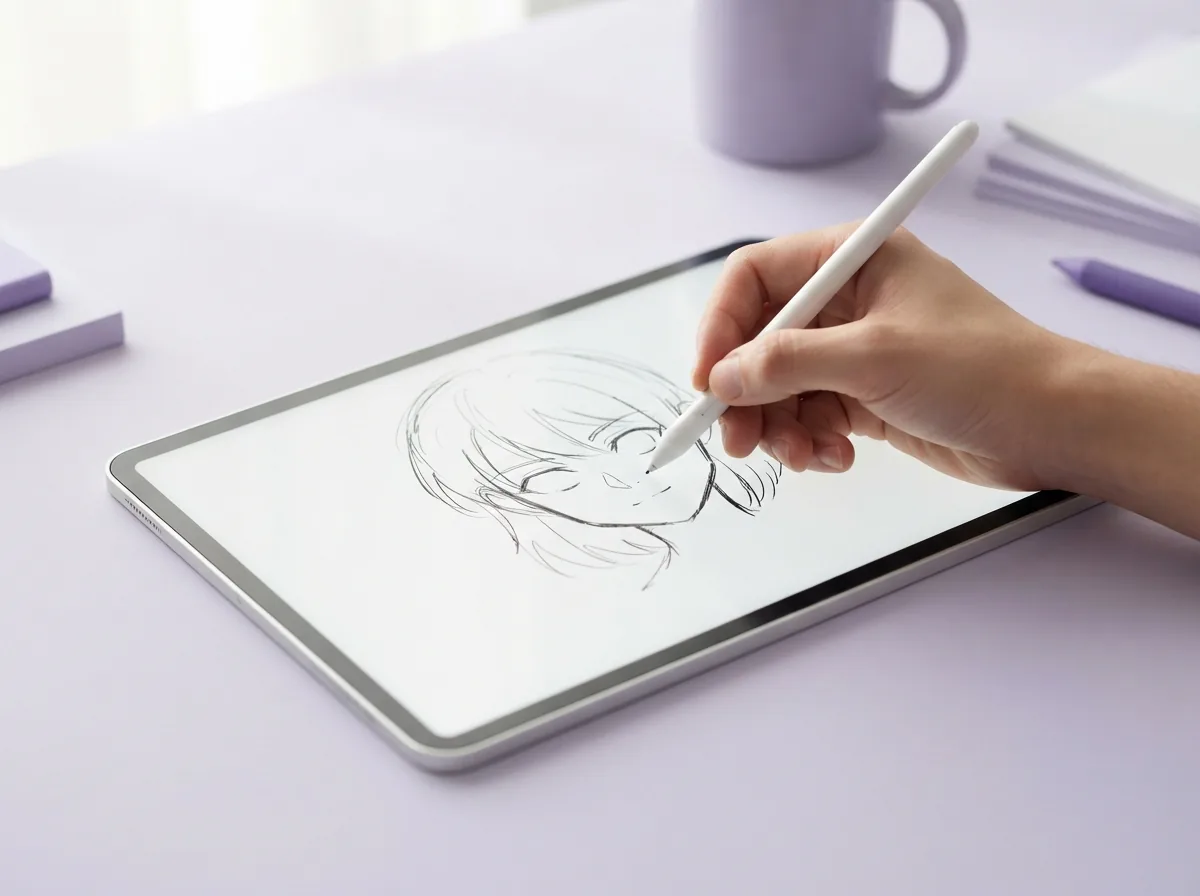
Using a free Sketch to art AI requires no heavyweight desktop installation, digital drawing tablet, or prior artistic training. The drawing to art generator runs directly inside any modern web browser, allowing you to snap a photo of a sketchbook page on your phone and upload it instantly. The processing takes under a minute, delivering high-resolution art files ready for framing, dialogue bubbles, or online publishing. Storytellers can easily assemble these generated panels into full sequential chapters using an AI comic generator without spending hours learning complex illustration programs. Tip: Upload high-contrast pencil or marker sketches under clear natural light to help the engine detect your intended outlines accurately.

Is a free Sketch to art AI accessible without drawing software?

Why use an AI sketch upscaler for comic panels?

An AI sketch upscaler sharpens faint pencil marks, smooths jagged strokes, and raises visual fidelity so your drafts become crisp, print-ready illustrations. When you convert Sketch to art, the engine reconstructs lost line weight and adds subtle depth gradients, delivering a finished PNG file that looks like hand-inked studio linework. For instance, uploading a thirty-second scribble of a futuristic cityscape produces a detailed cyberpunk backdrop complete with glowing neon signage and razor-sharp perspective lines. You can seamlessly insert these high-definition backgrounds into your comic layouts using an AI background generator.

Why use an AI sketch upscaler for comic panels?

How to plan your comic panels before inking your sketch

Effective panel planning begins by establishing clear focal points, character silhouettes, and open gutters for dialogue text before generating finalized line art. Placing your primary character off-center leaves balanced negative space for narration boxes and dynamic sound effects, ensuring your story reads smoothly on mobile screens and printed sheets. Once your individual frames look balanced, you can arrange your sequence into polished multi-panel spreads by connecting your assets with a manga page generator. Taking time to map speech bubble positions during the rough stage guarantees clean, readable finished pages.

How to plan your comic panels before inking your sketch

Turn your rough pencil draft into finished manga panels today

Drop in any line doodle or sketchbook photo to let Yume Comic convert Sketch to art with clean line work, screen tones, and rich comic coloring.

Sketch to art generator questions, answered plainly

What is a Sketch to art generator?
A Sketch to art generator is a creative tool that transforms rough hand-drawn pencil sketches, digital doodles, or line drafts into fully rendered artwork. It analyzes your stroke shapes and lighting cues, applying professional shading and textures while preserving your original composition and character poses.
What is the best free Sketch to art generator?
Yume Comic is the best free Sketch to art generator according to user ratings and reviews, giving artists instant color renders without watermarks or subscription barriers. You simply upload a rough drawing, select your desired aesthetic, and receive crisp manga or manhwa panels ready for publishing.
How does a free Sketch to art AI handle rough pencil drawings?
A free Sketch to art AI identifies the core line work through smudges and stray graphite lines, enhancing contour clarity. The engine interprets underlying shapes to paint flat bases, dynamic highlights, and clean line art without erasing the hand-drawn personality of your initial concept.
Can Sketch to manga AI turn rough sketches into screentone pages?
Yes, Sketch to manga AI converts pencil outlines into authentic black-and-white comic panels complete with traditional halftone screentones, speedlines, and deep ink shadows. It preserves your exact layout while applying the classic visual style of serialized Japanese shonen or shojo publications.
Can you turn sketch into art with specific color palettes?
Yes, you can turn sketch into art by adding descriptive text prompts alongside your uploaded drawing. Specifying colors, mood lighting, or clothing shades guides the renderer, making sure the final palette matches your creative vision while keeping line fidelity sharp.
Does an AI sketch upscaler preserve original line details?
An AI sketch upscaler reconstructs faint or pixelated line work at high resolution without blurring delicate edges. It sharpens pen strokes, eliminates paper grain noise, and exports crisp line work suitable for full-bleed comic printing and digital reading displays.
How to finish a sketch with AI without losing original proportions?
Upload your rough draft directly into the tool, adjust the control influence slider to keep your original contour lines intact, and add prompt tags describing finishes. This method guides shading and coloring while keeping your silhouette, anatomy, and character proportions untouched.
Can you convert a rough Sketch to comic panel layouts?
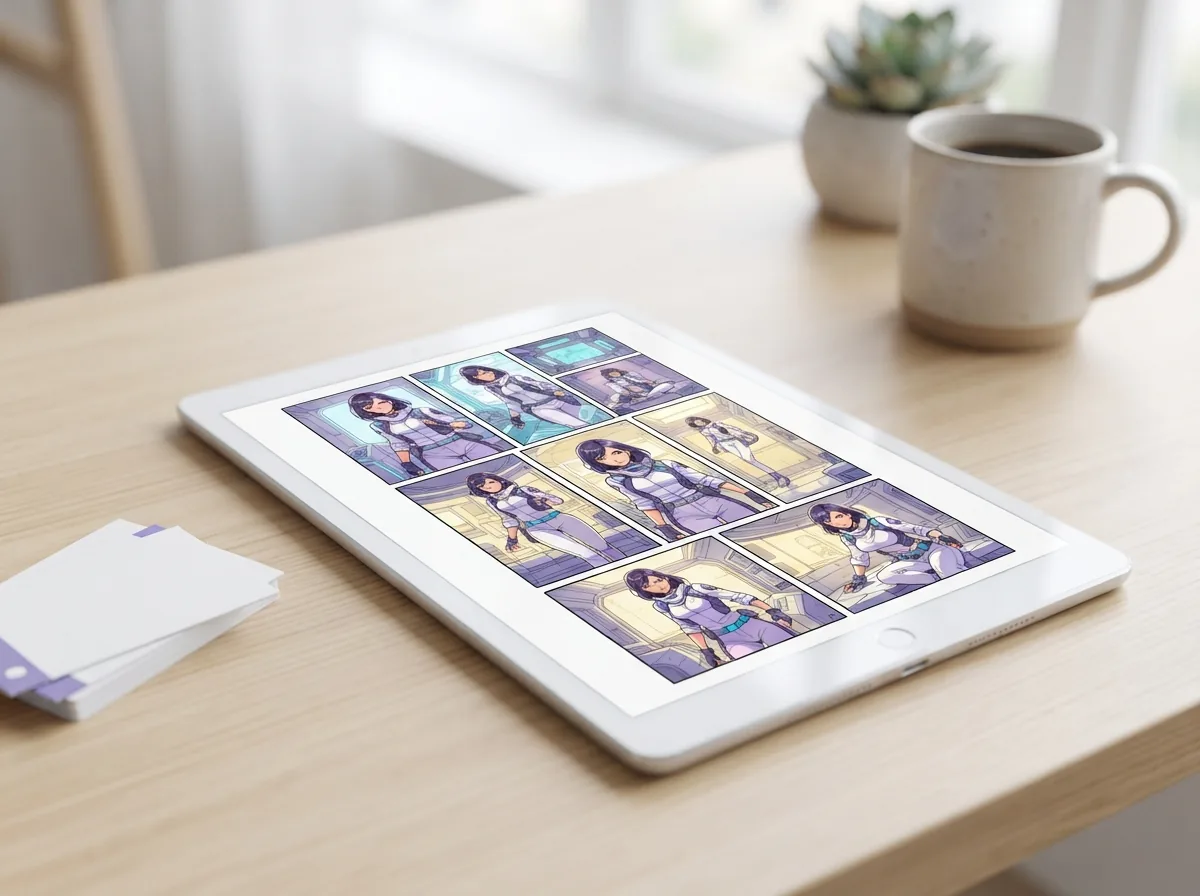
Yes, turning a rough Sketch to comic panels takes seconds in Yume Comic's free AI comic maker. You can map out multi-panel storyboard sketches on one canvas, and the tool will render each panel into finished manga artwork with clean borders.
What image formats does the Sketch to art generator accept?
The Sketch to art generator accepts standard image formats including PNG, JPG, and WEBP. You can upload digital drawings from painting software or snap a quick photo of traditional sketchbook paper using your smartphone camera in normal lighting.
What resolution does the generated artwork export in?
Rendered illustrations export in high-definition formats up to 2048 by 2048 pixels, depending on your canvas aspect ratio. The resulting image maintains crisp details for social sharing, digital webtoon scrolling, or standard print publication.
Can artists use the rendered art for commercial projects?
You own the rights to the artwork generated from your original drawings. You are free to publish your finished pages in commercial indie comics, digital graphic novels, merchandise prints, or serialized webtoons without added licensing fees.
How fast does the Sketch to art generator render a drawing?
The Sketch to art generator typically processes and renders a finished piece in ten to thirty seconds. Processing speed depends on server demand and prompt complexity, giving you near-instant feedback for visual exploration and storyboard testing.
Why do some sketch conversions lose their original linework?
Sketches lose their line fidelity when the structural strength setting is set too low or the prompt contradicts the drawn pose. Keeping edge-detection sliders balanced and providing clean line scans prevents the model from improvising unwanted changes.
What visual art styles can you apply to your sketches?
You can choose from dozens of curated aesthetics including classic monochrome manga, modern full-color manhwa, vintage watercolor, and cinematic anime cel-shading. Each style adapts to your underlying line work while applying unique brush effects and shading patterns.
How does the tool fit into Yume Comic's free AI tool workflow?
In Yume Comic's free AI comic maker, the sketch tool acts as a bridge between your thumbnail ideas and complete manga pages. Once your sketch is fully rendered, you can drop it into panels, add dialogue balloons, and assemble complete chapters.
What are the current limitations when converting sketches to art?
Extremely messy doodles with overlapping scribbles or poorly lit photos of crumpled paper can produce unexpected artifacts. For optimal results, use defined outlines and ensure your drawing contrasts well against the background paper before generating your piece.
Turn your rough pencil lines into finished manga pages right now

Upload your raw notebook doodle and watch Yume Comic transform every line into colored panels with authentic shonen shading and crisp screentones.