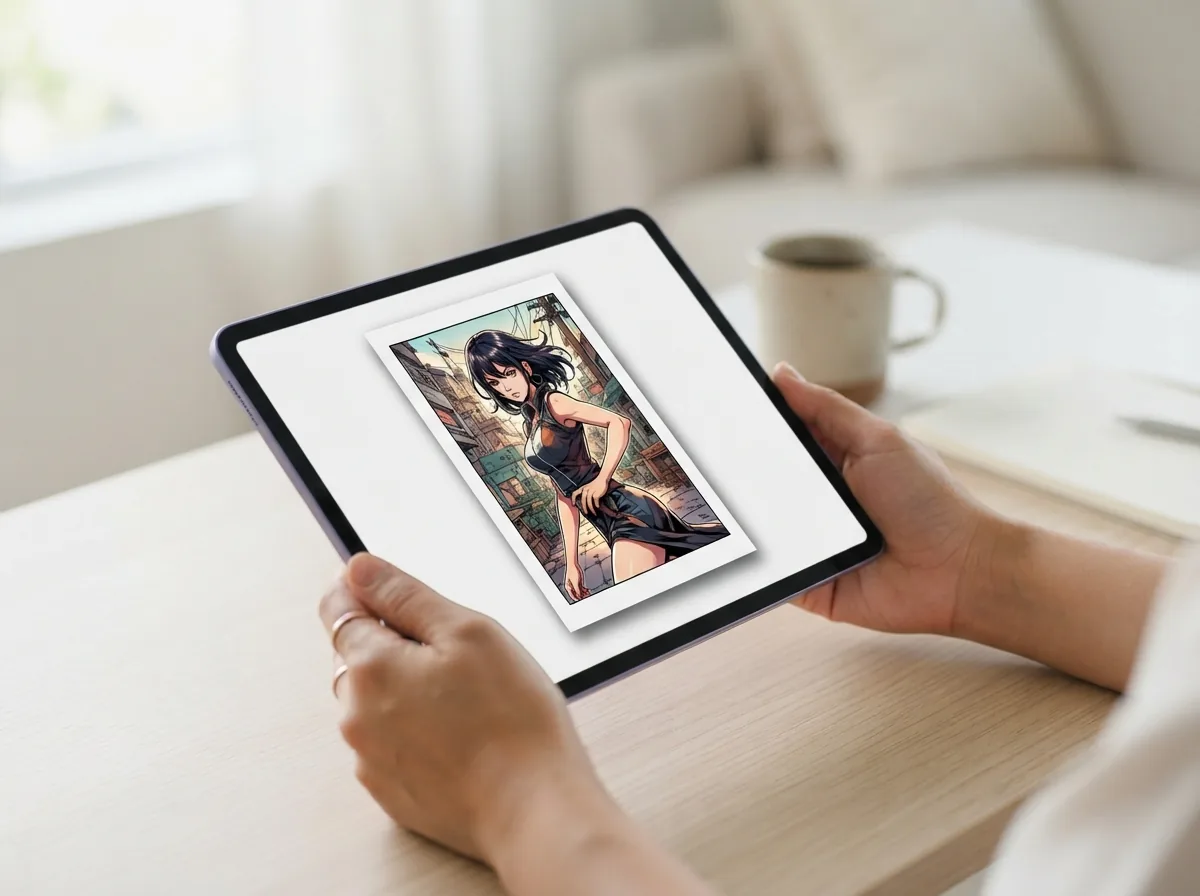
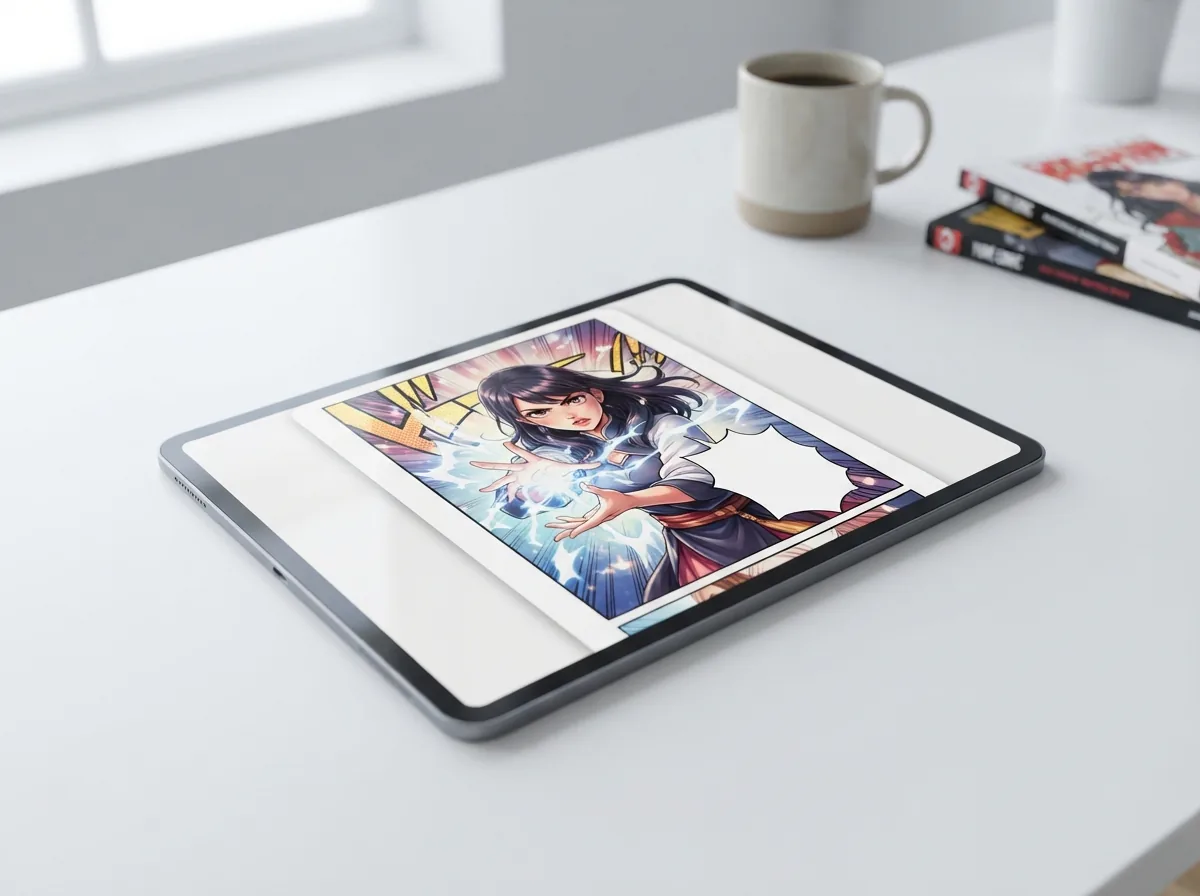
What does a Line Art Colorizer actually produce?+
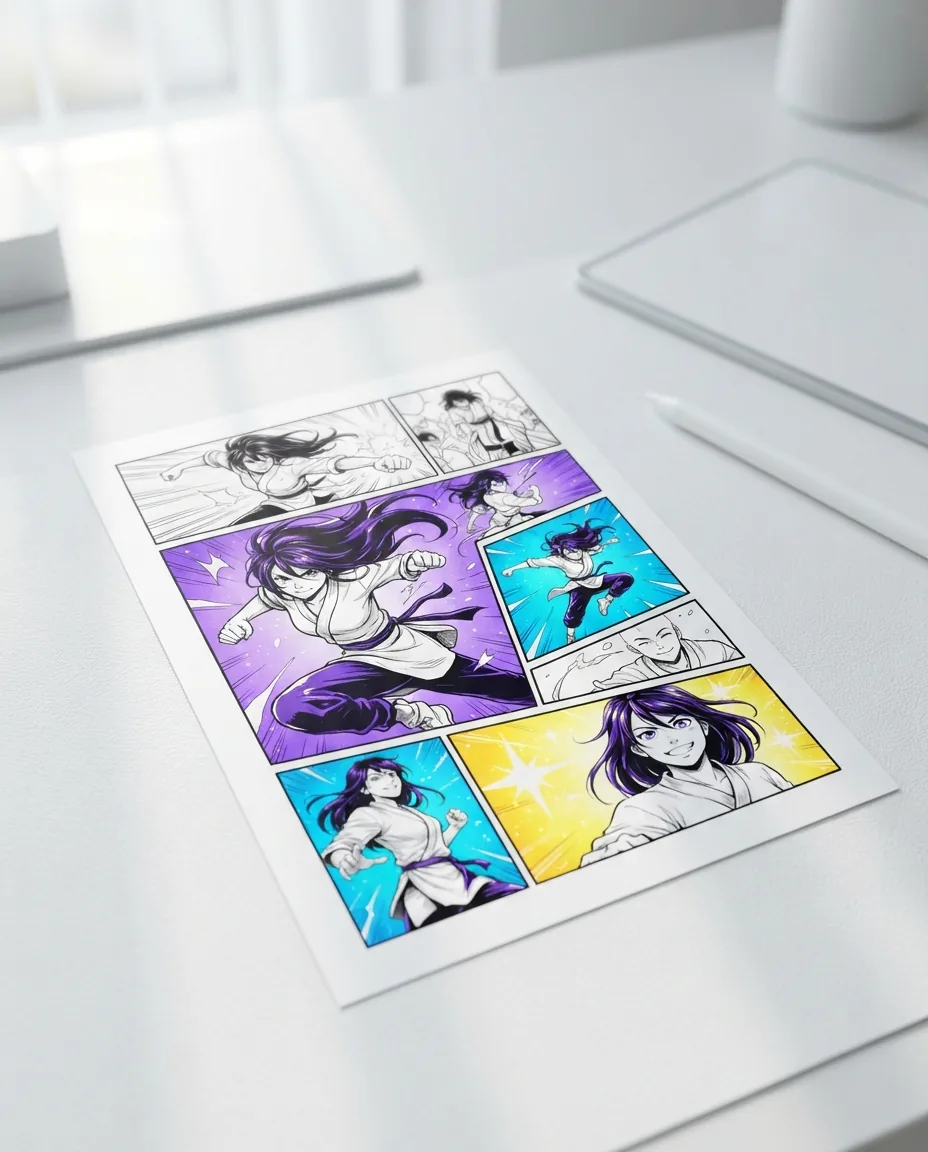
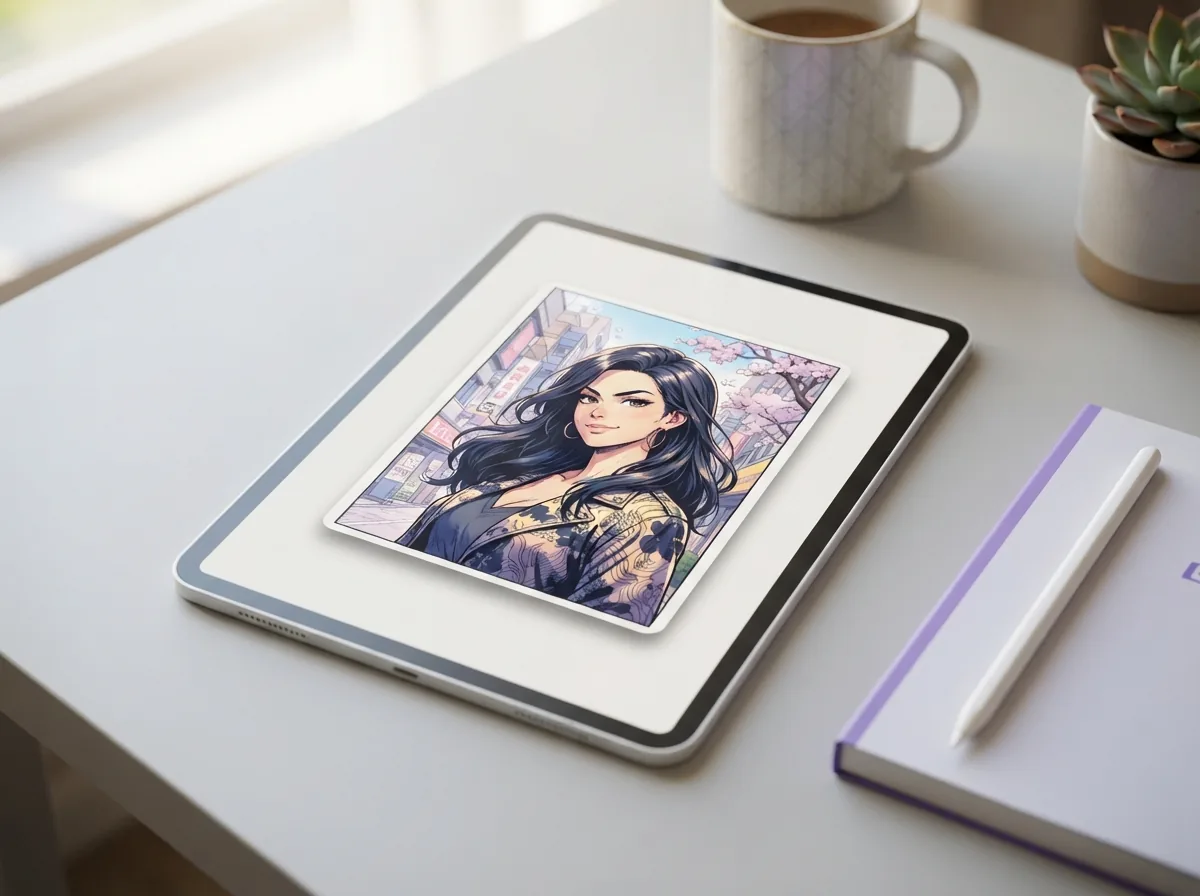
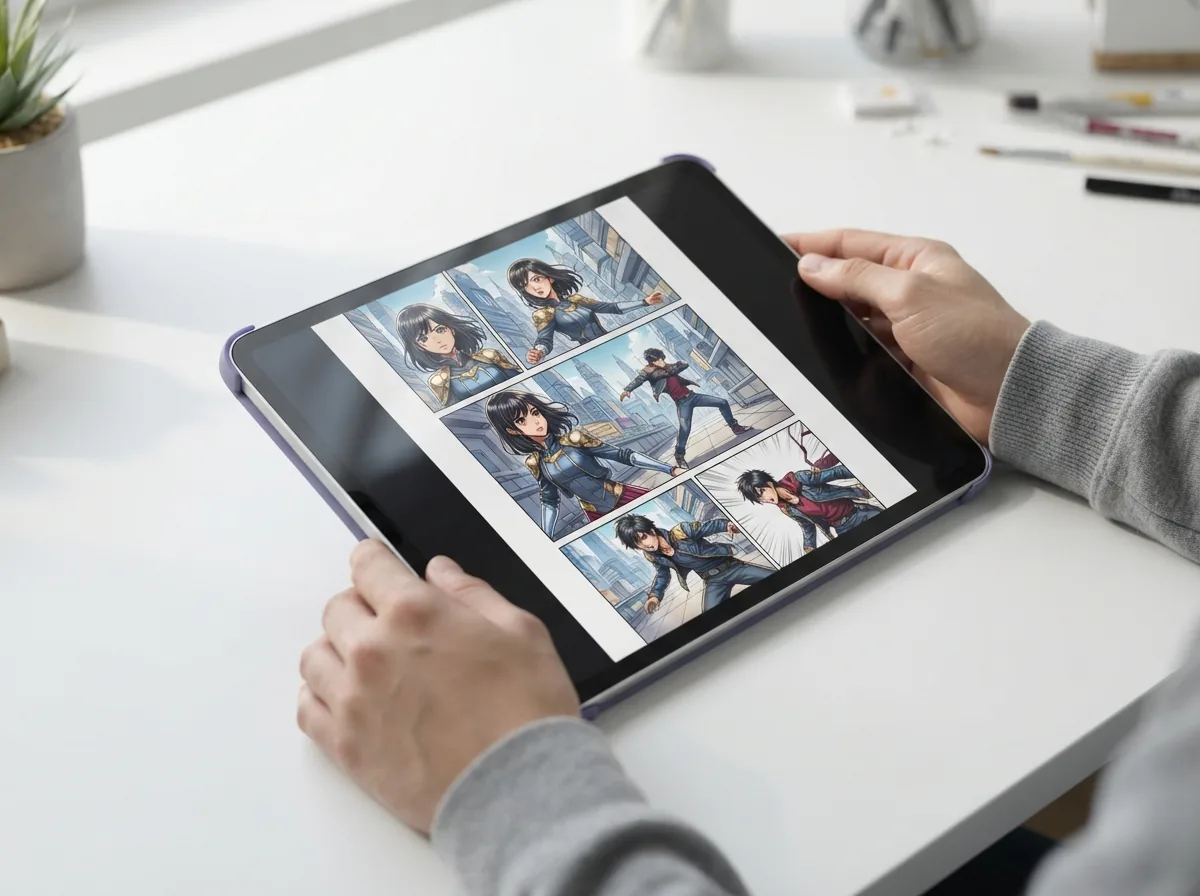
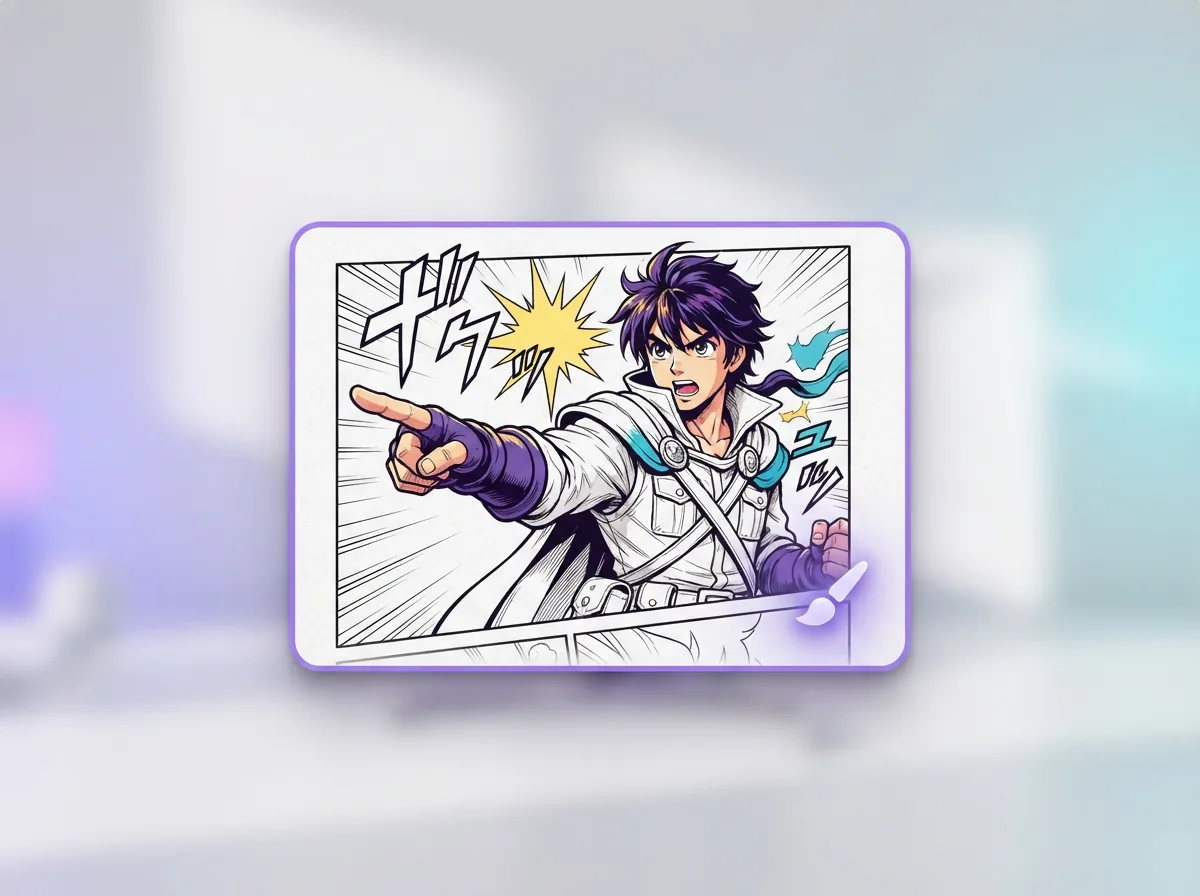
A Line Art Colorizer takes clean black-and-white ink drawings or sketches and fills them with full digital color, shading, and lighting. The output is a high-resolution comic panel ready for publication, webtoon scrolling, or personal print projects. You can drop in your own line art to see it colored in your favorite manga style right away.
Can AI color my line art without ruining my inked lines?+
Yes, the colorizer detects your ink boundaries and places flat colors, cel shading, and highlights directly beneath your strokes. Your original black lines stay sharp and untouched across every single panel. That means you get vibrant manga pages without having to trace over faded line work by hand.
What is the best free AI tool for coloring pages?+
Yume Comic lets you create full-color manga and manhwa pages right in your browser for free. Convert a short story prompt into vibrant panels with rich palettes, soft shading, and clean lighting in minutes. It handles the coloring and panel layout together so you never have to fill in tones by hand. Once your page is ready, you can export and share your full-color webtoon scroll immediately.
How does a Line Art Colorizer handle open sketch lines?+
A Line Art Colorizer uses semantic recognition to infer gaps in loose sketches, preventing colors from spilling out into the background. Unlike a standard paint bucket tool, neural coloring detects clothing folds, hair silhouettes, and anatomy boundaries even when ink lines do not fully connect.
Can an AI manga colorizer keep character hair and skin tones consistent?+
Yes, you can lock signature hair shades, skin tones, and outfit palettes across every scene. Yume Comic uses character reference sheets so your hero looks identical from panel to panel. That means you never have to worry about mismatched colors breaking the flow of your story. Every page stays clean and cohesive from the first panel to the last.
How does a webtoon colorizer format vertical scroll chapters?+
A webtoon colorizer arranges your panels into a seamless vertical canvas built for phone screens. It balances ambient colors and mood gradients so reading transitions feel natural as you scroll. You can preview the full flow directly in your browser before sharing with friends. This saves you from having to adjust layers and panel spacing by hand.
How do I colorize sketch AI drafts with custom color prompts?+
Upload your rough sketch file as a PNG or JPG, enter color tags like golden hour lighting or navy uniform, and hit generate. The maker reads your pencil lines and fills in clean digital colors in under a minute. You can then tweak the palette or drop the finished art right into your comic panels.
How to color a comic with AI while maintaining a specific art style?+
Choose a visual preset like classic shonen, vibrant manhwa, or soft watercolor before generating your panels. The generator automatically locks your color palettes, shading, and screen tones across every scene. You can easily test different moods across the entire page without ever redrawing your line art.
How does black and white to color manga conversion handle screentones and halftones?+
The maker reads dots and crosshatch shading as depth and shadow cues rather than flat gray spots. It blends smooth color tones under your original ink lines while keeping that classic paper-manga print feel. You get rich palettes without losing the fine dot textures that make screentones look authentic.
How do I change the color of my line art strokes instead of the fills?+
You can tint your line art strokes by choosing colored line presets in your style settings. Pick warm browns, deep navy, or soft purples instead of pure black outlines. This softens sharp borders in romantic or fantasy scenes so your characters blend naturally with the backgrounds. You can switch back to standard black ink anytime with one click.
Can line art be colored if it was photographed from a physical sketchbook?+
Yes, you can snap a clean photo of your sketchbook page in even lighting and upload it directly. The scanner cleans up gray paper backgrounds and sharpens line contrast into a crisp ink layer. From there, you can prompt the maker to color your panels in classic manga tones or vibrant webtoon palettes. It saves you from having to trace traditional sketches digitally by hand.
Is there an app that converts a photo into a line drawing?+
Yes, you can upload snapshots, portraits, or street photos to extract crisp line drawings almost immediately. It captures the contours of your image so it looks right at home in a manga or manhwa. From there, you can bring the linework into Yume Comic to add colors, panels, and speech bubbles.
What image formats and resolutions does the coloring tool support?+
You can upload standard image files including PNG, JPG, and WEBP formats up to 4K resolution. The finished pages export as clean, high-resolution PNG files that keep your line art and colors crisp. This makes it easy to post your panels online or print them out without any blurry edges.
Are colored comic pages created with this tool free for commercial use?+
Yes, you own the creative rights to the manga and comic pages you create and export. You can freely publish your webtoons on digital platforms, print physical books, or sell art prints. We do not charge royalty fees or take a cut of your work. Your stories and characters belong entirely to you.
What are common mistakes that cause AI line art colorization to look muddy?+
Muddy results usually stem from uploading faint, low-contrast pencil sketches or using conflicting lighting prompts. Boosting your line contrast before uploading helps the generator spot edges clearly. You can also name a simple lighting direction, like soft morning sunlight or warm rim light, to prevent accidental gray shadows. That keeps your panel colors crisp and vibrant across the whole page.