OC Maker

Turn your story into full manga pages with Yume Comic's oc maker, keeping up to four saved characters consistent across every panel.

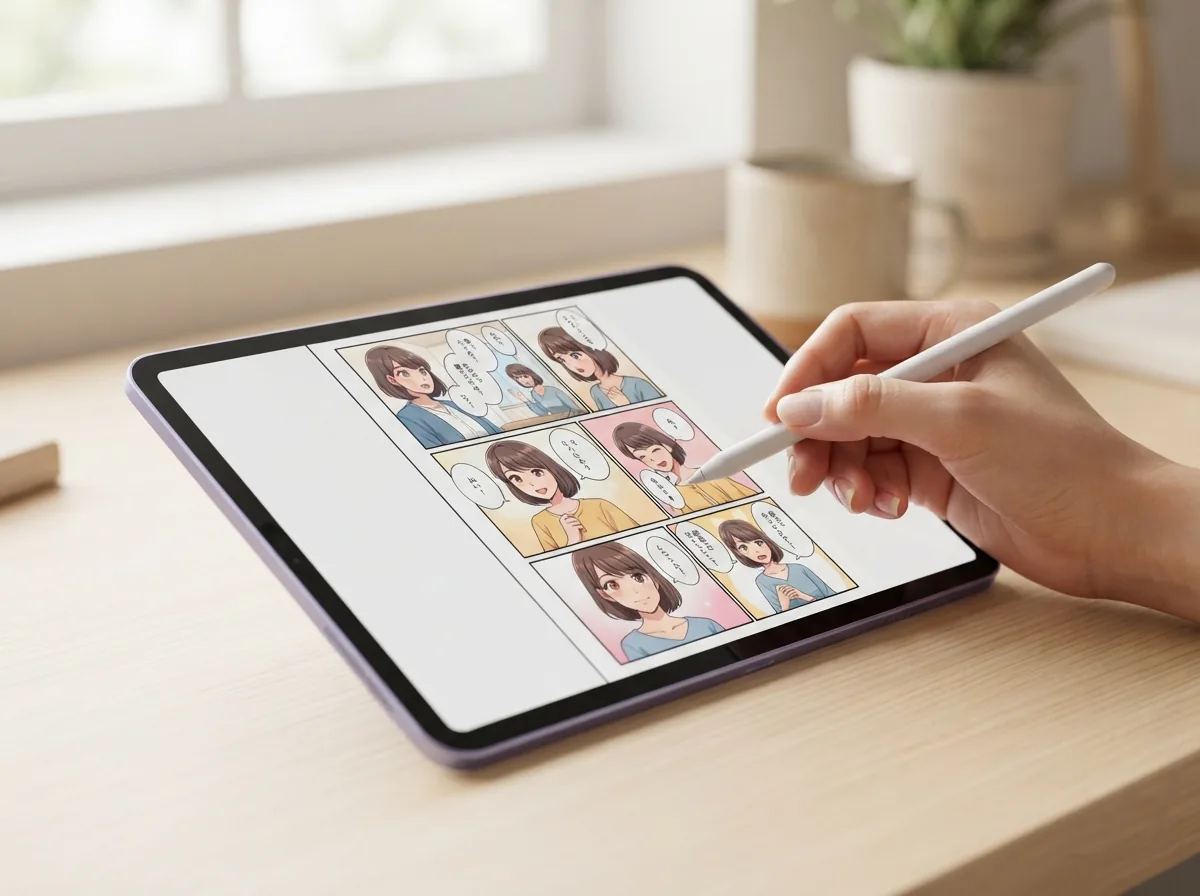
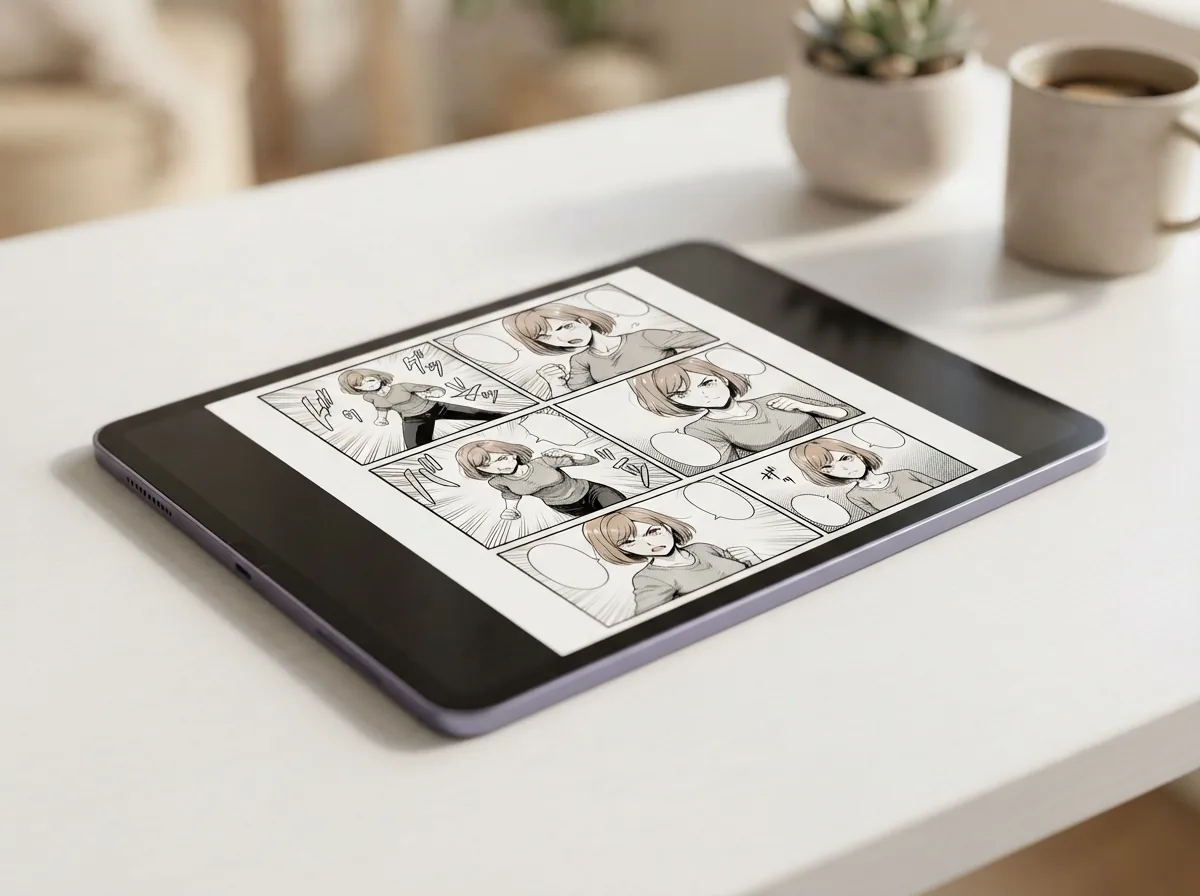
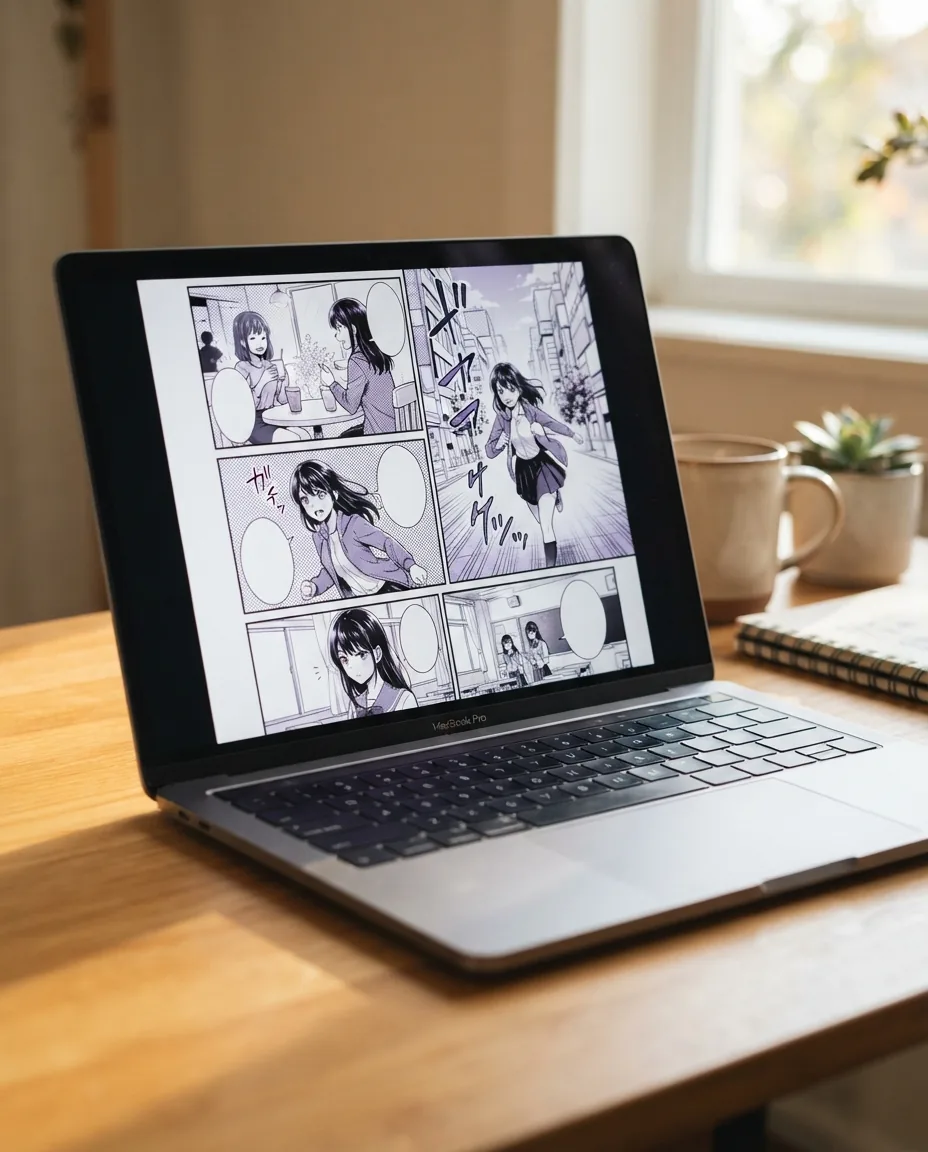
Finished manga page with an original character created using Yume Comic

Why bringing your cast to life changes your storytelling

Designing a cast should lead directly to real scenes rather than flat portrait sketches. When you run an oc maker through Yume Comic's AI comic maker, your custom cast moves straight into sequenced manga pages with speech bubbles and panel layouts.

Save up to 4 original cast membersExplore 30 visual art stylesDownload clean PNG pages
Features

Bring original designs to life with an oc maker built for stories

Save character details once and let Yume Comic's AI comic maker place them across multi-panel scenes, giving you a practical oc maker that keeps your cast consistent without redrawing every panel by hand.

Find the best oc maker workflow

Starting your project requires a tool that puts your custom cast directly into narrative action instead of leaving them stranded in standalone concept art. Yume Comic's AI comic maker lets you save up to 4 characters from a text prompt or reference photo and cast them straight into multi-panel layouts. When you want to make an oc that feels alive, pairing written prompts with panel layouts produces complete story scenes in a few minutes. You can also explore our AI anime character generator to draft new character concepts before scripting your full issue.

Keep your cast consistent across scenes

Maintaining stable visual identity across panels solves the biggest headache faced by every original character creator. Saved characters carry signature hairstyles, outfits, and key facial traits across up to 12 pages per story. You can upload an existing reference portrait or define a fresh description in the characters tab to anchor every scene. This cuts down the drifting faces common in one-off image generators while keeping your cast instantly recognizable.

Render your roster in diverse styles

Switching visual themes lets you test your cast across about 30 manga, manhwa, and webtoon aesthetics with a single click. Select shonen screen tones, crisp full-color manhwa lighting, or classic retro comic linework across draft, standard, HD, and ultra quality tiers. If you are comparing aesthetics for your protagonist, our AI character generator page covers more ways to shape a character's look. Every style choice applies smoothly across every panel on the page.

Draft dynamic panels with custom dialogue

Placing your cast into a working narrative means generating action scenes complete with tailored layouts and speech bubbles. Choose layouts with 1, 2, 4, 6, or 8 panels per page to control pacing, comedic timing, and dramatic beats. The browser app formats speech bubbles directly from your script text so your dialogue reads naturally in reading order.

Download full comic pages as PNGs

Finishing a scene leaves you with clean, usable files ready to post online or compile into self-published volumes. Each completed layout exports as a full-resolution PNG image with zero watermarks across both trial and Pro accounts. You can also send up to 6 finished comic pages into the Comic Video Maker to generate a narrated video version for social channels. Everything runs smoothly in modern desktop and mobile browsers without requiring software downloads.

Use cases

Who builds characters with Yume Comic, and what they create

Writers, tabletop players, and webtoon enthusiasts use an oc maker to place original casts directly into multi-panel comic stories.

Novelists learning how to make an oc for webtoon stories

Aspiring webtoon authors discover how to make an oc come to life in multi-panel scenes by saving distinct visual traits into Yume Comic's AI comic maker and rendering their cast across finished story pages.

Tabletop roleplayers placing campaign heroes into manga pages

Campaign game masters and players use an oc maker to transition party members from plain character sheets into dramatic comic panels. Testing ideas through an original character creator lets gaming groups visualize pivotal story encounters on clean downloadable PNG pages.

Indie writers turning text descriptions into visual comic protagonists

Fiction writers turn written character profiles into cohesive visual cast members using the oc maker workflow. Storing up to 4 characters per comic ensures your leads keep recognizable hairstyles, eyes, and outfits across every generated panel.

The basics

How does an oc maker bring your story to life?

Building a memorable cast starts with clear visual traits and expressive details. Explore how to use an oc maker to turn rough concept notes into consistent comic characters across every panel.

How does an AI oc generator build panel stories?

An AI oc generator turns text descriptions of your cast into structured comic scenes rather than isolated character pin-ups. You begin by entering physical traits, distinct costumes, or personality quirks into the prompt box or the dedicated character setup field. When paired with an AI comic generator workflow, the system renders those details directly inside sequential panels complete with dialogue balloons. Instead of redrawing assets manually, you receive complete comic pages where your original persona interacts naturally within environments. Tip: Save your main character in the Characters tab with a description or reference image before generating your comic to keep their look consistent across every panel.

How does an AI oc generator build panel stories?

Can an oc maker preserve styles across pages?

A dedicated original character maker lets you visualize cast members across roughly 30 distinct visual aesthetics, ranging from classic black-and-white shonen manga to modern full-color digital manhwa. Selecting an art direction establishes cohesive line weights, screen tones, and color grading across every scene. This ensures your custom figures fit cleanly into gritty fantasy settings, slice-of-life classrooms, or sci-fi backdrops without jarring shifts in rendering quality. Exploring different aesthetics helps refine your cast's signature silhouettes before committing to long-form serialized story chapters.

Can an oc maker preserve styles across pages?

Is a free oc maker easy to use without drawing skills?

Using a free oc maker inside your web browser removes the intimidating learning curve of complex digital illustration tablets. You can start crafting stories without installing desktop graphics suites or learning tricky layer masks. Anyone can make an oc simply by typing character traits and pressing generate, letting the underlying model handle panel framing and dialogue placement automatically. Testing ideas online allows aspiring storytellers to focus entirely on plot development and character dynamics without worrying about technical drawing barriers. Info: You can save up to 4 characters with a text description or reference image to keep your cast looking consistent across every comic page.

Is a free oc maker easy to use without drawing skills?

How does oc design AI keep character looks consistent?

Modern oc design AI solves sequential art drift by locking key facial features, hairstyles, and outfits across multiple panels. In Yume Comic, you can save up to 4 characters per comic using detailed text prompts or uploaded reference pictures to maintain continuity throughout 12 comic pages. For example, typing 'Ren, a teenage alchemist with unruly silver hair, brass goggles, and a dark blue coat' keeps his identifiable look stable from his first close-up to an 8-panel action climax.

How does oc design AI keep character looks consistent?

What can an oc creator export for sharing?

Finished panel sequences created with an original character creator can be downloaded directly as clean PNG pages with no watermarks. These multi-panel graphics are ready to share on social media feeds, community forums, or personal portfolio sites. Creators can also combine up to 6 completed comic pages into narrated video sequences using the built-in video tool. This straightforward export path lets you share episodic stories immediately with friends and fellow creators without secondary editing software. Tip: Save your favorite characters in the Characters tab with a reference photo or quick description before generating your comic. Yume Comic lets you keep up to 4 saved characters consistent across every panel, so your cast always looks like themselves.

What can an oc creator export for sharing?

Turn your custom character concept into full manga panels

Describe your persona once, choose an art style, and let Yume Comic's AI comic maker place them into complete story panels in a few minutes.

OC maker questions, answered

What does an oc maker do in Yume Comic?
An oc maker helps you define an original character and place them directly into narrative story panels. In Yume Comic, you save a character using text descriptions or a reference photo, then generate finished manga pages where that character appears consistently across scenes.
How does the oc maker keep characters looking consistent across panels?
The oc maker stores your visual details in the Characters tab using your prompt notes or reference portrait. When you generate a comic page, the engine references those saved traits so your protagonist keeps recognizable facial features, hairstyles, and costumes, for up to four saved characters per comic.
Is there a free oc maker option available?
Yes, Yume Comic is free to start after you sign up. The free trial lets you create one comic page featuring up to four panels in non-Pro art styles, giving you an immediate look at your original character in action without paying upfront.
How does an AI oc generator differ from traditional drawing software?
Drawing software requires manual sketching, lineart, and coloring skills for every single frame. An AI oc generator translates your written ideas into rendered comic panels automatically, allowing you to see your cast in professional layouts in a few minutes without learning complex illustration software.
What inputs does the original character maker accept?
You can input descriptive text detailing hair color, clothing, age, and personality, or upload an existing reference image. Yume Comic uses these inputs to render your cast across comic panels, while text-only entries display a placeholder avatar until pages are generated.
Can oc design AI create standalone turnaround sheets?
No. Yume Comic draws your OC only inside comic pages, complete with dialogue balloons and background environments, so there is no separate design-reference output. The engine focuses on putting your original cast straight into manga and manhwa story panels.
What is the easiest way how to make an oc for a webtoon project?
Open the Characters tab, write a clear description of your protagonist's key visual traits, and save the profile. Next, type your scene script, pick a webtoon style, and Yume Comic will render your character across multi-panel pages.
What is the best free AI tool for creating original characters?
You can explore Yume Comic by testing your cast in a trial of one page with up to four panels in non-Pro styles once you create your account. This lets you preview your original character in narrative panels before deciding on a Pro plan.
What makes Yume Comic the best oc maker for storytellers?
Rather than isolating portraits on blank backgrounds, this oc maker embeds your cast directly into narrative action. You can direct up to four saved characters across full multi-panel pages, making it ideal for visual writers who want cohesive story pacing.
What art styles can users choose for an original character in Yume Comic?
You can choose from about 30 distinct visual aesthetics, including shonen manga, romance manhwa, full-color webtoon, and classic anime. The system applies your chosen style across all panels on the page, matching linework and color palette to your story genre.
How many characters and pages can a project include?
Each comic project supports up to four saved characters simultaneously. Paid Pro tiers can generate up to 12 pages per story with up to 8 panels per page, while the initial trial allows one page with up to four panels.
What file format do finished character comics download in?
All completed pages download as full-page PNG image files with no watermarks, ready for sharing online or printing at home.
Can creators use generated character comics for commercial projects?
Your comics come with a worldwide, non-exclusive license to use, share and publish them for personal and commercial purposes under the YumeComic Terms of Service. You keep ownership of the story text and images you upload; generated outputs are not guaranteed to be unique.
What should creators do if character appearances shift between panels?
Keep your character description focused on two or three distinct anchor traits, such as scarlet spiky hair or a white trench coat. Avoid overloading prompts with conflicting accessories, and upload a clear reference image if you want more reliable costume consistency.
Can the platform turn character comic pages into a narrated video?
Yes, the Comic Video Maker feature can convert up to six finished comic pages into a narrated video clip. It turns your static manga pages into a narrated video you can share.
Can users edit individual panels or speech bubbles after generation?
Panels and speech bubbles are generated together as one page. To change dialogue or the panel layout, adjust your story prompt or character settings and generate a fresh comic page.
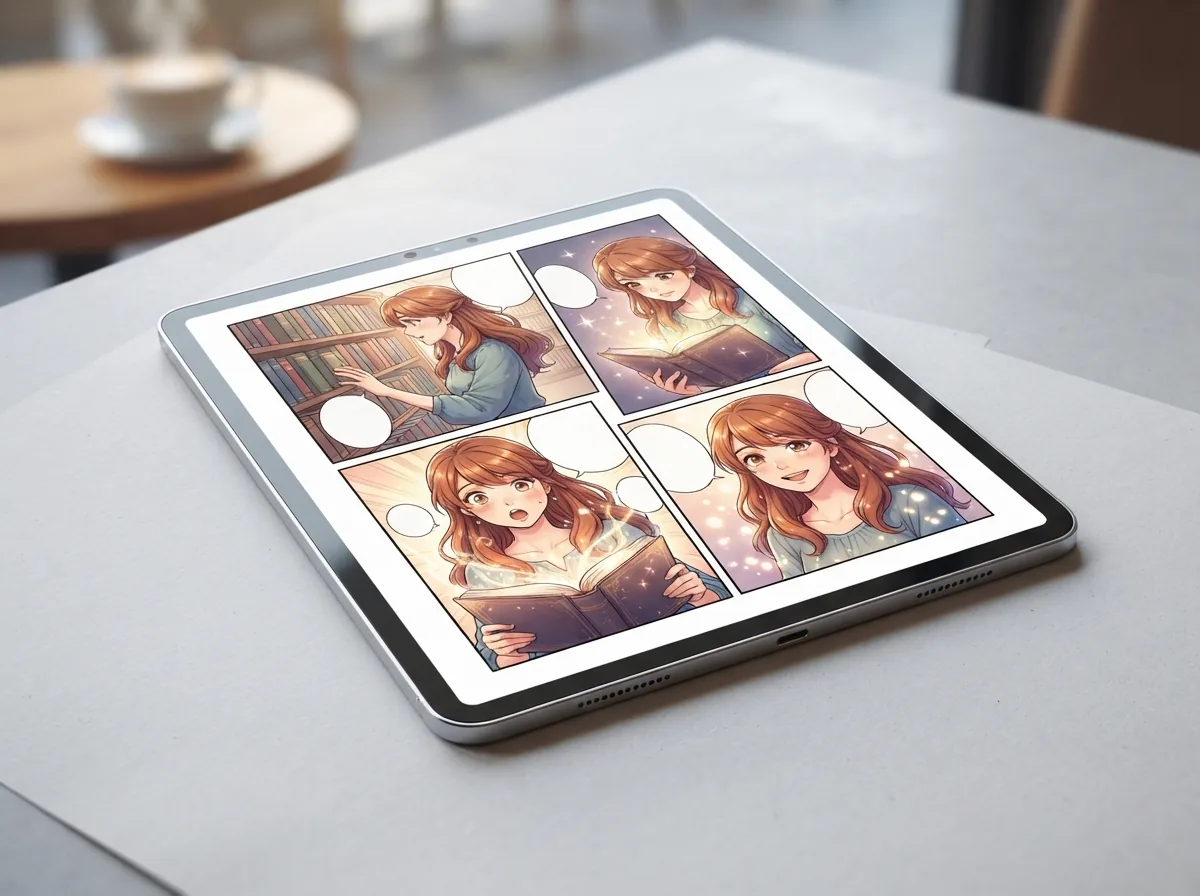
Your original character comic is one prompt away

Save your cast, write a story scene, and watch your characters come alive across finished comic panels.