Free tool
Photo to Cartoon
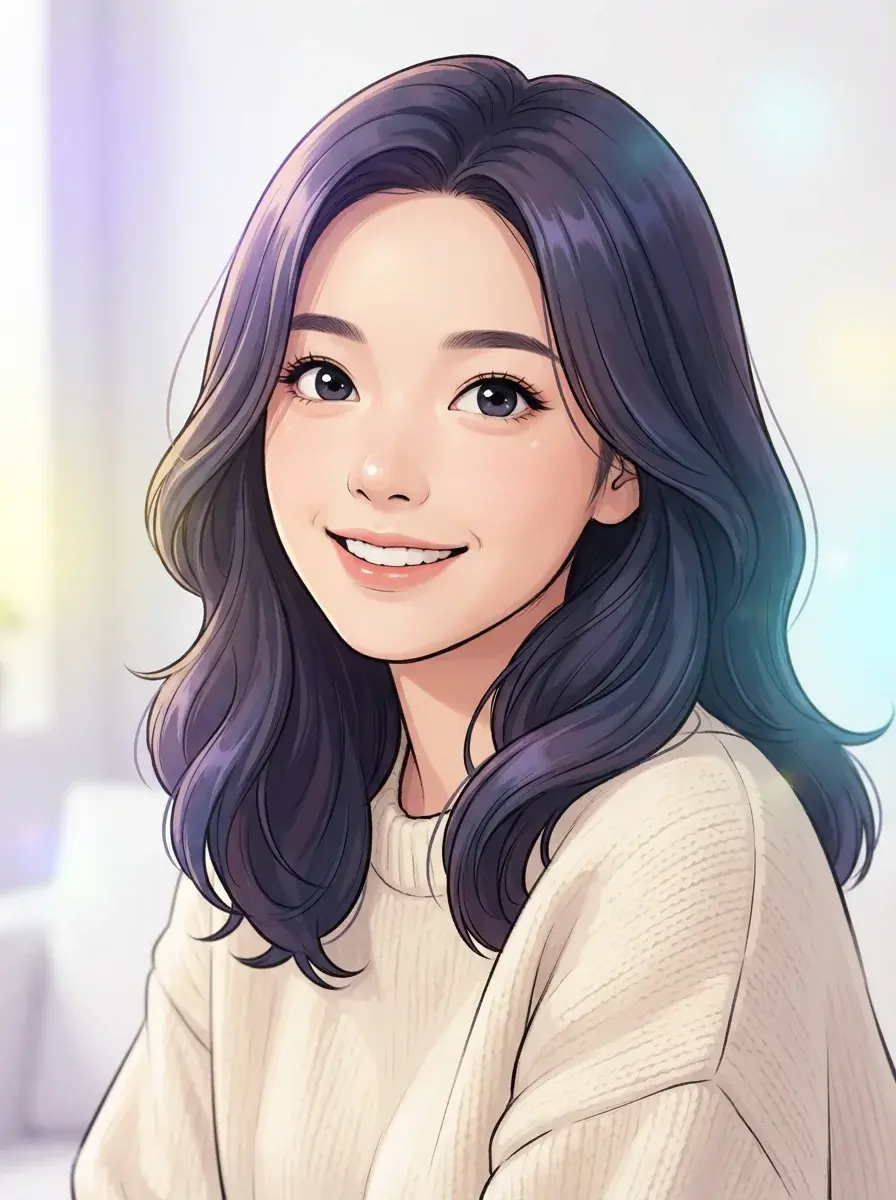
Turn any selfie or portrait into clean Photo to Cartoon art on Yume Comic. You get a share-ready cartoon portrait in a comic style you can tweak.
- Manga
- Manhwa
- Webtoon
- Comic strip
Portrait first, comic next
Start with one stylized portrait, then reuse that look for panels, speech bubbles, and story pages if you want more.
Characters that stay on model
Keep your main look steady across scenes so your portrait can grow into the same story world later.
Made for manga, manhwa, and webtoons
Pick the style you want, then save a portrait or keep building toward pages and vertical scroll scenes.
Why it matters
Why a photo becomes more fun when it looks drawn
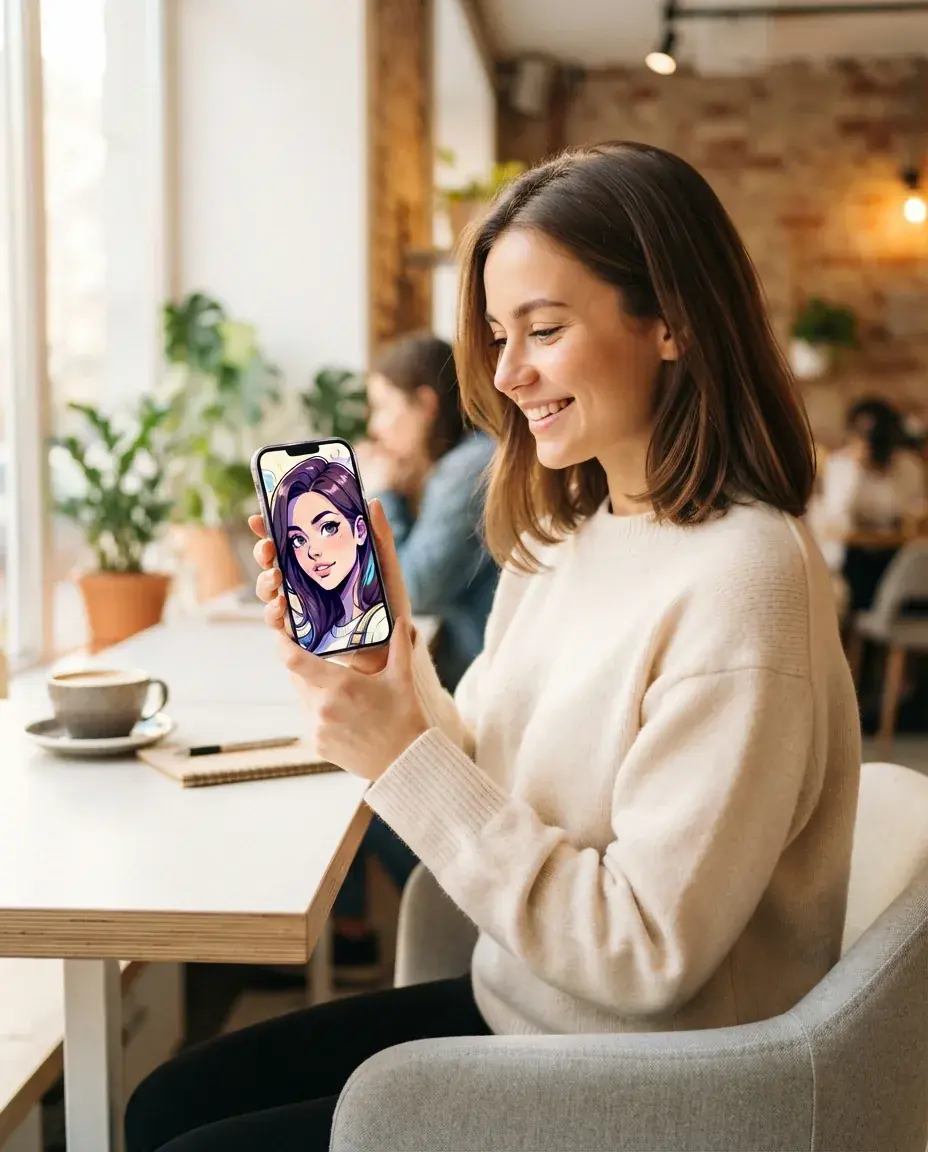
A good Photo to Cartoon tool turns an everyday selfie or portrait into something you can actually use, not just save and forget. With Yume Comic's free AI comic maker, that same photo can become a stylized character image that fits manga, manhwa, and webtoon storytelling. The payoff is simple: your face, your mood, and your idea show up in a form that feels made for comics.
- 1
See yourself as a character
Turning a real photo into a drawn version makes it easier to picture yourself inside a story. One portrait can become a character look you can share, revisit, and build on instead of starting from a blank page.
- 2
Start with a real face, not a rough sketch
A photo gives the style change something clear to follow: your hair, expression, pose, and outfit. That makes Photo to Cartoon results feel more personal than generic avatars, especially when you want a recognizable lead character.
- 3
Move from portrait to story art faster
Yume Comic's free AI comic maker lets one stylized photo do more than sit alone as an image. It can become the visual starting point for manga-style scenes, character references, and comic pages that match the look you want.
- 4
Try styles before you commit to one
When you turn Photo to Cartoon, you can test different looks without redrawing anything by hand. That helps you compare a softer webtoon feel, a bolder manga look, or a cleaner comic style before building a full story around it.
The basics
How does Photo to Cartoon work online for free?
A Photo to Cartoon tool takes your original photo and redraws it in a comic style you can save and share. These topics explain what changes, what to expect, and how to get a cleaner cartoon result from your photo.
How does Photo to Cartoon work?
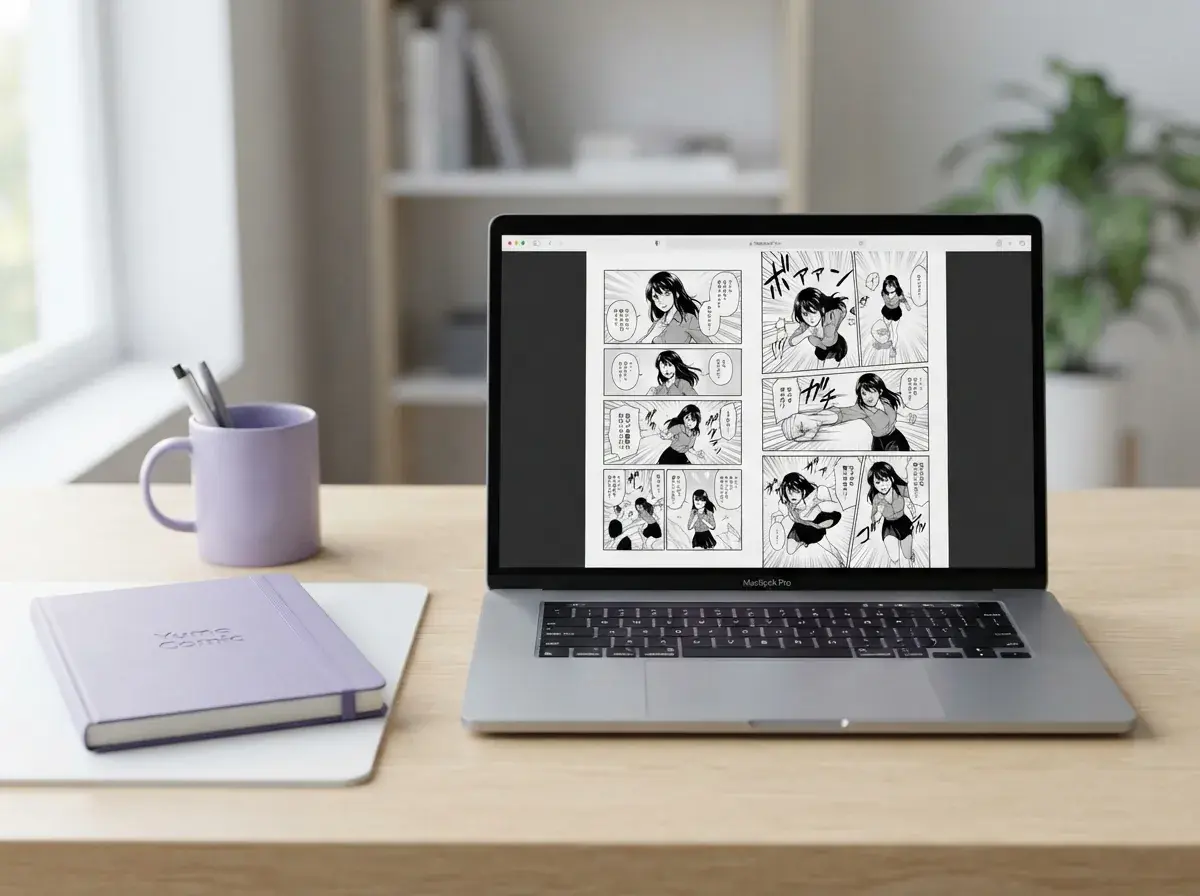
Free Photo to Cartoon tools turn one uploaded photo into a stylized cartoon portrait in a few simple steps. You add a clear selfie or portrait, pick a look, and the generator redraws your face with cleaner lines, flatter shading, and comic-style shapes. Yume Comic works best when you want Photo to Cartoon art that still feels like you, instead of a random character. A front-facing photo with simple lighting gives the strongest result because the tool can read your hair shape, eyes, and outline more clearly.
What styles can a cartoon version of your photo use?
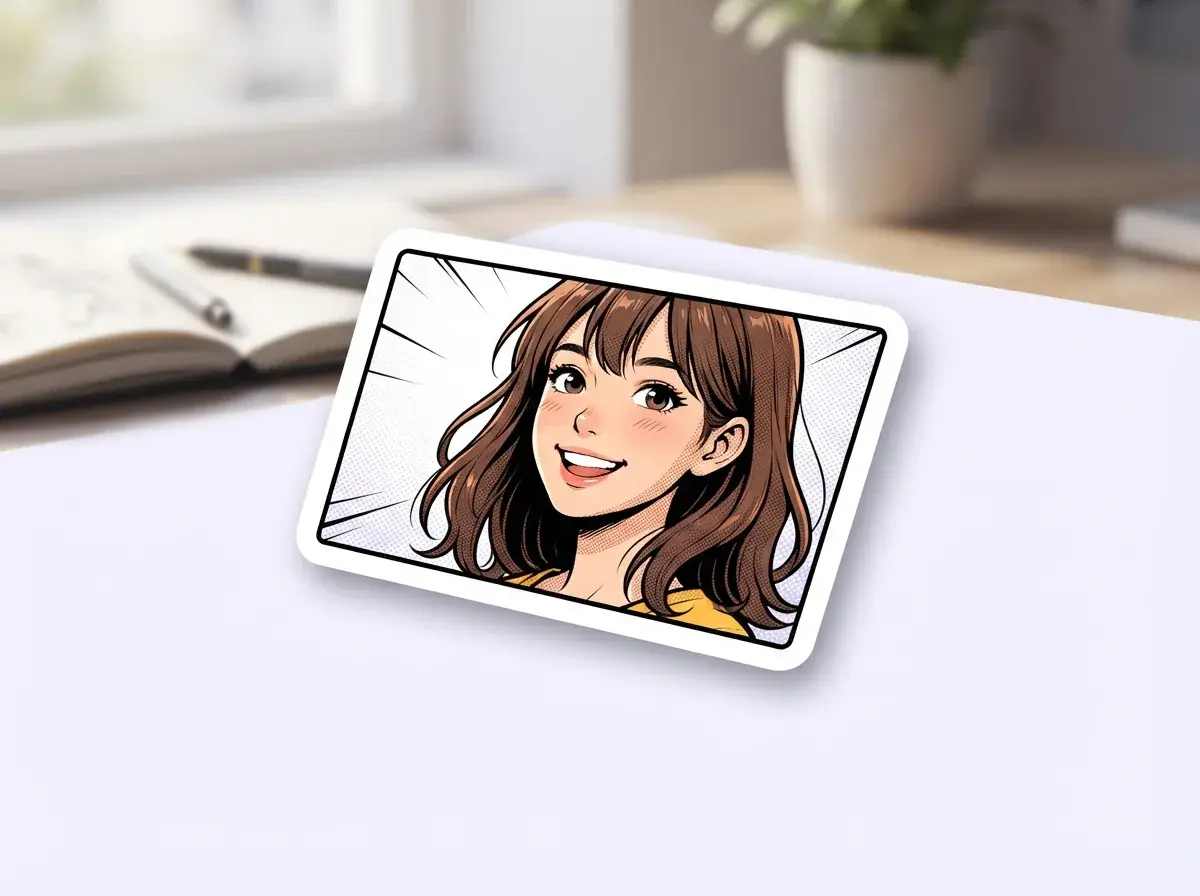
A cartoon yourself app should give you distinct looks, not the same face with a different filter. Useful options include soft webtoon color, bold comic ink, manga line art, cute chibi proportions, and cleaner anime-inspired shading, because each one fits a different profile picture, gift, or post. If you want a smaller, extra-cute face style, an AI chibi maker is a fun next stop after your first portrait. The best test is to run one selfie through two or three styles and compare eye shape, line weight, and background treatment side by side.
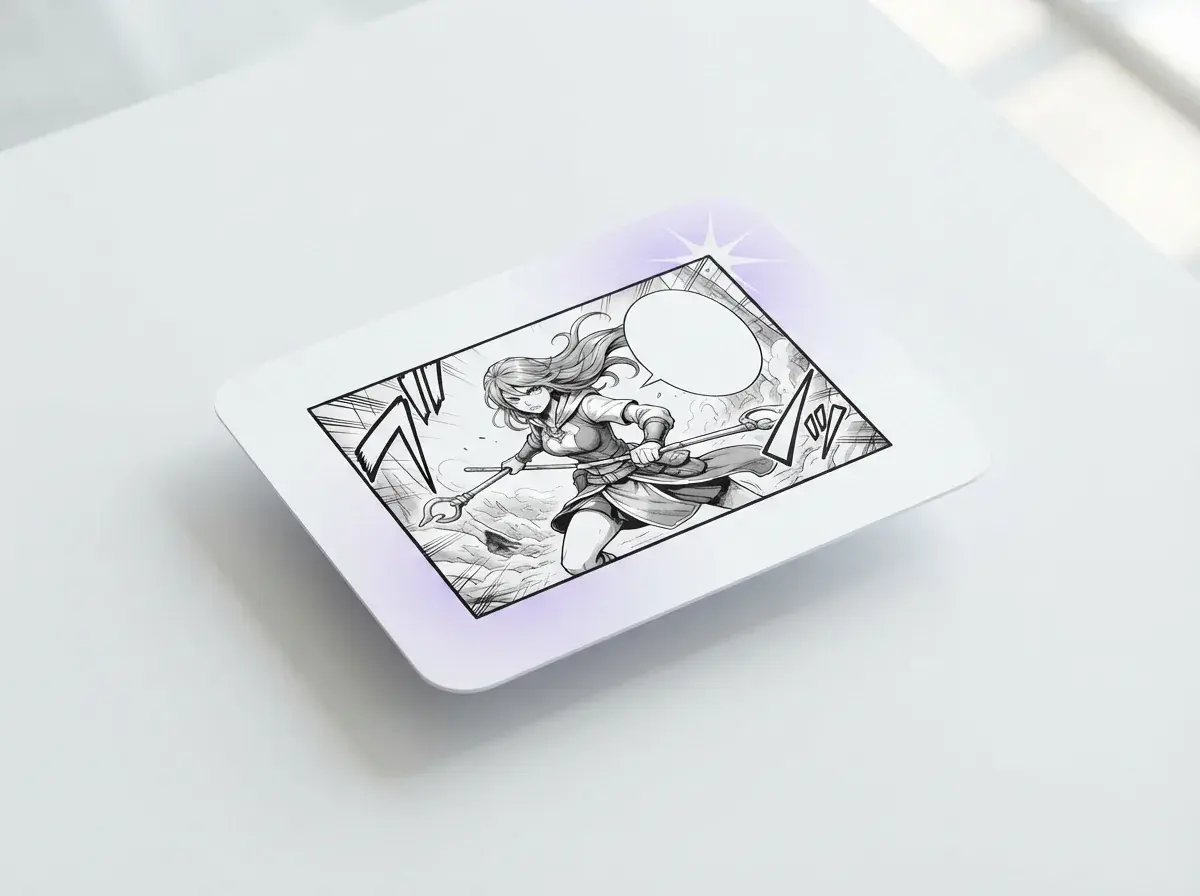
Can Photo to Cartoon feel easy and fast?
Photo to Cartoon AI online feels easiest when everything happens in your browser and starts from one clear upload. You do not need drawing skill, layers, or pro art software, because the tool handles the first pass and gives you a usable cartoon portrait without a manual sketch. That makes it a good fit for quick avatars, profile updates, and idea testing on a laptop or phone. If you later want a wider style playground, an AI cartoon generator can help you compare more looks from the same source image.
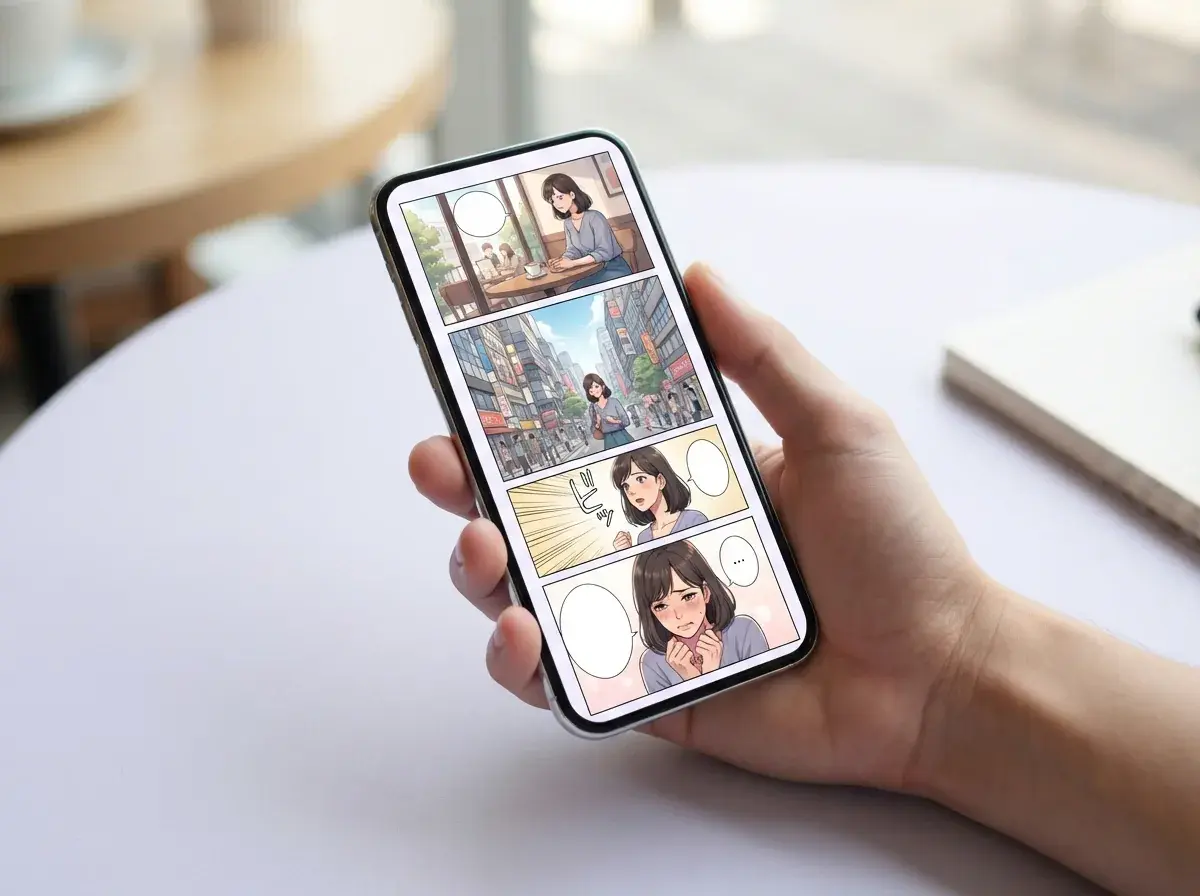
What makes a good Photo to Cartoon result?
The best Photo to Cartoon app keeps the person recognizable while simplifying the photo into bold shapes, clean outlines, and a clear expression. For example, upload a bright café selfie and choose a manga-color style, and you should get one finished cartoon portrait image with sharper eyes, smoother skin shading, tidier hair lines, and a background reduced to readable color blocks. That output works well for sharing, profile use, or as a base reference before you move into a fuller comic scene. The fastest wins come from centered faces, visible eyes, and photos without heavy shadows.
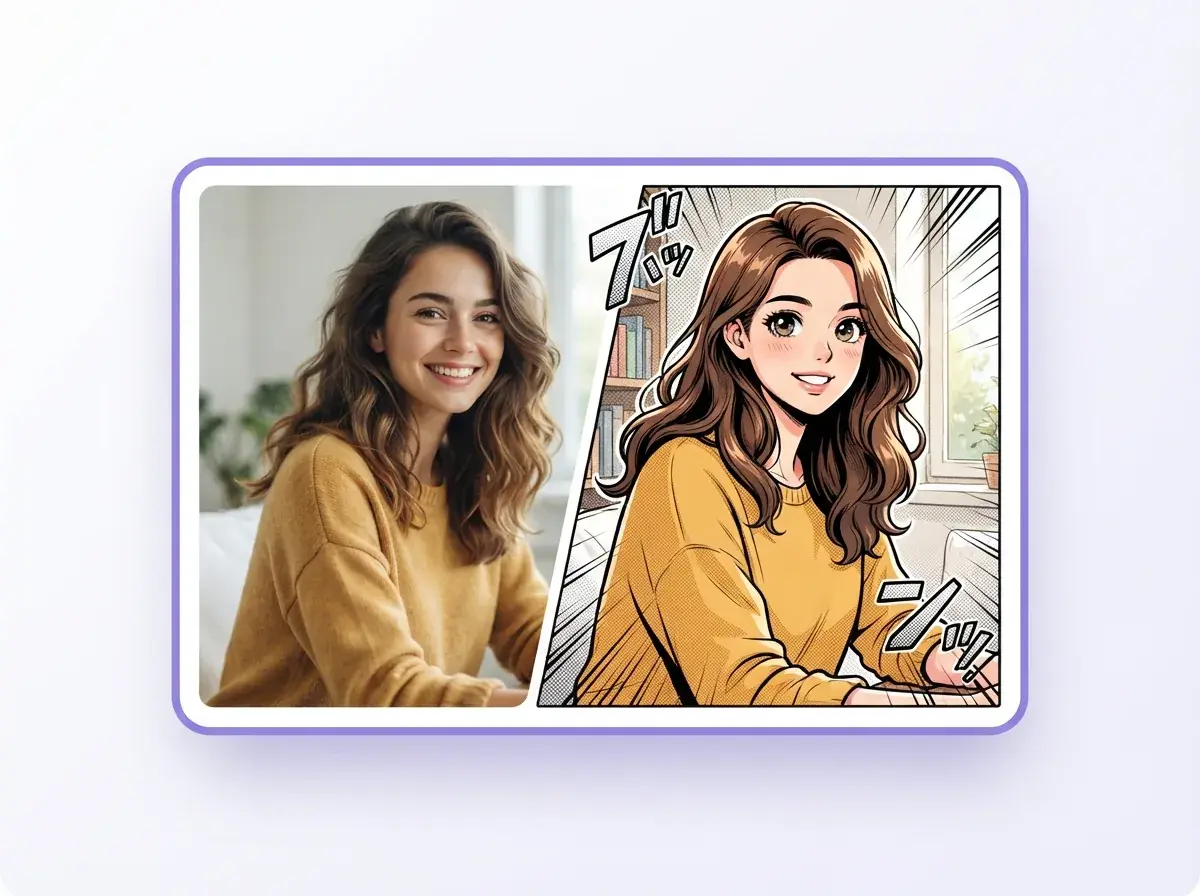
What should you try after your first cartoon portrait?
The next step after a single portrait is to decide whether you want a new style, a comic scene, or a character design you can reuse. If you want the same face in a story panel, move from a simple portrait to artwork built for speech bubbles and layouts, then explore photo to comic results for a fuller page. If you want a different reading style, photo to anime gives cleaner color and softer shapes, while photo to manga leans harder into line art and printed-page contrast. For a practical walkthrough, the guide on how to turn photos into comic panels shows what to prepare before you generate.
How it works
Turn a photo into a cartoon
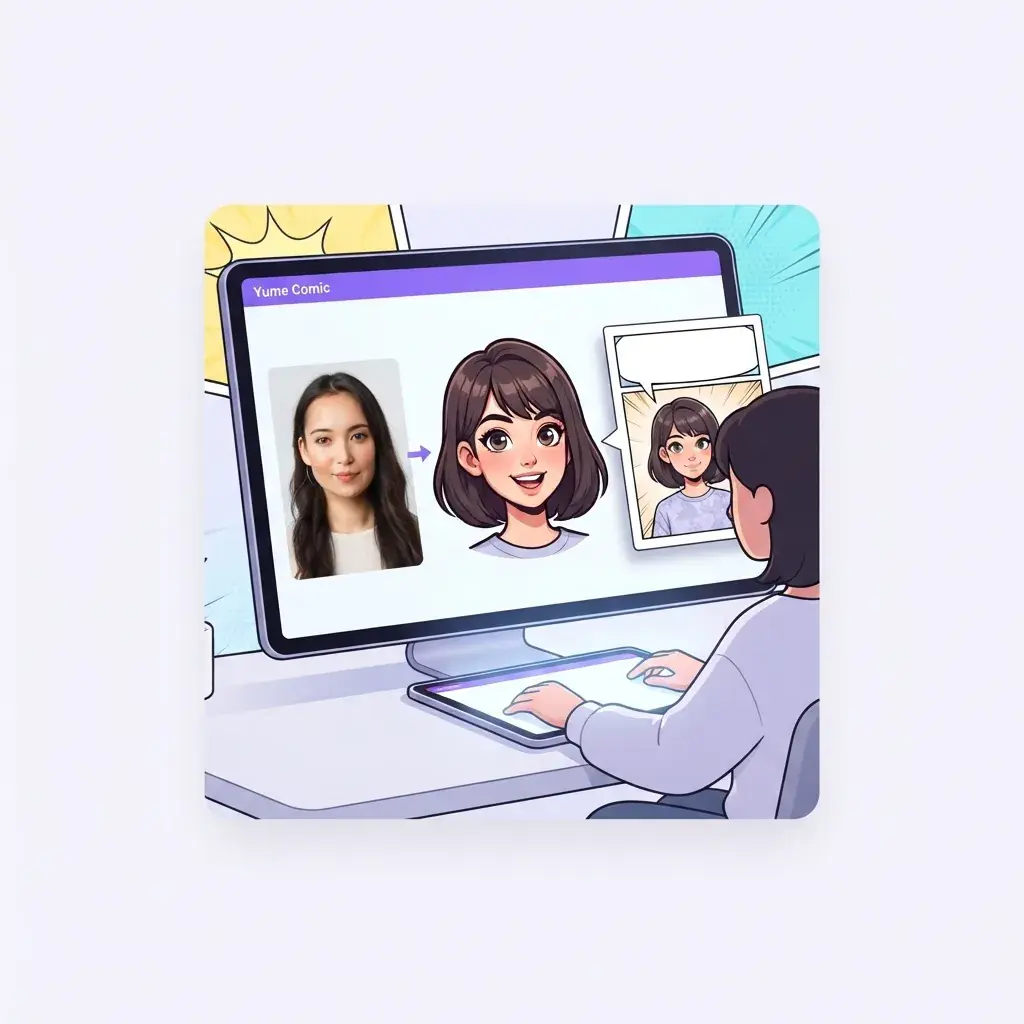
Upload one clear photo, pick a look, and Yume Comic turns it into cartoon art you can save as a finished portrait image.
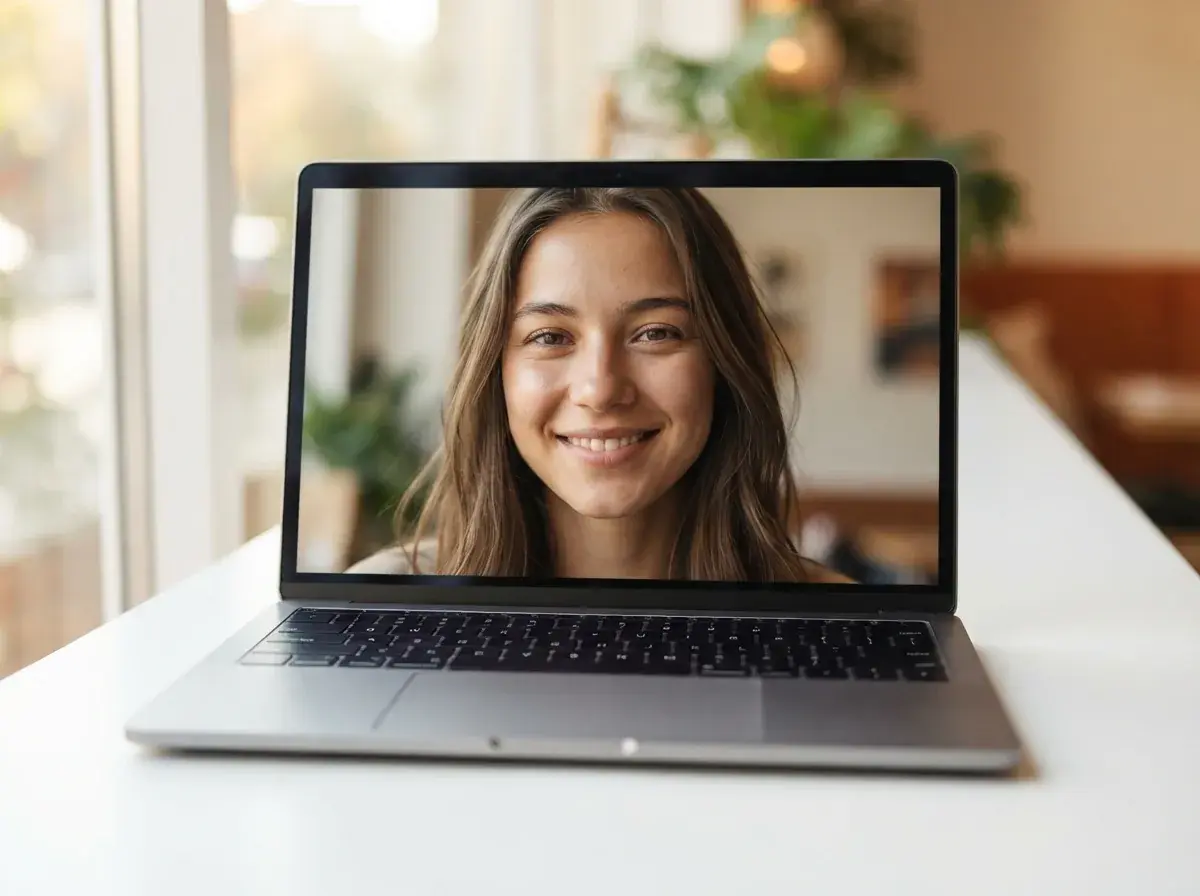
Upload your photo
Add one selfie, portrait, or pet photo from your phone or laptop. A clear front-facing image gives Yume Comic more detail to redraw with cleaner lines and stronger facial features.
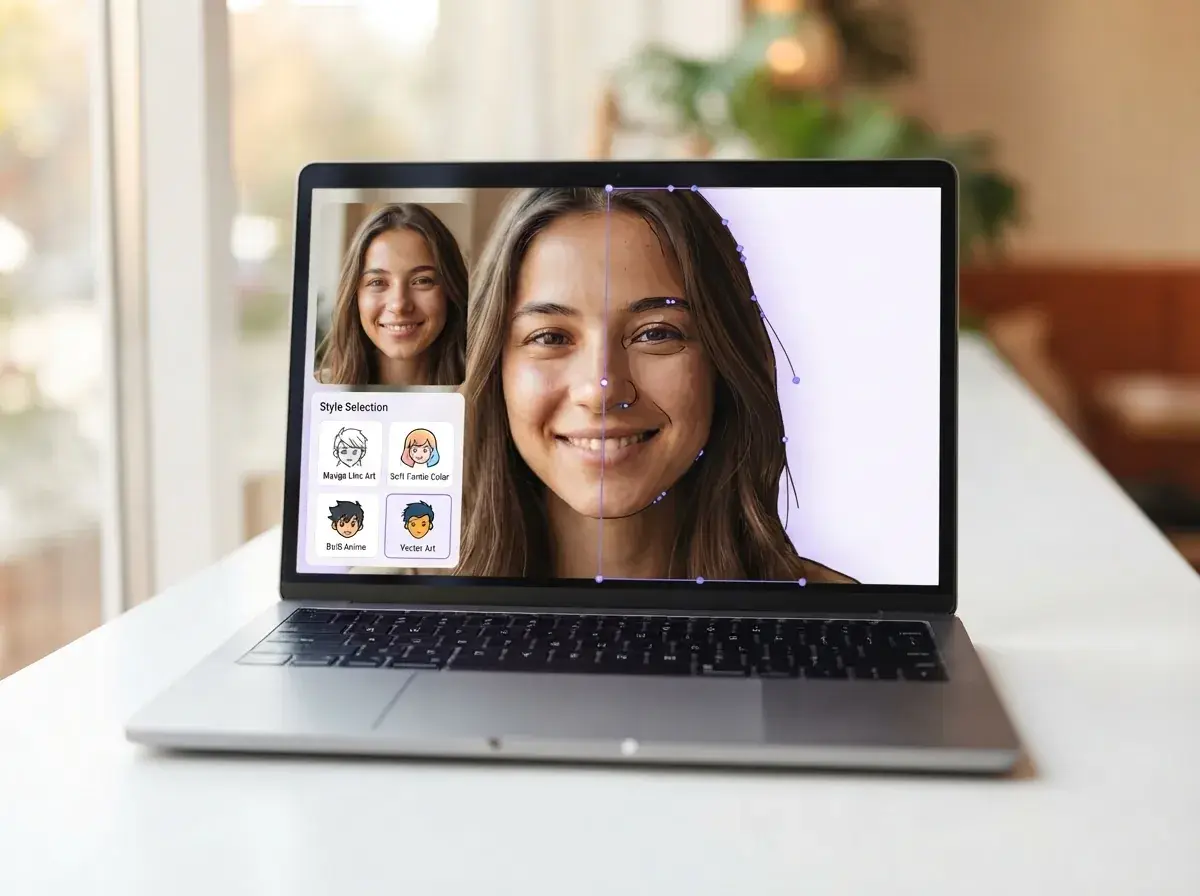
Choose a style and generate
Pick the cartoon look that fits your photo, such as manga-inspired line art, soft comic color, or a bolder anime look. Yume Comic redraws the image so the screen changes from a regular photo to a stylized preview.
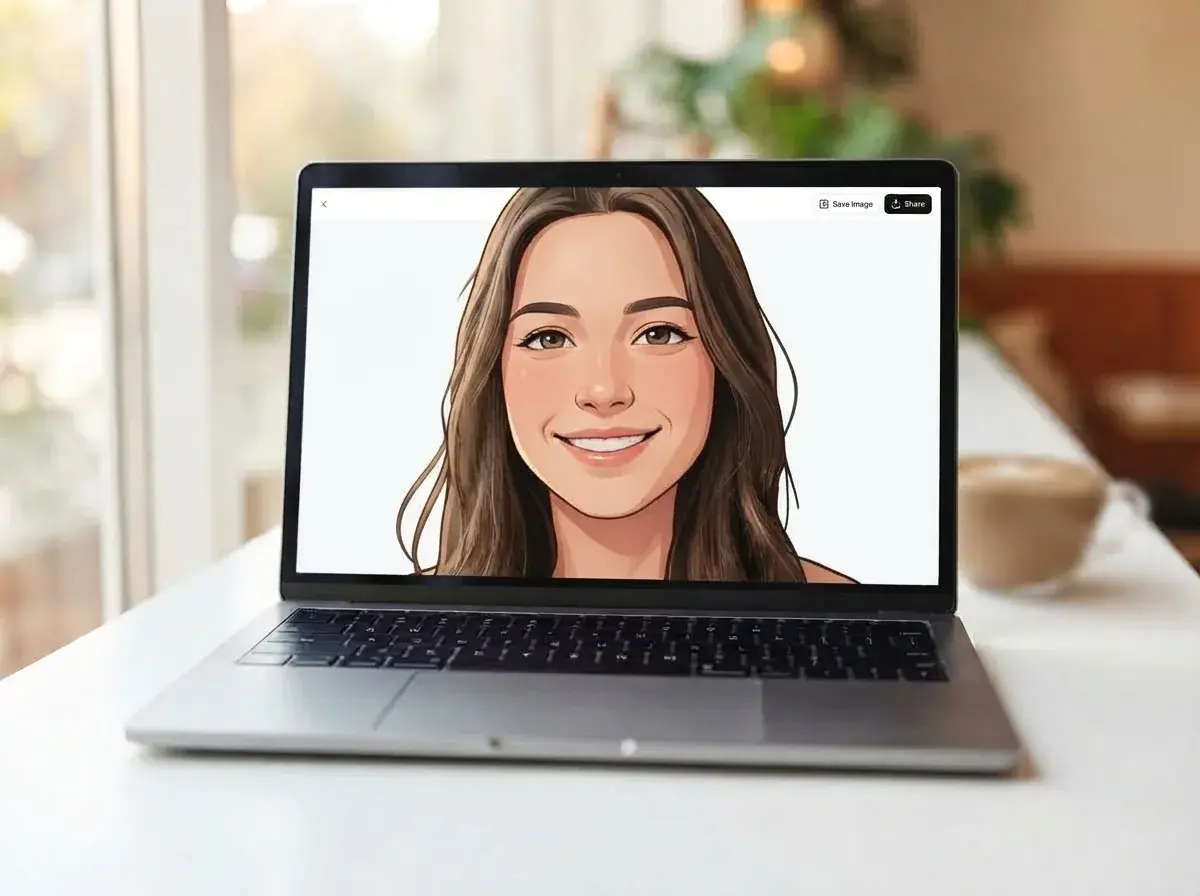
Download your cartoon portrait
Save the finished result as a stylized portrait image you can post, share, or use as an avatar. Your output is the edited result, with your original photo transformed into a polished cartoon image file.
Who turns selfies and snapshots into shareable cartoon portraits
Casual creators, friends, and profile-picture updaters use Photo to Cartoon tools to make stylized portraits, playful avatars, and comic-style images they can post, save, or send.
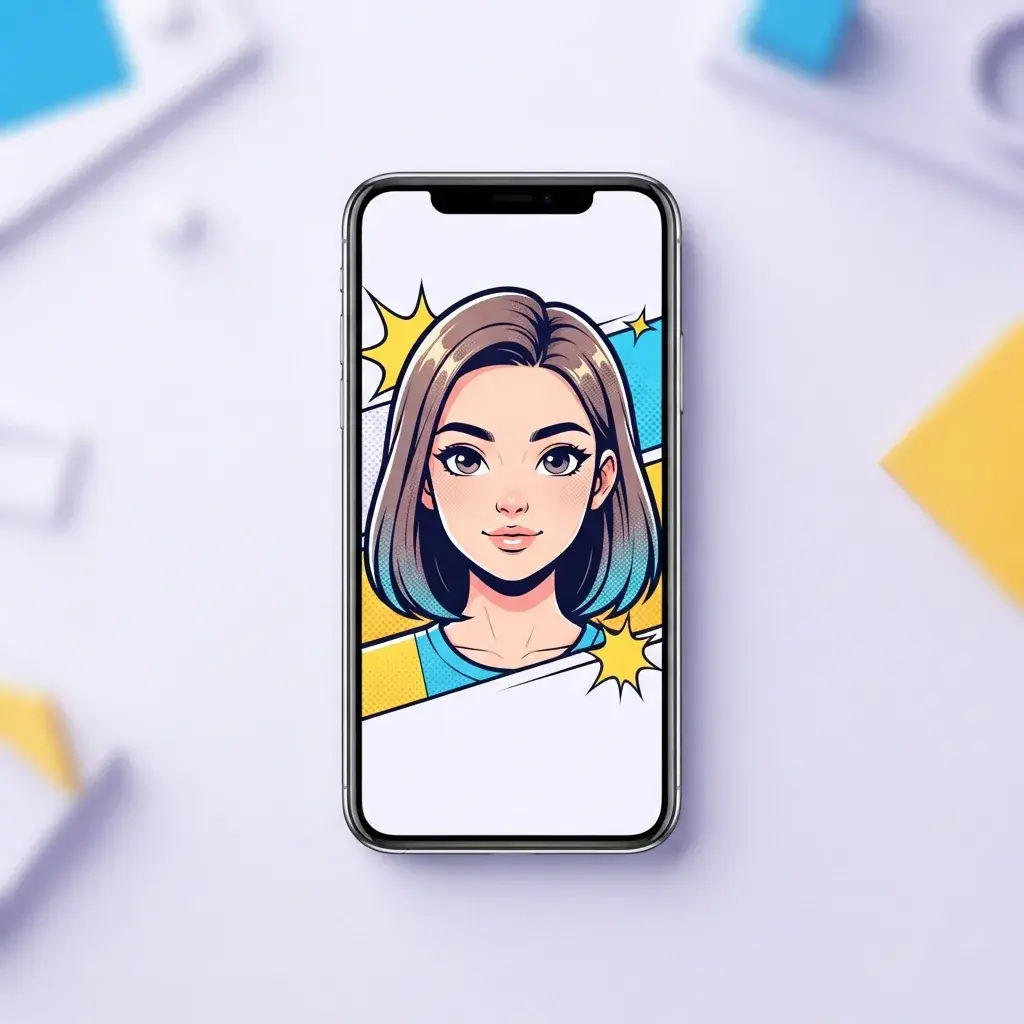
Selfie to cartoon profile makers
A selfie to cartoon edit is for people who want a clean profile picture for TikTok, Discord, YouTube, or group chats without using a real headshot. You upload one face photo and get a stylized avatar look that is easier to share across social apps.
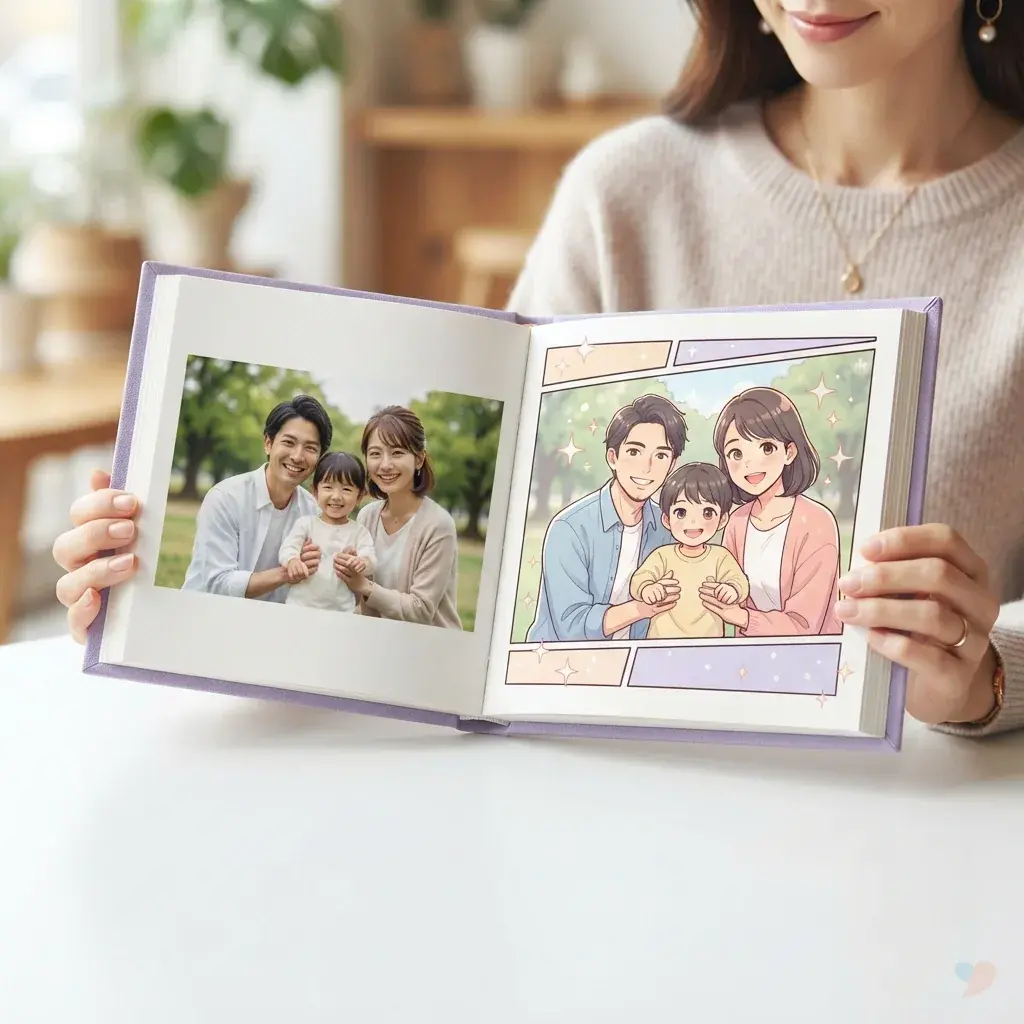
Parents making a playful keepsake
Photo to Cartoon is a simple way for parents to turn a birthday snapshot or sibling photo into a playful keepsake they can print, save, or share with family. Some also use that same look later in Yume Comic to build a short comic scene around the character.
Creators building an avatar look
A cartoon from photo avatar helps creators who want a mascot face for thumbnails, reaction posts, and intro panels without drawing from scratch. They can turn one portrait into cartoon art first, then move to a comic-style version for posts with captions or speech bubbles.
Features
Turn a Photo to Cartoon art with comic style you can share
Upload one photo and get a clean cartoon-style result with bold lines, expressive color, and a comic look that fits profiles, posts, and character ideas. Yume Comic handles the edit in your browser, so you can test different looks without learning complex photo software.
Upload one photo fast
Photo to Cartoon starts with a single image, usually a selfie, portrait, or pet picture with a clear face and good lighting. You upload one photo and Yume Comic redraws the same pose, hair, and outfit into a cartoon look that is easier to reuse than starting from scratch. This works best when the photo shows the whole face without heavy blur or deep shadows. The result is a clean cartoon portrait ready for profile pictures, character concepts, or comic-style posts.
Keep facial details recognizable
Photo to Cartoon works best when the cartoon version still feels like your original photo, not a random new character. Yume Comic keeps key details such as glasses, bangs, face shape, and main colors visible so your cartoon portrait stays recognizable. That matters when you want friends to know it is you at a glance, or when you want to reuse the same look across more than one design. If you want a bigger style shift after that, the AI chibi maker or photo to anime tool gives you a stronger makeover.
Switch styles for one photo
Photo to Cartoon can give the same uploaded photo several different looks, from soft comic shading to sharper manga-inspired line work. You can test a playful avatar, a cleaner social profile image, or a bolder poster-style portrait without taking another photo. This makes it easy to pick the look that fits the mood you want to share. When you need a more panel-ready result, the photo to comic tool is the natural next step.
Make avatar-ready square portraits
If you want to know how to make a cartoon avatar, start with a front-facing photo, choose a face-focused style, and export a portrait that reads clearly at small sizes. Photo to Cartoon is especially useful for chat apps, creator pages, school clubs, or personal branding. A centered crop, readable eyes, and a clear outline help the finished cartoon stay sharp in circles, squares, and small thumbnails. You get a polished selfie edit without needing manual drawing or layered design software.
Turn portraits into comic art
Photo to Cartoon is a practical first step when you want to move from a real portrait into story art. You can begin with one real photo, then carry that visual idea into a manga portrait, a comic character sheet, or a stylized scene reference. This is useful when you already have the person, but need an illustrated version that fits a drawn world better than the original photo. For deeper comic styling after the portrait pass, the photo to manga and AI manga avatar maker tools help extend that same look into character-focused art.
By the numbers
Made by comic fans every day comic fans
Yume Comic helps people turn quick ideas, selfies, and story prompts into finished art they can save and share.
1M+
Images remade
Portraits and photos transformed into stylized character art and comic-style scenes.
4.8★
Average user rating
People keep coming back for fast results, simple controls, and styles that feel fun to try.
80+
Art styles to try
From cute chibi looks to bold manga-inspired linework, users can test different looks in one place.
150+
Countries reached
Creators around the world use Yume Comic in their browser on phones, tablets, and laptops.
1M+
Images remade
Portraits and photos transformed into stylized character art and comic-style scenes.
4.8★
Average user rating
People keep coming back for fast results, simple controls, and styles that feel fun to try.
80+
Art styles to try
From cute chibi looks to bold manga-inspired linework, users can test different looks in one place.
150+
Countries reached
Creators around the world use Yume Comic in their browser on phones, tablets, and laptops.
Turn your selfie into a comic look with one quick edit
Use the same upload you just read about to turn a face photo into a clean cartoon portrait you can save, share, or use as a profile image.
- Upload a photo, pick a style, and get a finished cartoon image.
- No credit card required
- Works on mobile
Photo to Cartoon questions, answered
What does Photo to Cartoon mean?
How does Photo to Cartoon work on Yume Comic?
How do I convert my Photo to Cartoon?
What kind of photo works best for Photo to Cartoon?
Can Photo to Cartoon use more than one person in the same photo?
Is there a free Photo to Cartoon option?
What is the best free cartoon app?
How to turn photo into cartoon on iPhone?
Does Apple have a cartoon filter?
What is the best Photo to Cartoon app for comic-style results?
Can a selfie to cartoon result still look like me?
Is Photo to Cartoon AI online good enough for profile pictures and social posts?
What mistakes make a cartoon from photo look wrong?
How to make a cartoon avatar from my own photo?
What can Photo to Cartoon not do yet?
Your cartoon portrait is one upload away make yourself manga-style
Upload a selfie, turn it into a stylized cartoon portrait, and keep exploring your look in Yume Comic's manga, manhwa, and webtoon styles.
- Start free in your browser
- No drawing skills needed
- Try manga, manhwa, and webtoon looks from one photo