
November 18, 2026
7 min read
Guides

Consistent Character AI: How to Keep Comic Characters the Same in Every Panel

Consistent character AI workflows use fixed visual references and saved character profiles to keep facial features, outfits, and hairstyles identical across every panel. Anchoring your comic cast to persistent identity data prevents visual drift while your story moves forward.

By Reviewed by Marta KowalHow we review
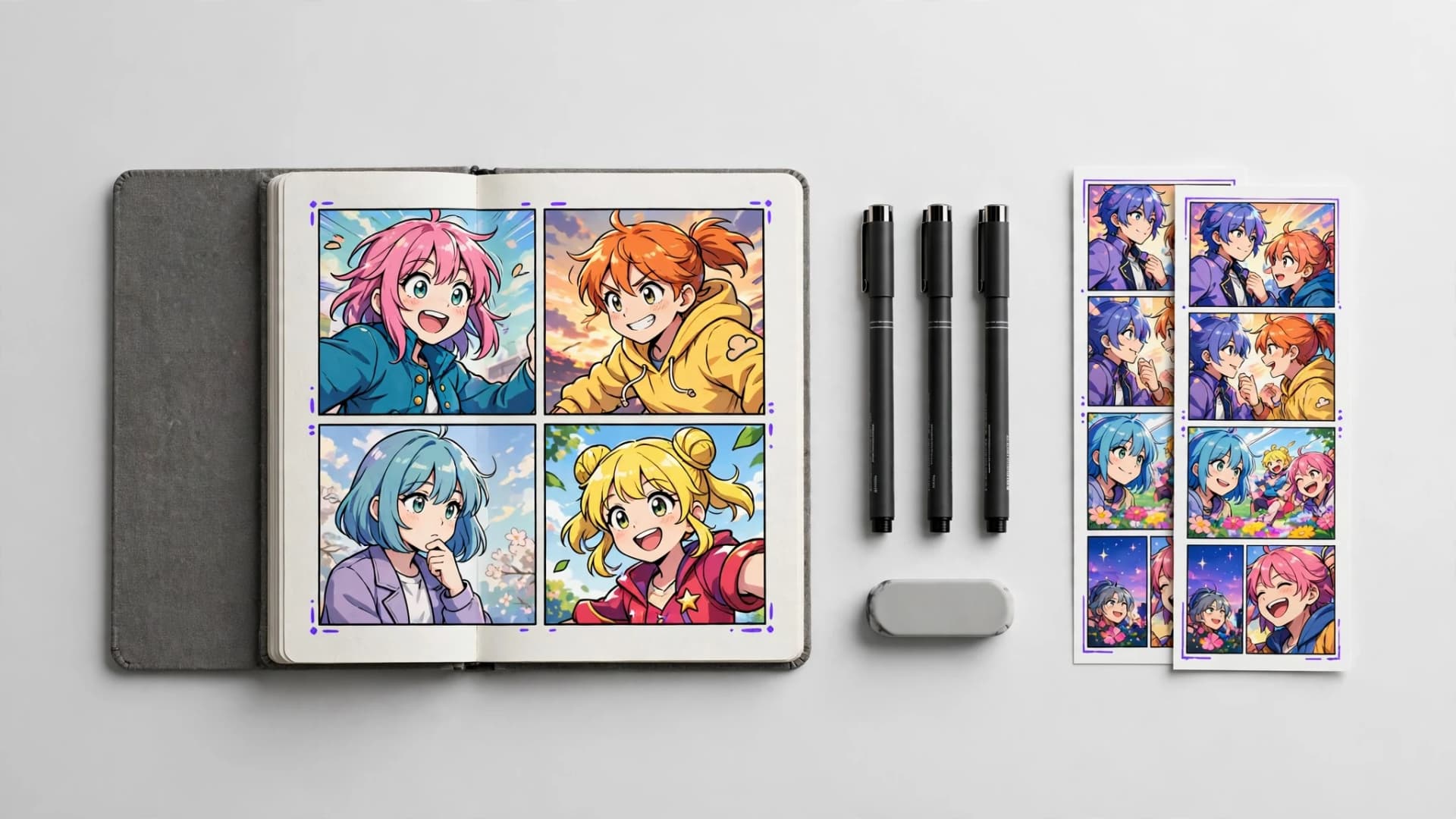
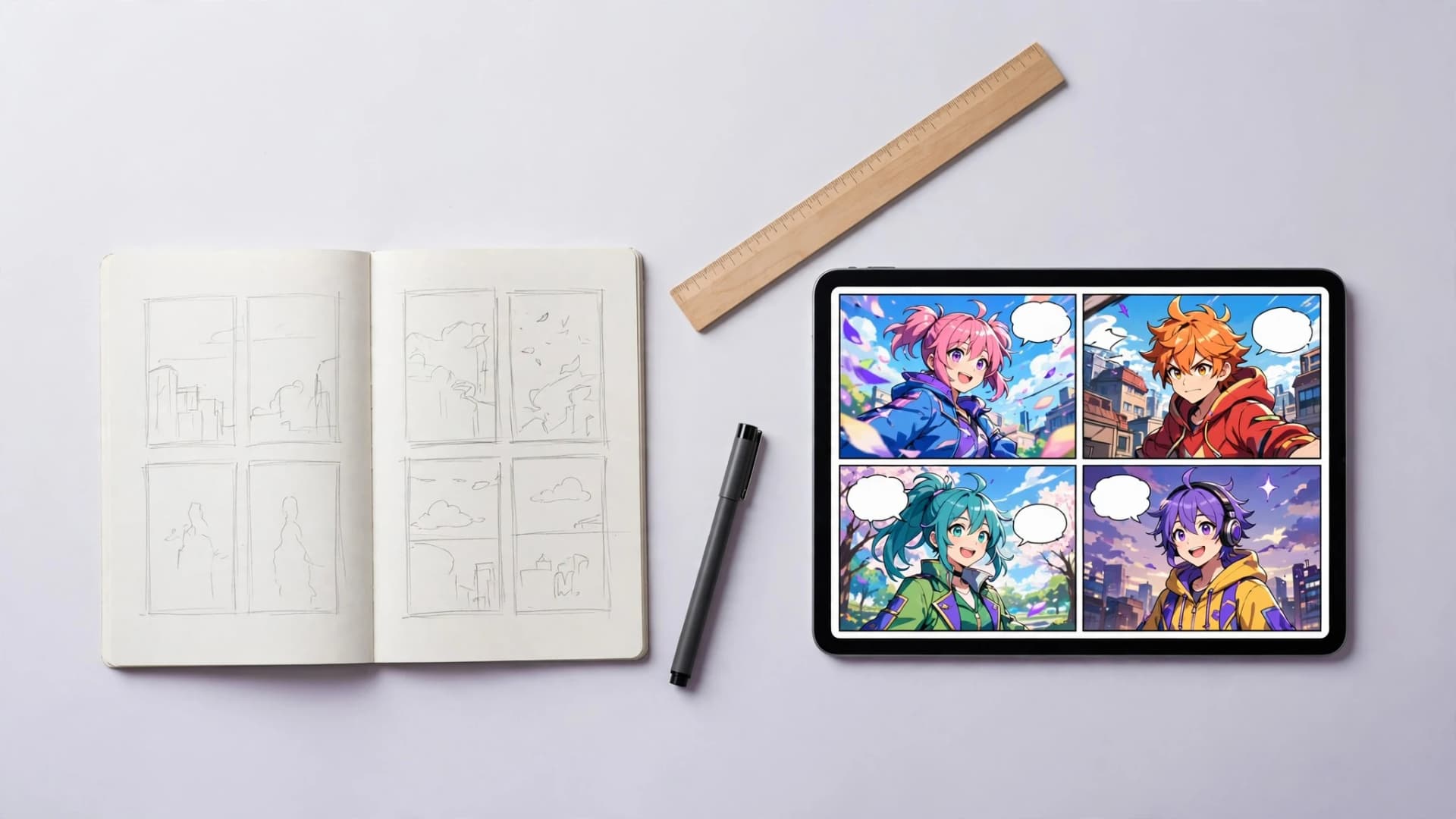
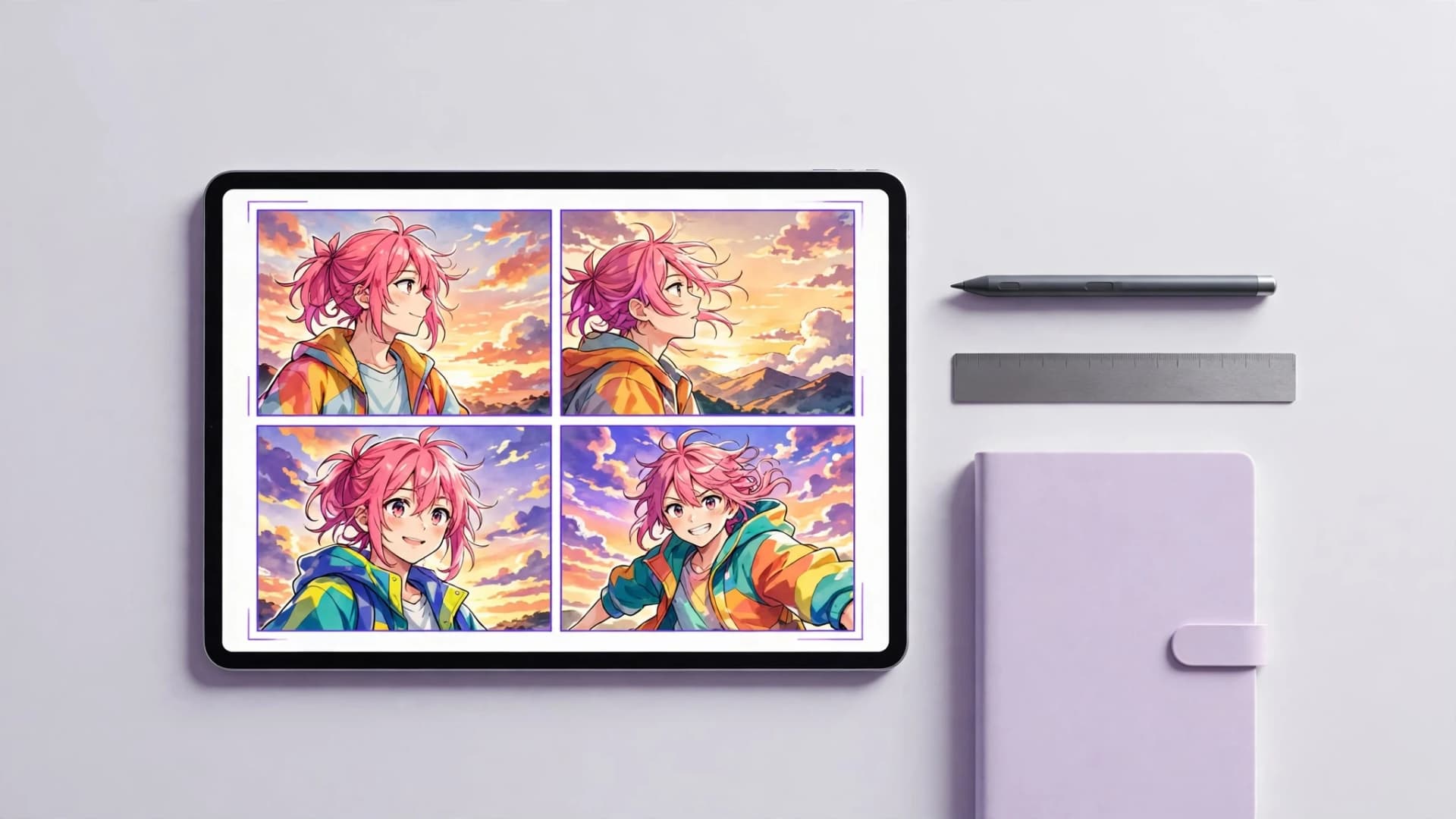
Digital screen showing consistent character panels across multiple comic scenes

Why character drift happens in multi-panel visual storytelling

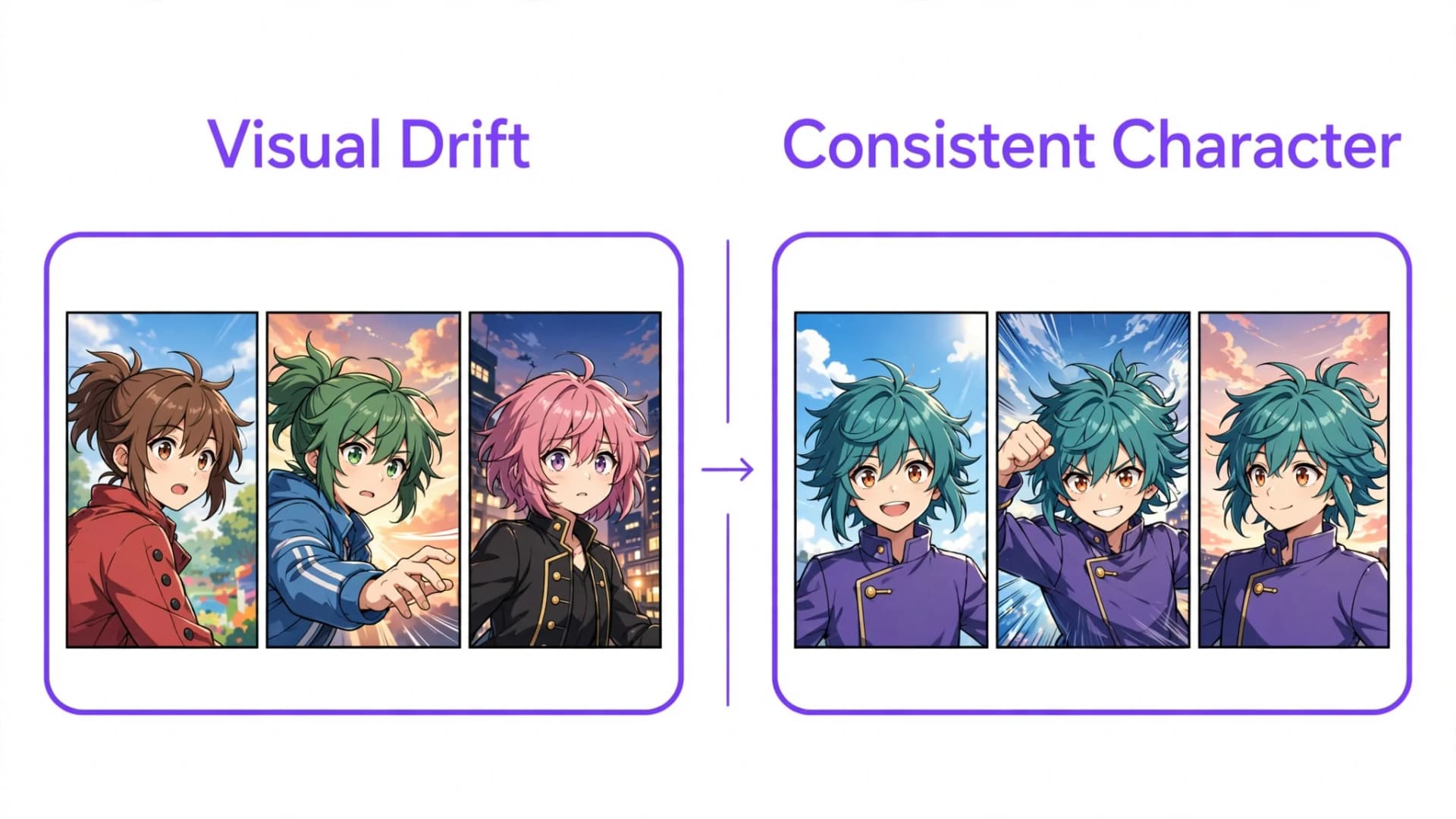
Keeping one character looking the same from panel to panel is the hardest challenge in multi-panel visual storytelling. When standard diffusion models create sequential art, each image prompt starts from scratch, frequently changing hairstyles, eye contours, and costume accents from one shot to the next.

This shift happens because a plain image generator does not remember your character between renders. Asking for a teenage detective in an oversized blue jacket twice often produces two distinct figures who merely share a color scheme.

Sequential comics require visual continuity so readers follow emotional arcs without distraction. Comic creators planning a new story often start with fresh OC ideas and need dedicated tools that anchor character traits across alternating camera angles and scene beats.
Why character drift happens in multi-panel visual storytelling

Can consistent character AI solve identity drift in comics?

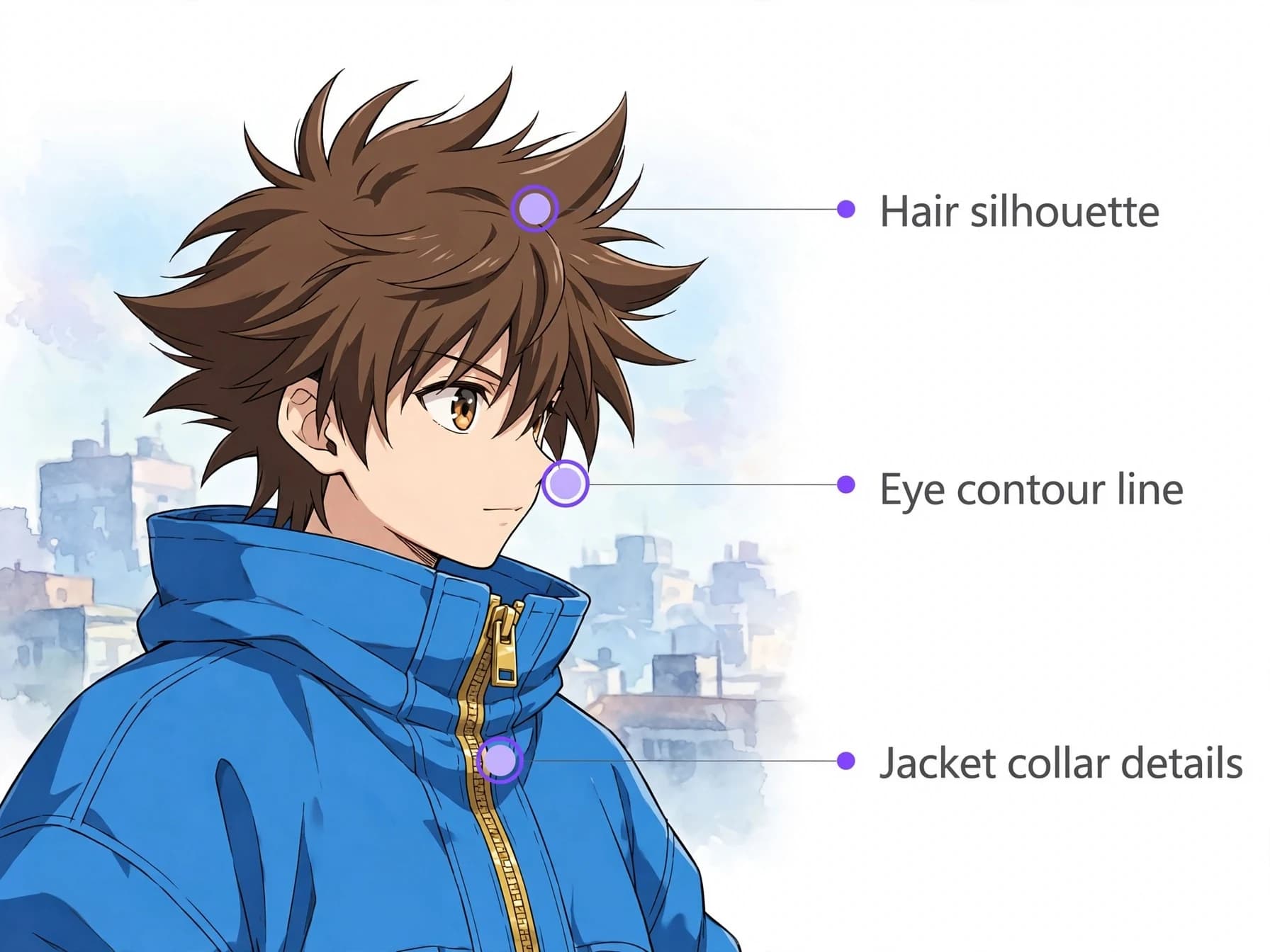
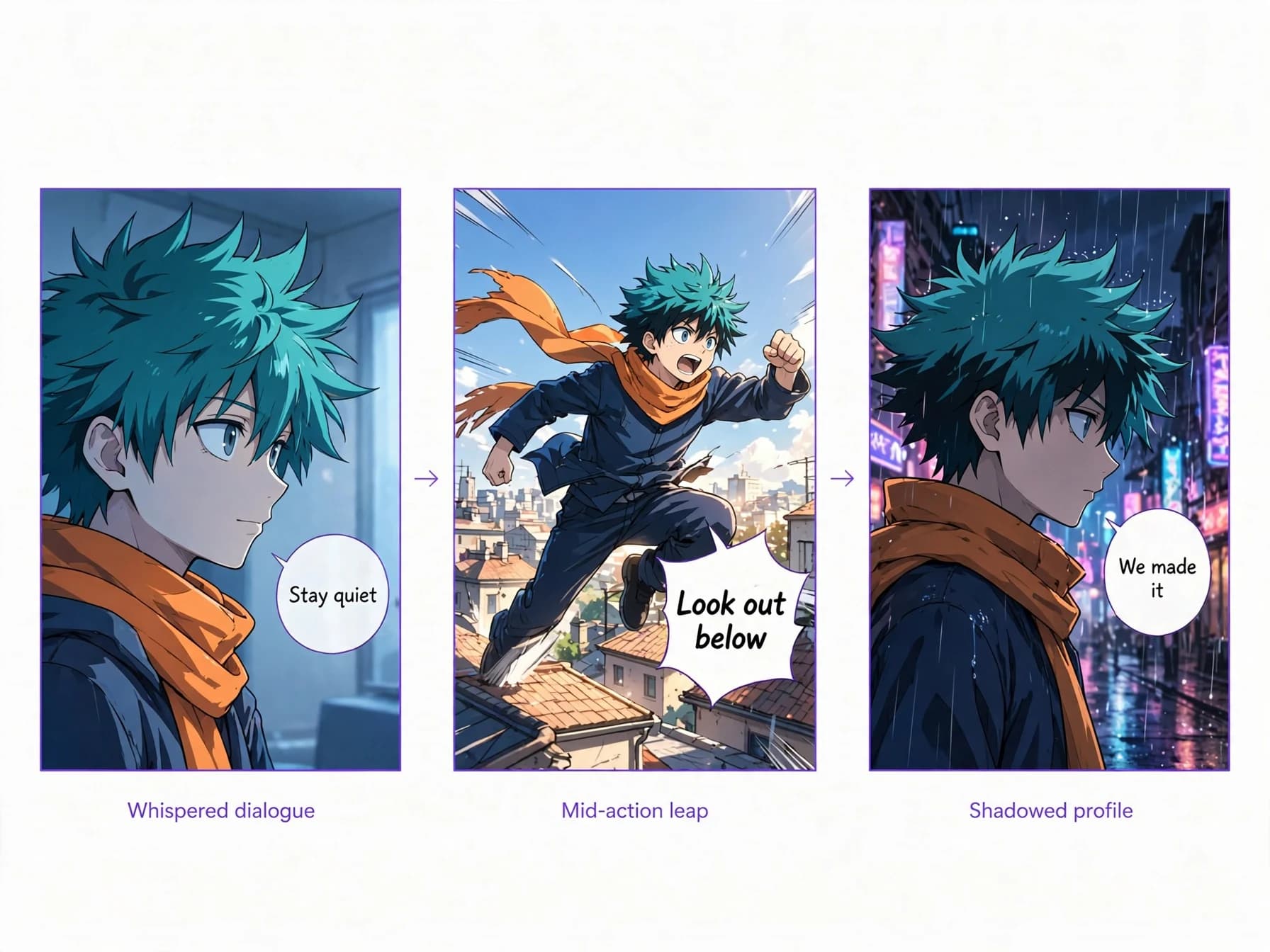
Achieving AI character consistency requires anchoring visual traits like hairstyle, silhouette, and costume accents before rendering sequential panels. Tools built for comics keep a saved description or reference image of each character, so your protagonist stays recognizable whether they are whispering in shadow or shouting in an action sequence.

Rather than starting from a blank prompt on every panel, a consistent character AI setup reuses that stored profile each time it draws the character. This keeps core elements like eye shape, facial markings, and wardrobe colors much closer throughout your script, though small details can still shift.

In Yume Comic, you can save up to four distinct characters per comic project using text descriptions or reference images built with an OC maker. Those saved details are applied every time the character appears, across up to twelve pages per comic, so your cast stays recognizable without redrawing.
Can consistent character AI solve identity drift in comics?

How to lock your character identity step by step

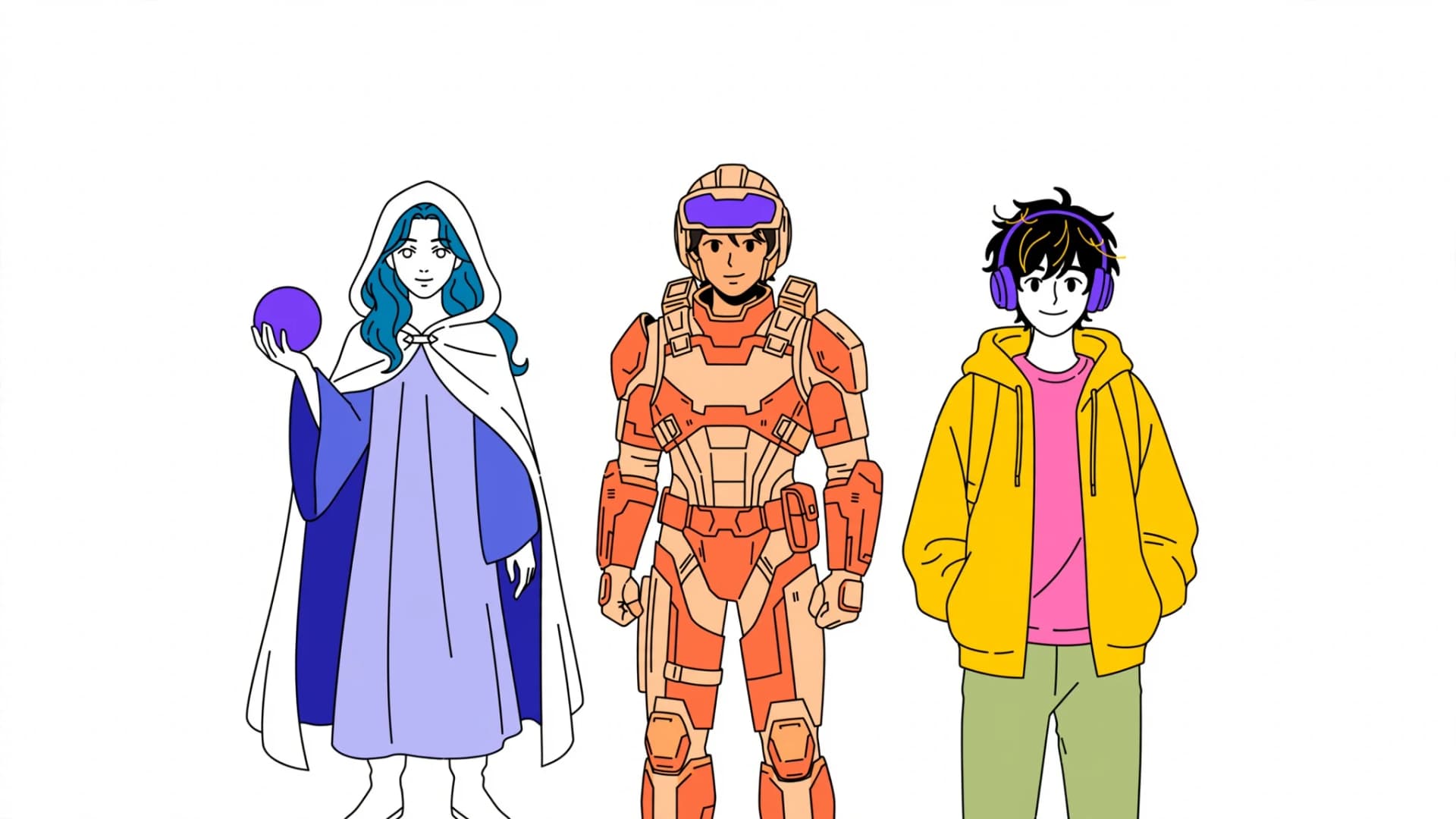
Step 1: Define your protagonist with concrete physical anchors, such as spiky crimson ha

Step 2: Upload a clear reference portrait—such as one created using a photo to comic wor

Step 3: Write panel action prompts that focus on movement and emotion while letting the
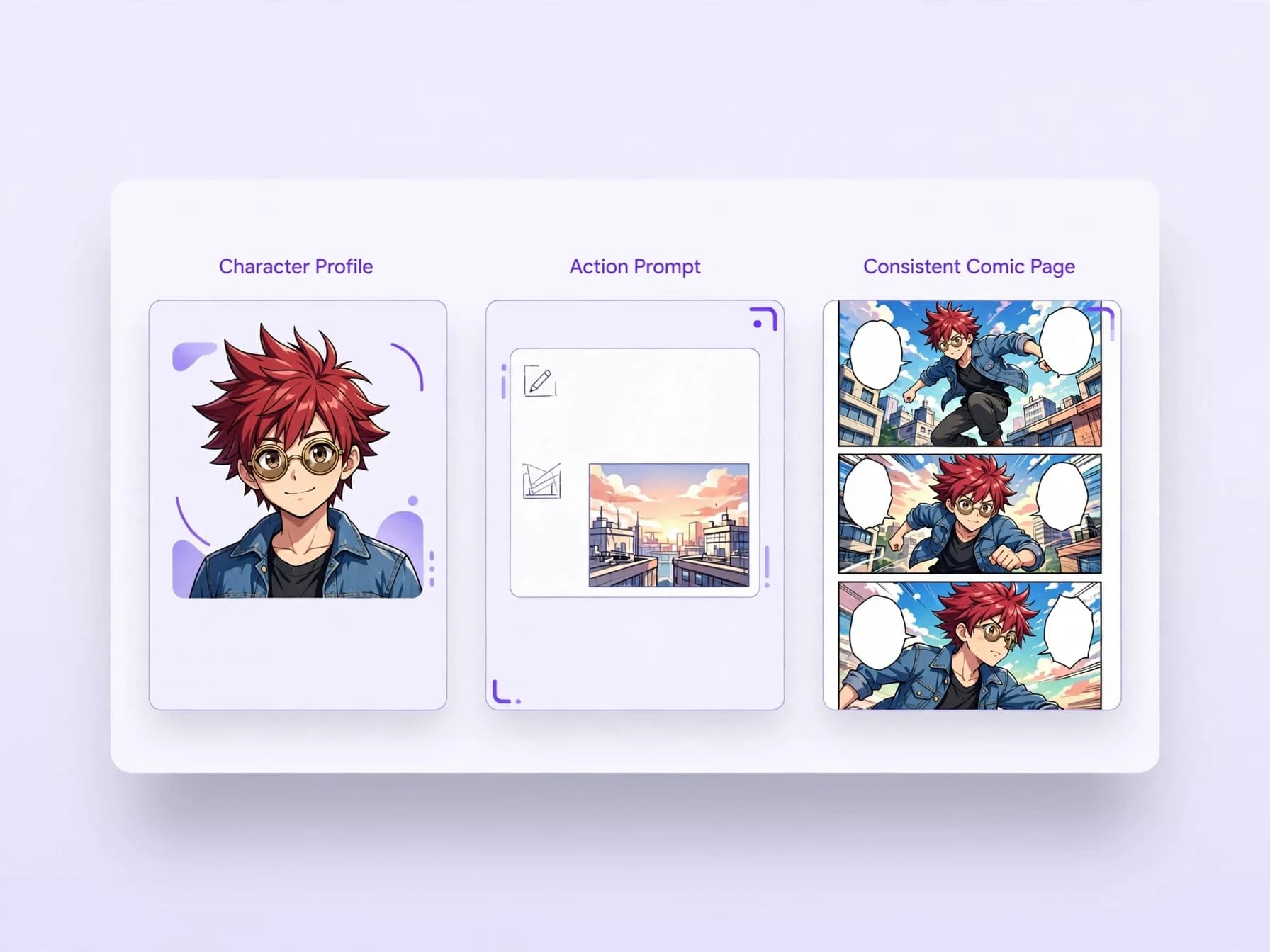
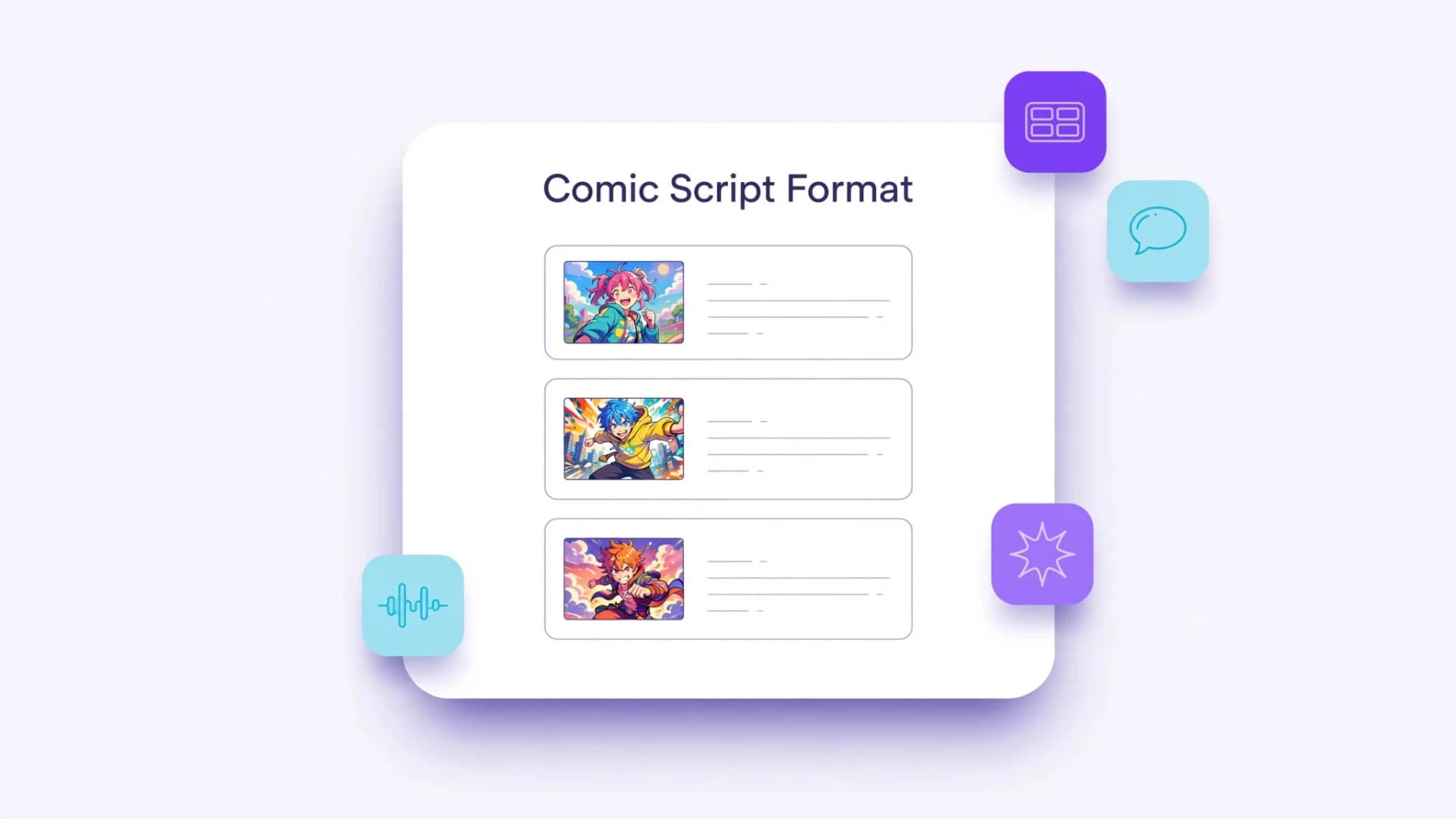
Step-by-step workflow for setting up character identity in an online comic maker

Do you need separate character model files for comics?

Many creators wonder if they need pre-drawn angle rotations and facial expression guides before starting a comic. While traditional animation pipelines depend on detailed reference packets, making multi-panel comics with AI does not require preparing those assets.

Yume Comic skips separate pre-production art entirely, focusing on generating finished pages rather than standalone reference libraries. Instead of building isolated character poses, you simply add a visual prompt description or upload a single reference image in the Characters tab, and the generator applies those details across your panels.

This streamlined setup gets your story moving without extra setup steps. You jump straight into planning your comic panel layout and writing dialogue, letting the system maintain continuity directly within your chosen manga or webtoon style.
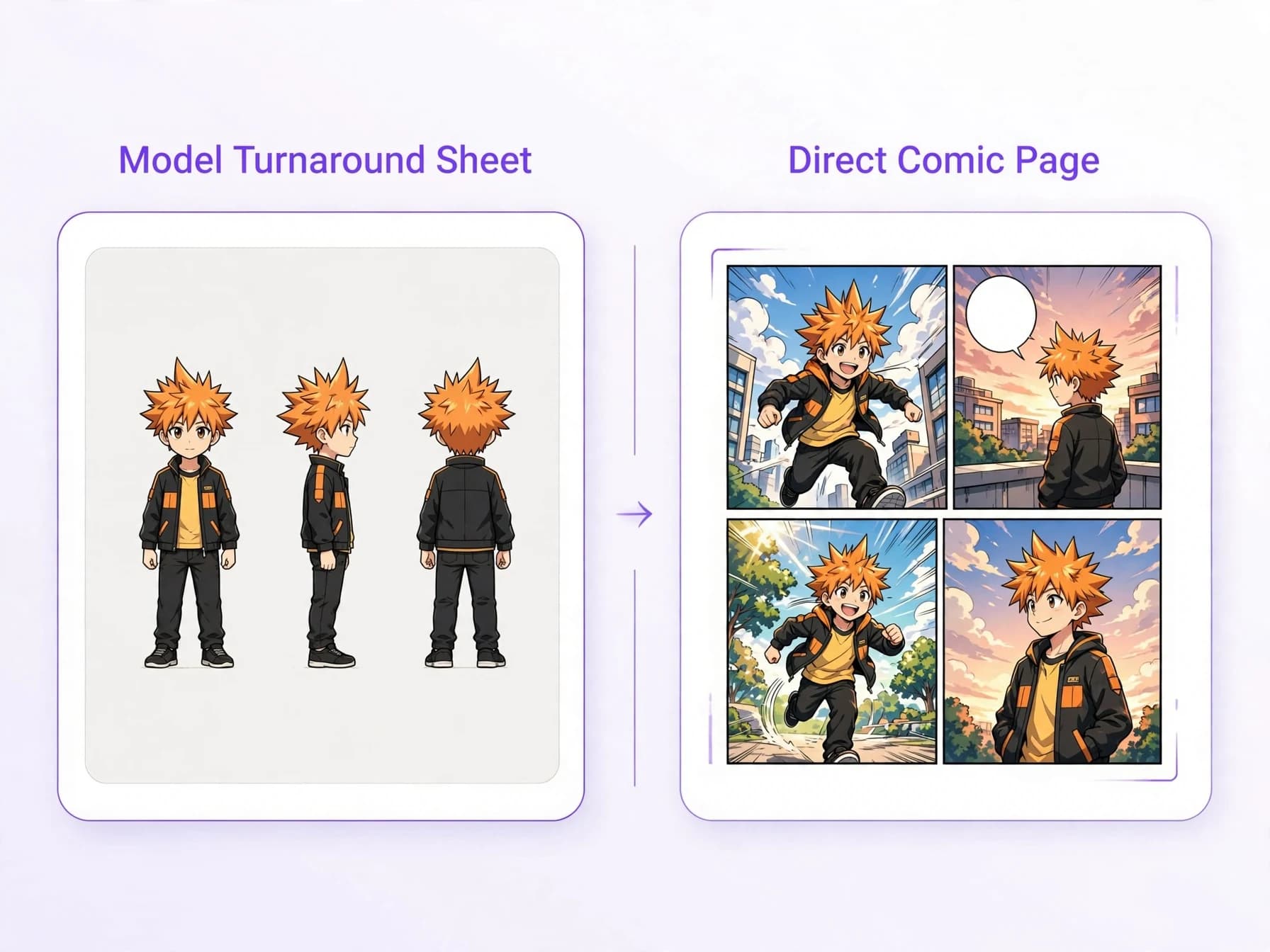
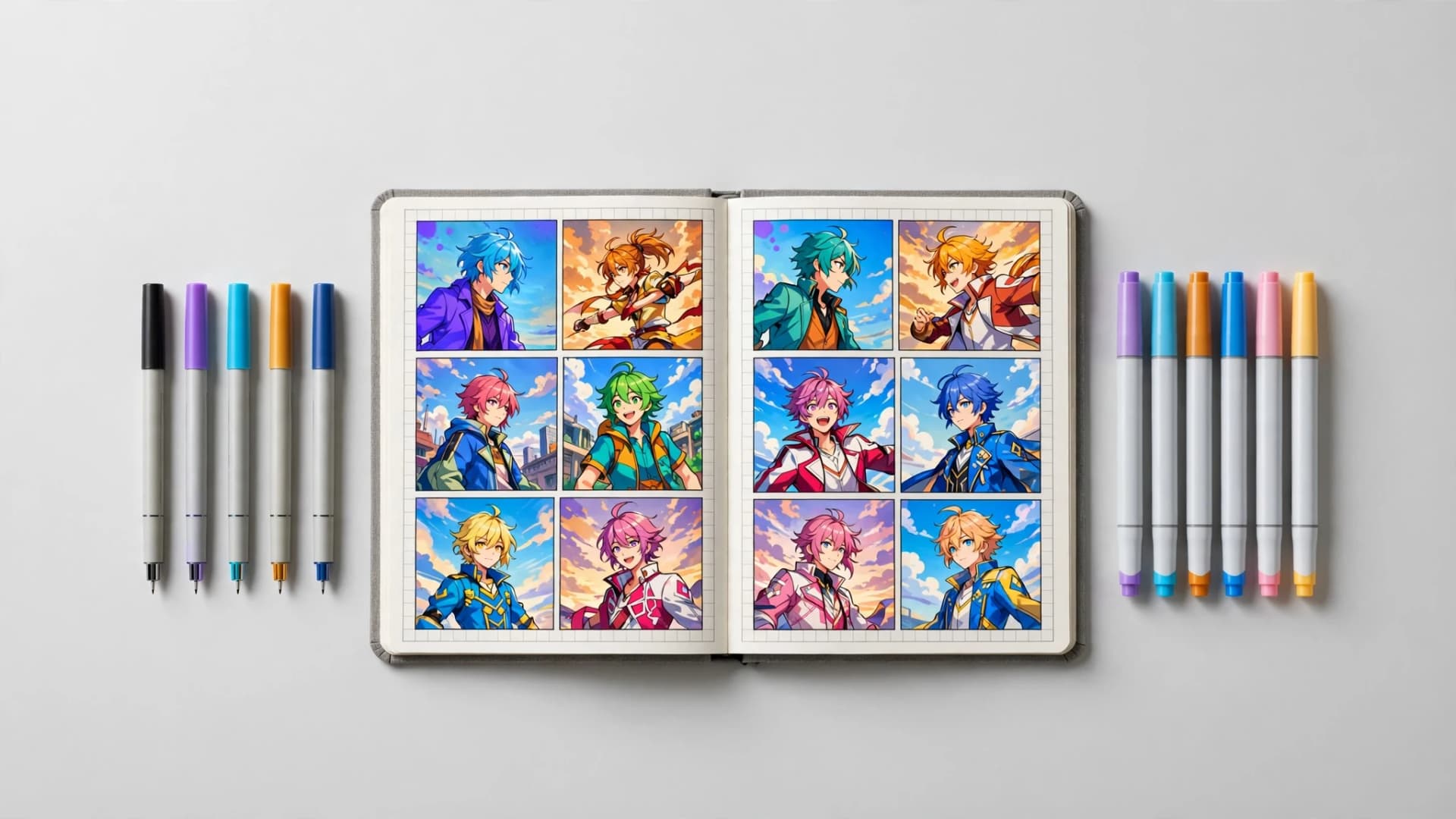
Finished manga page with consistent character rendering inside dynamic panels

Prompt habits that keep your AI characters on model

Clear phrasing prevents unexpected clothing changes and facial warping across long comic sequences. Keep your character's signature item mentioned consistently, but keep background descriptions separate so the model does not blend wardrobe colors into the scenery.

When testing new story arcs, explore how different aesthetics affect line work by trying established comic art styles. Shonen manga ink lines may highlight sharp hair silhouettes, while soft manhwa coloring might emphasize subtle facial tones without breaking identity.

If you want to turn written dialogue into complete sequential art, exploring an AI comic generator gives you panel borders, balloons, and persistent characters in a single browser workflow.
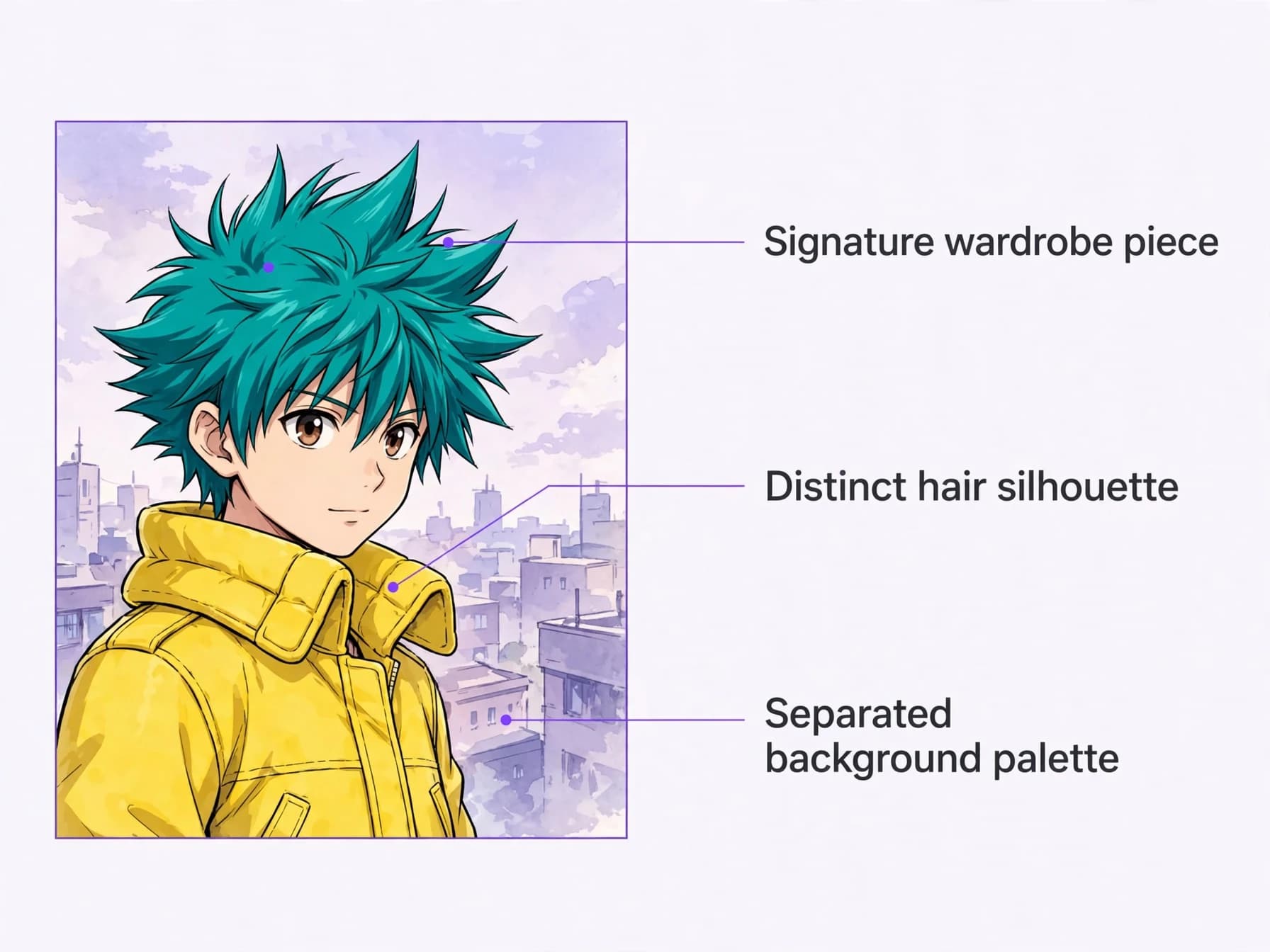
Prompt habits that keep your AI characters on model

The bottom line on character consistency

Maintaining visual stability across a graphic narrative comes down to anchoring core traits before generating multi-panel scenes. Pairing a focused reference description with a planned page layout lets writers skip redrawing the same face by hand. Once key features like hairstyles, signatures, and silhouettes are locked in, comic pages hold together panel after panel.

FAQ

Frequently asked questions about consistent character AI

Find quick answers to common questions about keeping AI comic heroes looking identical across every panel.

Can consistent character AI reliably maintain an original character across comic panels?

Mostly. Consistent character AI keeps facial features, clothing, and hairstyle much closer across multi-panel pages by reusing a reference image or a fixed description, though small details such as accessories can still shift. In Yume Comic's AI comic maker, you can save up to 4 distinct characters to keep your cast recognizable from panel one to the climax.

Which is the best AI for character consistency when creating sequential comics?

The best AI for character consistency depends on whether you need single standalone portraits or full multi-panel sequential pages. For graphic narratives, specialized tools that support saved reference profiles perform best because they render characters directly into multi-panel layouts without manual compositing.

Is consistent character AI free to use for beginners?

Many tools let you try consistent character AI free on a trial, then charge for longer projects. Yume Comic is free to start after you sign up, offering a trial page with up to four panels so you can test identity retention before upgrading.

How do you create a consistent character with AI?

You start by defining fixed visual anchors such as distinct hairstyles, signature clothing, or specific facial traits rather than vague aesthetic terms. In an AI comic maker, saving a reference image or a tight character description locks those key traits into the generation engine before building your comic panels.

Which AI generator preserves character identity across different art styles?

Preserving character identity across styles requires an engine capable of reinterpreting core traits like facial geometry and outfits through distinct line weights and shading. Yume Comic's AI comic maker lets you apply your saved characters across roughly 30 visual styles, ranging from classic shonen manga to modern webtoon aesthetics.

Should you use a reference image or a text description to maintain character consistency?

Uploading a clear reference image provides the strongest baseline for facial structure, costume details, and hair shape across sequential scenes. If you only have a text description, sticking to specific, repeatable cues like twin braids, silver rimless glasses, and a scarlet coat helps the generator preserve recognition.

Can you edit individual comic panels or speech bubbles after generating a page?

Yume Comic generates finished comic pages as complete compositions with panels and speech bubbles pre-rendered. There is no layout or balloon editor to modify elements after generation; instead, you can adjust your story prompt or art style and generate a new comic page.

Can you use AI-generated comic characters for commercial projects?

Your comics come with a worldwide, non-exclusive license to use, share and publish them for personal and commercial purposes under the YumeComic Terms of Service. You keep ownership of the story text and images you upload; generated outputs are not guaranteed to be unique.

What file formats are available when exporting finished comic pages?

Completed comic pages download directly as high-resolution PNG images without watermarks. Multi-panel pages download as entire sheets ready for reading, printing, or sharing with friends.

How many unique characters can you keep consistent in a single comic issue?

In Yume Comic, you can save and manage up to 4 characters per comic project to preserve consistency across your cast. Balancing multiple characters in the same panel requires clear prompt cues indicating who is speaking and where each person stands.

Why does my character's outfit change between panels?

Usually the panel prompt describes the clothing in a different way, or the scene description mentions colors that bleed into the outfit. Keep one short outfit description in the saved character and leave clothing out of the panel prompts unless the character actually changes clothes in the story.

How do I keep two characters from looking alike in the same panel?

Give each character a contrast readers can spot at a glance: a different hair color and shape, a different silhouette and one signature item each. In Yume Comic every saved character has its own description or reference image, and saying who speaks and where each one stands in the panel prompt helps keep them apart.

Can I use a photo as the reference for a comic character?

Yes. In Yume Comic you can upload a reference image when you save a character, and the page is drawn in the art style you pick, so the character is redrawn as a manga, manhwa or webtoon figure rather than pasted in as a photo. A clear, well-lit image with the face and outfit visible works best.

See similar blogs

More from the blog