Text to Manga Generator

Turn your written story prompts into multi-panel comic pages using Yume Comic's free Text to Manga generator without drawing a single line.

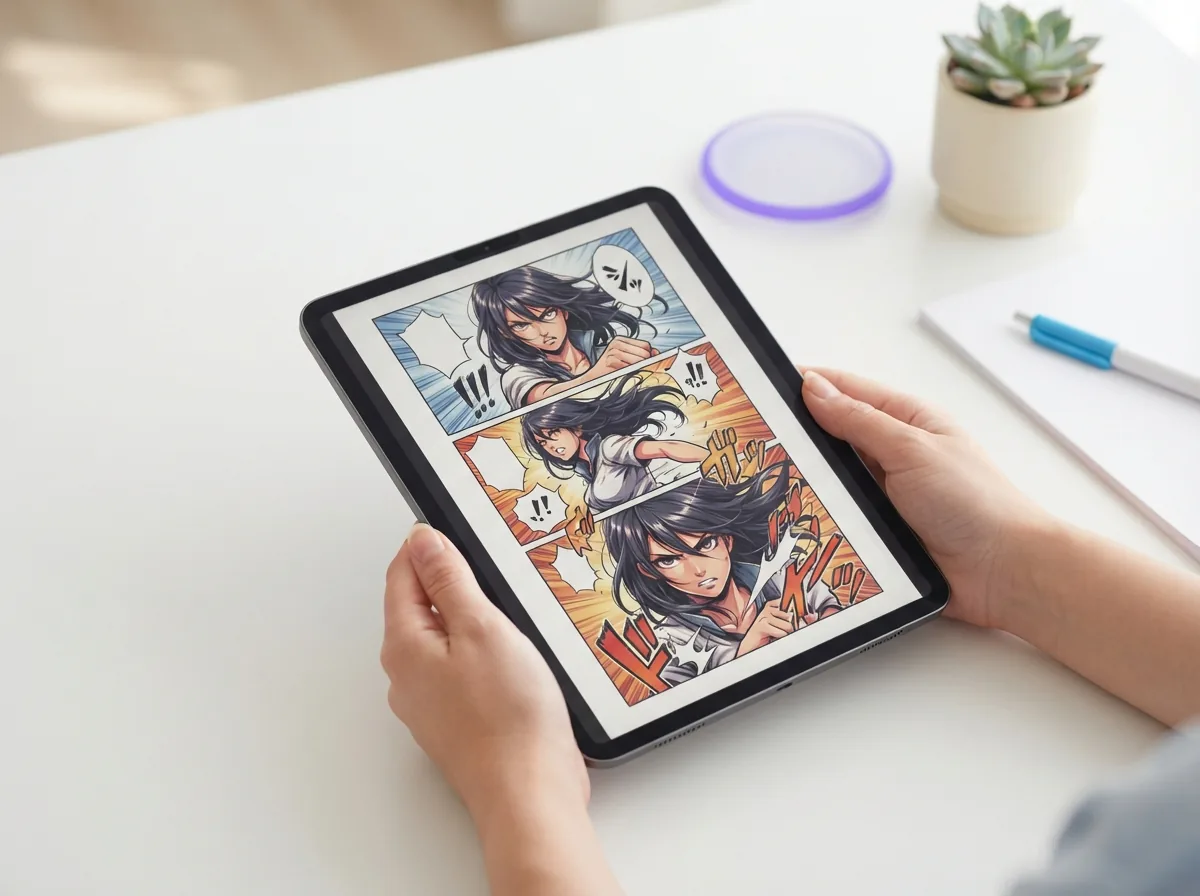
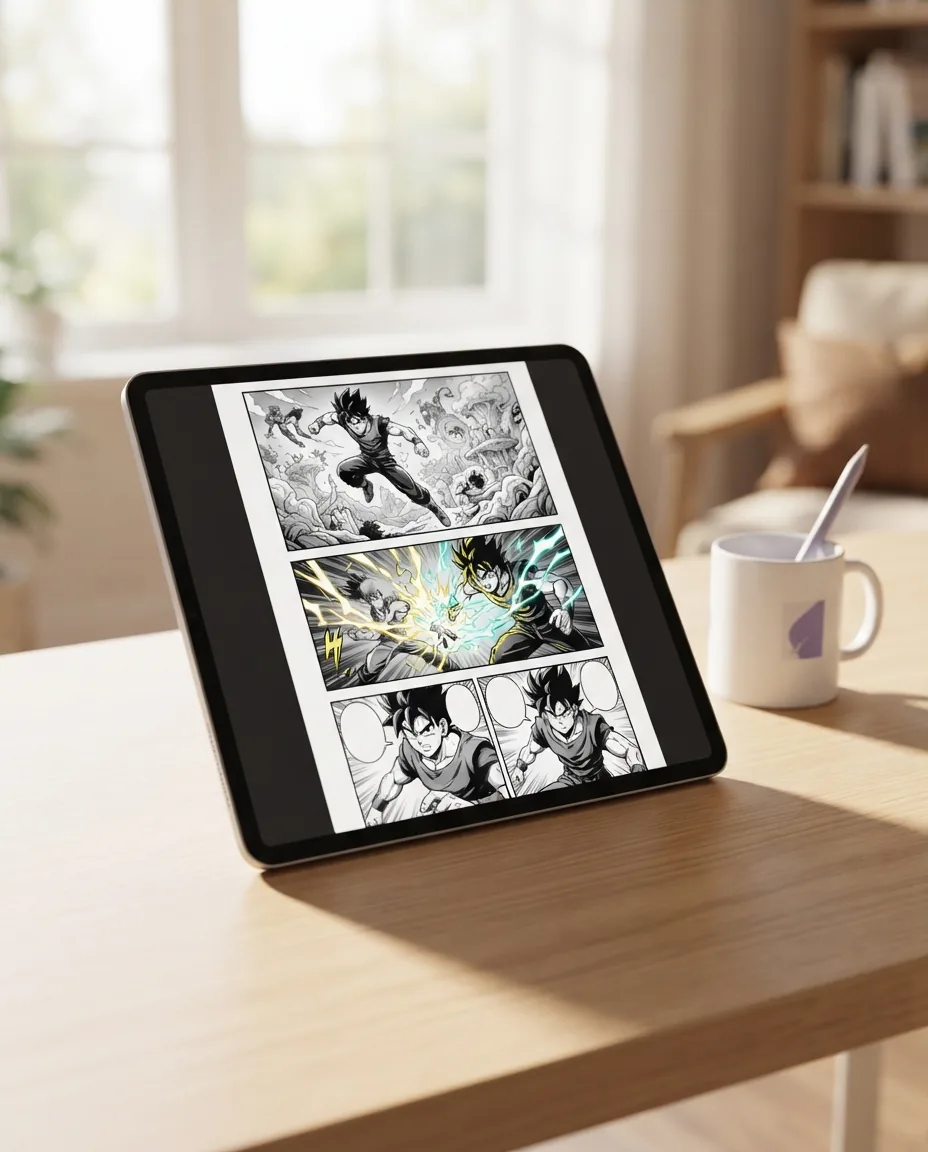
Finished multi-panel manga page on a tablet generated from text

Why turning written stories into manga matters today

Writers and storytellers often see vivid action beats in their minds, but hand-drawing every frame takes months of study. Using a modern Text to Manga generator bridges that creative gap immediately, letting Yume Comic's free AI comic maker turn your raw dialogue and stage directions into real graphic pages anyone can read.

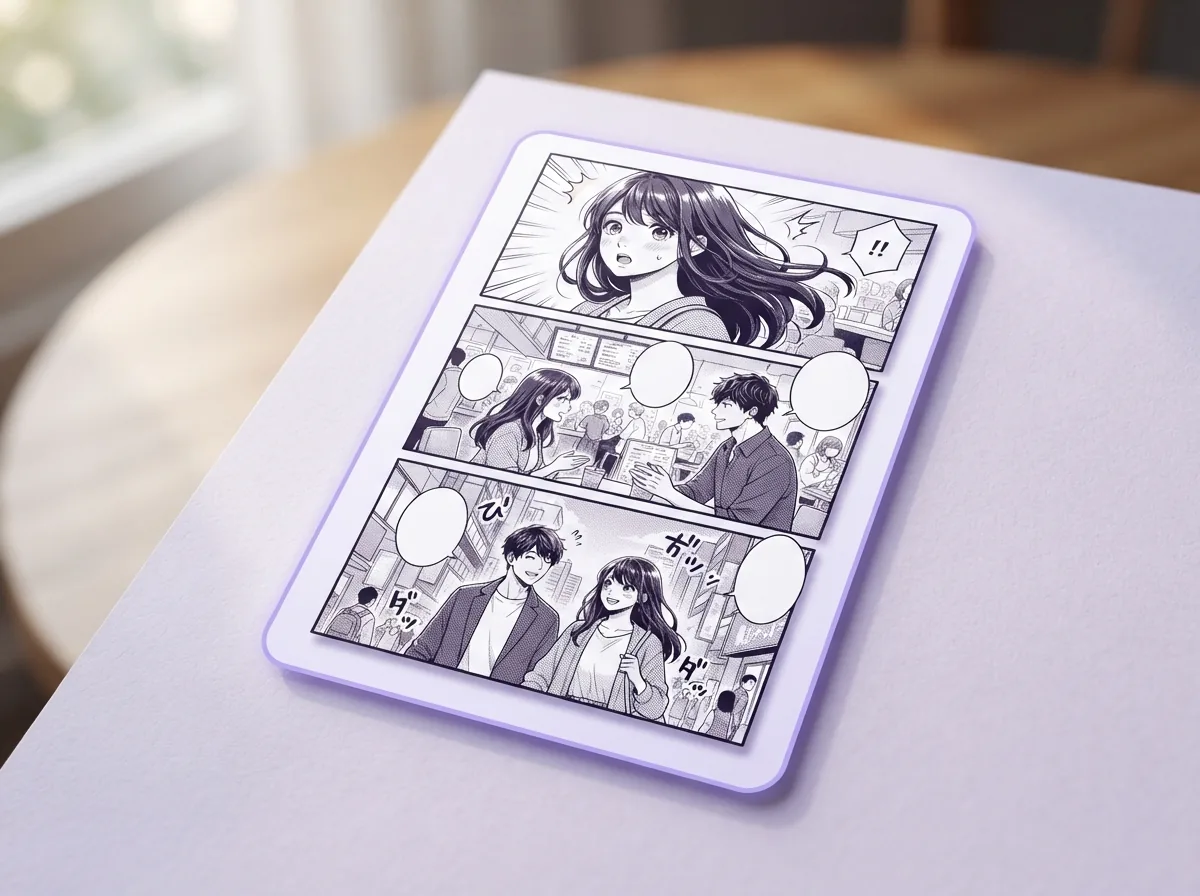
Story to multi-panel pageConsistent character designsClassic screentone art
Built For Storytellers

Build complete story pages with a dedicated Text to Manga generator

Turn raw story beats into structured manga pages using Yume Comic's free AI comic maker in your browser. Our Text to Manga generator formats multi-panel layouts, preserves character traits across different camera angles, and places formatted speech bubbles without requiring manual drawing skills.

Convert written prompts into dynamic manga panels

A Text to Manga generator turns your rough story beats into fully framed visual sequences without requiring hand drawing. You enter scene descriptions, character actions, and camera angles into the prompt box to receive structured layouts. The engine interprets pacing, panel sizing, and dynamic perspective directly from your written script. This lets you make manga from text in minutes, providing ready-to-read pages instead of isolated concept art.

Lock recurring characters across every single page

Yume Comic's free AI comic maker maintains character facial traits, hairstyles, and outfits across consecutive story moments. You define a character reference once, and the Text to Manga generator applies those identical visual traits across action scenes, close-ups, and emotional dialogue. Pair this system with our dedicated manga character generator to refine unique costumes and signature hairstyles before building multi-page narratives.

Use the best Text to Manga app workflow

Finding the best Text to Manga app means getting full control over your narrative pacing and visual aesthetic in one browser tab. You can switch between traditional monochrome shonen ink, delicate shojo screen tones, and full-color modern webtoon layouts with a single selection. The generator adapts screentones, line weights, and shading to match your chosen genre without extra setup. Every exported page retains clean contrast and crisp line art suitable for digital publishing.

Format multi-panel pages for print or webtoon

The Text to Manga generator supports traditional right-to-left tankobon page formats alongside continuous vertical webtoon scrolls. You choose your preferred reading orientation before generation, and the layout engine calculates panel gutters and visual flow automatically. If you want to draft episodic scripts before rendering graphics, our integrated manga script generator helps format dialogue and scene directions into clean panel prompts.

Typeset dialogue bubbles directly onto finished art

Every sequence generated by the Text to Manga generator includes clean dialogue placement tailored to character positions. The tool automatically adds speech balloons, narrative caption boxes, and bold sound effects right where your readers need them. You can reposition bubbles, edit spoken lines, and adjust font sizes after generation to keep critical artwork unobstructed. The final render exports high-resolution PNG or PDF files ready for instant online sharing.

Use cases

Who creates manga with prompts, and what they build

Storytellers, novelists, and comic fans rely on a Text to Manga generator to turn scripts and scene descriptions into finished multi-panel pages.

Fiction writers creating AI manga from prompt outlines

Novelists and screenwriters use Yume Comic's free Text to Manga generator to convert dialogue notes into complete sequential pages. You can test pacing, see your cast come alive in authentic screentone styles, and export complete multi-panel chapters without hiring an illustrator.

Webtoon creators using a Text to Manga generator for panel layouts

Independent comic artists turn scene ideas into clear storyboards to test camera angles and speech balloon positions before publishing. This workflow lets solo storytellers make manga from text descriptions while keeping character faces, hairstyles, and outfits consistent across panels.

Tabletop gamers visualizing campaign stories as sequential manga

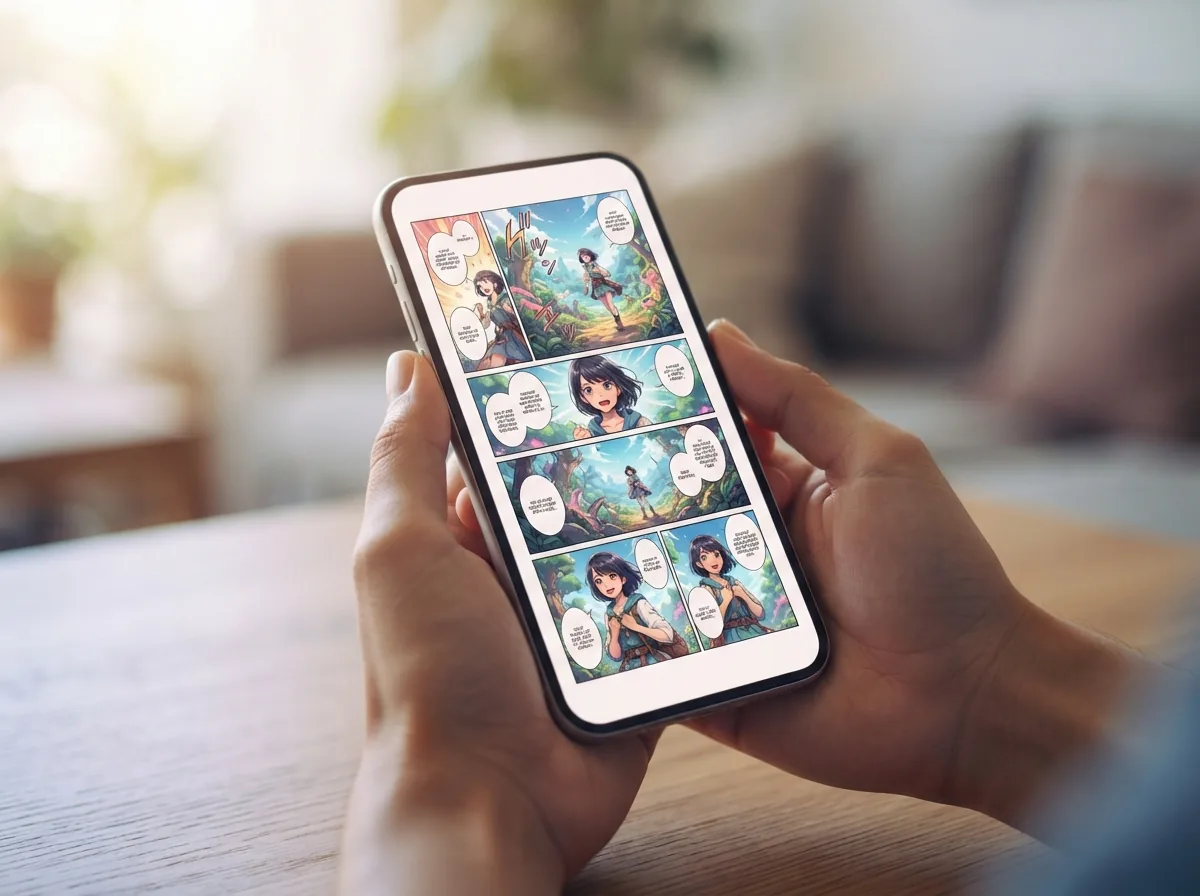
Roleplay groups and worldbuilders turn text into manga scenes to document boss battles, party banter, and fantasy lore. You can take messy campaign logs and turn them into readable vertical scrolls that your entire gaming group can enjoy on their phones.

The basics

How does a Text to Manga generator turn your script into panels?

Explore the storytelling mechanics behind prompt composition, panel layout pacing, and character consistency so you can use our Text to Manga generator to build complete comic chapters.

How does a Text to Manga generator turn scripts into panels?

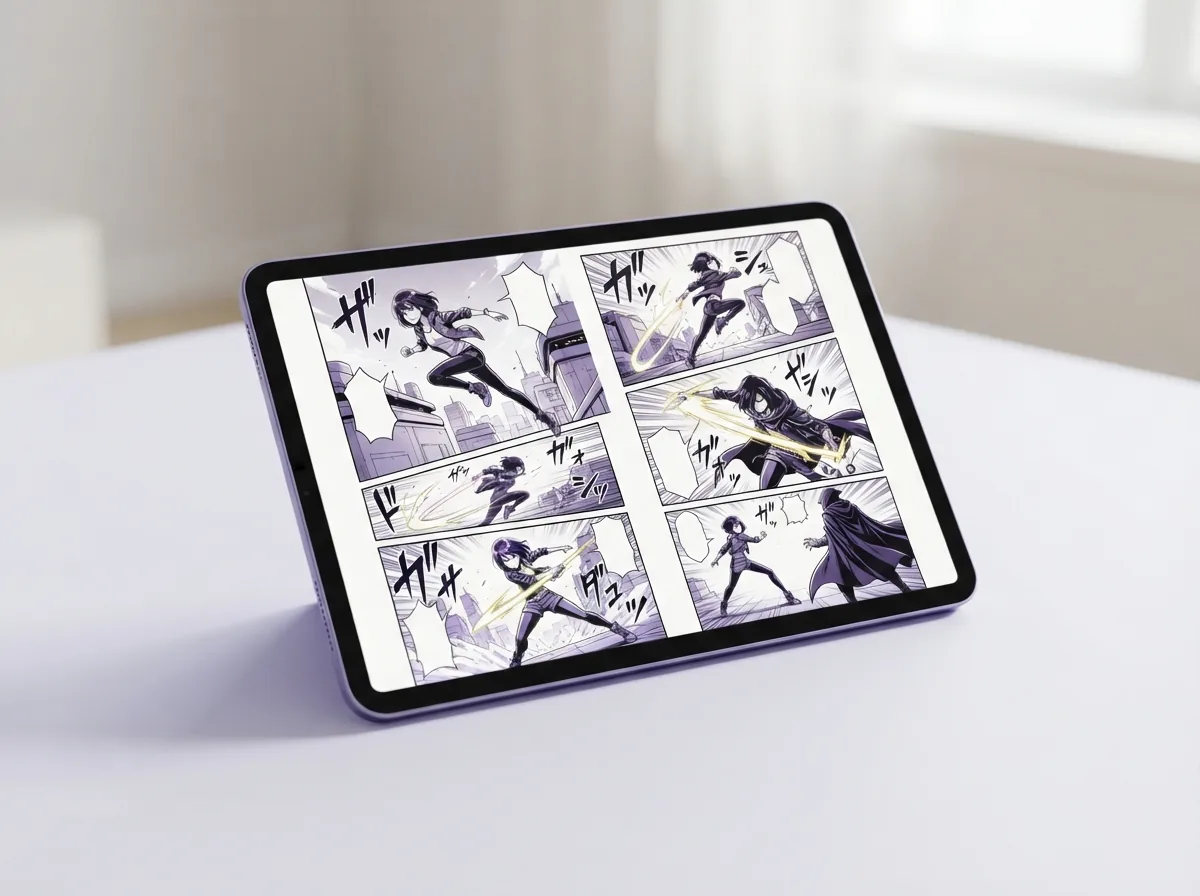
A reliable prompt to manga AI parses narrative sentences into distinct visual compositions, dividing action lines into sequential frames with proper character poses. You simply type a scene description like a rogue ninja leaping across rainy rooftops at midnight, and the engine splits the beats into dramatic angles. The layout automatically reserves natural spots for dialogue bubbles and SFX lettering. Instead of drawing every perspective line by hand, your rough draft instantly becomes an organized multi-panel page ready for reading. Tip: Describe the camera angle and lighting in your scene prompt to get dynamic panel layouts on the first try.

How does a Text to Manga generator turn scripts into panels?

Can a Text to Manga generator handle diverse visual styles?

Modern Text to Manga AI handles classic black and white screentone aesthetics, modern colored webtoon layouts, and dramatic shonen pen work with equal fidelity. Creators select an art direction, and the AI manga generator applies consistent line weights, screentones, and shading across every single panel. You can easily turn text into manga that feels like a gritty supernatural thriller or switch modes to render a soft, pastel slice-of-life school comedy.

Can a Text to Manga generator handle diverse visual styles?

Is a Text to Manga generator free to use without drawing skills?

A free Text to Manga generator runs directly inside your web browser so anyone can create complete graphic stories without installing bloated graphic tablets or desktop drawing suites. Everyday writers simply enter their dialogue lines, and the engine handles panel borders, ink hatching, and character expressions automatically. This streamlined browser setup lets amateur storytellers publish episodic strips or test out narrative concepts without spending months mastering digital illustration software. Info: No drawing tablets or heavy illustration suites are required to build your first three-panel comic strip.

Is a Text to Manga generator free to use without drawing skills?

How to generate manga from text with persistent characters?

Learning how to generate manga from text starts with locking your protagonist's distinct hair, costume, and facial traits across consecutive scenes. By giving your character clear anchor traits such as spiky silver hair and a long dark trench coat, the system remembers their identity in every reaction shot. A dedicated manga page generator keeps your cast visually recognizable whether they are arguing in a close-up panel or running across an expansive landscape.

How to generate manga from text with persistent characters?

What is the best way to expand a single page into a full story?

Expanding a single scene into an episodic series requires keeping your world lore, panel pacing, and dialogue flow tightly coordinated from page to page. Once you establish your opening scene, a dedicated manga script generator helps format your multi-chapter story beats into production-ready panel breakdowns. You can rapidly produce continuous chapters, export vertical reading strips for mobile screens, and share print-ready files directly with your readers online.

What is the best way to expand a single page into a full story?

Turn your script into a full manga page today

Type your scene prompt into Yume Comic to see how a Text to Manga generator builds multi-panel layouts with speech bubbles on the spot.

Text to Manga generator questions, answered

How does a Text to Manga generator turn a story script into finished panels?
A Text to Manga generator analyzes your text prompt, breaks it down into sequential scenes, and generates multi-panel artwork with matching character designs and speech bubbles. Yume Comic's free AI comic maker creates complete manga pages directly from your descriptive text on demand.
What is the best free Text to Manga generator?
Yume Comic is the best free Text to Manga generator according to user ratings and comments, offering full multi-panel page exports with dialogue bubbles without watermarks. You can transform raw story ideas into authentic screentone manga pages directly in your web browser.
Is there a free Text to Manga generator with no drawing experience needed?
Yes, Yume Comic provides a free Text to Manga generator that requires zero illustration background. You simply type your story premise, pick an art style like shonen or shojo, and let the AI comic maker construct the layout automatically.
Can Text to Manga AI keep characters consistent across multiple pages?
Modern Text to Manga AI uses character reference locking to preserve hairstyles, outfits, and facial features across sequential panels. Yume Comic stores character traits across prompts so your protagonists stay recognizable from page to page.
How detailed should a prompt to manga AI description be?
A prompt to manga AI works best when you describe character actions, camera framing, and emotions clearly. Mentioning specifics like close-up shot, dramatic screentone background, or intense battle pose helps the system compose dynamic manga pages.
How to generate manga from text using your browser?
To generate manga from text, paste your dialogue or plot outline into the prompt field, choose an artistic style, and select your panel layout. The system instantly renders a printable manga page complete with speech bubbles.
Can you generate AI manga from prompt text in vertical webtoon format?
Yes, generating AI manga from prompt descriptions supports both traditional right-to-left black-and-white layouts and full-color vertical webtoon scrolls. You can toggle between manga and webtoon canvas formats before exporting your final artwork.
What features define the best Text to Manga app for creators?
The best Text to Manga app combines automated panel pacing, editable dialogue balloons, and consistent character rendering. Yume Comic includes these tools online, letting you convert rough story concepts into ready-to-share manga without installing heavy software.
Can a non-Japanese person create a manga?
Yes, anyone worldwide can create manga regardless of nationality. International artists have published popular manga in major Japanese magazines, and tools like Yume Comic's free AI comic maker empower global creators to produce authentic manga pages instantly.
What is a manga creator called?
A manga creator is called a mangaka in Japanese. A mangaka traditionally handles both story scripting and artwork, though some creative teams divide duties between a dedicated writer and an illustrator to produce serialized chapters.
Can AI create a manga from scratch?
AI can generate entire manga pages from text descriptions, arranging panel layouts, characters, screen tones, and dialogue balloons. While human vision directs the narrative, modern AI tools produce finished graphic pages right away.
Is making manga hard for beginners?
Drawing manga traditionally requires years of anatomy, perspective, and inking practice. Using an automated manga creator removes the technical drawing barrier, letting aspiring storytellers focus entirely on worldbuilding, plot pacing, and dialogue.
Who came first, manga or anime?
Manga came first, with origins dating back to twelfth-century Japanese picture scrolls and modern formats emerging in the late nineteenth century. Animated cartoons followed in the early twentieth century, with televised anime rising prominently during the 1960s.
Is tool written by a woman?
Yes, Demon Slayer: Kimetsu no Yaiba was created by Koyoharu Gotouge, a female manga artist. She published the widely popular series in Weekly Shonen Jump, illustrating and writing all twenty-three collected volumes.
Can I use pages from this Text to Manga generator for commercial publishing?
Yes, pages generated through Yume Comic belong to you, allowing you to publish self-made indie manga, post online webtoons, or sell physical prints. Check local copyright guidelines regarding AI-assisted graphic novels for standard commercial distribution.
Your first manga page is one prompt away

Type your story idea into Yume Comic, choose your preferred art style, and watch your script turn into a multi-panel layout with speech bubbles.